
MacBook Neo will warn you if you plug a display into the wrong USB-C port
Source: 9to5Mac
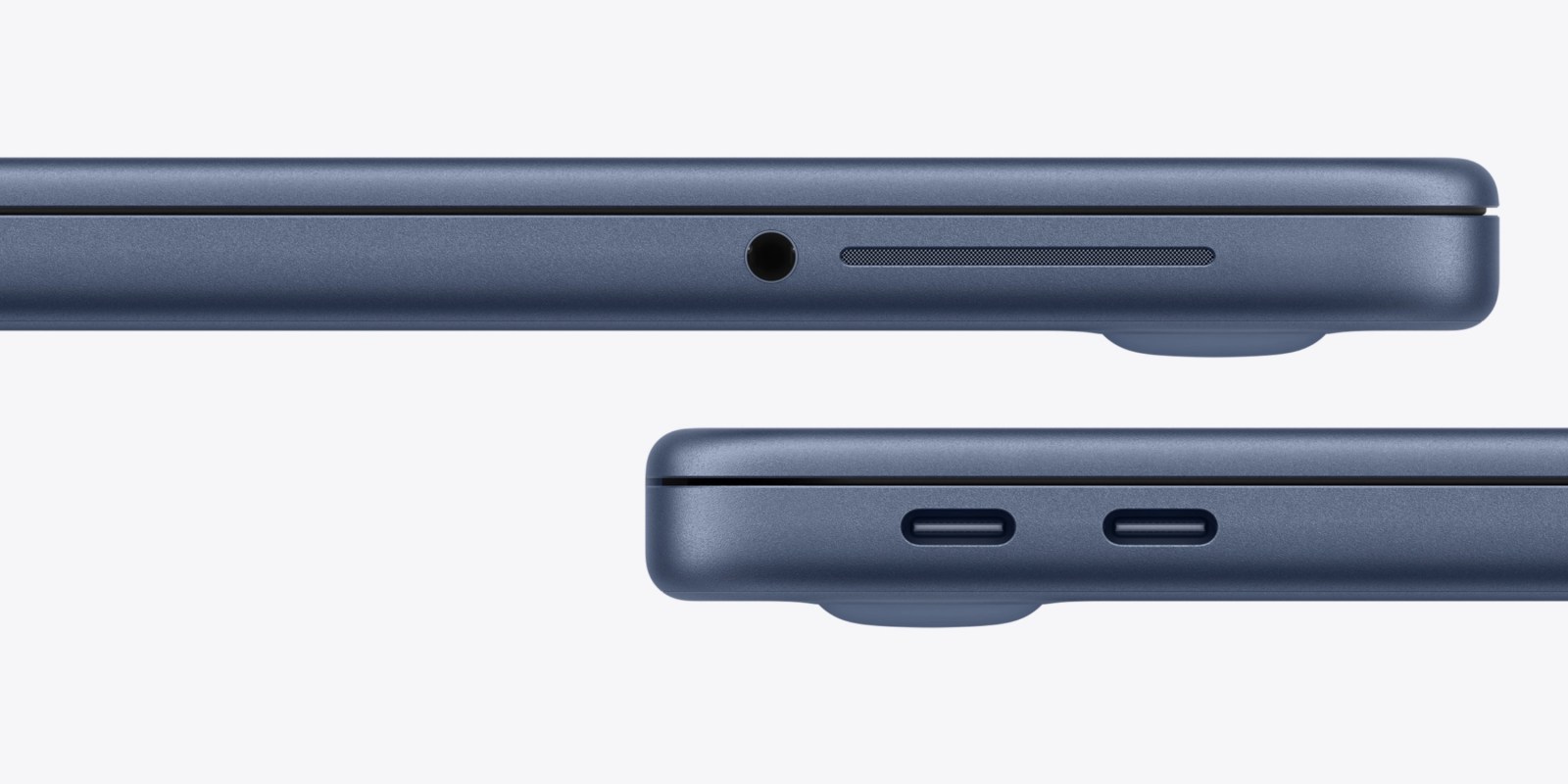
Port Overview
MacBook Neo has two USB‑C ports that look identical, but they serve different functions:
| Port | Capabilities | Transfer Speed |
|---|---|---|
| Rear USB‑C | USB 3 + DisplayPort | Up to 10 Gb/s |
| Front USB‑C | USB 2 (no external display support) | Up to 480 Mb/s |
Both ports can be used for charging and data. For simultaneous data transfer and charging, it’s recommended to charge via the USB 2 port (the front one), as Apple traditionally places charging ports on the rear side of its laptops.
Wrong‑Port Display Warning
If you connect an external monitor to the USB 2 port, macOS will display an on‑screen warning indicating that you’re using the wrong USB‑C port and suggest using the rear port instead. Apple confirmed this behavior to John Gruber at Daring Fireball.
External Display Support
- Maximum support: One external display up to 4K @ 60 Hz native resolution.
- Scaled resolutions: Enabling a scaled resolution higher than the display’s native resolution may affect the availability of certain refresh‑rate or HDR modes, as noted on Apple’s specs page.
Because of this limitation, MacBook Neo cannot fully utilize 5K monitors such as the Apple Studio Display. However, a more affordable 5K option is the new glossy 5K 27‑inch Thunderbolt 4 monitor from BenQ, priced at $999.
Availability
MacBook Neo is available for pre‑order now and will ship to stores on March 11.