
Google Phone app rolling out ability to set ‘your calling card’ for everyone
Source: 9to5Google
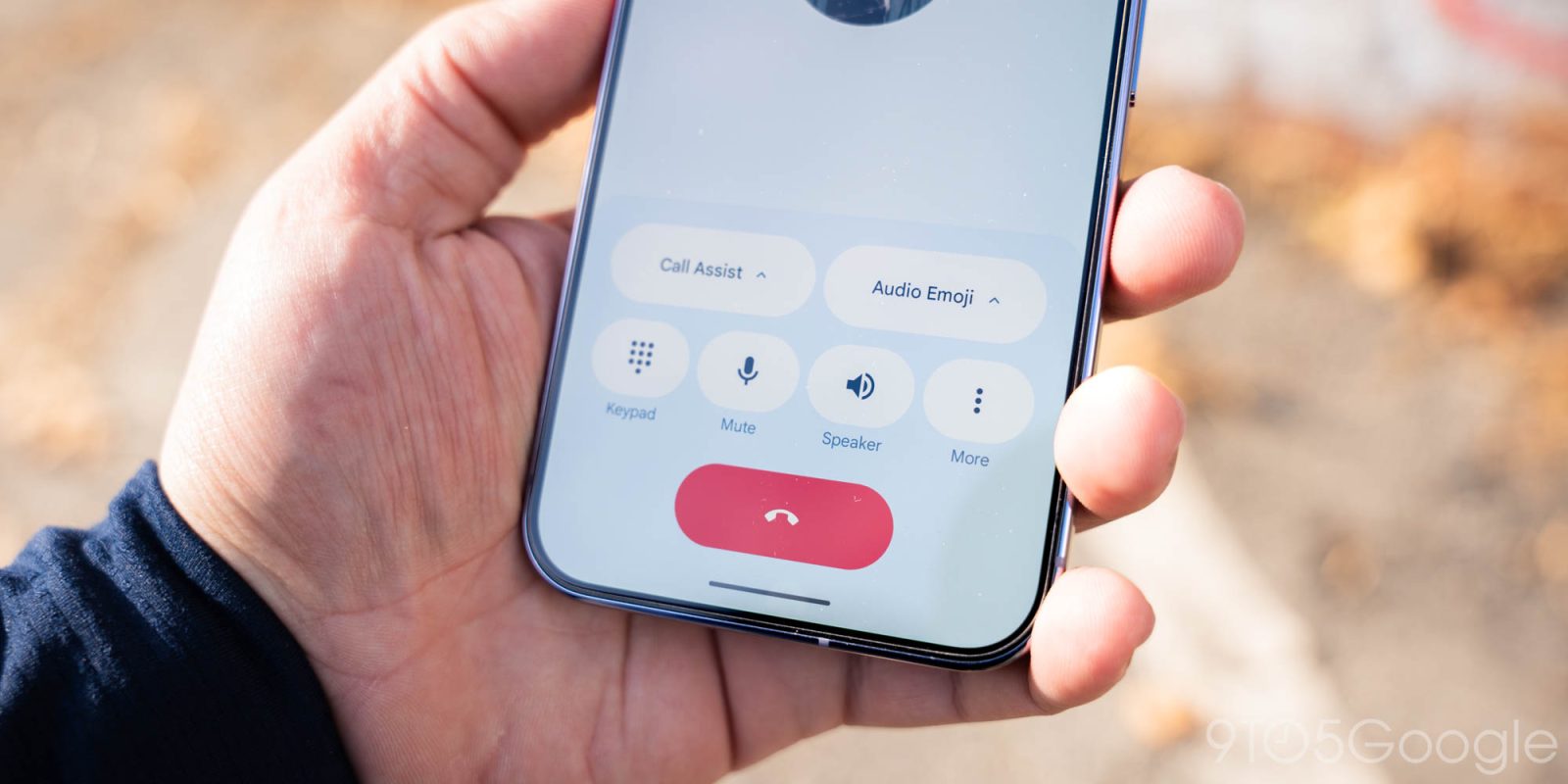
Calling cards in Phone by Google let you personalize calls to your contacts with a fullscreen image. The Google Phone app is now adding the ability to set your calling card that other people will see.
Once available, you’ll see a Create your calling card prompt at the top of the Home tab: “Customize how you’ll appear to others when making or receiving calls.” You can also check (and make changes in the future) by going to Settings > Calling card.
The next step is to Link your Google account, with your profile “shared through Google.”
You have the same Camera, Gallery, and Google Photos browser as before. Google notes that “Your image may be cropped to fit different screens.” Afterwards, you pick the font and color to customize your account name, with options for Width, Weight, and Roundedness.
The final step is picking who to Show your calling card to:
- Only your contacts
- Everyone you talk to
Overall, this process is similar to “Your profile” in Google Messages.
This feature is beginning to roll out with beta version 211 of the Phone by Google app, though there’s a server‑side component.