
Your Pixel can now double up as a full Android PC with nothing more than a USB-C cable
Source: Android Authority
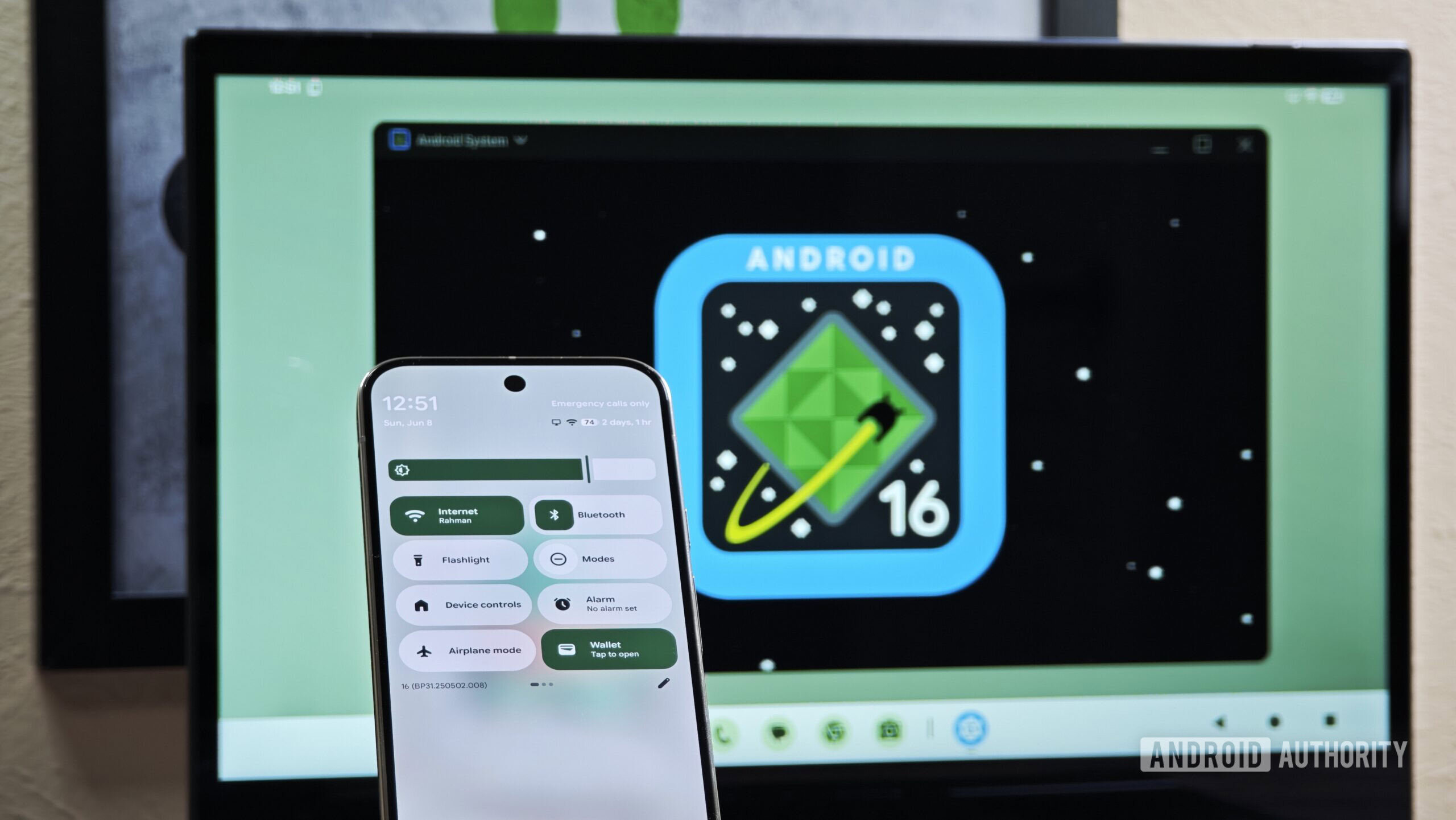
Image credit: Mishaal Rahman / Android Authority
TL;DR
- After months of testing, Android Desktop Mode finally arrives with the March Pixel Drop.
- Pixel 8 and newer models can connect to external displays via USB‑C for a full desktop experience.
- The mode supports multi‑window apps, keyboard and mouse, and more.
Overview
After months in beta testing, Android’s Desktop Mode is finally ready for prime time. With the March Pixel Drop, Pixel owners can connect their handset to a compatible external monitor via a simple USB‑C cable and enjoy a fully fledged Android desktop experience.
Features
The desktop Pixel experience supports:
- Multi‑window apps, just like on a regular laptop or PC.
- A familiar desktop and dock interface.
- The same apps already installed on your phone, scaled up for the big screen.
- Wired and wireless keyboards and mice.
- A selection of other standard peripherals.
Personal Experience
I tried out Android’s Desktop Mode back in the QPR1 Beta 2 and found it to be a surprisingly fluid experience even then. I had no trouble pairing my wireless keyboard and mouse, 1 Gbps wired internet and microSD card storage worked seamlessly, and many apps felt far more usable thanks to their tablet/foldable layouts. Assuming the minor bugs are now ironed out, this should be a pretty compelling experience.
Availability
Desktop support is available on Pixel 8 phones and newer, including the foldable models, as long as they support USB DisplayPort. Your external display also needs to support DisplayPort over USB‑C, or you’ll need a USB‑C to HDMI adapter dongle. Keep an eye out for the update landing from today onwards.