Someone recreated Google’s new Gmail, Drive, Workspace icons for you to use early
Source: 9to5Google
New Google Workspace Icons
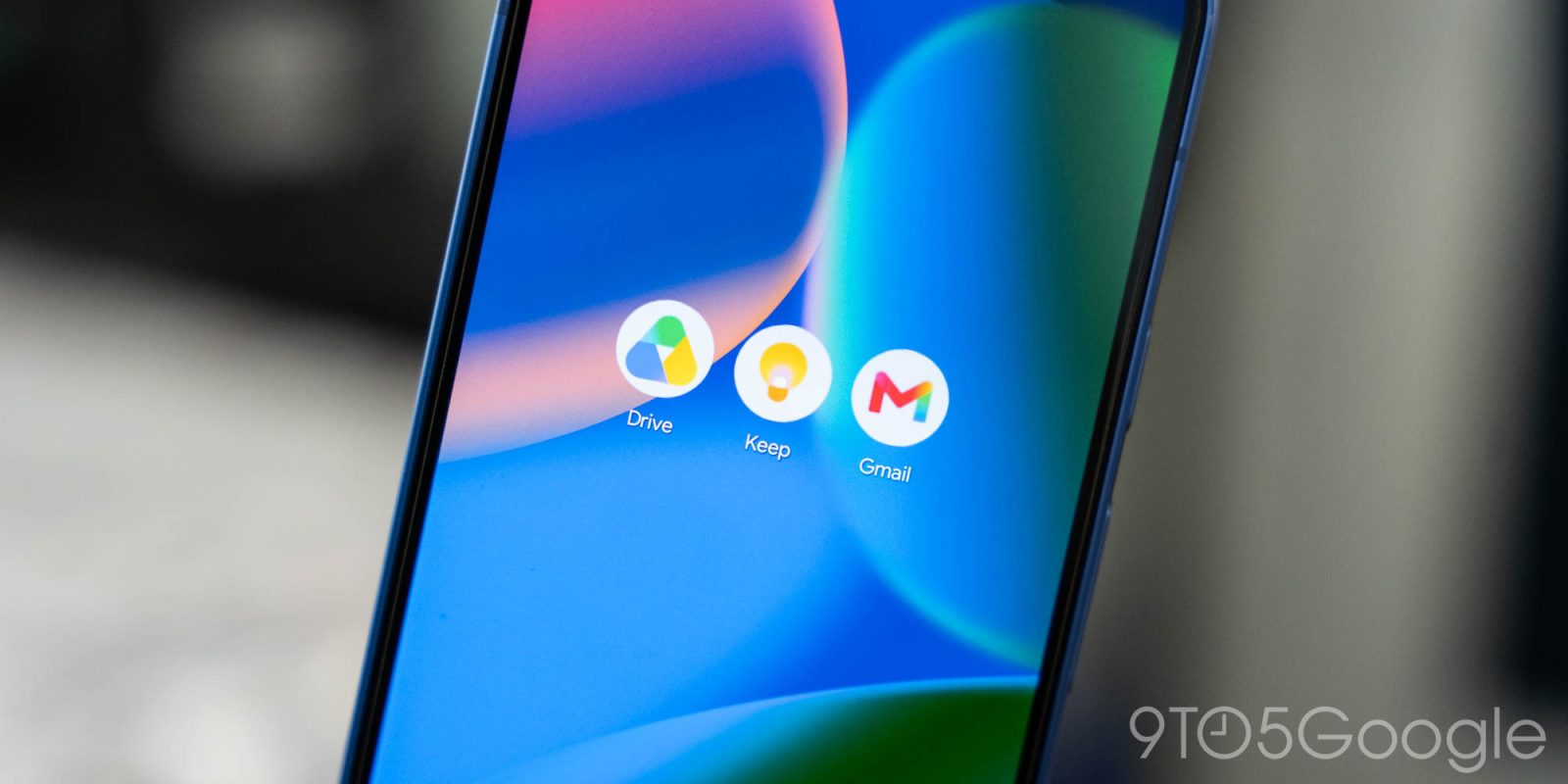
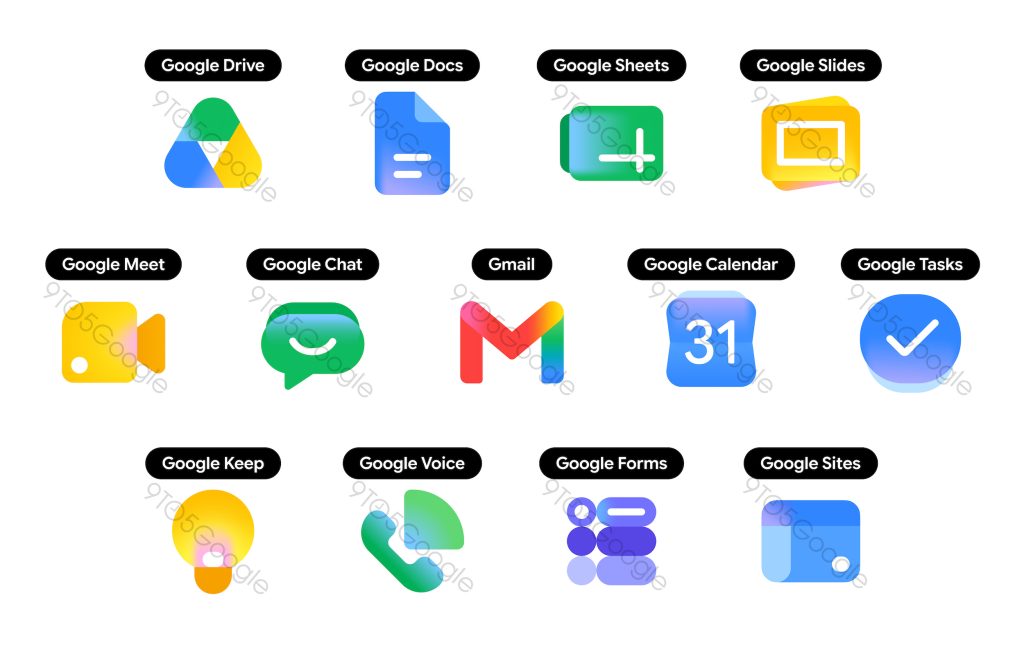
Over the weekend, 9to5Google published an early look at Google’s new icons for Workspace apps such as Gmail and Drive, and someone has already recreated the new look so you can use them early.
Google is gearing up for a redesign of its Workspace app icons. The new look drops the four‑color design that many found hard to differentiate when placed side‑by‑side on a homescreen. Instead, it goes all‑in on the gradient style first seen with Gemini‑enhanced Google apps like Google, Home, Photos, and others. Apps such as Drive, Meet, and Chat now have their own identity with the new design.
Google has not started rolling these out yet, but we’ll likely see updates in the near future—Google I/O 2026 is only weeks away. In the meantime, you can try the icons yourself.
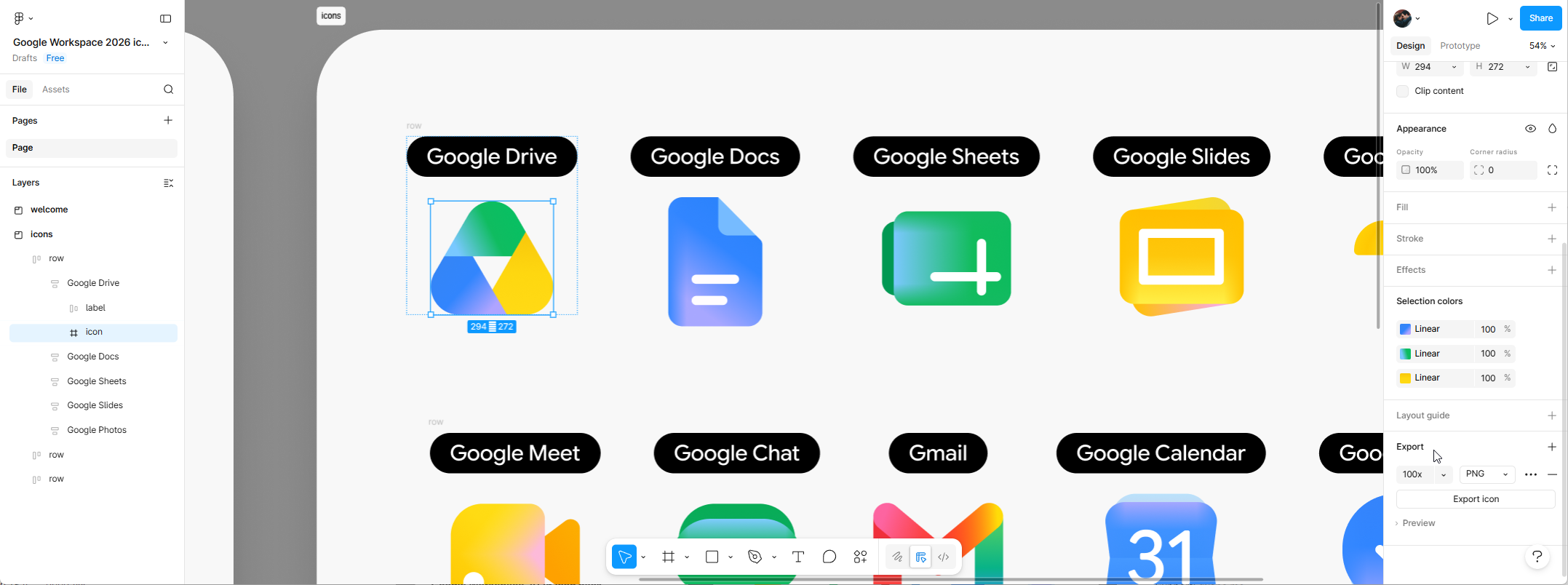
Iconist designer Andreas Storm shared recreations of all of Google’s new icons through Figma, based on the reporting. Another independent designer, “GK”, also did the same thing.
- Andreas Storm’s Figma file:
- GK’s Figma file:
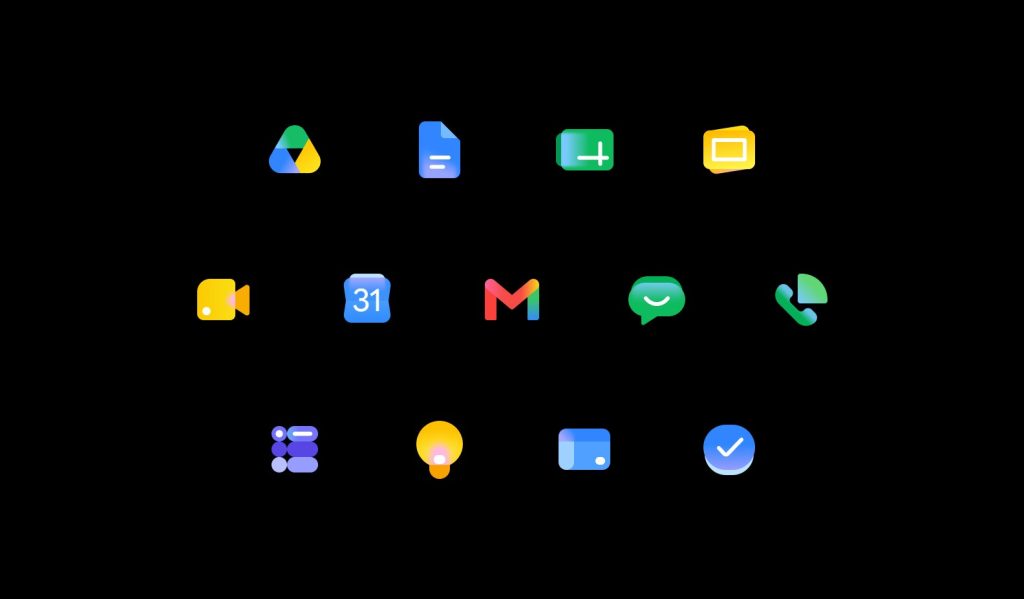
With a Figma account you can access these files and export the icons for use wherever you like. On Windows or macOS you can replace existing shortcuts with the new icons. On Android you can use a third‑party launcher or a shortcut creator, and on iOS you can achieve the same with Siri Shortcuts.
How to Export the Icons
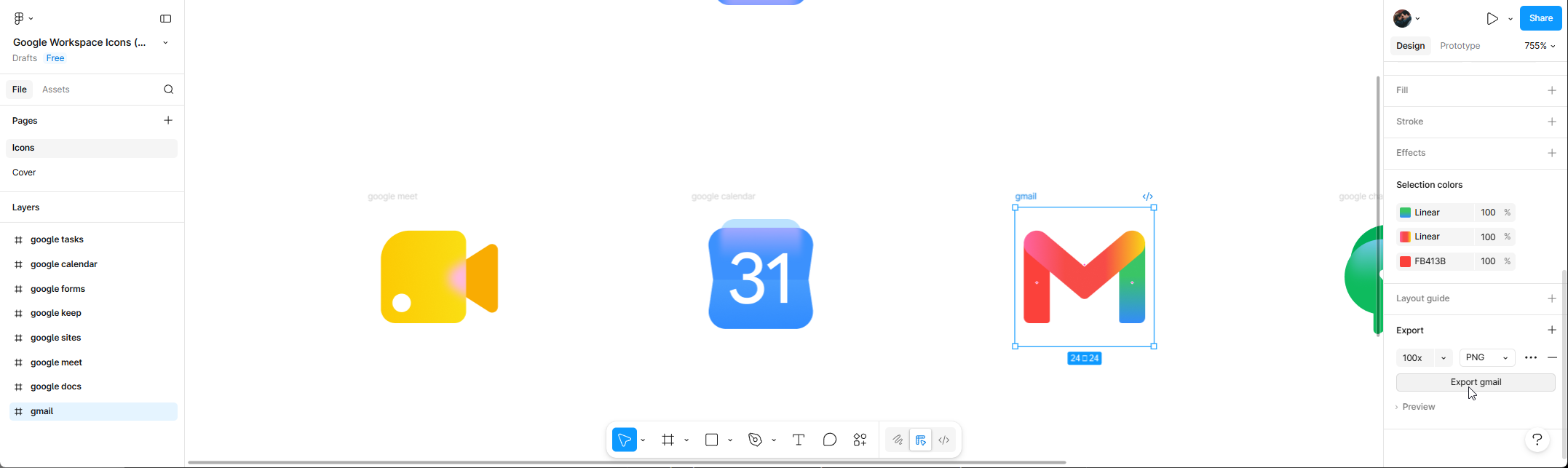
- Sign into Figma and open the shared file.
- In the left sidebar, click the icon name or section to select the whole icon (not just individual layers).
- Use the Export function to download the icon in the desired format.