
Want Google’s new gradient icons? Here’s how to get them before anyone else
Source: Android Authority
TL;DR
- Google is giving all of its Workspace app icons a redesign.
- These new icons have been recreated through Figma.
- The recreations can be installed on Windows, Mac, Android, and iOS.
Last year, in September, a new icon for the Google app was introduced with a gradient redesign. A couple of months later, the Photos and Maps apps received the same treatment. Now it looks like Google’s full suite of Workspace apps is slated for a gradient‑style makeover, and you’ll be able to try them out early — kind of.
Leak Details
This weekend, a leak revealed that Google may be preparing to launch a redesign for Gmail, Drive, Calendar, Meet, and more. Unlike previous Google app designs that use all four of the company’s colors, these redesigns would feature a gradient effect to help the apps stand apart from each other.
Google has not rolled these new icons out yet, and it’s unclear when they will launch. However, icon designer Andreas Storm has managed to recreate them on Figma (a web‑based design tool used primarily for creating UI and UX) based on the leak.
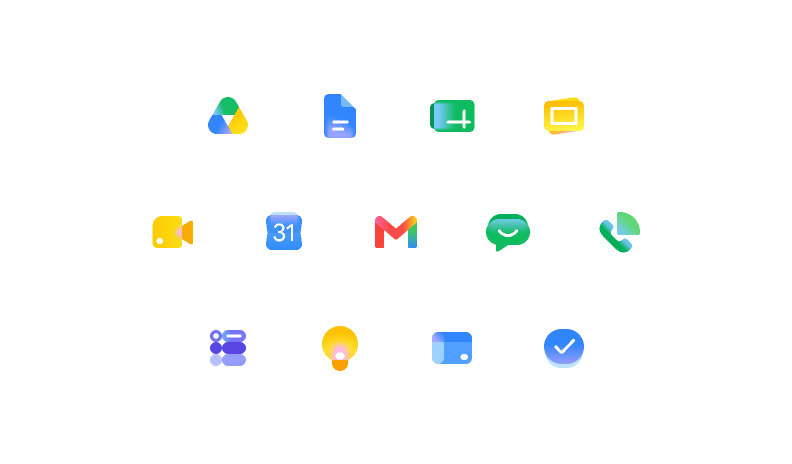
How to Get the Icons
- Create a Figma account if you don’t already have one.
- Open the community file: .
- Enter the editor and use the Export function to download the icons you need.
Using the Icons
- Desktop (Windows/macOS): Replace your existing shortcuts with the exported icons.
- Android: Use a third‑party launcher or a shortcut creator app to apply the new icons to your app shortcuts.
- iOS: Import the icons into a shortcut or a custom app launcher that supports custom icons.