
How Claude Multi-Agents work
Published: (February 24, 2026 at 07:00 AM EST)
2 min read
Source: Dev.to
Source: Dev.to
How It Works
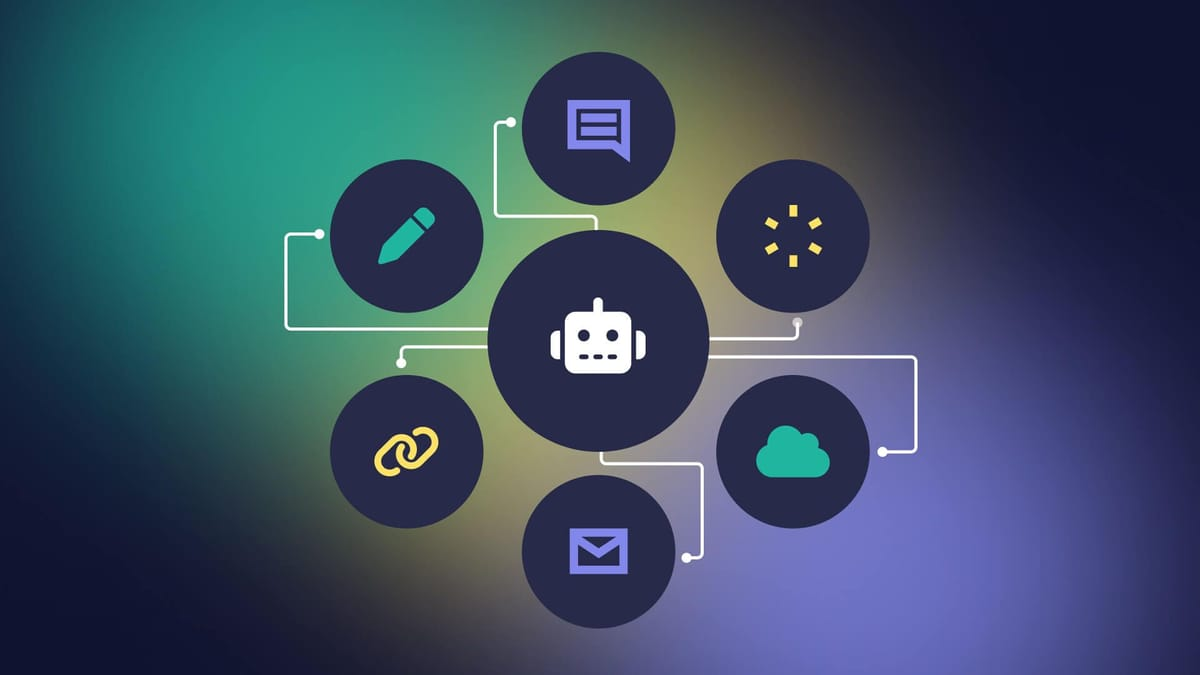
Orchestrator + Subagents pattern is the most common approach. One Claude instance acts as the orchestrator that breaks down a complex task and delegates subtasks to specialized subagent Claude instances. Each subagent focuses on one thing, returns results, and the orchestrator synthesizes everything.
Communication happens through context — agents don’t share memory directly. They pass information via:
- Tool call results
- Structured outputs (JSON, XML)
- Conversation history passed into new API calls
Each agent is stateless — every Claude instance only knows what’s in its current context window. So orchestration logic must explicitly carry state forward.
Key Patterns
- Sequential pipelines — Agent A’s output becomes Agent B’s input. Good for: extract → transform → summarize workflows.
- Parallel execution — Multiple agents run simultaneously on different subtasks, then results are merged. Good for: analyzing multiple data sources at once.
- Hierarchical — Orchestrator → sub‑orchestrators → workers. Good for very complex tasks needing multiple layers of decomposition.
- Critic/reviewer loop — One agent generates, another reviews/critiques, repeat until a quality threshold is met.
In Practice with the API
// Orchestrator call
const plan = await anthropic.messages.create({
  model: "claude-sonnet-4-6",
  system: "You are an orchestrator. Break the task into subtasks and return JSON.",
  messages: [{ role: "user", content: userTask }]
});

// Subagent calls (can be parallelized)
const results = await Promise.all(subtasks.map(task =>
  anthropic.messages.create({
    model: "claude-haiku-4-5-20251001", // cheaper model for subtasks
    system: "You are a specialist agent for...",
    messages: [{ role: "user", content: task }]
  })
));

// Synthesize
const final = await anthropic.messages.create({
  model: "claude-sonnet-4-6",
  messages: [{ role: "user", content: `Synthesize these results: ${JSON.stringify(results)}` }]
});