
Hands-on: Motorola Razr Fold’s software is halfway between Pixel and Samsung [Gallery]
Source: 9to5Google
Software Overview
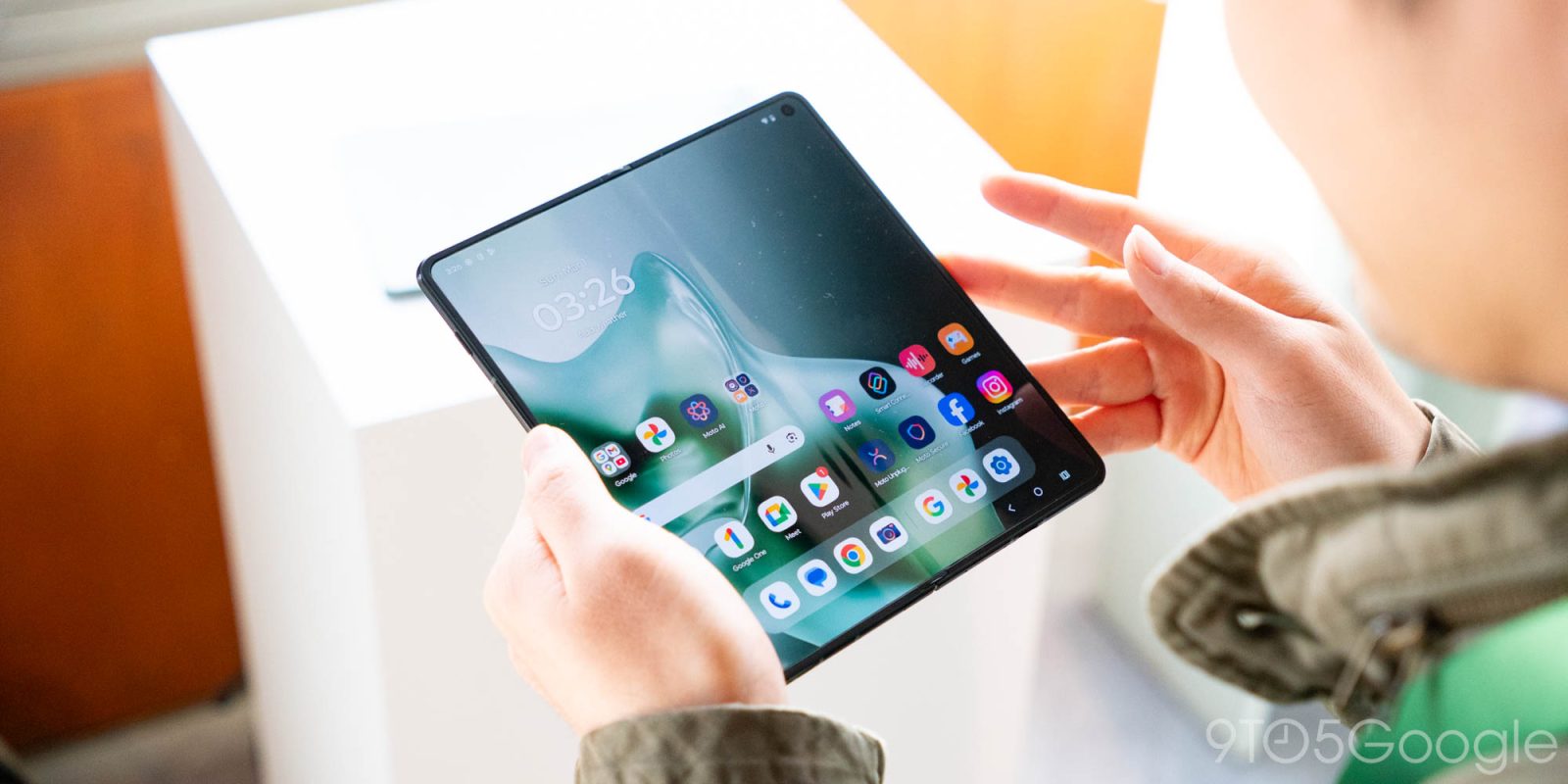
Motorola’s new Razr Fold looked great when we didn’t know anything about it, but it just looks all the more attractive now. During a hands‑on session at MWC 2026 this weekend, I was able to see more of the Razr Fold’s software suite, and it feels very much like it’s the perfect middle ground between the Google Pixel and Samsung Galaxy approaches to book‑style foldables.
Samsung’s usual “everything and the kitchen sink” approach to software features works pretty well for foldables, with the Galaxy Fold series offering excellent multitasking features that take advantage of the hardware. It comes at the expense of some overall clutter, but it works, and it’s one of many reasons a Galaxy Z Fold 7 remains my daily smartphone.
Google Pixel, on the other hand, provides a super clean experience, but it’s not quite as feature‑packed.
Motorola, with the Razr Fold, has built an experience that feels very clean yet quite feature‑packed. It strikes a really good balance.
Taskbar and Multitasking
Like both Google and Samsung devices, the Razr Fold takes full advantage of Android’s tablet/foldable optimizations on the inner display. You get a taskbar (which can be visible at all times with either button or gesture navigation) and the ability to quickly drop apps into split‑screen multitasking.
Laptop Mode
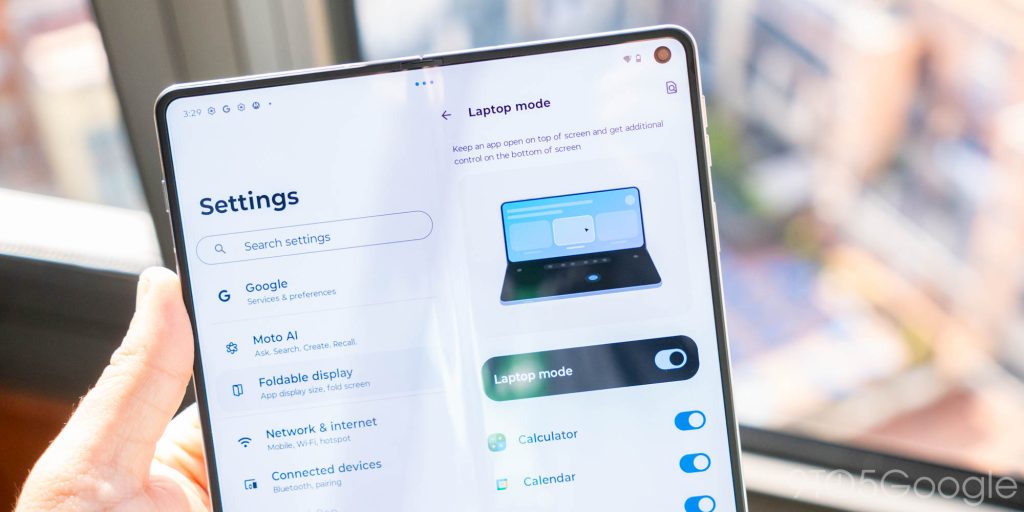
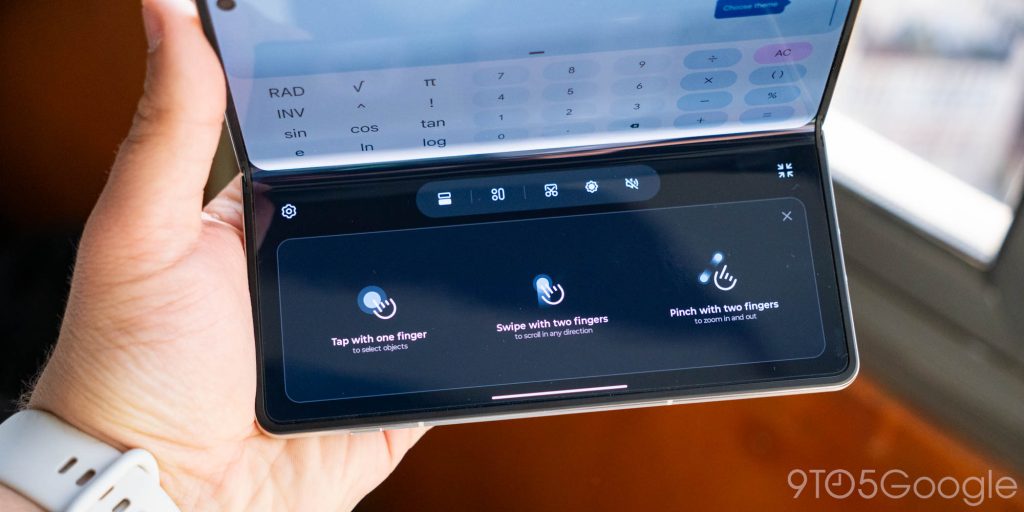
Beyond that, you can also pose the foldable at an angle to use “laptop mode,” which turns the bottom half of the folded display into a trackpad with a cursor on the top half. Samsung offers the same thing on its Galaxy foldables.
Recents Menu Options
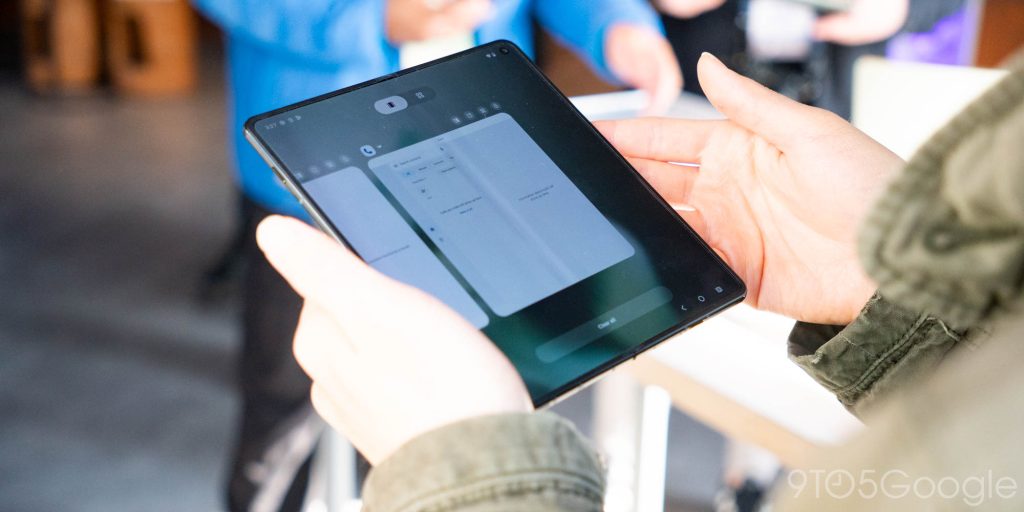
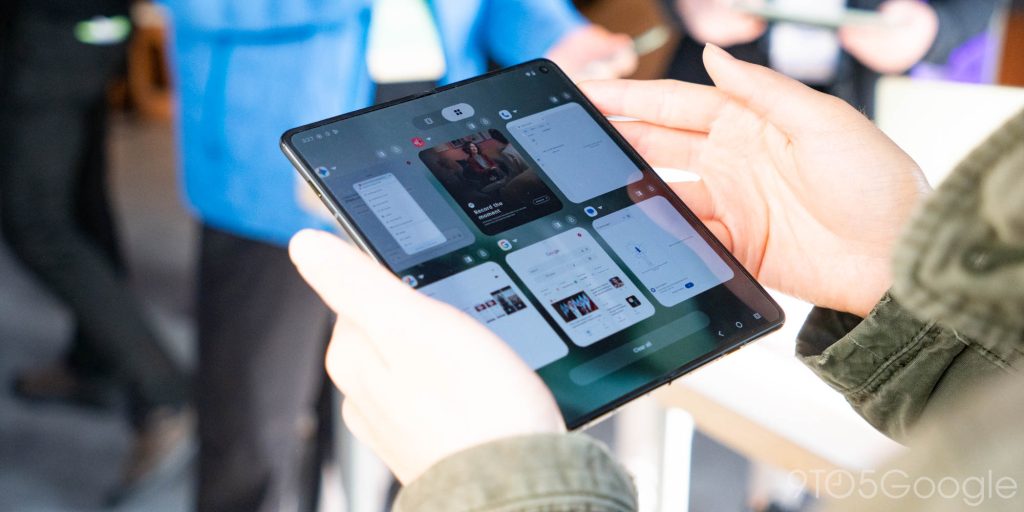
Another nice tweak from Motorola is the ability to choose how the Recents menu is displayed:
- A 2‑row grid similar to what Pixel shows after the current app.
- A 1‑row list similar to Samsung’s current implementation.
Desk Display in Tented Mode
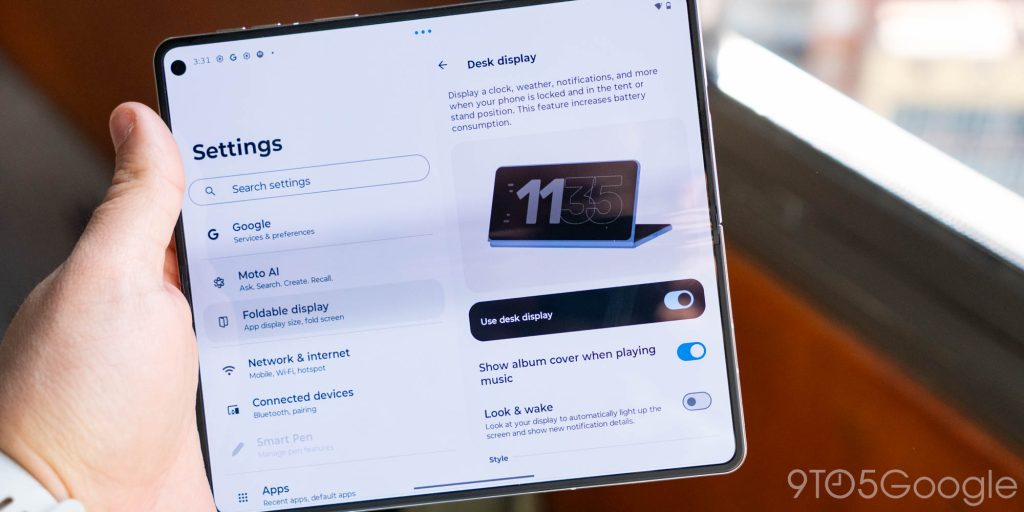
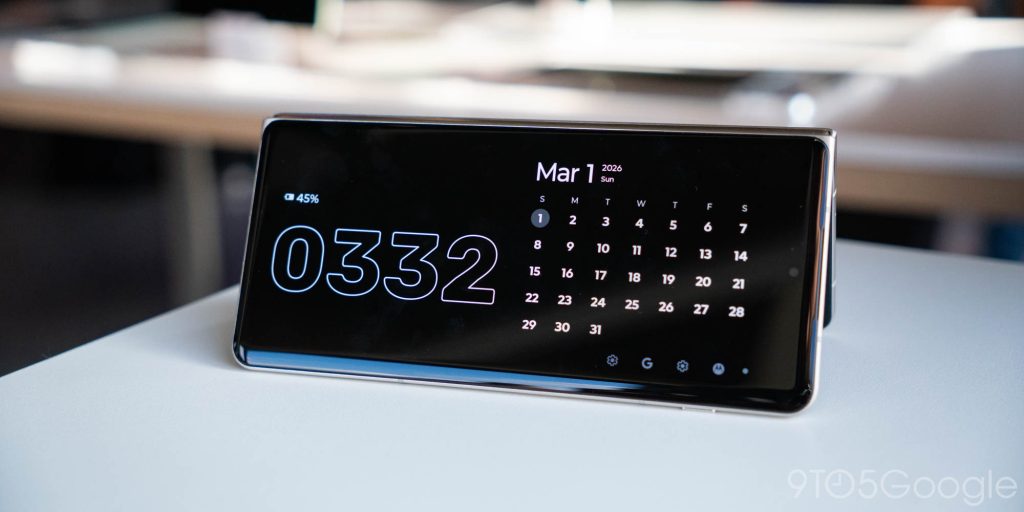
Motorola also includes a “desk display” when the device is in a tented mode, showing your clock and calendar. This feels reminiscent of Motorola’s tent modes on the Razr series, though I’m not sure I’d use it on a book‑style device.
Conclusion
I was already excited about the Razr Fold, but it really seems like Motorola has nailed the software, which has me all the more hyped for this launch—especially knowing that Motorola is promising seven years of updates.
Needless to say, I’m looking forward to the full review on this one but, sadly, we still don’t have a firm release date.