
Google’s working on a great Android feature to save you from ‘storage full’ nightmares
Source: Android Authority
TL;DR
- Google is working on an Automatic backup feature that can copy your phone’s photos, videos, and audio to your PC without using cloud storage.
- The feature appears in Quick Share settings and lets you choose what to back up, with both automatic syncing and manual backup options.
- Deleting files on your phone won’t remove their copies stored on your PC, helping you free up phone storage easily.
The storage‑full problem
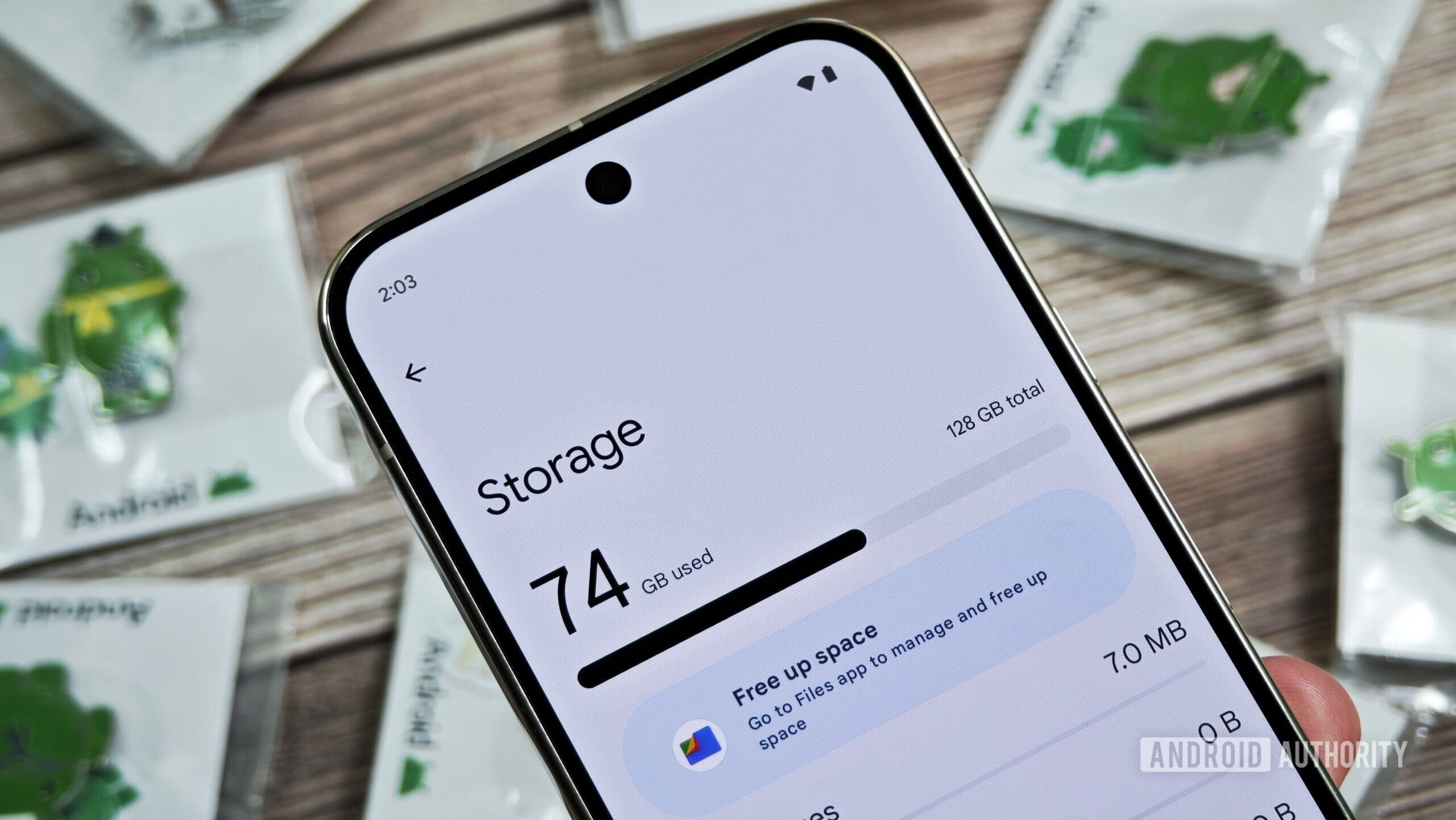
Running out of phone storage is a common issue. After taking photos, shooting videos, and installing apps, most users eventually see the dreaded “storage full” warning—especially on devices without high‑capacity storage.
Google’s upcoming “Automatic backup”
While examining Google Play Services (v26.15.31 beta), a new feature called Automatic backup was discovered. It resides inside the Quick Share settings page with the description: “Backup your photos with devices in your household.”
How it works
- Local PC backup – Selected files are copied directly to a Windows PC (placeholder shown in the UI) without involving cloud services, so there’s no extra cost.
- Same‑account requirement – Both the phone and the PC need to be signed in to the same Google account.
- No internet needed – The transfer uses the same underlying system as Quick Share, which works over local networks.
What can be backed up
- Photos from the camera
- Videos from the camera
- Audio files
A toggle lets you enable or disable the feature, giving you full control.
Manual vs. automatic syncing
- Automatic – Once enabled, the selected files are synced in the background.
- Manual – A “Back up now” button allows you to trigger an immediate transfer at any time.
Deleting files on the phone
If you delete a file from your phone, the copy stored on the PC remains untouched, addressing a common concern when freeing up device space.
Platform support
The current UI shows a placeholder for a Windows PC, but the feature could expand to other platforms, potentially including Google’s upcoming Aluminum OS.
Disclaimer
⚠️ An APK teardown can predict future features based on work‑in‑progress code, but there’s no guarantee that the feature will appear in a public release.