
Google’s most basic app has turned my dad into a Pixel super-fan
Source: Android Authority
Rita El Khoury / Android Authority
A few months ago, I went through the process of shifting my entire family to my older Google Pixel phones. I did it to simplify remote troubleshooting, reduce issues with unfamiliar Android UIs and skins, give them a more solid camera experience, and keep them updated with the latest security patches.
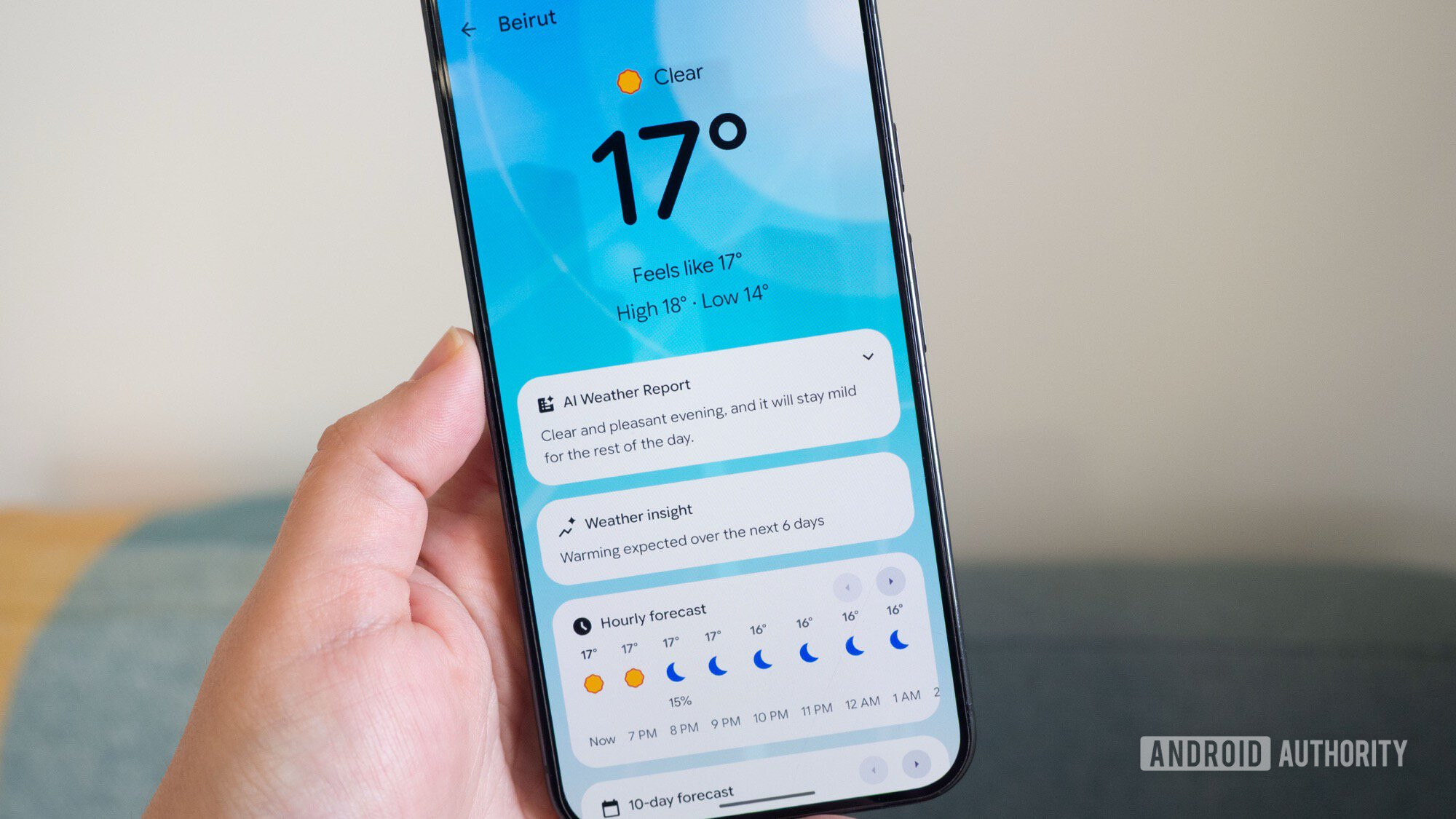
One side effect I hadn’t anticipated, though, is how much my mom, aunt, and specifically, my dad would fall in love with the simplest app on their Pixels — Pixel Weather.
Do you use Pixel Weather on your Pixel phone, or do you have another app?
3 votes
What is it with parents and weather applications?
Rita El Khoury / Android Authority
My parents have had Android smartphones since the mid‑2010s—about ten years now. One thing that hasn’t changed since I first set up my mom’s Galaxy S7 Edge is the request: “Put the weather on the screen, please, Rita.”
I care about the weather, too, and I have it on my home screen just like them, but there’s a certain fascination and urgency that my family has around the weather widget and application that I can’t explain. When my dad mistakenly deletes the widget or moves it to the second home screen, it becomes DEFCON 1: call me to fix it ASAP. A disappeared weather widget triggers more panic than my dad resetting his OnePlus phone four times in two years.
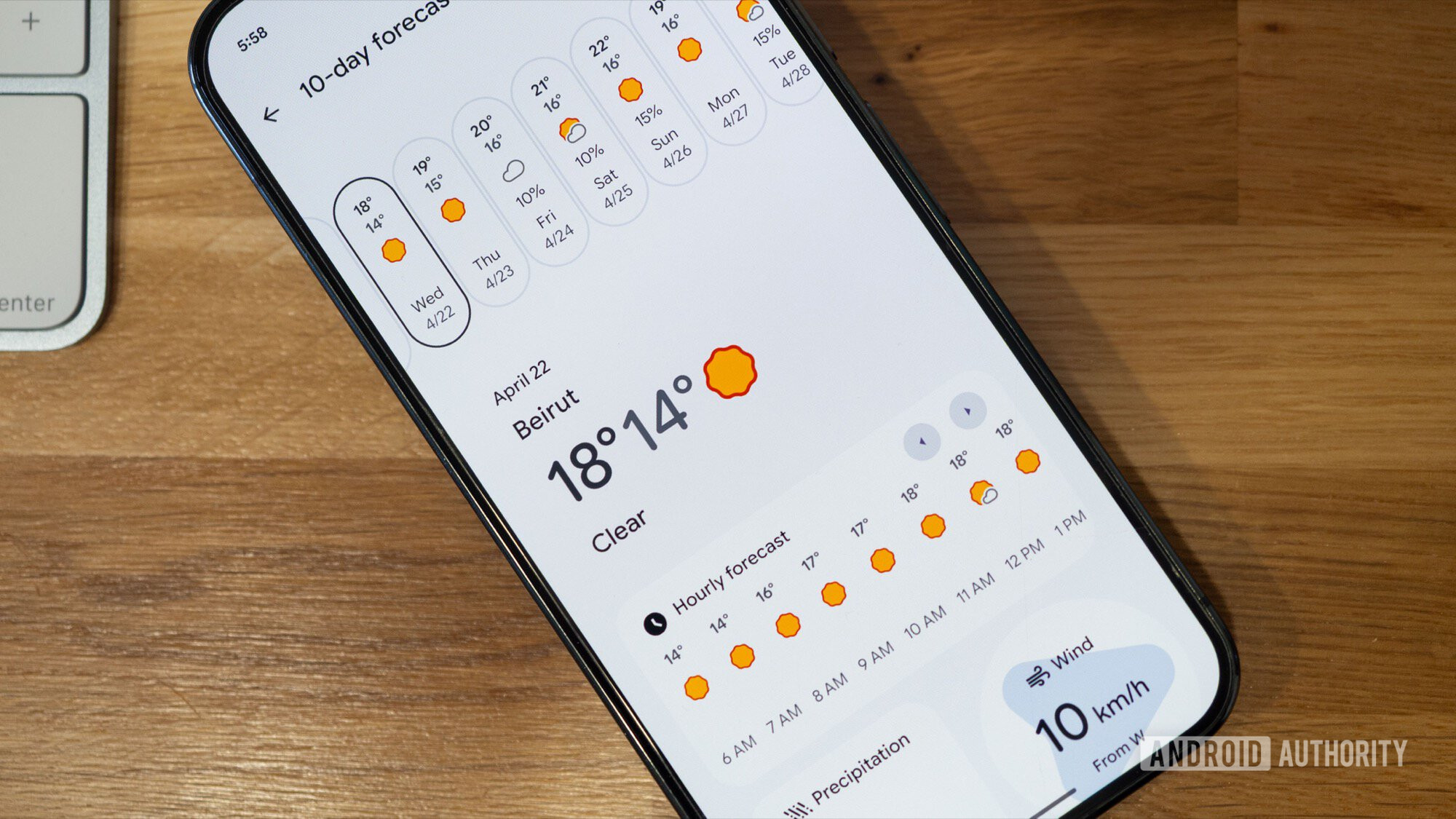
Maybe it’s because my parents are getting older and need to know when it’s safe to drive, or because my mom still hangs clothes outside and needs to bring them in, or because my dad has to know when to water the garden. Or maybe they’re just a little obsessive about a 10‑day forecast. The jury is out.
This is how Pixel Weather won my dad over
Rita El Khoury / Android Authority
For years I had to get creative with the weather apps on my parents’ phones. Their OnePlus and Samsung devices either lacked enough information, displayed too much, showed ads, or didn’t support precise locations for the Lebanese towns they live in. I tried app after app, only to watch free versions become paid, or become useless and ad‑filled. Eventually I created a Weather shortcut from Google Search and added it to their home screen, which was a better experience overall.
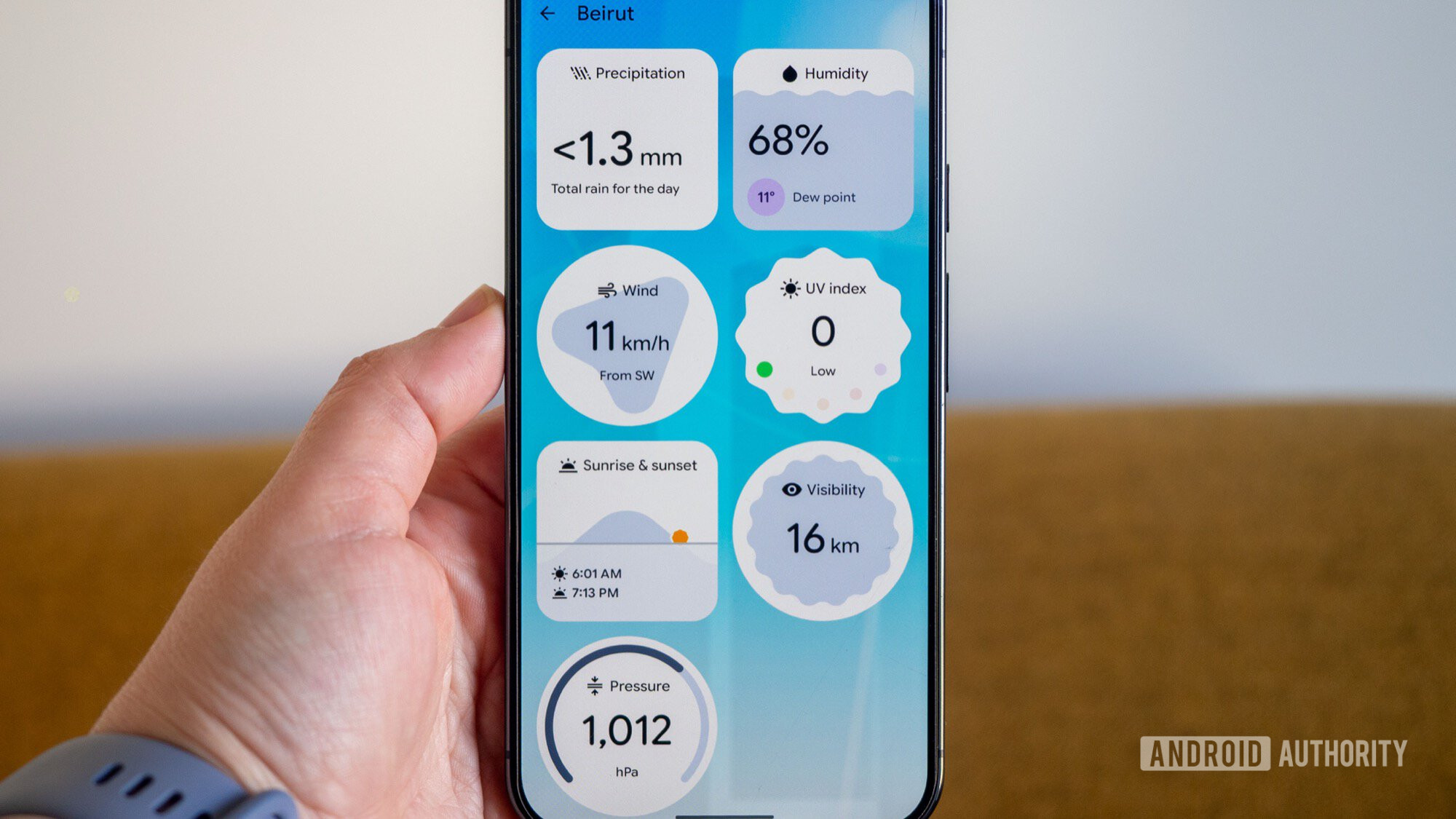
Now that they’re on Pixel phones, I simply set up Pixel Weather on the Pixel 7 Pro, opened it, and told my dad to check it out. His eyes lit up. “Clear” was his first word. After exploring the different information boxes, he told me everything he wanted was there. We organized the info together—he doesn’t care about pressure or pollen, but visibility, wind, and UV are crucial, so I sorted those to the top.
He was amazed that there were no useless UI elements: “It’s simple; the other ones had things on top or below.” Ads, he meant ads, used to take him out of the app when he mistakenly tapped them. Not here.
Every box is clickable for extra info. Checking the UV index before gardening or the precipitation forecast before watering has helped a lot.
Rita El Khoury / Android Authority
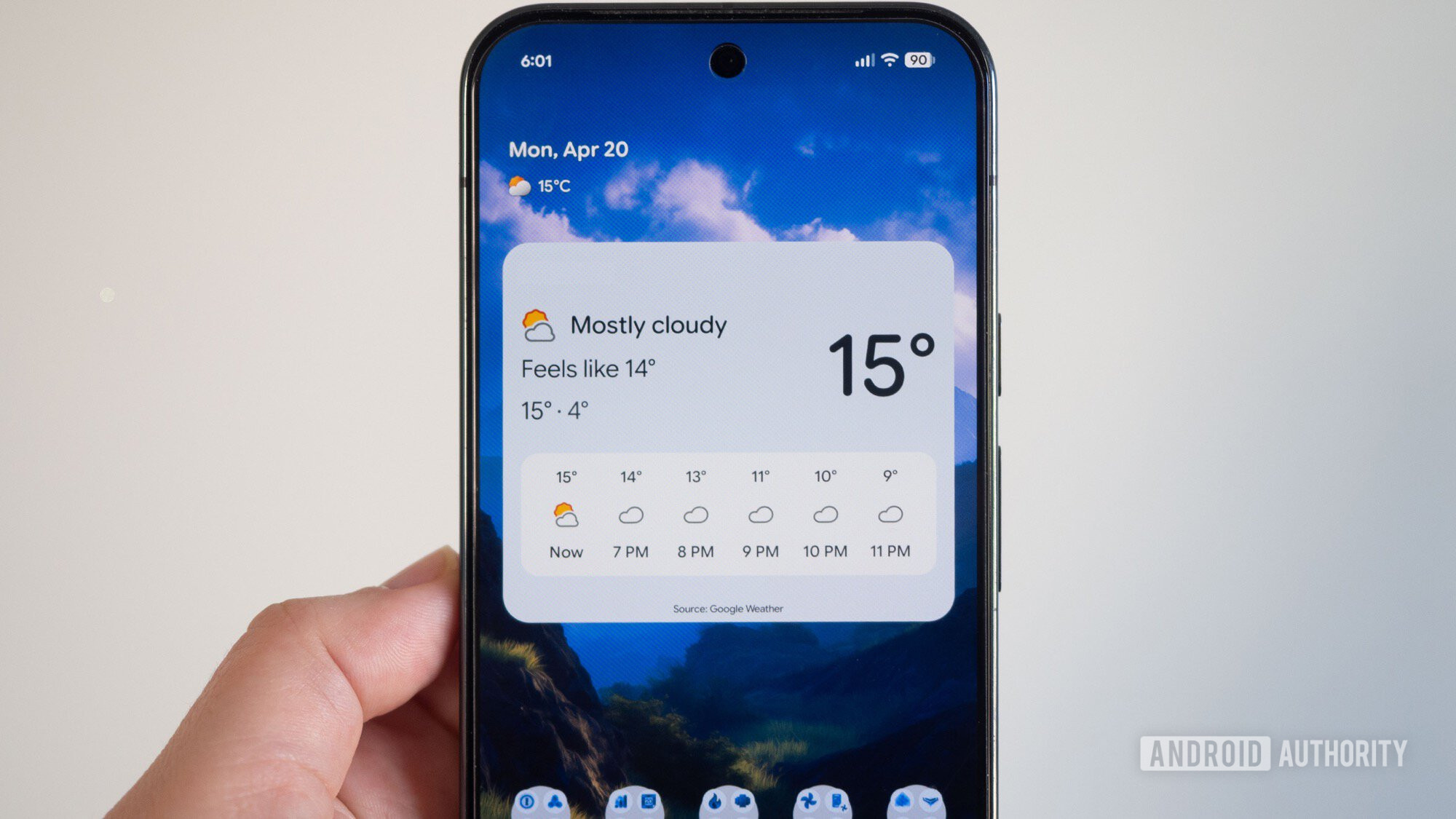
The large Pixel Weather widget is exactly what he wants: large, readable font with the next few hours’ expected weather. The new icons are a lot more accessible for his older eyes. While I would have liked a multi‑day forecast on the widget, he cares more about the immediate weather and taps for extra details on following days.
Pixel Weather also provides accurate predictions for his hometown in Lebanon—a huge win. Otherwise, I’d still be scrambling for a good weather app for him.
Lesson of the day: We shape our smartphone experience to fit our needs, and finding a good weather app (or, in my case, Google Wallet) can elevate one phone brand over many others. My dad’s next phone will definitely be a Pixel—unless Google messes up its excellent Weather app.