
The Pixel 10’s new display filter is fantastic, except for two big flaws
Source: Android Authority
Rita El Khoury / Android Authority
Have you tried the Pixel 10’s new display comfort filter?
I’ve kept the new filter enabled all day and all night to see how well it works in different situations, and after a few weeks, I can say that I’m never going back to the usual display setting again—well, except in two very specific settings.
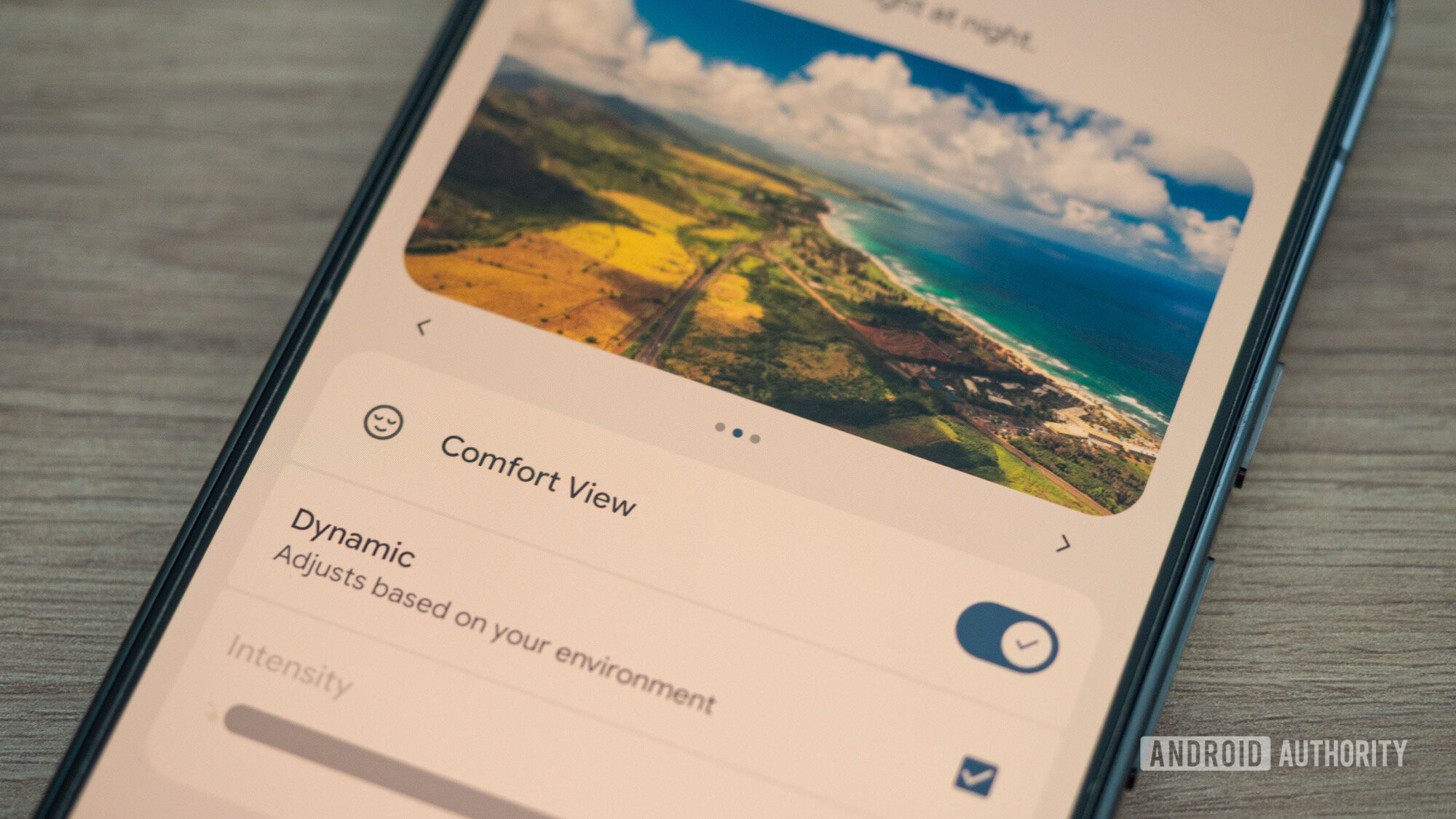
Comfort view adapts the Pixel 10’s display to any environment
The Pixel 10 series has replaced the old Night Light filter with a new Comfort Filters screen where both Night Light and a new Comfort View setting live. You can find them under Settings > Display & touch > Comfort filters, alongside the existing Adaptive tone and Colors settings.
The idea behind Comfort View is that it applies all the time, not just at night. It softens the entire display, reduces color saturation, and gives everything a more pastel look. This affects images, menus, notifications, and all apps. You can let it switch automatically with a Dynamic toggle that adjusts according to your environment, or manually select the intensity of the effect.
I prefer the Dynamic setting because it doesn’t cause any visible difference during the day—whether outdoors or in well‑lit environments. In darker or moodier settings it kicks in, making the display look calmer and more in tune with the surroundings. I find myself smiling when I look at my phone in the evening and see it adopt this soothing, “retro” look.
Dynamic switching works very well for me. I barely notice that Comfort View is on most of the time until I move to a darker place and the phone adapts. It helped keep my display’s saturation under control on flights, in dark pubs and restaurants, inside cathedrals, on dim night trains and metros, and so on.
Manual mode also works if you’d rather tone down the phone at all times. There’s definitely something more serene with Comfort View; watching Instagram Reels or YouTube Shorts feels less harsh on the eyes.
Rita El Khoury / Android Authority
Google has missed the mark with Comfort View in two ways
Along with the change in Display Settings, Google has moved the Night Light Quick Settings toggle under a new umbrella Comfort Filters toggle, which opens a pop‑up with both Comfort View and Night Light. You can turn on either of these or tap the Settings button to adjust them.
1. No scheduling for Comfort View
Night Light can be scheduled, but Comfort View cannot. Even though the Dynamic setting adjusts well throughout the day, a schedule option would let users keep the filter off during certain hours or enforce it only when desired.
2. No per‑app allow/block list
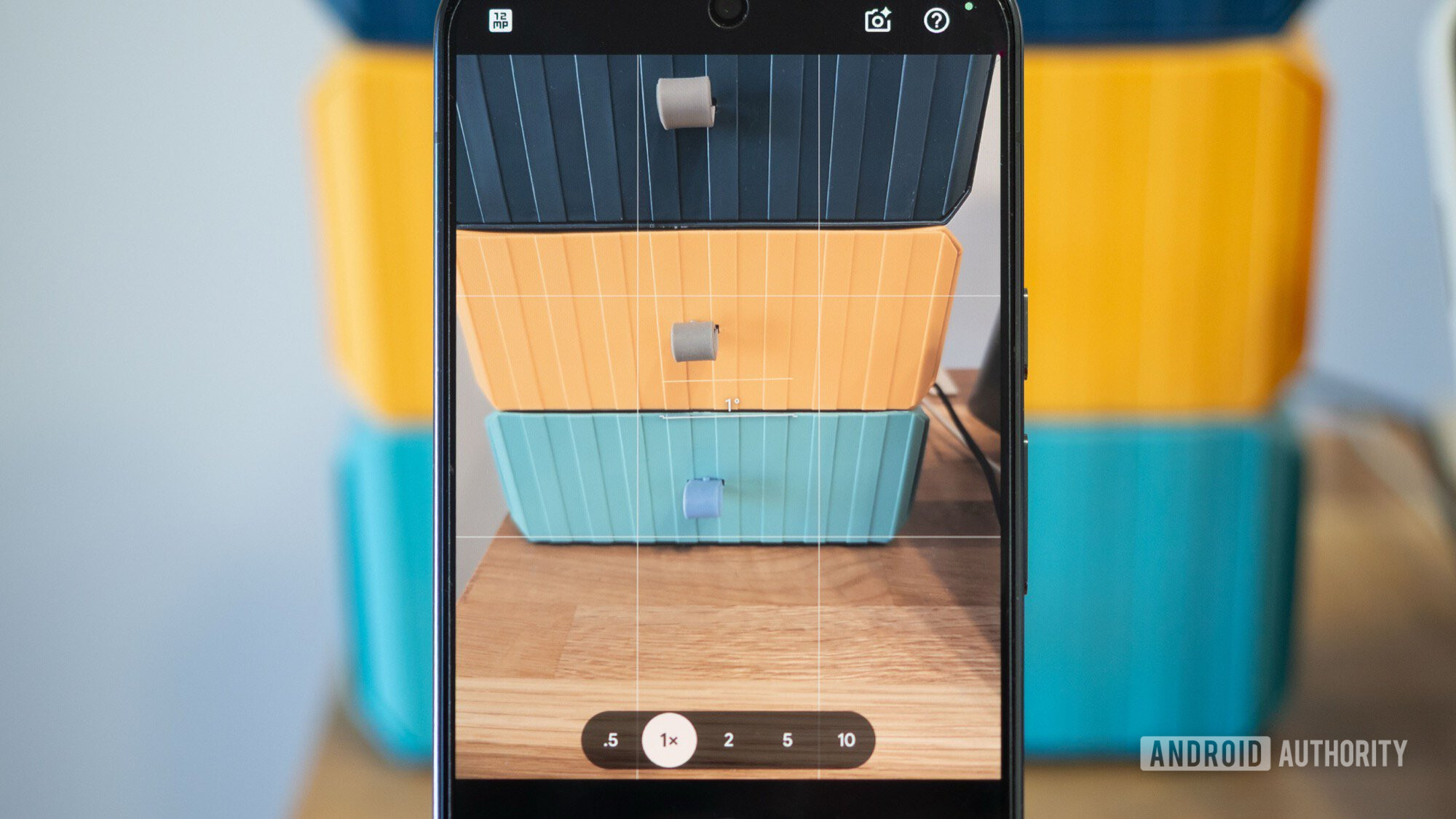
There’s currently no way to exclude specific apps from the filter. I would like Instagram and YouTube to stay filtered while keeping the Camera app untouched. When Comfort View is on while taking photos in low light, the preview shows pastel, unsaturated colors, making it impossible to judge the true colors of the shot. I have to disable the filter each time I want accurate colors, which is cumbersome—especially when traveling and moving between dark churches and bright streets.
An option to whitelist or blacklist apps, or at least to disable the filter automatically when using the camera, would greatly improve the experience. I hope a future software update addresses these issues.