
Google tests Play Store UI change that should help picky gamers save time
Published: (April 17, 2026 at 04:12 AM EDT)
2 min read
Source: Android Authority
Source: Android Authority
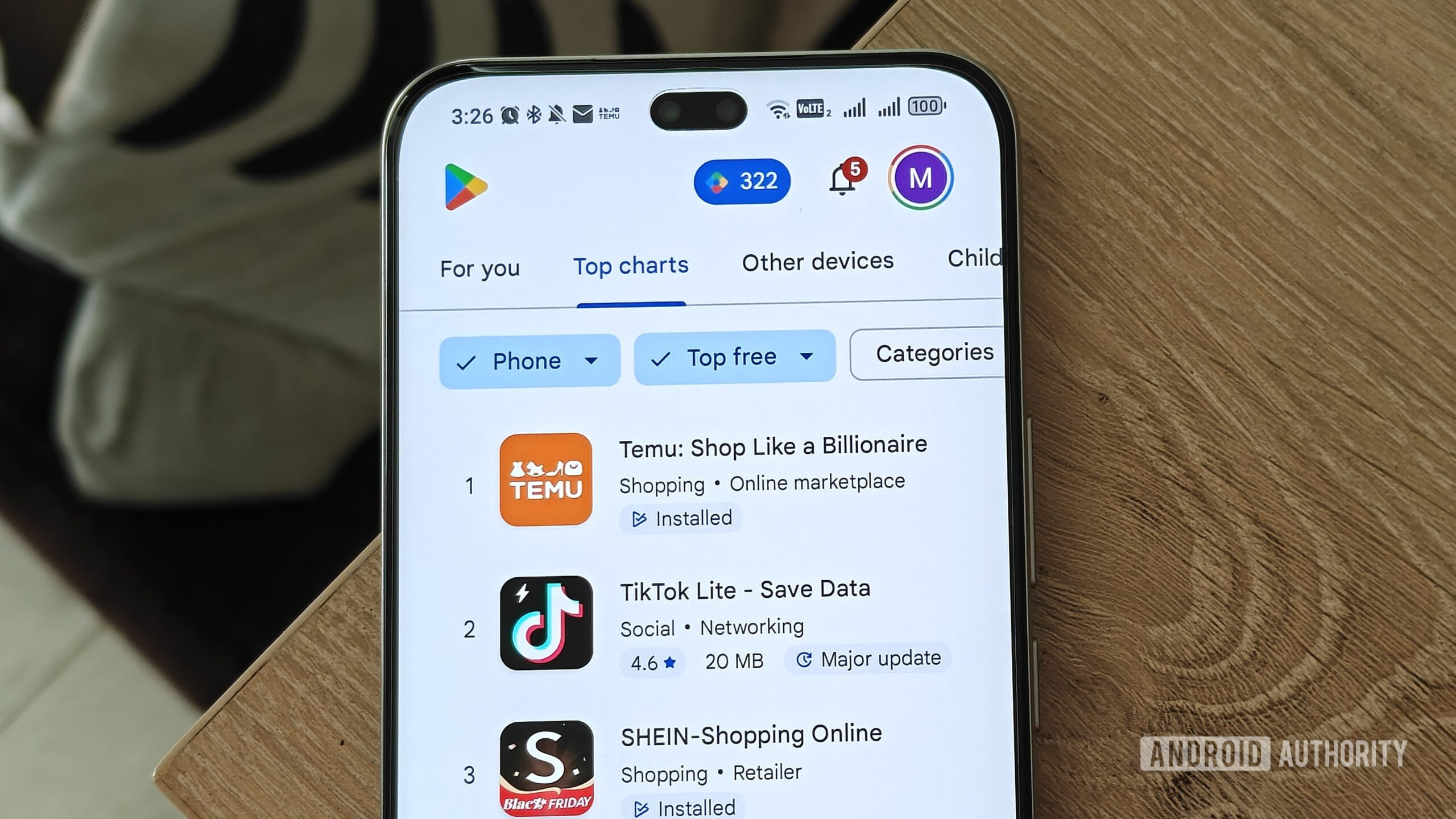
Image credit: Megan Ellis / Android Authority
TL;DR
- Google is testing a redesigned Games tab in the Play Store that adds prominent, scrollable genre bubbles.
- The update also brings these genre bubbles to the Top Charts tab, replacing the easily overlooked and overwhelming Categories dropdown.
Background
The Google Play Store remains the central hub for Android apps and games. Its Games tab has long been a focus for users and developers alike.
Current UI
- The Games tab currently uses a rigid top navigation bar with shortcuts such as For You, Top charts, Other devices, and Kids.
- To access a specific genre, users must tap the Categories dropdown, which opens a long, easy‑to‑miss list.
Proposed UI Changes
Based on screenshots from a newer Play Store build, Google is testing a genre‑specific shortcut list:
- Horizontally scrollable, Material‑style bubbles appear directly under the top navigation bar.
- Example bubbles include Simulation, Puzzle, Life, and other popular genres—mirroring the options that currently reside in the Categories dropdown.
- The bubbles are also added to the Top Charts tab, making genre selection more visible and reducing the number of taps needed to find a game.
Comparison
| Feature | Current UI | New UI (tested) |
|---|---|---|
| Genre navigation | Hidden in Categories dropdown | Visible scrollable bubbles |
| Top navigation | Fixed shortcuts (For You, Top charts, etc.) | Same shortcuts plus genre bubbles |
| Access to Kids, Other devices, Premium | Present | Appear to be removed from the screenshot, but likely still accessible elsewhere |
Potential Impact
- Faster discovery: Gamers can jump straight to their preferred genre without navigating through a long list.
- Cleaner experience: Reduces visual clutter by replacing the dropdown with intuitive, scrollable chips.
- Legacy tabs: It’s unclear where options like Kids, Other devices, and Premium will reside; they may be moved to a secondary menu rather than removed entirely.
Thanks, Gzx, for the tip!
Disclaimer
⚠️ An APK teardown helps predict features that may arrive on a service in the future based on work‑in‑progress code. However, it is possible that such predicted features may not make it to a public release.