
Gemini app bug removes features, reverts UI on Android
Published: (April 18, 2026 at 03:46 PM EDT)
2 min read
Source: 9to5Google
Source: 9to5Google
Overview
A bug in the Gemini Android app has rolled back several recent features. The issue affects users on both the stable and beta channels of the Google app version 17.14 and has been observed over the past day.
Affected Features
- NotebookLM upload – Tapping the “plus” menu in the prompt box no longer allows you to upload NotebookLM notebooks. The UI has reverted from a list view to side‑by‑side pills.
- Temporary chat button – The “Temporary chat” button has disappeared from the top‑right corner next to the avatar.
- Import memory – In the profile menu, the “Import memory to Gemini” option is missing.
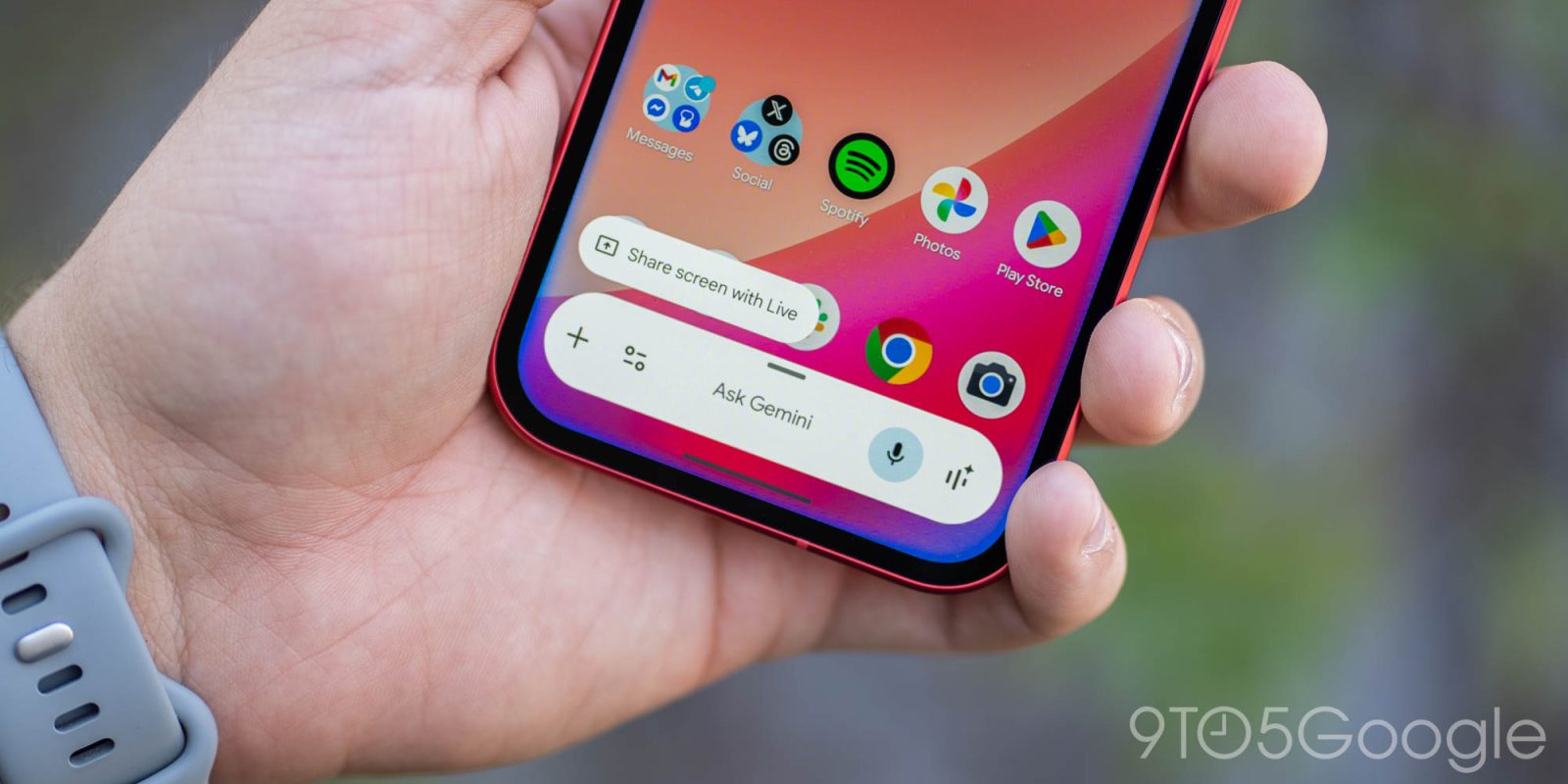
- Android overlay – The overlay has returned to its previous design, losing full access to the Tools menu and the fullscreen glow effect. Only the overlay itself is highlighted now.
Unaffected Services
- Gemini web – The web version at gemini.google.com remains functional and still offers a good mobile and Progressive Web App experience for the missing features.
Interface Tweaks
- The background color has switched back from black to gray.
- Suggested‑action pills have lost their outline as a result of the background change.
Outlook
Google is expected to release a server‑side fix soon to restore the lost functionality. Users should keep an eye on updates to the Google app for the resolution.