
Calling Cards made Google Contacts too busy, but a fix is in the works
Source: Android Authority
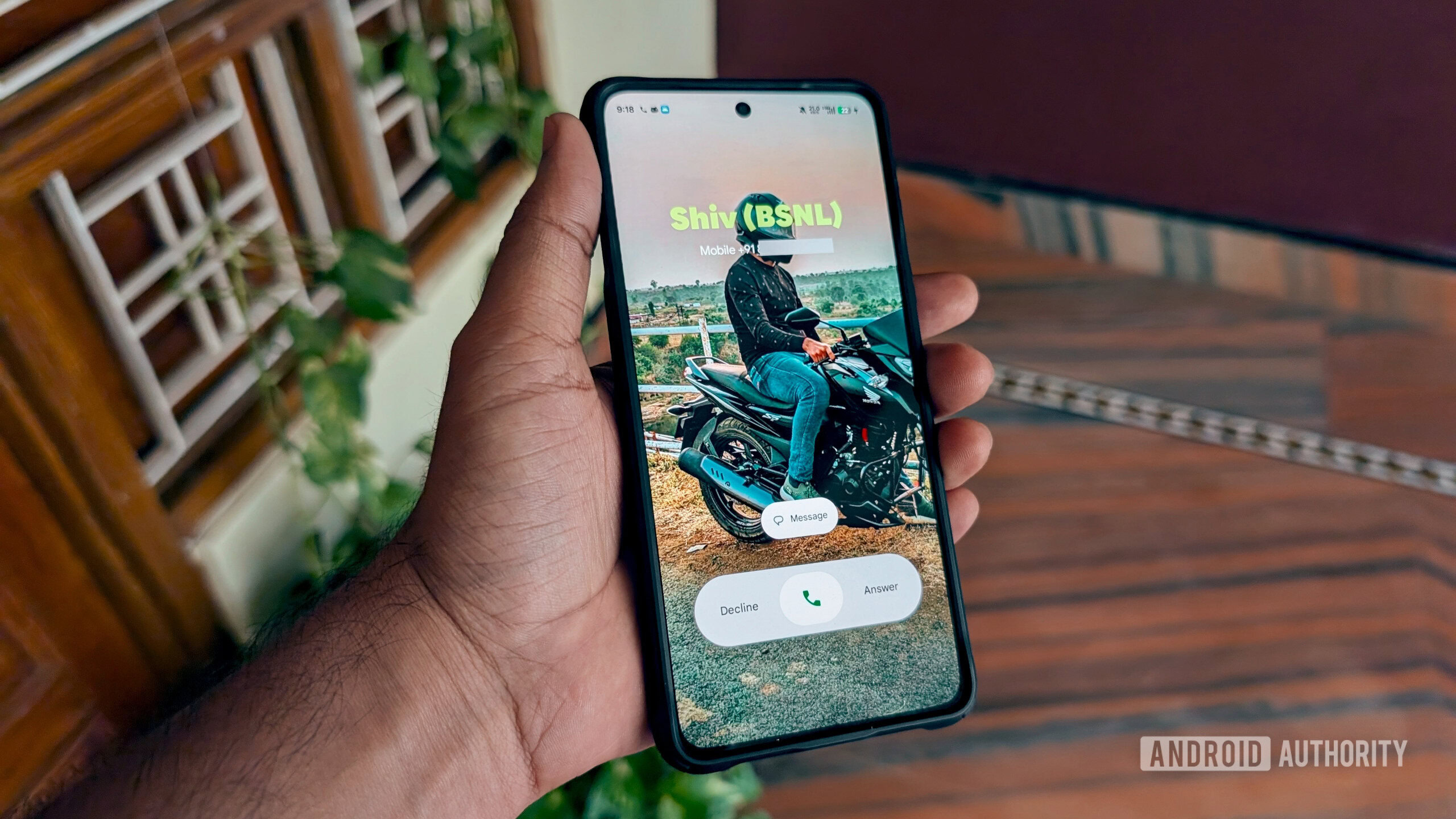
AssembleDebug / Android Authority
TL;DR
- With the addition of support for Calling Cards, Google Contacts can now have multiple photos assigned to each person.
- The app is working on a new UI to emphasize the Calling Card and downplay the old contact photo.
- Contacts is also preparing for the ability to share your own Calling Card with others.
Background
Last year Google introduced Calling Cards to improve how we’re alerted about incoming calls. Users can set custom photos for contacts that appear when they call, and a forthcoming feature will let users configure their own Calling Card.
New UI for Multiple Photos
The addition of Calling Cards created a “too‑many‑photos” situation in the Contacts app. Previously there was only a single contact photo; now there is also a larger Calling Card image. In version 4.73.27.871645217 of the Android app, developers have begun work on a new layout for the contact detail screens.
The current layout shows both photos prominently, making the screen feel busy. The upcoming layout will:
- Minimize the old contact photo.
- Highlight the Calling Card photo.
- Free up screen real estate for contact information.
If a contact does not have a Calling Card set, the app will continue to display only the traditional contact photo.
Sharing Your Calling Card
Earlier we previewed the “My Calling Card” setup UI, which included options for controlling who can see your Calling Card. A new text string in the app indicates that a sharing message will appear on the recipient’s device:
Calling card shared by %sUpdated Blocking Notice
Contacts is also being updated to show a notice when you block someone, explicitly referencing their Calling Card.
⚠️ An APK teardown can predict future features based on work‑in‑progress code, but such features may not reach a public release.