
Google TV is getting stuck in a search loop thanks to Gemini
Source: Android Authority
TL;DR
- Google TV users report that Gemini may have broken search on their TVs.
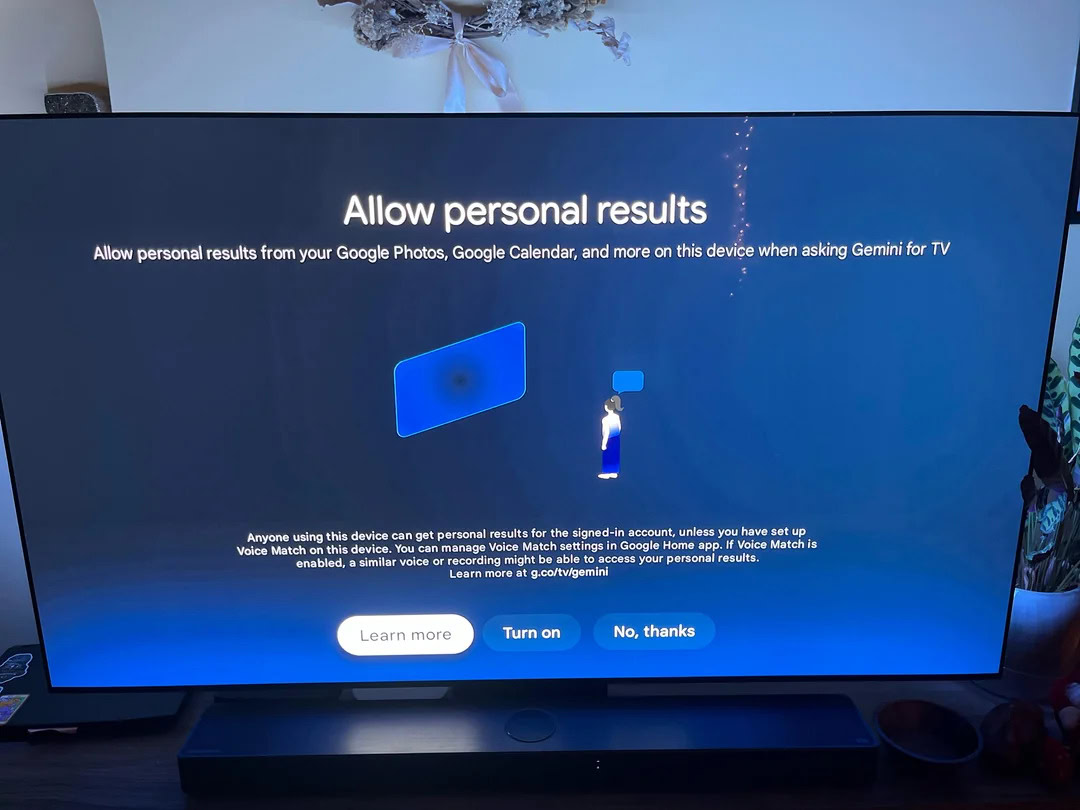
- When attempting a search, users are stuck on a Gemini screen asking whether to allow personal results.
- Uninstalling the Google TV update appears to be a viable workaround.
Background
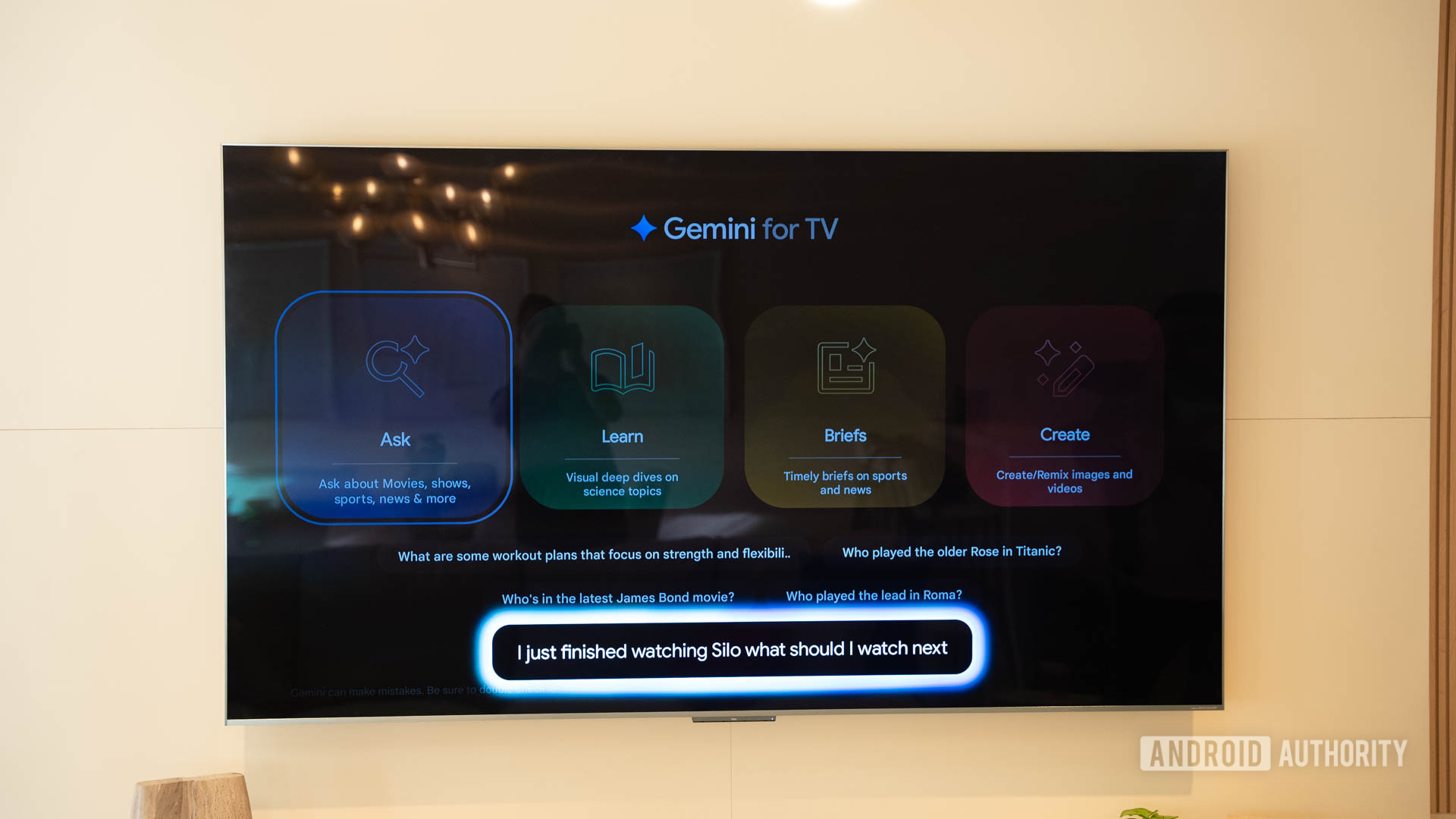
In September 2025, Google began rolling out Gemini to Google TV (source). The rollout started with the TCL QM9K and has since expanded to additional devices. Gemini is intended to act as an AI voice assistant for the platform, but some users have encountered a serious search‑related glitch.
When setting up Gemini on a TV, the flow is:
- A welcome screen explaining Gemini’s capabilities.
- A prompt asking whether to allow personal results from Google Photos, Calendar, etc., with options to enable or decline.
- A voice‑selection screen.
The problem arises when the TV repeatedly forces users through this setup process each time they try to perform a search.
C. Scott Brown / Android Authority
Issue Details
A Reddit user recorded the issue, showing the TV entering an endless loop when searching for an app. Each time the search button is pressed, the TV begins the search, then immediately displays the Gemini setup screen. The loop persists regardless of whether personal results are enabled or declined.
Other users have reported similar behavior over the weekend, confirming that the problem is not isolated. One user noted that uninstalling the recent Google TV update resolved the issue for them.
- Reddit discussion of the glitch:
- Additional reports:
Workarounds
- Uninstall the Google TV update: Several users have found that rolling back the update restores normal search functionality.
- Avoid initiating a search until a fix is released, or use alternative navigation methods (e.g., manual app selection).
Outlook
We have reached out to Google for comment and will update this article as more information becomes available.