
Apple is finally starting to test secure RCS messaging between iPhone and Android
Source: Android Authority
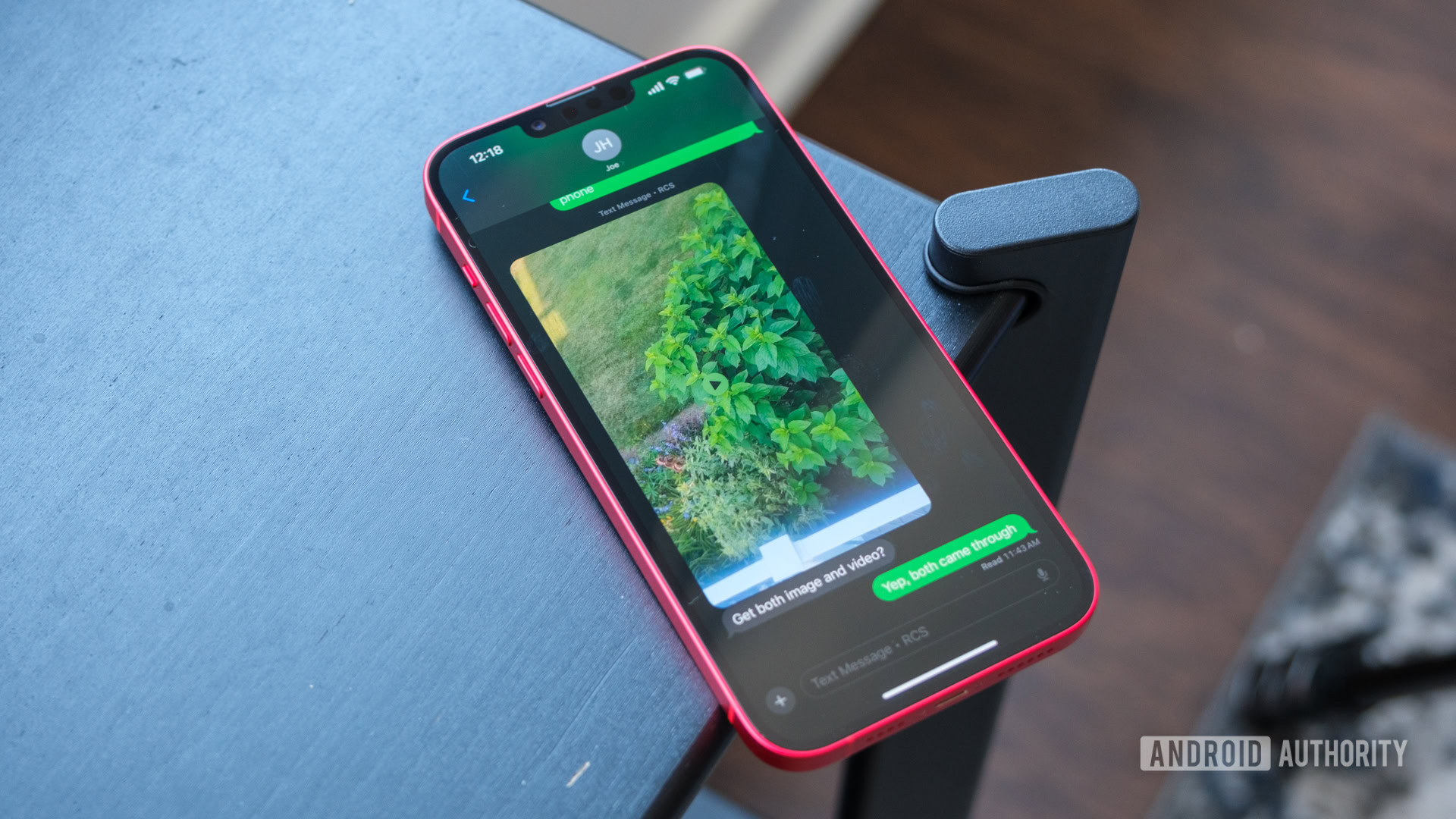
Ryan Haines / Android Authority
TL;DR
- Apple is testing end‑to‑end encryption (E2EE) for RCS chats between iOS and Android in the iOS 26.4 Developer Beta 2 release.
- The feature can be tested now on supported iPhones (with the developer beta installed) and Android phones running the Google Messages app beta.
- E2EE for cross‑platform RCS will bring secure messaging to iPhone and Android users, preventing anyone from reading messages while they are in transit.
Apple adds cross‑platform RCS encryption
Apple is moving closer to delivering secure RCS messaging for conversations between iPhone and Android devices. After the GSMA announced the Universal Profile 3.0 in March—promising E2EE for RCS across platforms—Apple began testing E2EE for RCS in a beta, initially only for iPhone‑to‑iPhone chats. The latest iOS 26.4 Developer Beta 2 now includes support for RCS messaging between iPhone and Android with end‑to‑end encryption.
The GSMA’s RCS Universal Profile 3.0 uses the Messaging Layer Security (MLS) protocol to provide E2EE for chats across different device clients. This benefits any iPhone‑Android conversation, as iMessage (iPhone‑to‑iPhone) and RCS (Android‑to‑Android) already have E2EE in certain scenarios. Current Android implementations often lack E2EE unless both parties use a client that supports it, a gap the Universal Profile aims to close.
Apple’s release notes for iOS 26.4 Beta 2 state:
In this beta, RCS end‑to‑end encryption will become available for testing between Apple and Android devices. This feature is not shipping in this release and will be available to customers in future iOS, iPadOS, macOS, and watchOS 26 releases. End‑to‑end encryption is in beta and is not available for all devices or carriers. Conversations labeled as encrypted are encrypted end‑to‑end, so messages can’t be read while they’re sent between devices.
How to enable the feature
-
iPhone
- Install the latest iOS 26.4 Developer Beta.
- Go to Settings → Messages → RCS Messaging.
- Enable End‑to‑End Encryption (Beta).
-
Android
- Enroll in the Google Messages app beta.
- Ensure the beta version is installed to receive encrypted RCS messages from iPhone users (see coverage details on 9to5Google).
When enabled, the Messages app on iOS will display Text Message, RCS, and Encrypted badges for conversations that use E2EE. The Google Messages app on Android will show the familiar lock icon used for Android‑to‑Android encrypted chats.
Availability timeline
Apple confirms that secure RCS messaging between iPhone and Android will not be publicly released in the final iOS 26.4 build. The feature will arrive in a future software update. Once released, iPhone and Android users will be able to exchange messages securely, with assurance that the content cannot be intercepted or read while in transit.