
Android’s Advanced Protection Mode now targets your favorite customization, automation apps
Source: Android Authority
TL;DR
- Google is testing a feature for Advanced Protection Mode that restricts apps that use the AccessibilityService API unless they are classified as accessibility tools.
- When enabled, the system will prevent users from granting these permissions and will automatically revoke them from already installed apps.
- The change, spotted in Android Canary, aims to protect high‑risk individuals from apps that might misuse screen‑reading, gesture, or other capabilities granted through the AccessibilityService API.
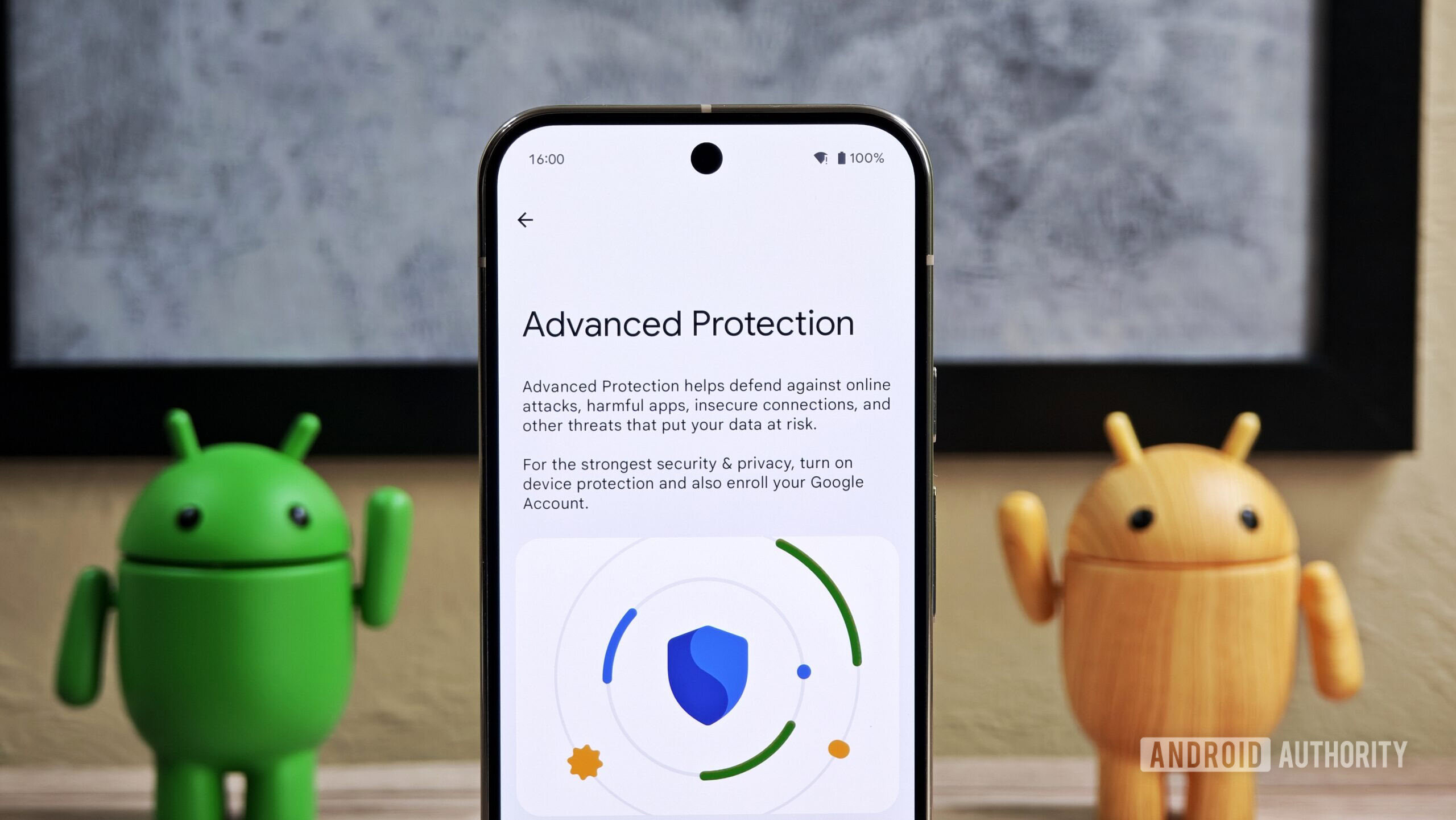
With Android 16, Google introduced Advanced Protection Mode, a one‑click security mode that enables all of Android’s highest security features to safeguard high‑risk individuals against online attacks, harmful apps, and data risks. When toggled on, various security features across the OS—such as Intrusion Logging, USB Protection, and Android Safe Browsing—are enabled with a single click. We’ve now spotted Google working to add restrictions related to Accessibility services to Advanced Protection Mode.
Accessibility Service API and its potential for misuse
Over the past decade, many Android apps have used (and misused) the AccessibilityService API to work around various system limitations and issues, beyond just assisting users with disabilities. Google has hardened its policies to prevent apps from abusing the API, citing security risks: apps with accessibility permissions could read screen content and perform gestures on behalf of the user.
Apps designed to assist users with disabilities must declare the isAccessibilityTool attribute in the service’s metadata file. These apps, classified as Accessibility Tools, can include:
- Screen readers for people with visual impairments.
- Switch‑based input systems for motor impairments.
- Voice‑based input systems for motor impairments.
- Braille‑based access systems for visual and hearing impairments.
- Tools supporting other disabilities, such as cognitive impairments or multiple disabilities.
Apps that are not classified as Accessibility Tools often fall into categories such as automation tools, assistants, monitoring apps, antivirus/system cleaners, and launchers. Many of these use the AccessibilityService API to work around system limitations.
Example: dynamicSpot emulates Dynamic Island behavior on Android phones. To read notification content from other apps and display pop‑up notifications, dynamicSpot uses the Accessibility Services API. While the goal is customization, the same capability could be misused, raising security concerns.
Advanced Protection Mode can now prevent misuse of Accessibility Service API
In the latest Android Canary 2602 release (details), Advanced Protection Mode can target apps that use the Accessibility Service API but aren’t classified as Accessibility Tools, disabling their use of the API as part of its one‑click hardening solution.
- When Advanced Protection Mode is disabled: users can grant accessibility service permissions to any app.
- When Advanced Protection Mode is enabled: the system prevents users from granting Accessibility Services permission to non‑Accessibility Tools and automatically revokes the permission if it was already granted.
In screenshots from the Canary build, the dynamicSpot app can be granted permission when Advanced Protection Mode is off. With the mode enabled, the app appears grayed out and shows “Restricted by Advanced Protection.” If the app heavily depends on the Accessibility Service API, it will no longer function. Apps classified as Accessibility Tools are unaffected.
This change treats non‑Accessibility Tools as “incompatible” with a secure environment, aligning with Advanced Protection Mode’s core purpose. Users trade convenience for greater security—a fair trade for those needing strong protection.
Google has not yet officially announced this change. It is live in Android Canary and may roll out with the stable release of Android 17.
⚠️ An APK teardown helps predict features that may arrive on a service in the future based on work‑in‑progress code. However, predicted features may not make it to a public release.