
Here’s why Google’s sideloading restrictions actually make sense
Source: Android Authority
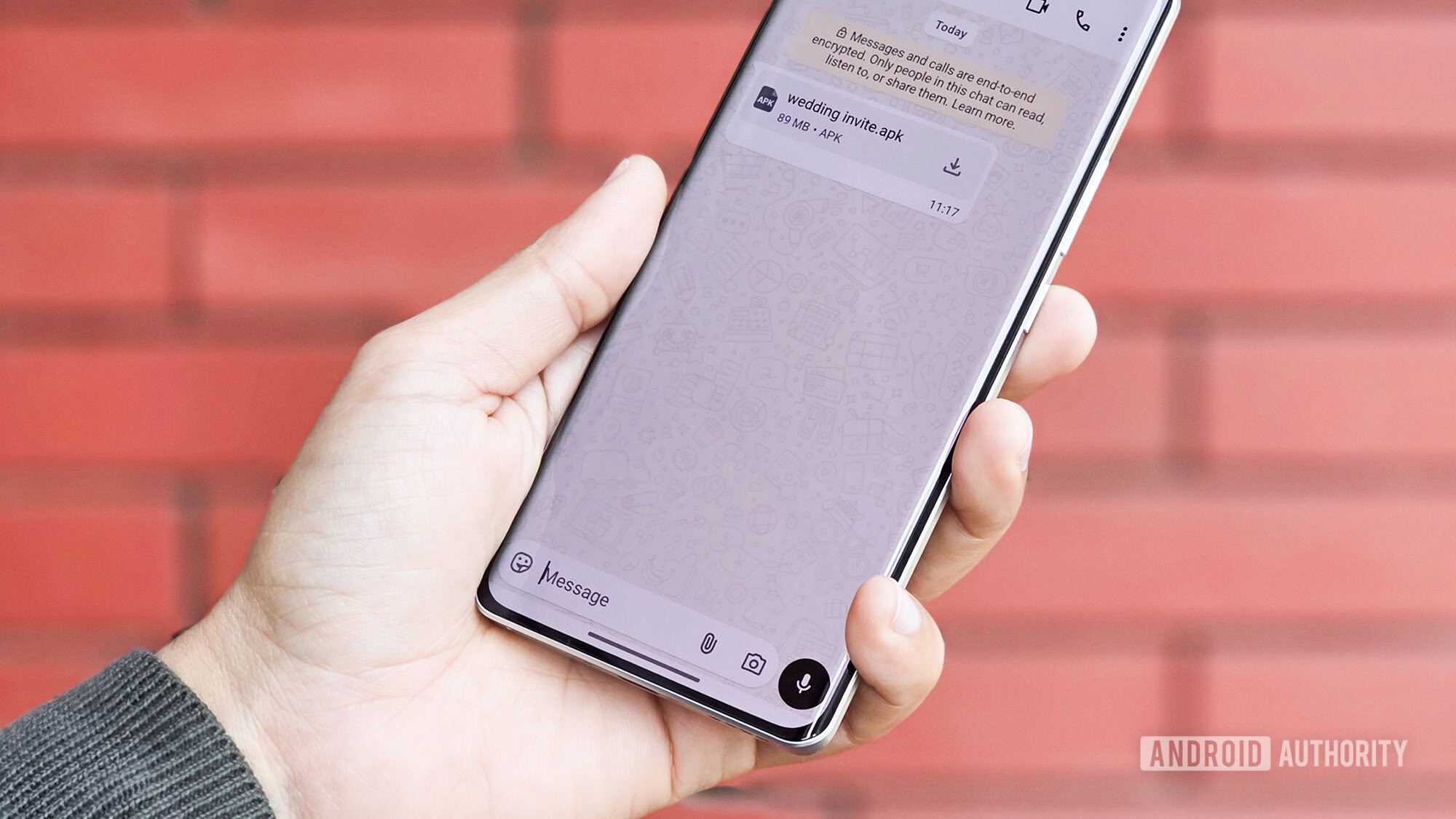
*Photo credit: Tushar Mehta / Android Authority*
Google is set to change—if not completely eradicate—Android sideloading as we know it. The change could take effect as early as September this year and may make sideloading more drawn‑out and cumbersome.
While Google has ensured that sideloading isn’t disappearing entirely, it plans to introduce a **high‑friction** flow for installing apps from unverified developers. This will undoubtedly unsettle many power users, but for the broader Android audience it could be a lifesaver, especially as APK‑based attacks continue to rise.
Sideloading has long been one of Android’s most liberating features, but it now faces a watershed moment. Embracing the upcoming changes—rather than opposing them—might be the key to ensuring Android’s longevity.
## What do you feel about Google's plan to limit sideloading on Android?
**122 votes**A Case for Making Sideloading on Android Slower by Design
One of the primary reasons to crack down on unverified installations on Android is the substantial increase in APK‑based malware attacks over the past few years.
- Kaspersky reported more than 22 million potential incidents of attacks on Android users in the first half of 2025 – a 29 % rise compared with H1 2024. The report identified nearly 143 000 distinct malicious APK strains, a third of which were designed for banking fraud.
- Malwarebytes and Zimperium have also documented attackers exploiting human vulnerabilities (e.g., curiosity, greed) to distribute malware. Malicious apps are often masqueraded as “modified” versions of popular free apps and are shared through unregulated channels such as Telegram, Discord, and other messaging platforms.
How the attacks work
- Modified “premium” apps – Fake versions of Netflix, Spotify, etc., that appear to work initially, lowering the user’s suspicion.
- Free‑tool or adult‑content bundles – Downloaded from unreliable sources, these often embed a malicious SDK that can:
- Install a remote‑access tool,
- Take over the device, and
- Empty the user’s bank accounts.
- Social‑engineering lures – Common tactics since 2025 include:
- Fake wedding invitations or traffic‑fine notices (especially in Eastern Europe and Asia).
- Imposter apps that mimic Chrome, WhatsApp, or even banking applications.
“A ‘wedding‑invitation.apk’ only guarantees free booze and food after all, doesn’t it?” – a typical line used to entice unsuspecting victims.
Why the problem is getting worse
- AI‑generated code: Modern AI coding assistants can produce functional apps at breakneck speed, making it harder for non‑technical users to differentiate between legitimate and malicious software.
- Messaging‑based distribution: APKs shared via WhatsApp, Telegram, or similar platforms bypass traditional app‑store warnings, allowing malicious payloads to reach users with minimal friction.
The call to action
Given the rise in sophisticated and novel attacks, Google must intervene. Slowing down the sideloading process by design—through additional verification steps, rate‑limiting, or mandatory security checks—could give users the extra time they need to recognize and reject malicious APKs.
References
- Kaspersky press release, “Attacks on smartphones increased in the first half of 2025.”
- Malwarebytes blog, “Android threats rise sharply – mobile malware up 151 % since start of year.”
- Zimperium blog, “The rise of ARSink RAT.”
- Android Authority articles on AI‑driven Android malware and banking‑fraud scams.
Sideloading Stays — At Least for Now
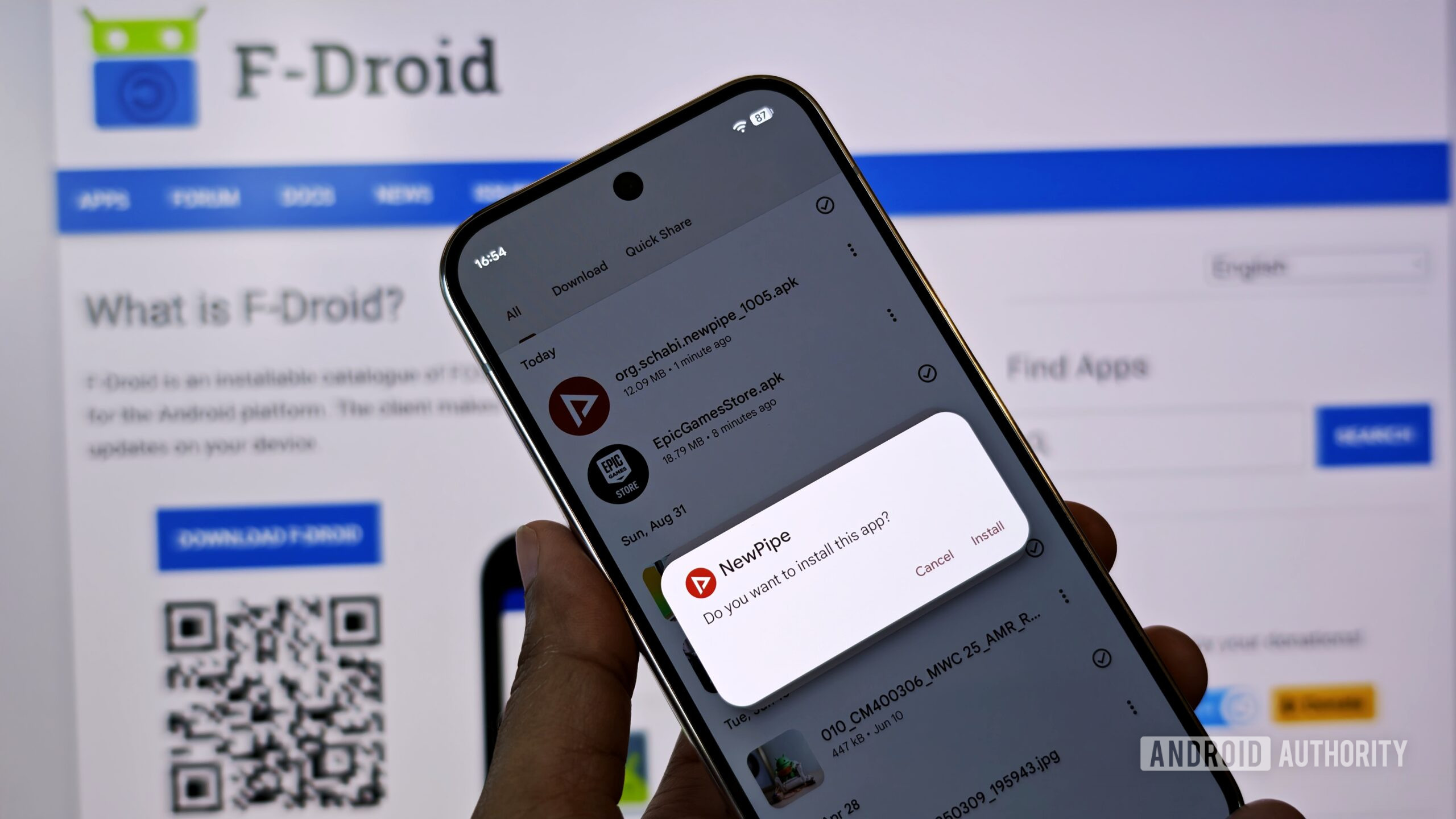
Photo by Mishaal Rahman / Android Authority
When Google first announced plans to restrict sideloading APKs, the reaction was immediate and vocal. Sideloading has long been one of Android’s most defining traits—its openness.
Google’s response was to target “scammers that rely on anonymity to scale their attacks,” according to Android Ecosystem President Sameer Samat【1】. The company said it would start requiring developers to be identified and verified【2】, even if they do not distribute apps through the Play Store. The goal was to add a layer of accountability, but it also raised concerns among developers who operate in a gray area. A notable example is console emulation【3】: the emulator apps themselves may be legitimate, but the ROMs or game content used with them are often distributed without permission from the original publishers.
Google later eased its restrictions to accommodate power users. The question remains: will this protect the broader user base?
A More Lenient, Yet Cautious, Approach
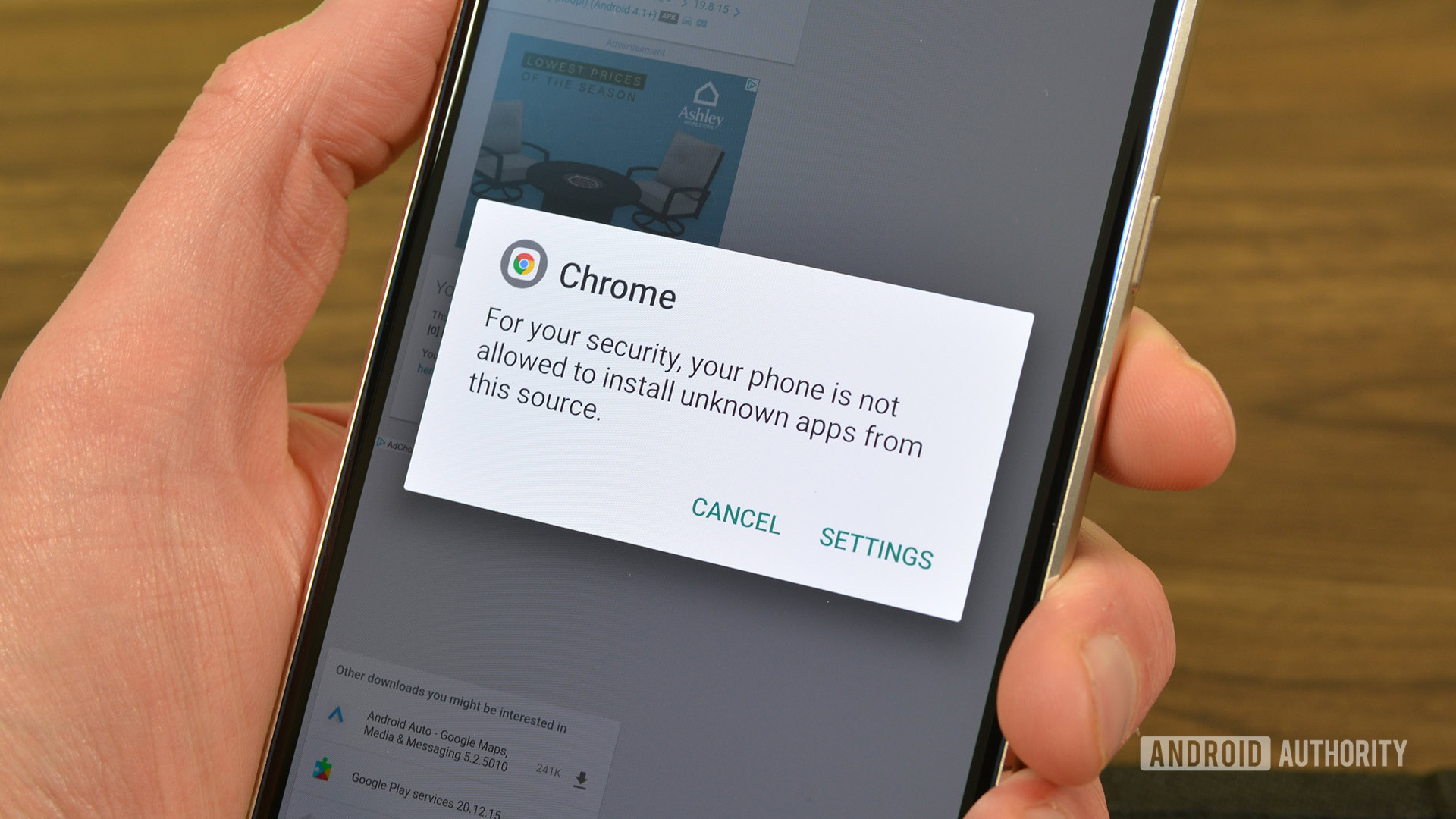
Following criticism, Google “lowered its guard”【4】 and announced that users would be able to install apps from unverified developers, albeit with additional warnings. The installation flow now looks different—and is more seamless for verified third‑party stores【5】 (thanks in part to Epic’s persistence against Google). In short, sideloading isn’t blocked; it’s simply accompanied by stronger cautions.
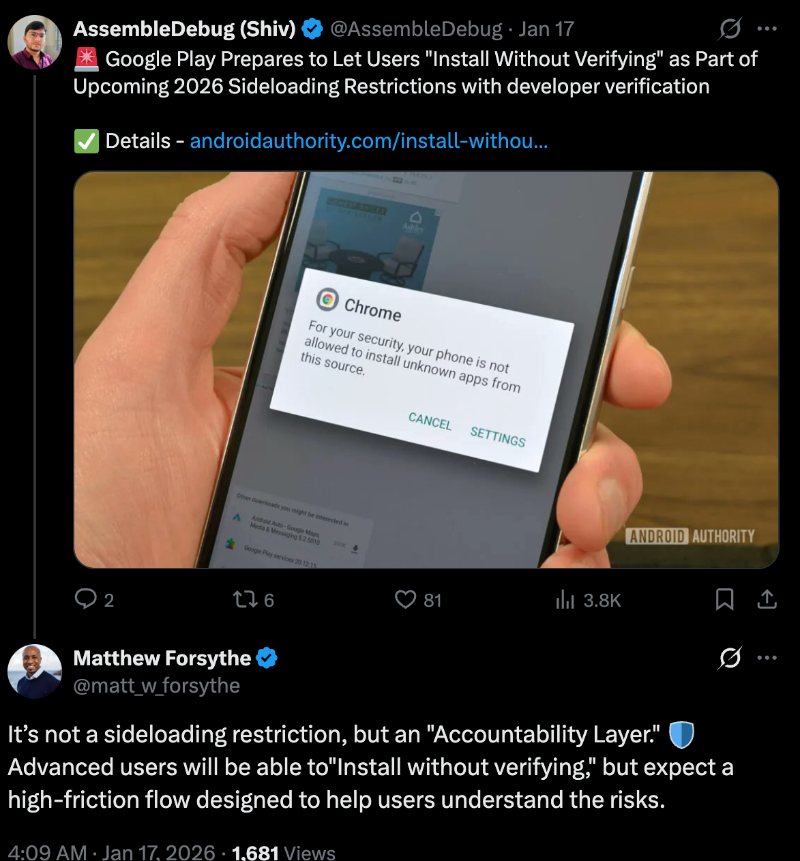
More recently, we spotted the exact wording of the cautionary message shown when users try to install apps from developers not registered with Google【6】. It reminds users that their “devices would be at risk.” Matthew Forsyth, Director of Product Management for Google Play Developer Experience, confirmed that this isn’t a hard restriction but an intended “high‑friction” flow【7】.
Why the High‑Friction Flow Matters
For millions—if not billions—of vulnerable users, a high‑friction flow acts as a necessary safeguard.
- Experienced Android users can still install apps without hassle.
- Novice or less‑tech‑savvy users (e.g., my 65‑year‑old dad) are more likely to notice the warning and think twice before proceeding.
While the approach won’t stop someone who ignores every message, it’s a step up from the current “latch‑key kid” situation on Android. More importantly, it helps keep Android from turning into the walled garden that many have long feared would mirror Apple’s tightly controlled ecosystem.
Bottom Line
The new high‑friction flow isn’t any more annoying than Android’s existing “install from unknown sources” warning, but it does add a clearer, more prominent reminder that installing unverified apps carries risk. For the majority of users—especially those who are older, younger, or simply less familiar with Android—it provides a valuable pause before potentially unsafe software lands on their devices.
References
- Sameer Samat’s tweet on targeting scammers:
- Google’s developer verification requirements:
- Console emulation controversy:
- Google lowers its guard on sideloading:
- Seamless flow for verified third‑party stores:
- Exact wording of the new cautionary message:
- Matthew Forsyth on the “high‑friction” process:
Not the best option, but not the worst one either
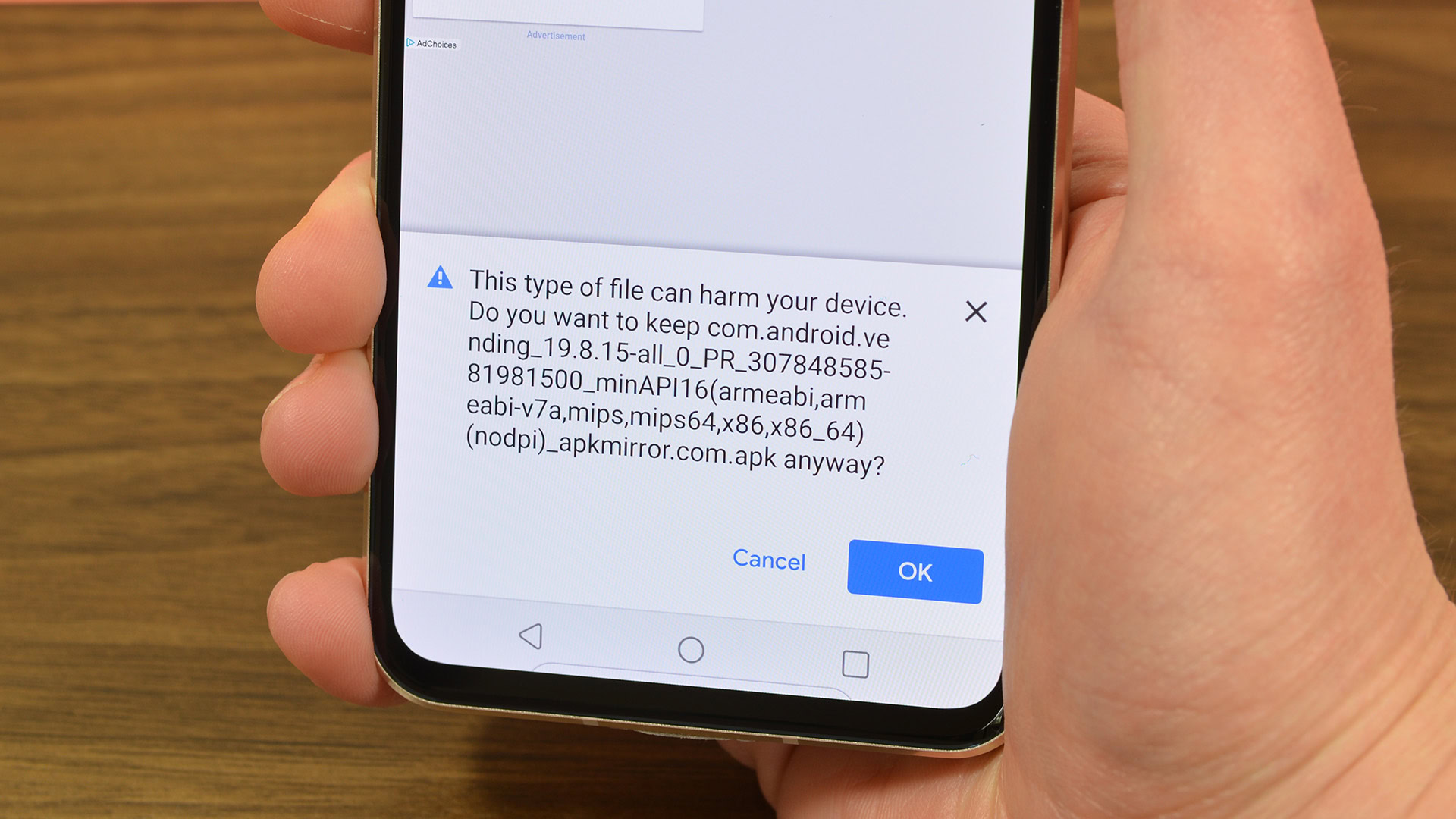
There’s no skirting around the truth that Google’s insistence on verifying developers—or otherwise slowing down users while they sideload apps—is hurtful to the spirit of freeness. But it also feels like a necessary evil.
Despite its benefits, sideloading can unfortunately no longer be limited to a “power‑user move,” and Google’s tightening of the process could also be viewed as a reckoning in the face of adversity and the sheer increase in the volume of attacks on Android users.
Android remains a garden without walls, but with vital barricading.
As we progress, it might be precious, for Google and for us as users, to evaluate how to balance the risks and benefits of certain apps. While we can trust peer‑reviewed open‑source apps in F‑Droid or an exciting project from a student developer, we need to be wary of downloading apps from murky GitHub projects. Warnings that Google plans to implement may help—“may” being the keyword here.
While it’s difficult to ensure the effectiveness of this solution, I feel it is better that users are warned and inconvenienced than robbed.
Thank you for being part of our community. Please read our Comment Policy before posting.