
为软件测试打造有效的 GenAI 提示
发布: (2025年12月13日 GMT+8 19:32)
5 分钟阅读
原文: Dev.to
Source: Dev.to
为什么提示工程在测试中很重要
结构良好的提示可以决定是得到通用、不可用的输出,还是获得精准的测试用例、自动化脚本或分析,直接投入使用。
有效提示的 6 大组成部分
1. 🎭 角色
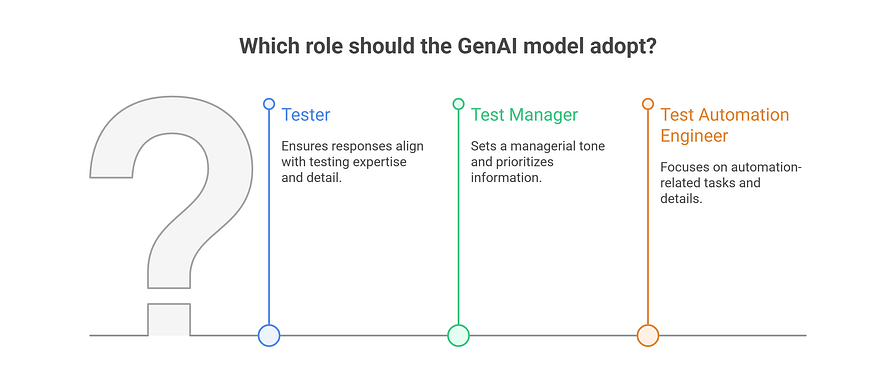
定义 GenAI 模型应采用的人格或视角。
目的: 引导 AI 采用特定的专业立场
示例
- “Act as a Tester…”
- “Assume the role of a Test Manager…”
- “You are a Test Automation Engineer…”
收益
- 确保回复符合预期的专业水平
- 设置合适的语气和细节层次
- 帮助优先考虑相关信息
实际示例
而不是:“Generate test cases”
尝试:“Act as a Senior Tester with 5 years of experience in e‑commerce applications and generate test cases…”
2. 📋 背景
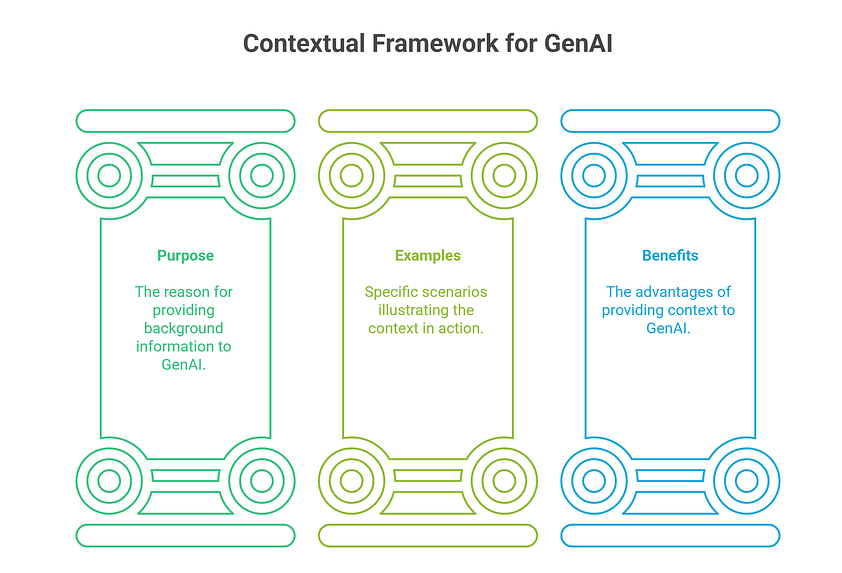
提供关于测试场景的背景信息。
目的: 为 AI 提供完成任务所需的背景
示例
- “We are testing the login functionality of an e‑commerce website.”
- “The application is a mobile banking app running on Android 12.”
- “The system is a REST API for managing user accounts.”
收益
- AI 理解范围和目的
- 生成更相关的结果
- 减少歧义
小贴士: 背景越具体,结果越精准。
3. ⚡ 指令
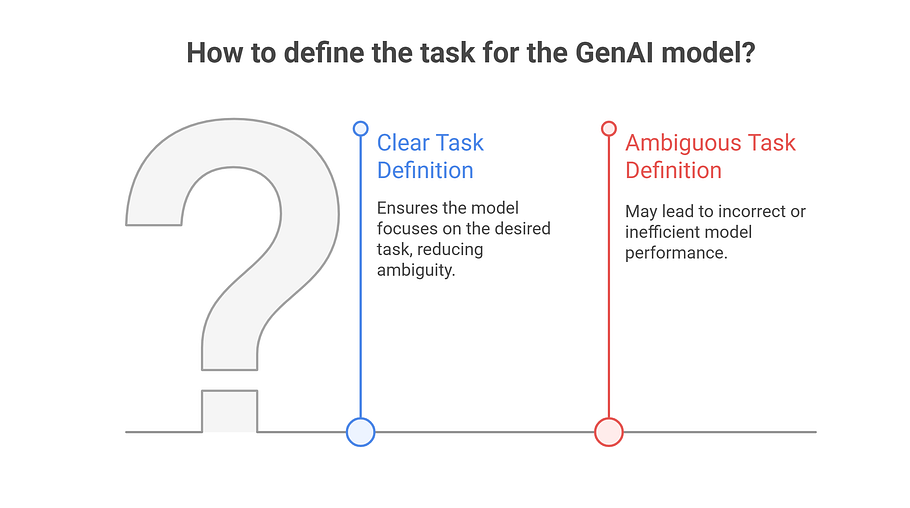
清晰、简洁的任务指令。
目的: 明确 AI 应该做什么
示例
- “Generate test cases for the login functionality.”
- “Analyze the following code for potential security vulnerabilities.”
- “Create a test automation script for verifying the payment process.”
收益
- 提供明确方向
- 减少歧义
- 确保聚焦于期望的任务
更好的指令示例
- ❌ “What are some tests I can do?”
- ✅ “Generate 10 test cases, including positive and negative scenarios, for the user registration form, focusing on data validation and error handling.”
4. 📥 输入数据
执行任务所需的信息。
目的: 为 AI 提供必要的工作材料
应包含的内容
- 用户故事
- 验收标准
- 截图
- 代码片段
- 已有测试用例
- 输出示例
收益
- 产生更准确、上下文感知的结果
- 为 AI 提供工作依据
- 让 AI 能从已有数据中学习

示例
User Story: "As a customer, I want to be able to add items to my shopping cart"
Acceptance Criteria: "The cart should display the correct number of items and the total price"
5. ⚠️ 约束
AI 必须遵守的限制或特殊考虑。
目的: 引导 AI 符合特定要求
示例
- “The test cases should be prioritized based on risk.”
- “The code analysis should focus on OWASP Top 10 vulnerabilities.”
- “The test automation script should use Selenium WebDriver with Python.”
收益
- 确保遵守需求
- 将精力聚焦在重要方面
- 减少无关结果
实际约束示例
- “Compatible with JUnit 5”
- “Simulate 100 concurrent users”
- “Use Page Object Model pattern”

6. 📤 输出格式
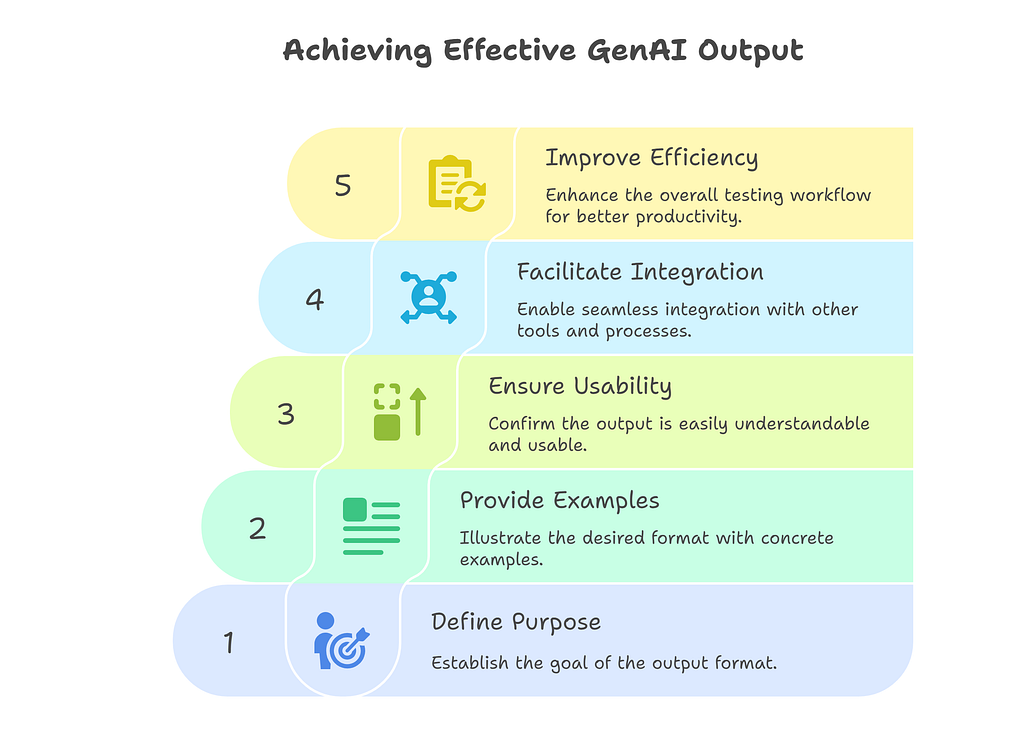
指定期望的响应格式和结构。
目的: 定义 AI 应如何呈现结果
示例
- “Output the test cases in a table format with columns for Test Case ID, Description, Steps, and Expected Result.”
- “Provide the code analysis results in a JSON format.”
- “Generate the test automation script in Python.”
收益
- 输出可直接使用且易于理解
- 便于与其他工具集成
- 提升工作流效率
🎯 完整提示示例
下面展示所有组成部分如何协同工作:
Role: Act as a Test Automation Engineer with 3 years of experience.

Context: We are testing the user registration functionality of a new social media application.

Instruction: Generate a Selenium WebDriver test script in Python to automate the user registration process.

Input Data:
- User Story: "As a new user, I want to be able to register for an account with a valid email address and password."
- Acceptance Criteria: "The system should validate the email address format and password strength."

Constraints:
- The script should use the Page Object Model
- Use Selenium WebDriver with Python 3.9
- Generate test data using the Faker library

Output Format:
- Provide the script in a single .py file
- Include comments for each step
- List any required dependencies in a requirements.txt block