
打造自己的App
发布: (2026年2月4日 GMT+8 23:29)
3 分钟阅读
原文: Dev.to
Source: Dev.to


此帖子是我为 DEV Education Track: Build Apps with Google AI Studio 的提交作品。
我构建的内容
我构建了一个应用程序,可用于根据企业生成徽标。
构建该应用的关键提示如下 ⬇️
You are the Logo Design Architect. Your goal is to interview a business owner to extract the 5 Primary Pillars of brand identity and then generate a high‑quality visual prompt for the Imagen image generation model.

**The 5 Pillars Framework**

You must collect or suggest options for:

- **Brand Identity**: (e.g., Modern, Traditional, Playful, Serious)
- **Target Audience**: (e.g., Luxury shoppers, Tech startups, Parents)
- **Industry Context**: (e.g., Real Estate, Wellness, Fintech)
- **Design Fundamentals**: (e.g., Scalable, Minimalist, Bold)
- **Visual Components**: (e.g., Color palette, Typography style, Icon type)

**Interaction Protocol**

1. **Phase 1 – Discovery**
   Ask the user for their business name and a brief description.

2. **Phase 2 – Pillar Selection**
   Provide a numbered list of options based on the 5 pillars above. Let the user choose or provide custom details.

3. **Phase 3 – Final Output**
   Once all pillars are settled, generate a single, dense, descriptive prompt optimized for Imagen.
演示
Website 👉 https://logo-design-architect-4890103833.us-west1.run.app/
首页


身份

受众

行业

设计基础

可视化组件

结果


.dev.to/dynamic/image/width=800,height=&fit=scale-down,gravity=auto,format=auto/https%3A%2F%2Fdev-to-uploads.s3.amazonaws.com%2Fuploads%2Farticles%2F.png)
注意:如有需要,请将 “ 替换为原始来源中的实际图像标识符。
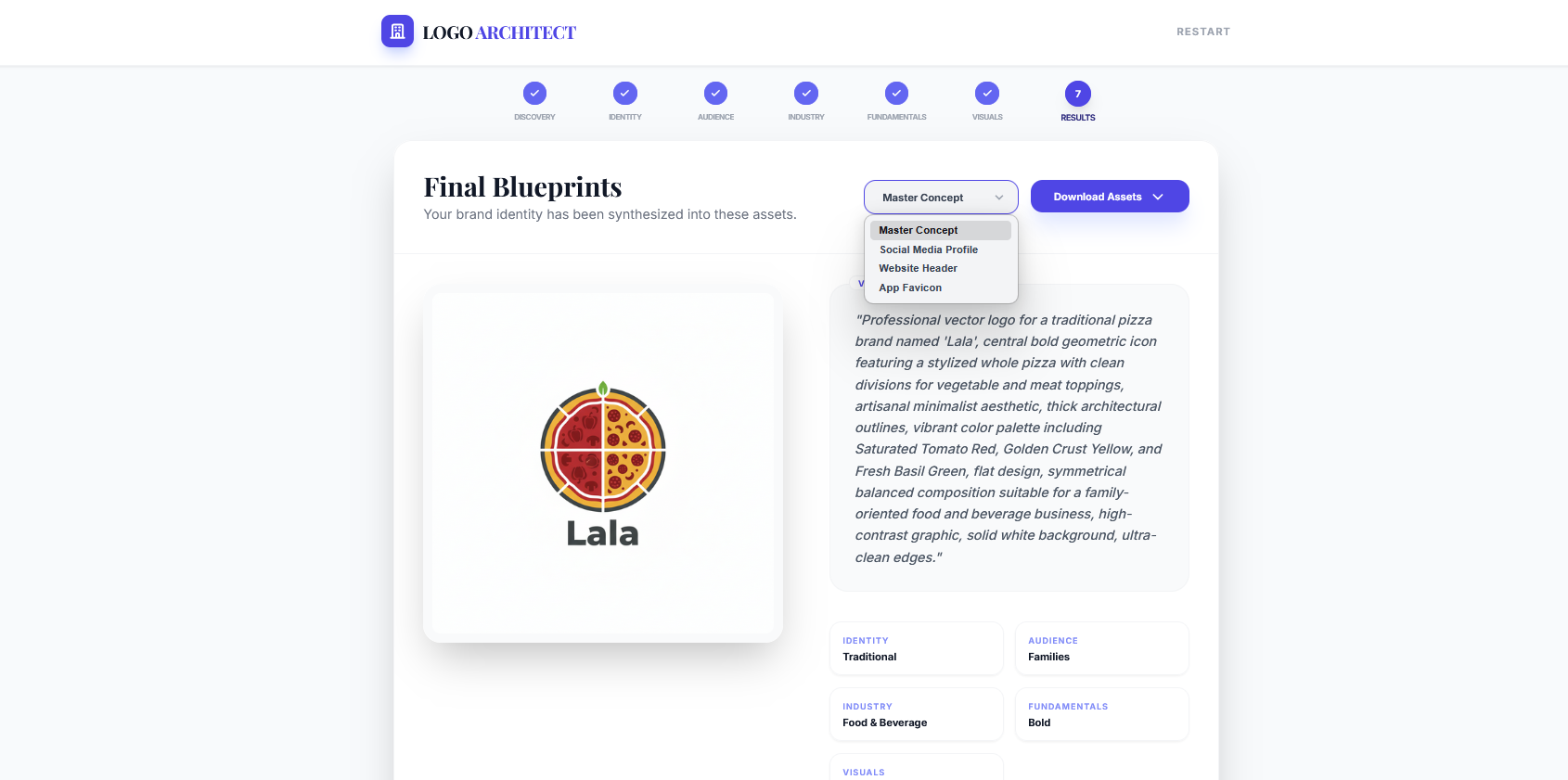
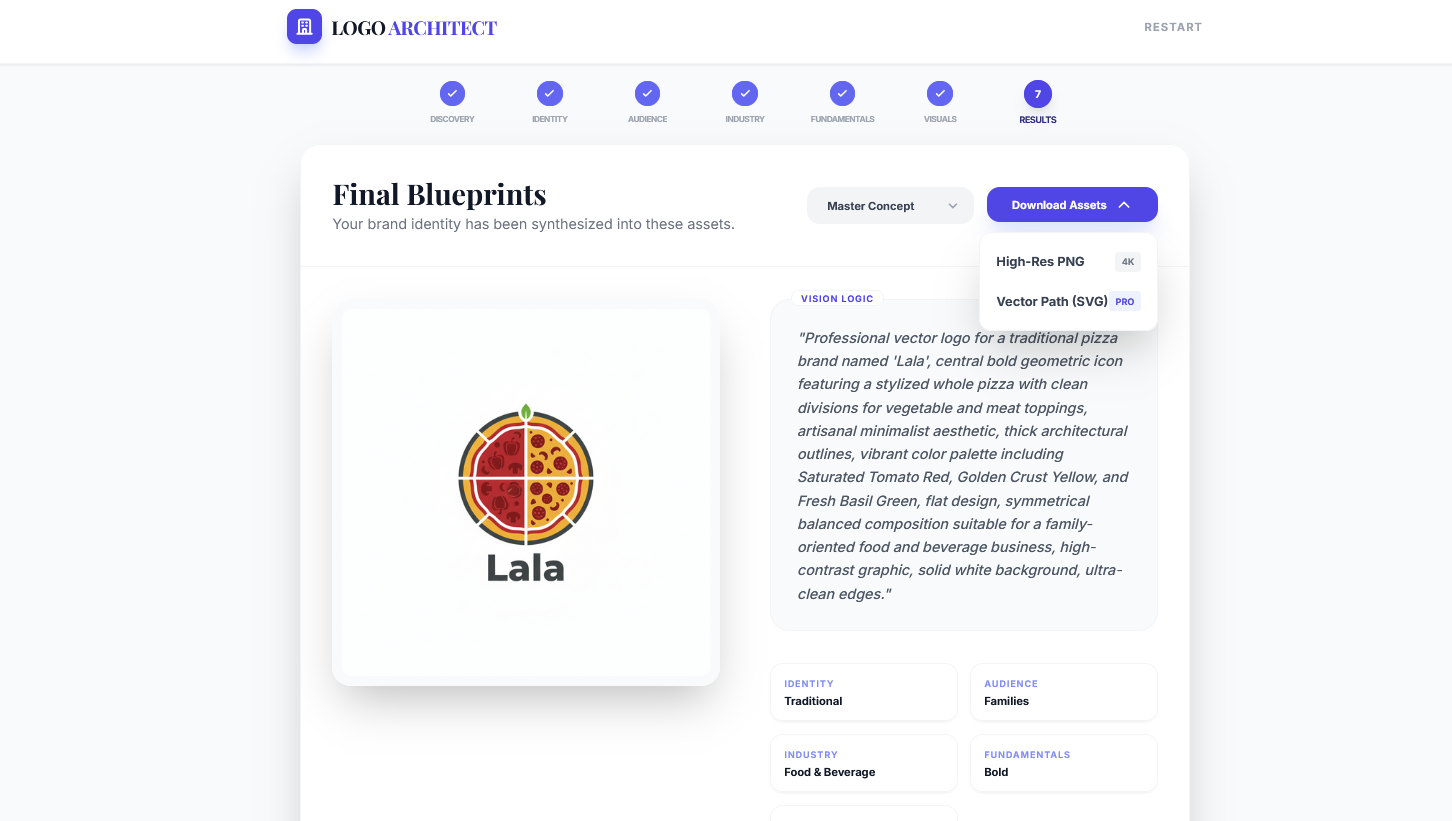
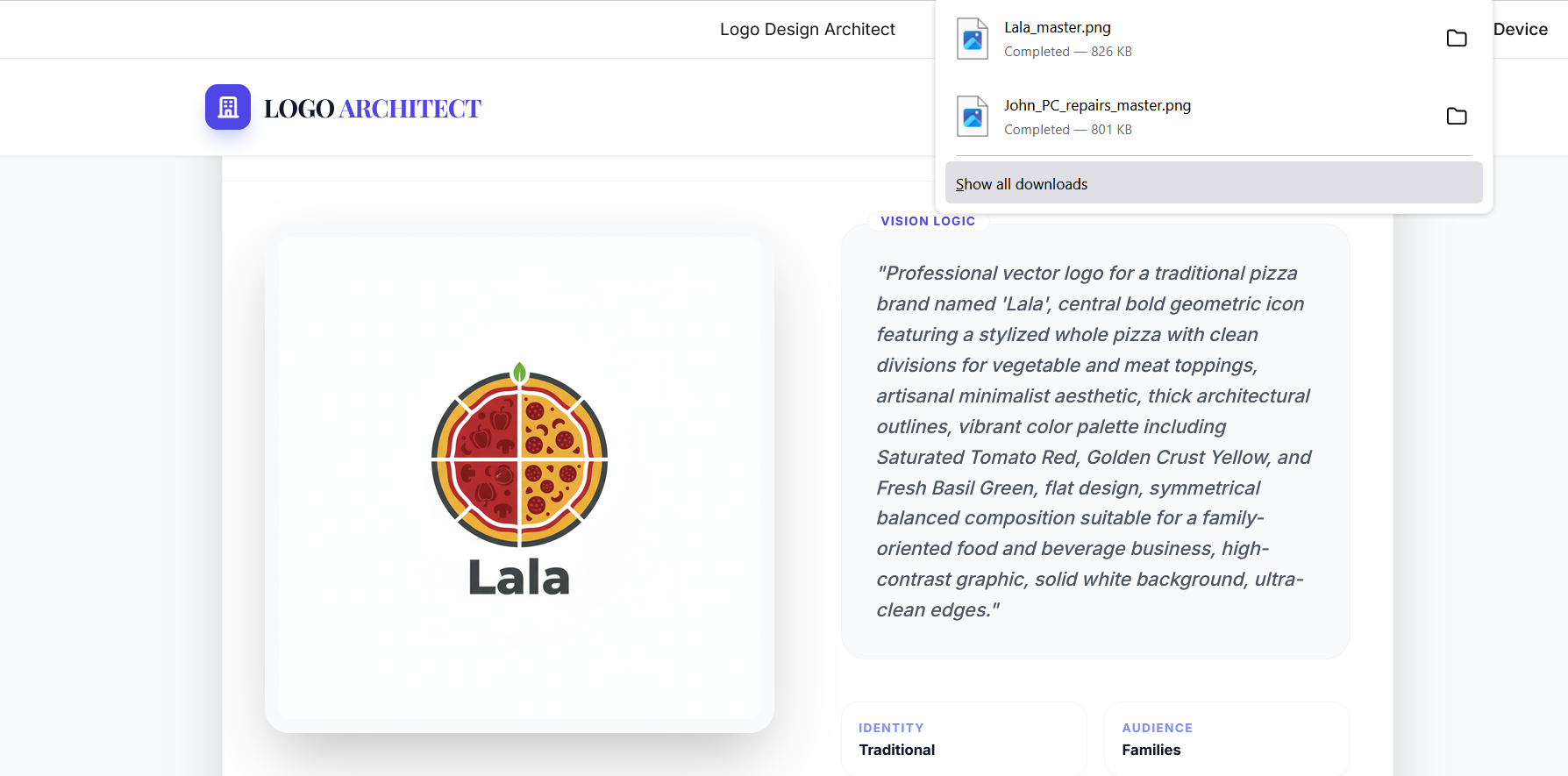
我的体验
这是我第一次使用 Google AI Studio 创建应用程序。我对所有功能的集成和协同工作印象深刻。能够自行解决所有错误并迭代修复的特性非常棒。