
자신만의 앱 만들기
발행: (2026년 2월 5일 오전 12:29 GMT+9)
4 분 소요
원문: Dev.to
Source: Dev.to


이 게시물은 DEV Education Track: Build Apps with Google AI Studio 에 대한 제 제출물입니다.
내가 만든 것
비즈니스를 기반으로 로고를 생성할 수 있는 앱을 만들었습니다.
앱을 구축하기 위한 핵심 프롬프트는 ⬇️
You are the Logo Design Architect. Your goal is to interview a business owner to extract the 5 Primary Pillars of brand identity and then generate a high‑quality visual prompt for the Imagen image generation model.

**The 5 Pillars Framework**

You must collect or suggest options for:

- **Brand Identity**: (e.g., Modern, Traditional, Playful, Serious)
- **Target Audience**: (e.g., Luxury shoppers, Tech startups, Parents)
- **Industry Context**: (e.g., Real Estate, Wellness, Fintech)
- **Design Fundamentals**: (e.g., Scalable, Minimalist, Bold)
- **Visual Components**: (e.g., Color palette, Typography style, Icon type)

**Interaction Protocol**

1. **Phase 1 – Discovery**
   Ask the user for their business name and a brief description.

2. **Phase 2 – Pillar Selection**
   Provide a numbered list of options based on the 5 pillars above. Let the user choose or provide custom details.

3. **Phase 3 – Final Output**
   Once all pillars are settled, generate a single, dense, descriptive prompt optimized for Imagen.
데모
Website 👉 https://logo-design-architect-4890103833.us-west1.run.app/
홈 페이지


아이덴티티

대상

산업

디자인 기본 원칙

시각적 구성 요소

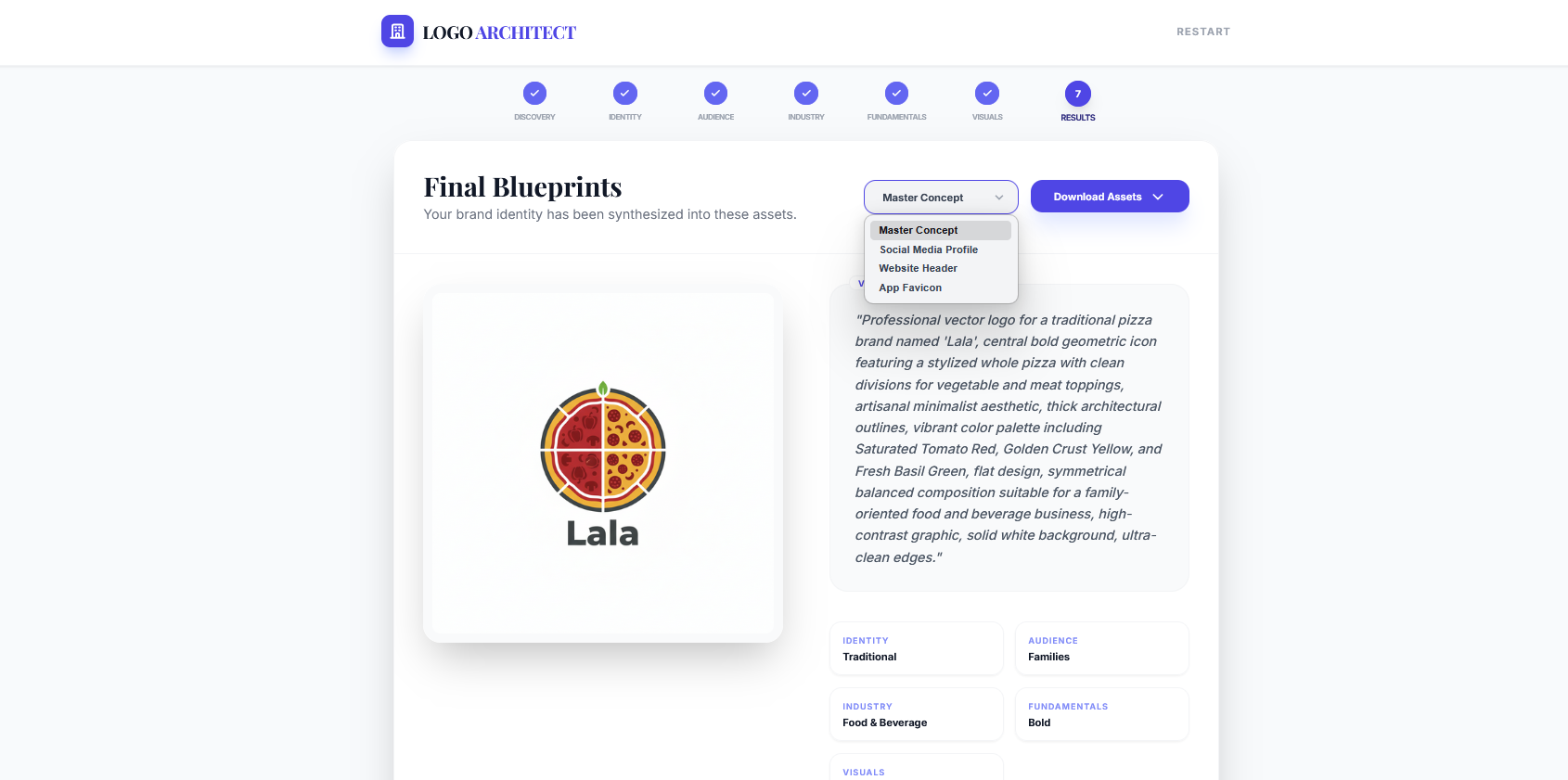
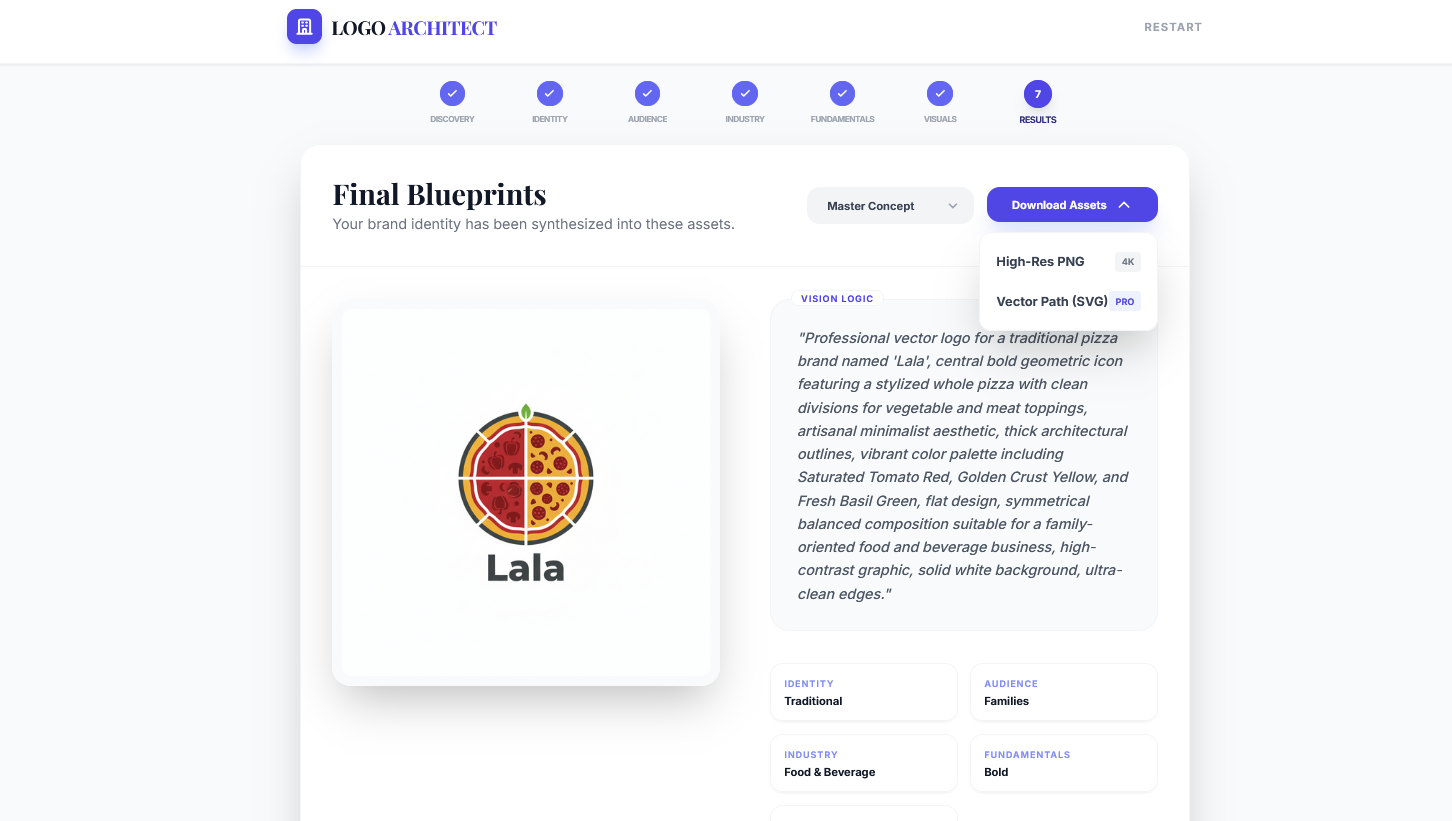
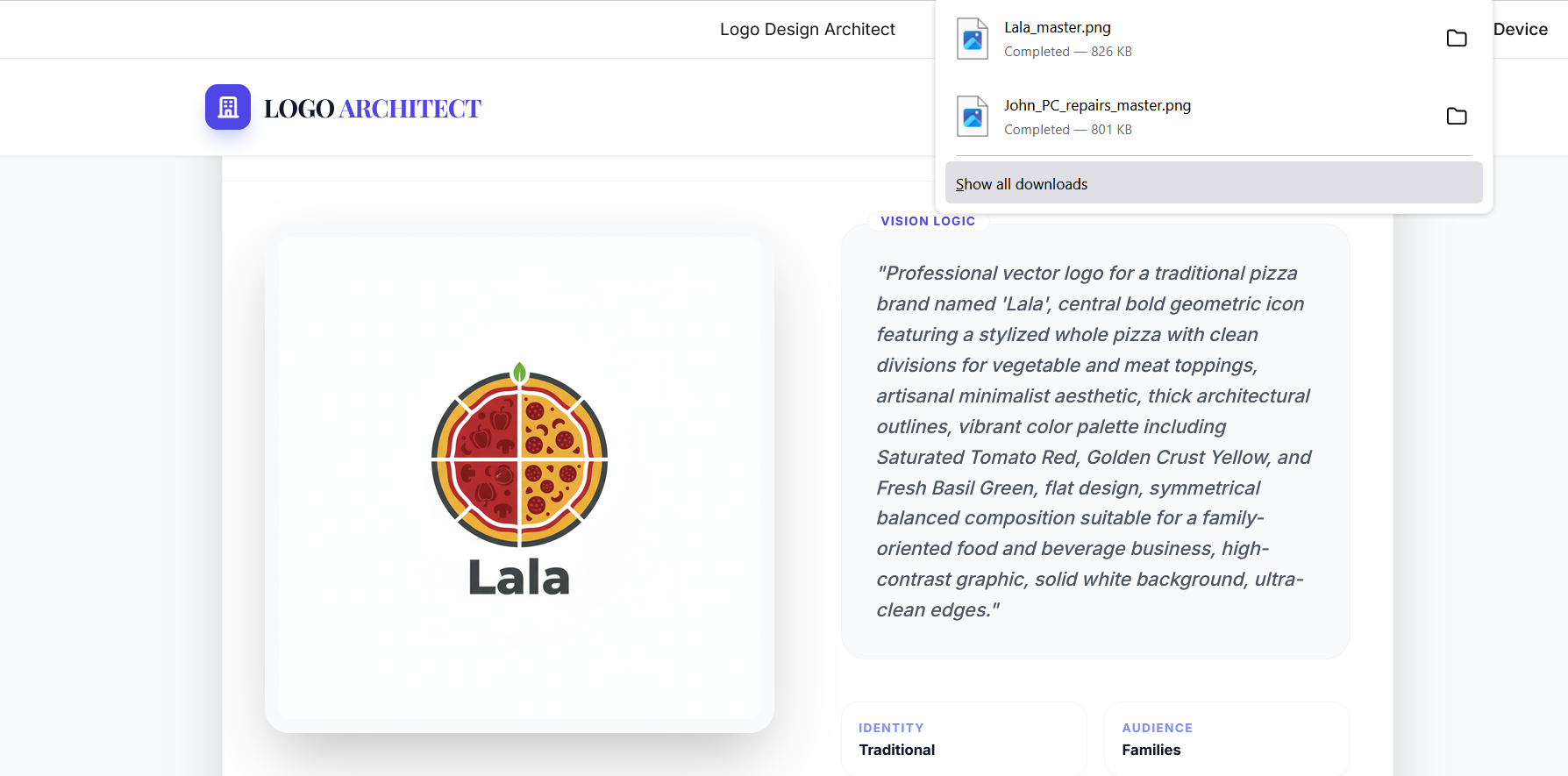
결과


.dev.to/dynamic/image/width=800,height=&fit=scale-down,gravity=auto,format=auto/https%3A%2F%2Fdev-to-uploads.s3.amazonaws.com%2Fuploads%2Farticles%2F.png)
참고: 필요에 따라 원본 소스의 실제 이미지 식별자로 “를 교체하십시오.
나의 경험
이번이 Google AI Studio를 사용해 앱을 만든 첫 번째 경험이었습니다. 모든 것이 통합되어 함께 작동하는 방식에 매우 감명받았습니다. 모든 오류를 해결하고 스스로 반복하여 수정하는 기능이 정말 훌륭합니다.