
YouTube Music finally looks good on foldables — if you tweak this hidden setting
Source: Android Authority
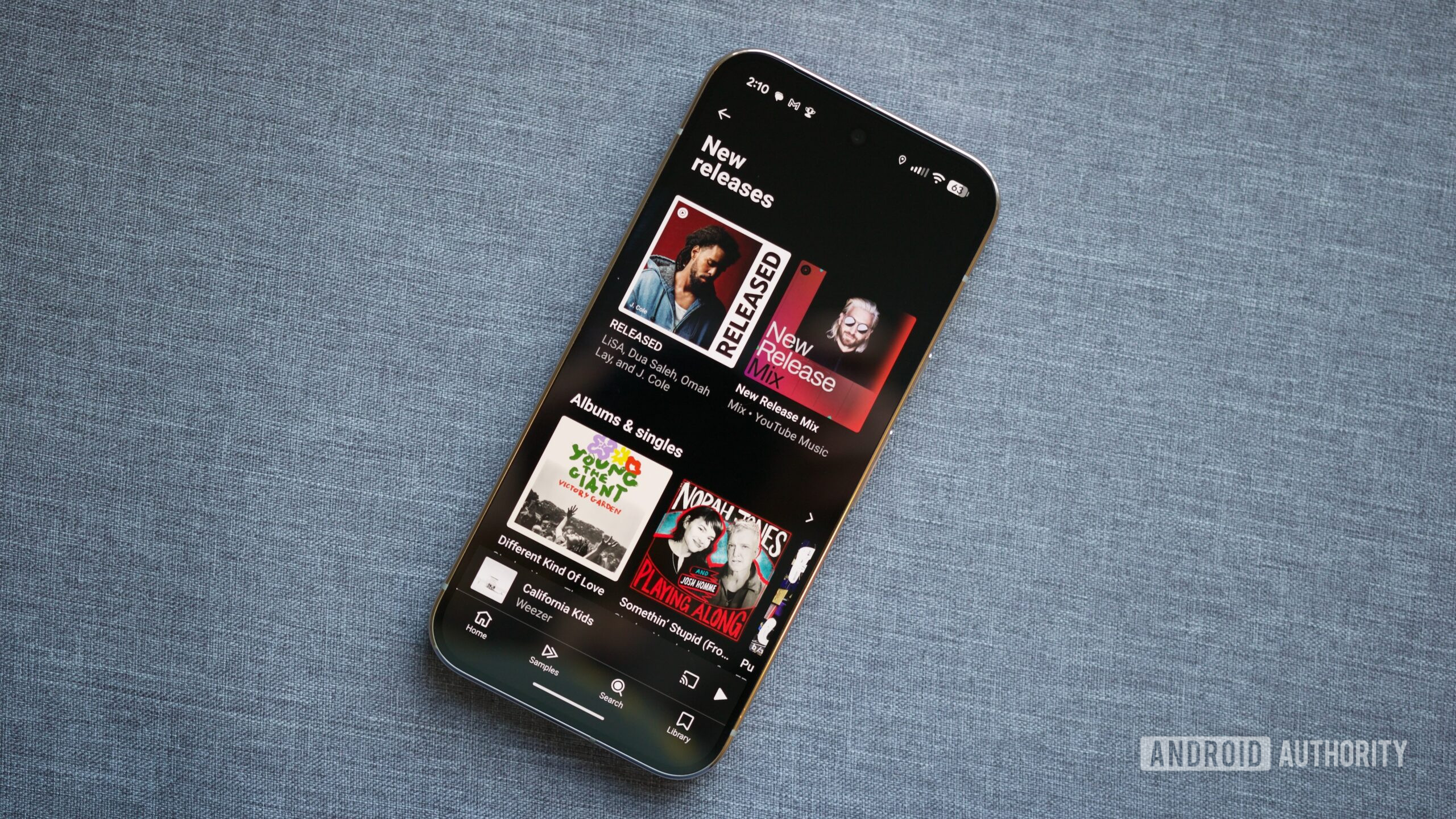
I love YouTube Premium and YouTube Music. Even with the recent price hike, the value I get from ad‑free YouTube and all the music on YouTube Music is unparalleled, especially with my family plan. That doesn’t mean I don’t have complaints, though. The device limit is stupid and difficult to reset, and the app has never been good on my foldables. Thankfully, the recent UI refresh has fixed some of my complaints with the latter.
A good foldable UI — if you change this setting
Before the redesign of the now‑playing UI, YouTube Music refused to show its foldable UI on Samsung’s foldables unless you rotated the phone into landscape. My Galaxy Z Fold 4, which hadn’t been updated yet, showed the standard UI stretched to fill its screen, wasting space. The Galaxy Z Fold 7, which has been updated, finally shows the multi‑column UI, granting quicker access to the queue and making better use of the available space.
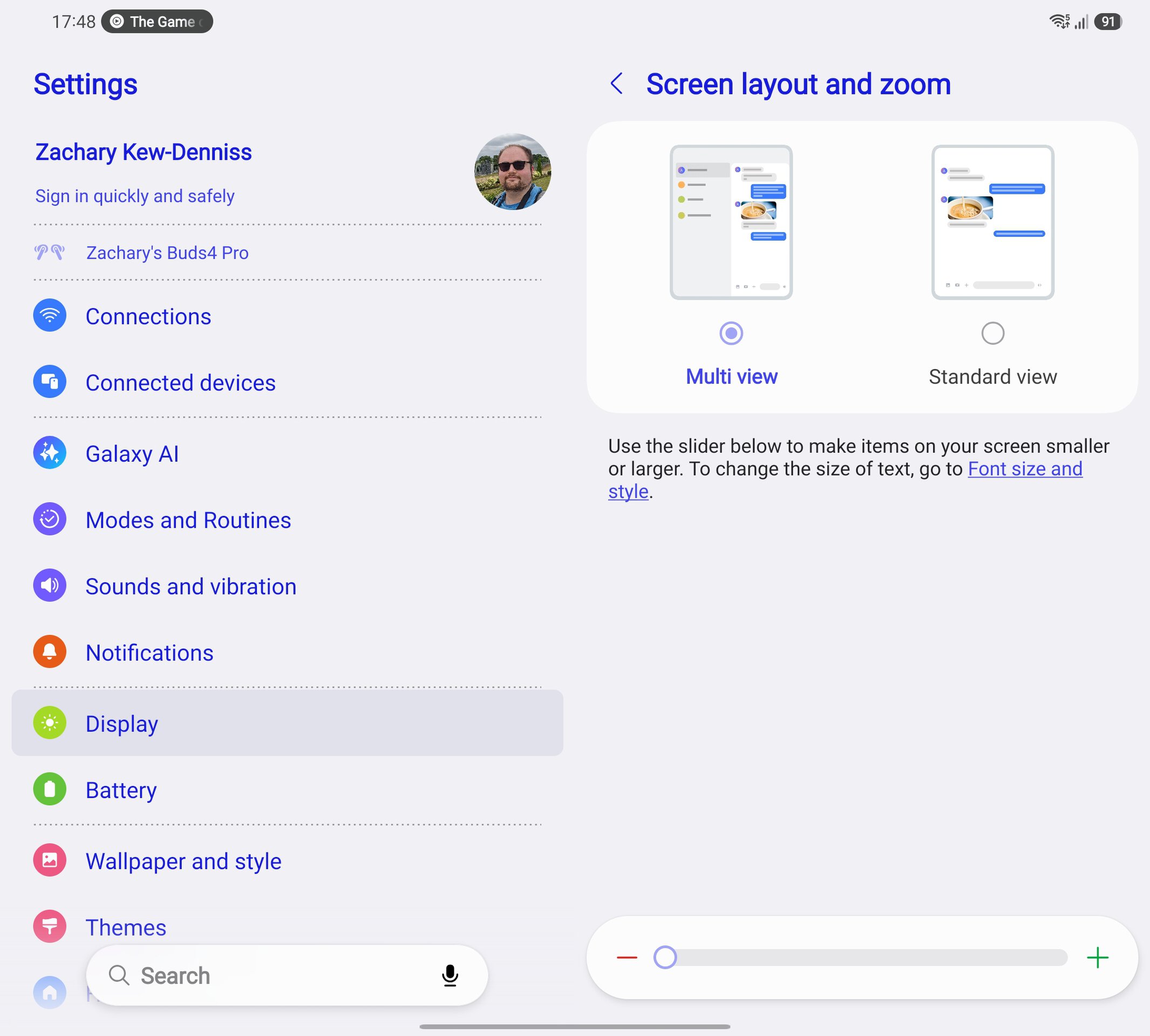
If you have a Fold 7, there’s a good chance you aren’t seeing this change yet. To get this UI working, change the phone’s screen zoom:
- Settings → Display → Screen layout and zoom.
- Reduce the screen‑zoom level (Samsung phones default to maximum).
When the zoom is set to maximum, some Google apps—like Keep—won’t show their foldable UI unless the device is in landscape. Before the UI redesign, YouTube Music ignored this setting; now it respects it and displays the multi‑column layout in portrait.
I can’t say for sure which of Samsung’s foldables this will work on. Even after updating my Fold 4 to the latest version of YouTube Music, it still refuses to show the multi‑column design in portrait view, likely because the Fold 4 has a narrower display than the Fold 7. Your mileage may vary depending on the model.
YouTube Music sucks on flip phones
As happy as I am to see YouTube Music’s app working better on my Fold 7, the experience on flip phones is terrible. One of my favorite things about my 2023 Razr Plus is the cover screen, which I use as a music player in bed. Unfortunately, YouTube Music provides no way to access lyrics or the song queue on the Razr’s cover screen, and the same issue exists on my Z Flip 6. When you pull up the now‑playing UI, it switches to the full‑screen UI meant for landscape mode, causing playback controls to disappear after a few seconds; you have to tap the screen to bring them back, and there’s no way to see the queue.
Spotify has no such issue. Even on the cramped cover screen of the 2023 Razr, I can still access all the music controls I need, including the queue and lyrics pages. Google has been putting significant effort into Android to make it the best platform for folding phones, but that focus appears to be on book‑style folds rather than flip phones.