
Your Mac might not support the Studio Display XDR’s best feature
Source: 9to5Mac
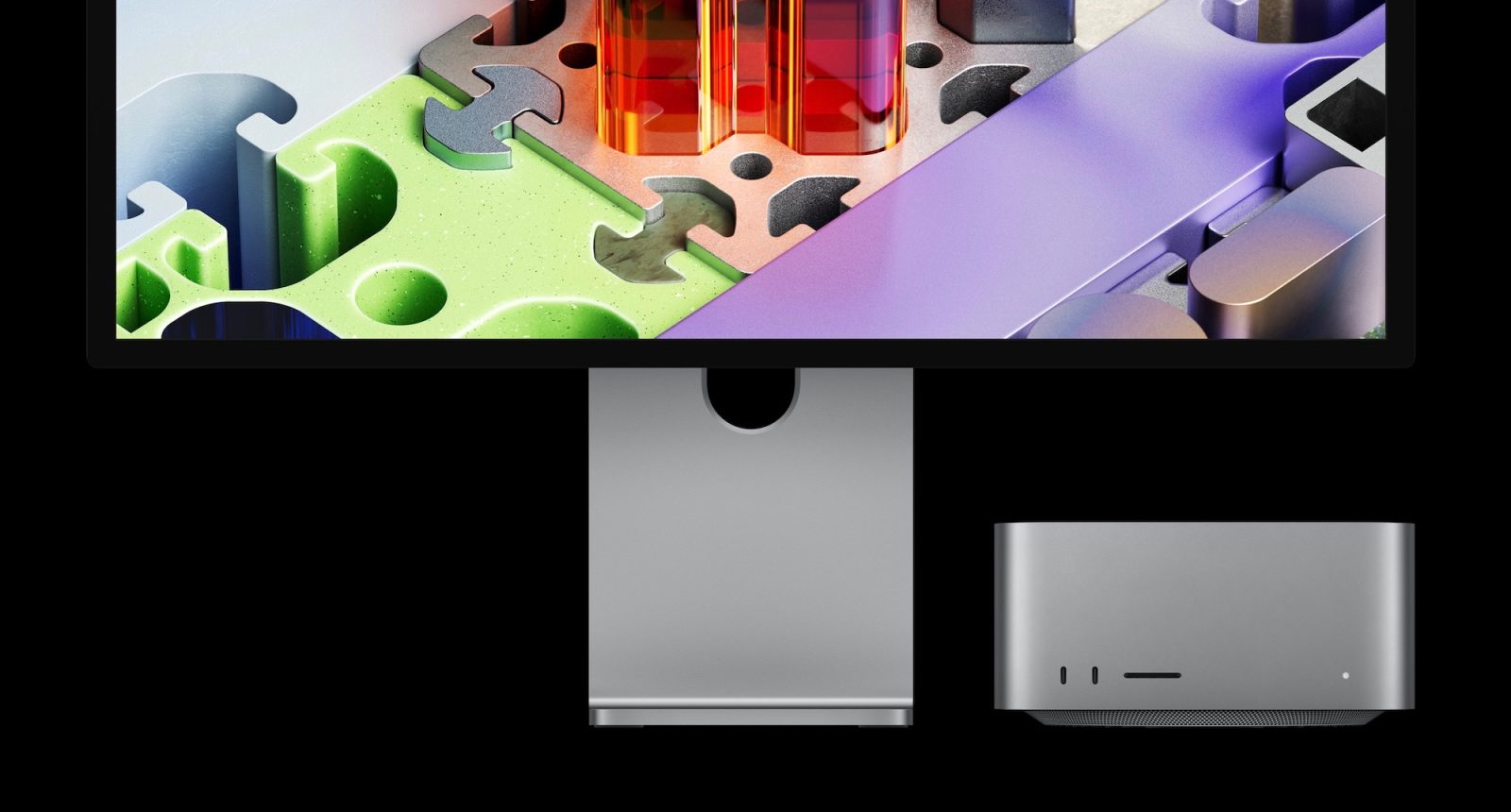
Apple announced the all‑new Studio Display XDR today, and it has several key upgrades over the basic Studio Display, including a 120 Hz refresh rate. However, you’ll need a newer Mac to take advantage of that higher refresh rate. Here’s everything you need to know.
Studio Display XDR: Mac compatibility
Apple says that the Studio Display XDR is compatible with the following Macs powered by Apple Silicon:
- 16‑inch MacBook Pro (2021 and later)
- 14‑inch MacBook Pro (2021 and later)
- 13‑inch MacBook Pro (M1, 2020 and later)
- 15‑inch MacBook Air (2023 and later)
- 13‑inch MacBook Air (M1, 2020 and later)
- Mac Studio (2022 and later)
- Mac mini (2020 and later)
- Mac Pro (2023 and later)
- 24‑inch iMac (2021 and later)
As you can see, this means Studio Display XDR is not compatible with any Intel‑powered Macs.
Studio Display XDR: 120 Hz compatibility
Support for the Studio Display XDR’s 120 Hz refresh rate is more limited.
- Macs with M1, M1 Pro, M1 Max, M1 Ultra, M2, or M3 can use the display at up to 60 Hz. All other features are supported, Apple says.
Studio Display XDR: iPad compatibility
If you plan to pair your Studio Display XDR with an iPad, Apple says the following models are compatible:
- iPad Pro (M4 and M5)
- iPad Pro 12.9‑inch (3rd–6th generation)
- iPad Pro 11‑inch (1st–4th generation)
- iPad Air (M2, M3, and M4) – 5th generation
Only the M5 iPad Pro supports Studio Display XDR at 120 Hz; all other iPad models are capped at 60 Hz.
Wrap up
These limitations do not apply to the base Studio Display, which also saw an update today (albeit a far less exciting one).
The Studio Display XDR will be available to order starting tomorrow, Wednesday, March 4 at 9:15 am ET. The first orders are expected to arrive on March 11.
FTC: We use income‑earning auto affiliate links.