
New Studio Display vs Studio Display XDR: Here’s everything different
Source: 9to5Mac
Apple unveiled two Mac displays today: a new Studio Display and a Studio Display XDR. Here’s everything that’s different (and the same) between the two models.
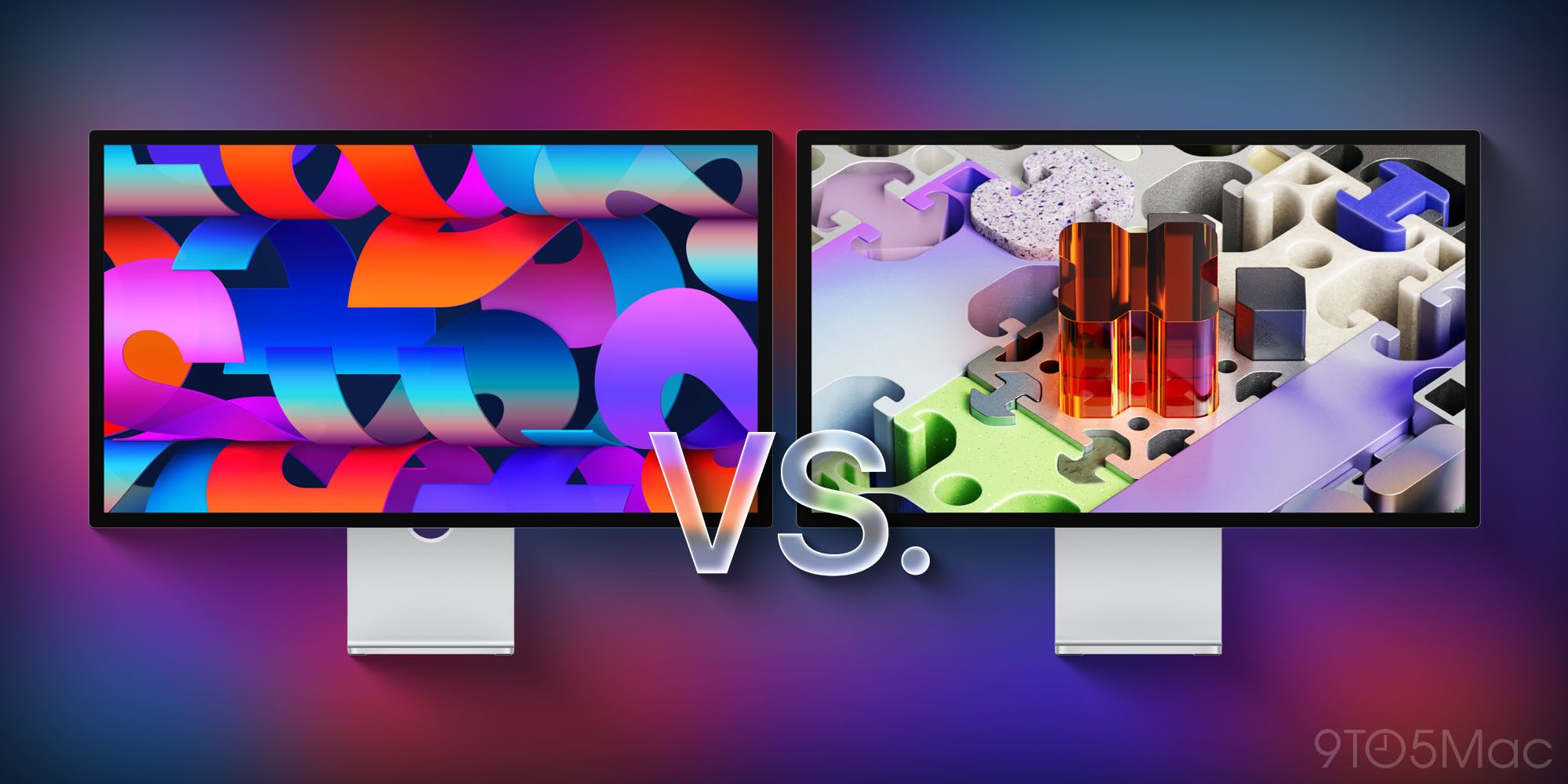
It’s not often that Apple launches a new Mac display, but today we got two of them.
There’s a new Studio Display, which starts at $1,599, and the Studio Display XDR that starts at $3,299. The latter serves as a replacement of sorts for the Pro Display XDR, which was discontinued today. The former offers the next generation of the standard Studio Display that first launched in 2022.
Both displays share many features:
- 27‑inch 5K resolution (5120 × 2880) at 218 ppi
- 12 MP Center Stage camera with improved image quality and Desk View support
- “Studio‑quality” three‑mic array and six‑speaker system with Spatial Audio
- Thunderbolt 5 connectivity
- Optional nano‑texture glass
The big differences between Studio Display and Studio Display XDR
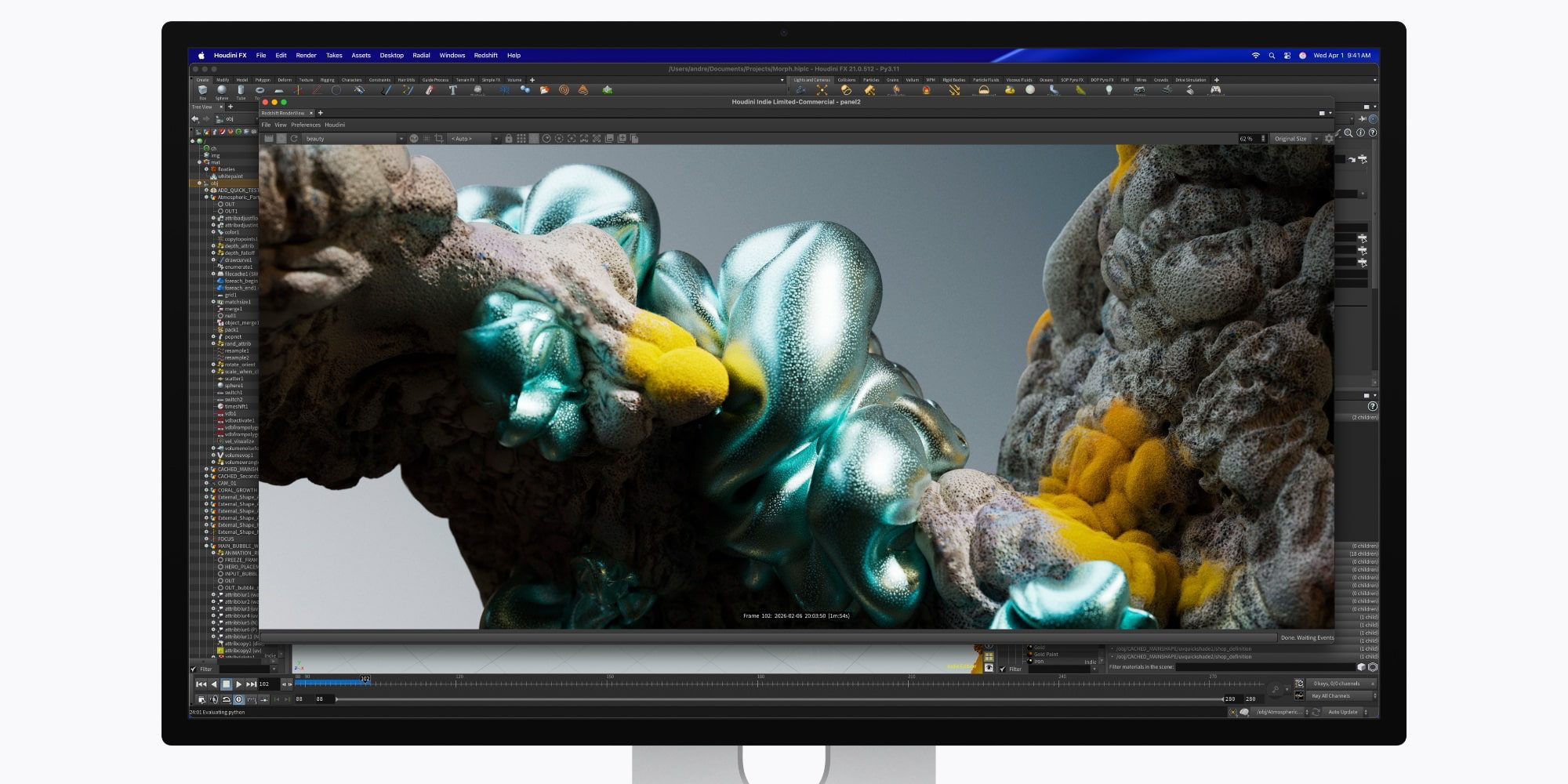
The price gap is primarily due to the display technology. Below is a quick comparison:
| Feature | New Studio Display | Studio Display XDR |
|---|---|---|
| Backlight | LED | mini‑LED with 2,304 dimming zones |
| Refresh Rate | 60 Hz | 120 Hz with Adaptive Sync |
| Brightness | 600 nits | Up to 1,000 nits SDR, 2,000 nits HDR |
| Color Gamut | P3 | P3 + Adobe RGB |
Apple recommends the Studio Display for “a range of professional workflows — from photo and video editing to coding, music production, and everyday tasks.” The Studio Display XDR is “designed for workflows like HDR video editing, 3D rendering, and diagnostic radiology,” and supports new DICOM medical imaging presets as well as other special reference modes.
More differences between each Studio Display

Beyond the display panel, there are a few additional distinctions:
- Ports & Charging: Both models have two Thunderbolt 5 and two USB‑C ports. The Studio Display XDR’s upstream Thunderbolt 5 port provides 140 W host charging, whereas the Studio Display offers up to 96 W.
- Stand Options: The Studio Display XDR includes a tilt‑ and height‑adjustable stand by default. The Studio Display ships with a tilt‑adjustable stand; a height‑adjustable option costs an additional $400.
- Dimensions & Weight:
- Depth (default stand): Studio Display – 6.6 in; Studio Display XDR – 8.4 in.
- Depth (VESA mount): Studio Display – 1.2 in; Studio Display XDR – 1.3 in.
- Weight: Studio Display XDR – 18.7 lb; Studio Display – 16.8 lb.
New Studio Display vs Studio Display XDR: wrap‑up
If you’re deciding between the two, the more affordable Studio Display is likely the better choice for most users. While mini‑LED and 120 Hz support are attractive, they come at a significant premium: $1,599 versus $3,299.
However, if you need the highest‑end display Apple offers—especially for HDR video work, 3D rendering, or medical imaging—the Studio Display XDR delivers those capabilities.