
You won’t need to leave your Pixel Watch behind to use Google’s new Fitbit Air
Source: 9to5Google
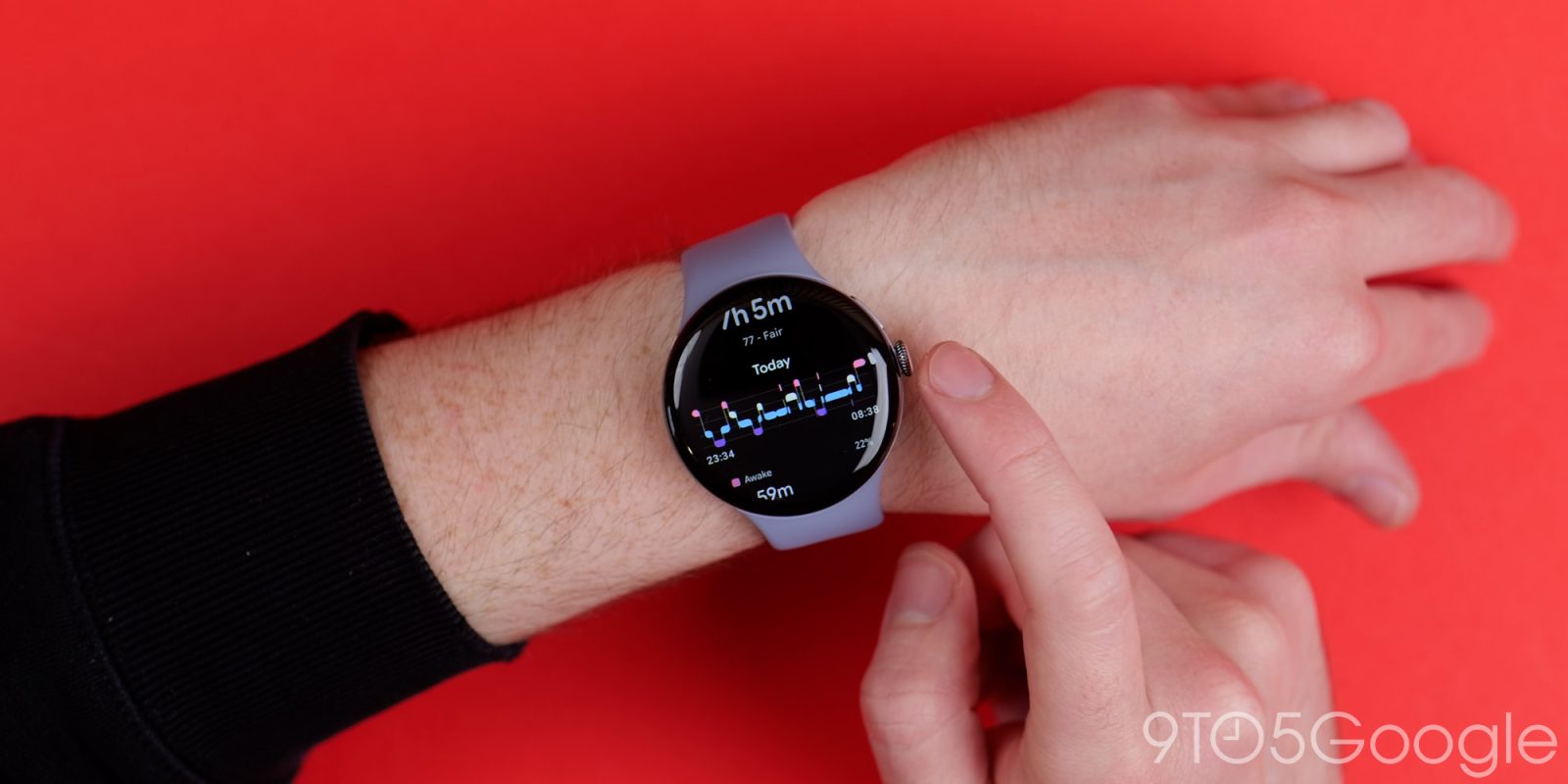
Overview
Google’s display‑less Fitbit Air is finally official — see the announcement here. The news brings a useful perk for anyone who already owns a Pixel Watch: both wearables can be used together.
How the two devices work together
- Simultaneous or separate wear – You can wear the Pixel Watch and Fitbit Air at the same time, or switch between them as needed.
- Automatic data sync – Health and fitness metrics from either device are synced to Google’s new Health app.
- Device‑specific filtering – Within the Health app you can filter data by device, letting you distinguish activities recorded on the Pixel Watch (e.g., a park run) from those captured by the Fitbit Air (e.g., sleep tracking).
- Charging flexibility – Because data is synced continuously, you can charge either device without losing a minute of metric collection.
What Google says about the setup
Google notes that the ability to filter data helps you keep track of which device captured which activity, and it also ensures that charging one device doesn’t interrupt your overall health monitoring.
No inherent advantage to wearing both at once
While you can wear both devices simultaneously, there’s no performance benefit to doing so. The arrangement is similar to Samsung’s past approach with its Galaxy Watch lineup and the Galaxy Ring — see the comparison here. Samsung’s setup was designed to extend the Ring’s battery life by up to 30% by offloading tracking to the watch.
With the Pixel Watch and Fitbit Air, the recommendation is to choose the device that best fits your current fitness need. Since both sit on your wrist rather than a finger, alternating between them is a reasonable compromise.