
You can now choose which games use Quick Resume on Xbox
Source: Engadget
Esolex/Getty Images
Per‑game Quick Resume toggle
Microsoft is finally giving all Xbox owners the option to disable Quick Resume on a per‑game basis. The feature was tested with Xbox Insiders in March (see original test) and is now rolling out as part of the April Xbox update (details here).
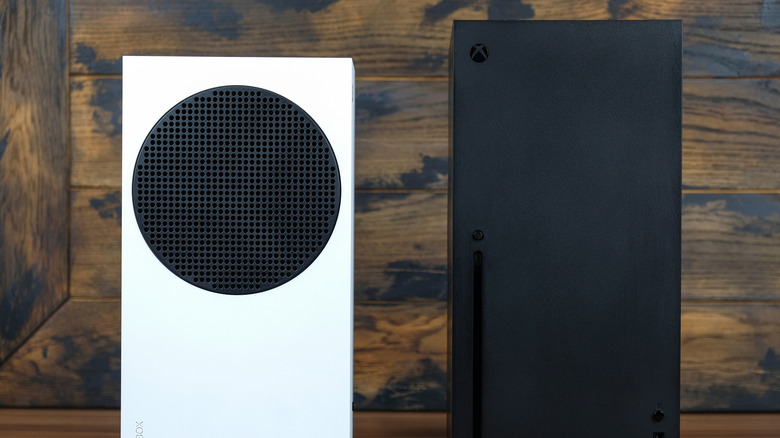
When the Xbox Series S and X launched, Quick Resume was a flagship feature: it lets you suspend one or more games and switch between them without losing progress, even after turning off the console. This works for most titles, but games that require a constant internet connection (e.g., MMOs) could drop you back to the main menu or force a restart when you tried to resume. With the new per‑game toggle, you can turn Quick Resume off for those titles and avoid those interruptions.
Additional console and PC updates
Console
- Home screen groups – You can now pin more groups of games to your Xbox home screen.
- Custom UI color – Set a custom color for the Xbox interface.
- Play‑history shortcuts – Easier access to your play history for a given game.
PC (Xbox PC app)
- Use any gamepad to move the mouse cursor.
- Pin favorite games in the “Jump back in” or “Most recent” menus.
- Add any installed app or game to your Xbox library, even if it wasn’t purchased through Microsoft.
These updates arrive alongside the new Automatic Super Resolution feature being tested on ASUS ROG Xbox Ally handhelds (read more).
Strategic context
The more frequent software‑update cadence appears to be a deliberate effort under the new Xbox CEO Asha Sharma (reportedly a strategic shift). Recent changes include a price cut to Xbox Game Pass, lowering the Ultimate tier from $30 to $23 per month (details).