
Why I Started Structuring My Development Notes (After Getting Called Out 😅)
Source: Dev.to
Early in my career as a software engineer, my notes were pure chaos.
My supervisor pointed out that they were scattered, and she was right.
I had notes everywhere:
- Notebooks
- Sticky notes
- Screenshots
- Slack messages
- ChatGPT conversations
Whenever I solved something during development I would write it down somewhere, but “somewhere” was never the same place. When the same problem resurfaced I had to search everywhere—or worse, ask my supervisor again.
The Problem: Scattered Notes
My supervisor, with over 20 years of experience as an architect, engineer, and solution analyst, never searched chats or scrolled through messages. She simply opened the appropriate documentation:
- FRS
- Technical documentation
- System notes
Everything was structured and traceable. Need to check a system flow? Open the document. Need to confirm a requirement? Open the document. Need to understand logic? Open the document. It looked effortless, and I was amazed.
Observing Better Practices
Watching other developers, I discovered a simple yet powerful tool: Google Keep. It allowed clean, sectioned notes—project setup, debugging steps, configuration, useful commands—all searchable.
The real problem wasn’t forgetting; it was not being able to find what I had already learned.
My Structured Note System
I changed one small habit: whenever ChatGPT helped me solve something (debugging an error, understanding a framework, fixing configuration), I extracted the useful parts and saved them into my own structured notes.
Example Layout
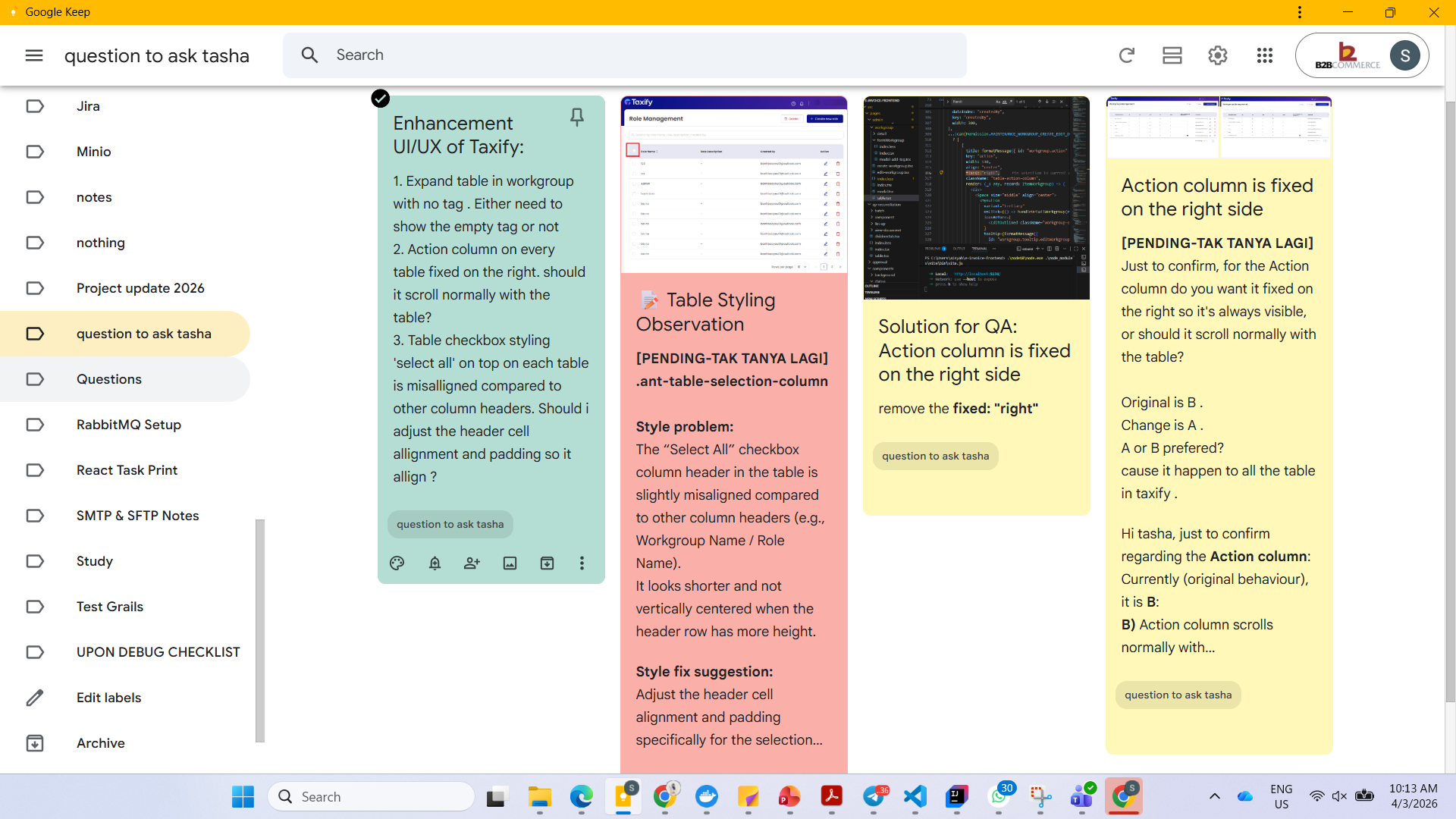
- Project Setup – Environment configuration and installation steps
- Common Errors – Error message, root cause, and solution
- Debugging Notes – Things that broke and how I fixed them
- Architecture Understanding – Service flow and system logic
- Database Notes – Important tables and queries
- Useful Commands – Terminal commands and scripts
The difference has been huge. When I return to a project after days or weeks, I simply search my notes instead of starting from scratch. It also reduced how often I interrupt my supervisor with questions like “how did we fix this last time?”. Organizing my notes made me feel more like an engineer building knowledge over time rather than repeatedly solving the same problems.
Good developers don’t just write code—they build systems to remember what they learn. Sometimes growth starts with a simple comment: “Your notes are scattered.” That sentence quietly changed how I work.
Tools and References
- Google Keep –
- Notion –
- Obsidian –
Further Reading
- Functional Requirement Specification explanation –
- Software documentation guide –
I’m still improving how I document things. How do you organize your development knowledge? Notes app, documentation, personal wiki, or something else? I’d love to learn how other developers manage this.