
Top 5 CLI Coding Agents in 2026
Source: Dev.to
Introduction
The command line has always been home turf for developers who value speed, clarity, and control. By 2026, AI has settled comfortably into that space. CLI coding agents are no longer just autocomplete helpers—they plan features, modify multiple files, run tests, and interact with Git, all without pulling you away from the terminal.
These tools live where many developers already spend most of their day, understanding repositories as a whole, reasoning about changes, and acting directly on the codebase. For terminal‑first developers, this feels less like using a tool and more like working with a capable pair programmer.
Advantages of CLI Coding Agents
- Stay entirely inside the terminal
- First‑class Git integration with meaningful commits
- Multi‑file refactoring and feature implementation
- Support for local and cloud‑based AI models
- Faster feedback for experienced developers
Claude Code
Claude Code brings advanced reasoning directly into the terminal. It excels at understanding large and complex codebases in a single session, making it useful for architectural discussions, deep debugging, and careful refactoring.
- Explores repositories, edits files, runs shell commands, and commits changes
- Focuses on understanding intent and explaining solutions, not just generating code
- Ideal for senior developers who want thoughtful analysis alongside execution
- Pricing: pay‑per‑use model based on token consumption
Codex CLI
Codex CLI keeps the workflow lightweight. You issue instructions, it responds with code, and you decide how to apply it. This minimal friction approach is appealing for developers who want maximum control.
- Great for quick scripts, experiments, and integration testing
- Works well when paired with existing terminal tooling
Gemini CLI
Gemini CLI connects Google’s AI models to the terminal in a clean, responsive way. It’s known for fast feedback and strong performance on frontend‑related tasks, including UI generation and code optimization.
- Uses a reason‑and‑act loop: thinks through a task, runs commands (e.g.,
grep, file edits), iterates until the goal is reached - Handles large projects well and supports multimodal inputs when needed
- Generous free tier and open‑source development make it approachable for individuals and teams
OpenCode
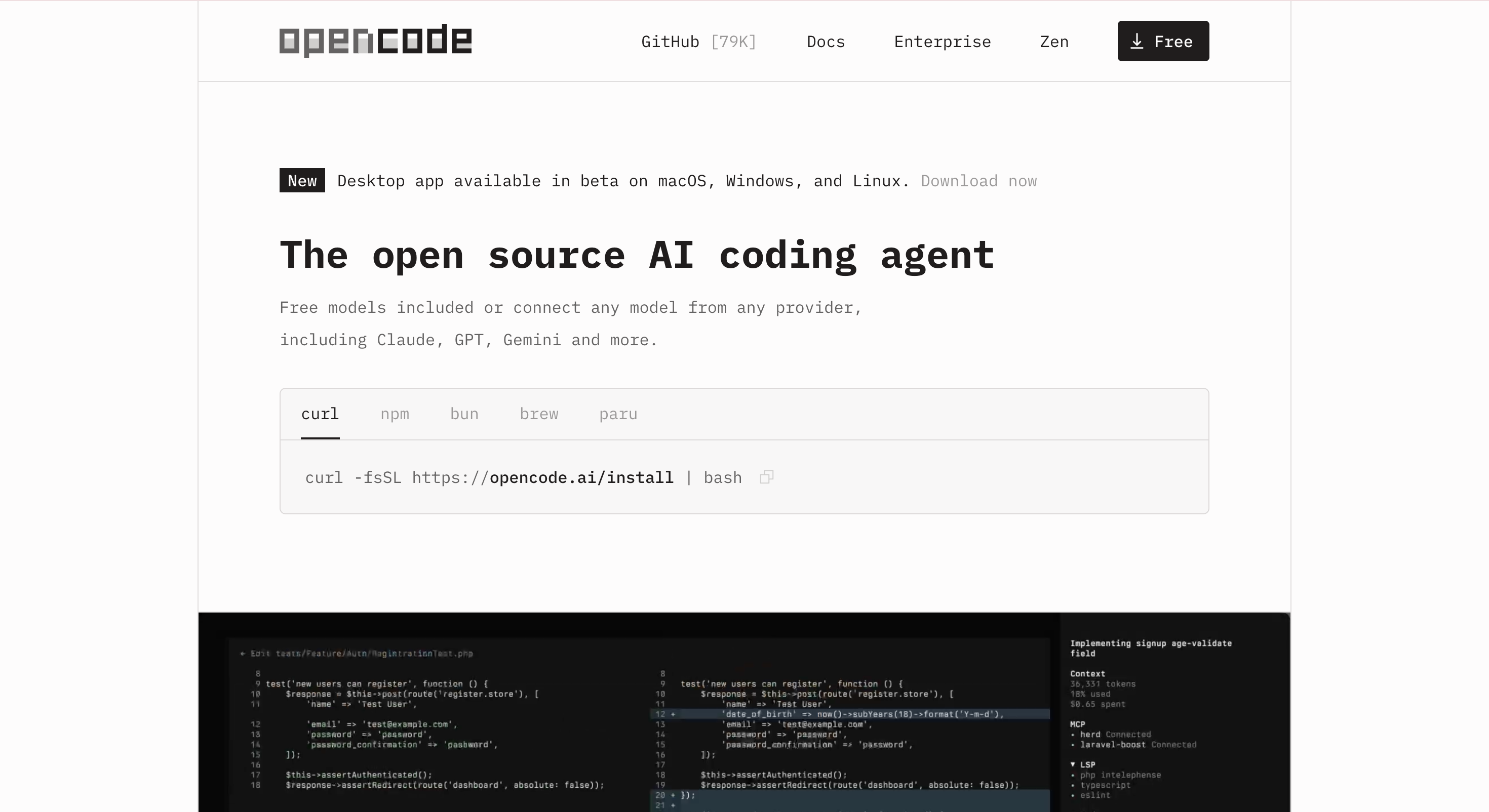
OpenCode (formerly referenced as “Opencode”) provides a polished, interactive terminal interface and integrates with language servers for code intelligence such as diagnostics and structure awareness. It does not store your code or context, making it a strong choice for sensitive projects.
- Freedom from vendor lock‑in
- Adaptable for a wide range of workflows
Aider
Aider builds a map of your entire repository, which works well for refactoring and feature updates that touch many files at once. It supports multiple AI models, including local models via Ollama, making it useful for both cloud‑based and privacy‑focused workflows.
- Open‑source and free to use; you only pay for the AI model you connect to
Choosing the Right Tool
- Deep reasoning across large systems: Claude Code
- Simple, fast interface to powerful models: Codex CLI
- Rapid iteration and UI‑focused tasks: Gemini CLI
- Flexibility and privacy: OpenCode or Aider
Many developers use more than one tool, switching based on the task at hand, which often delivers the best results.
Getting Started
- Pick one agent and integrate it into an existing Git workflow.
- Review every change it makes, run tests, and treat the agent as a collaborator rather than an authority.
- Consider local models to reduce cost and improve privacy, or cloud models for complex reasoning.
- Combine CLI agents with traditional IDE tools, using each where it feels strongest.
Conclusion
CLI coding agents in 2026 represent a shift from suggestion‑based assistance to truly agentic workflows. They plan, act, and adapt while staying rooted in the terminal. Most are open‑source or low‑cost, and many support local execution for privacy‑conscious developers.
The real advantage is focus: with AI embedded directly into the command line, developers spend less time context‑switching and more time building. Pick one or two tools that match your habits, and the terminal becomes not just a place to run commands, but a space where real collaboration with AI happens.