
The Galaxy S23 series and A56 are next in line for Samsung’s big One UI 8.5 update
Source: Android Authority
Hadlee Simons / Android Authority
TL;DR
- Samsung has started rolling out the stable One UI 8.5 update for the Galaxy S23 series and Galaxy A56 in South Korea, with more regions expected to follow soon.
- Android 16 QPR2‑based One UI 8.5 brings Samsung’s refreshed design, featuring smoother animations, cleaner visuals, redesigned stock apps, and more customization options.
- The update is rolling out in phases, so users outside South Korea may need to wait a few more days before it appears in the Software update section.
One UI 8.5 rollout expands to the Galaxy S23 series
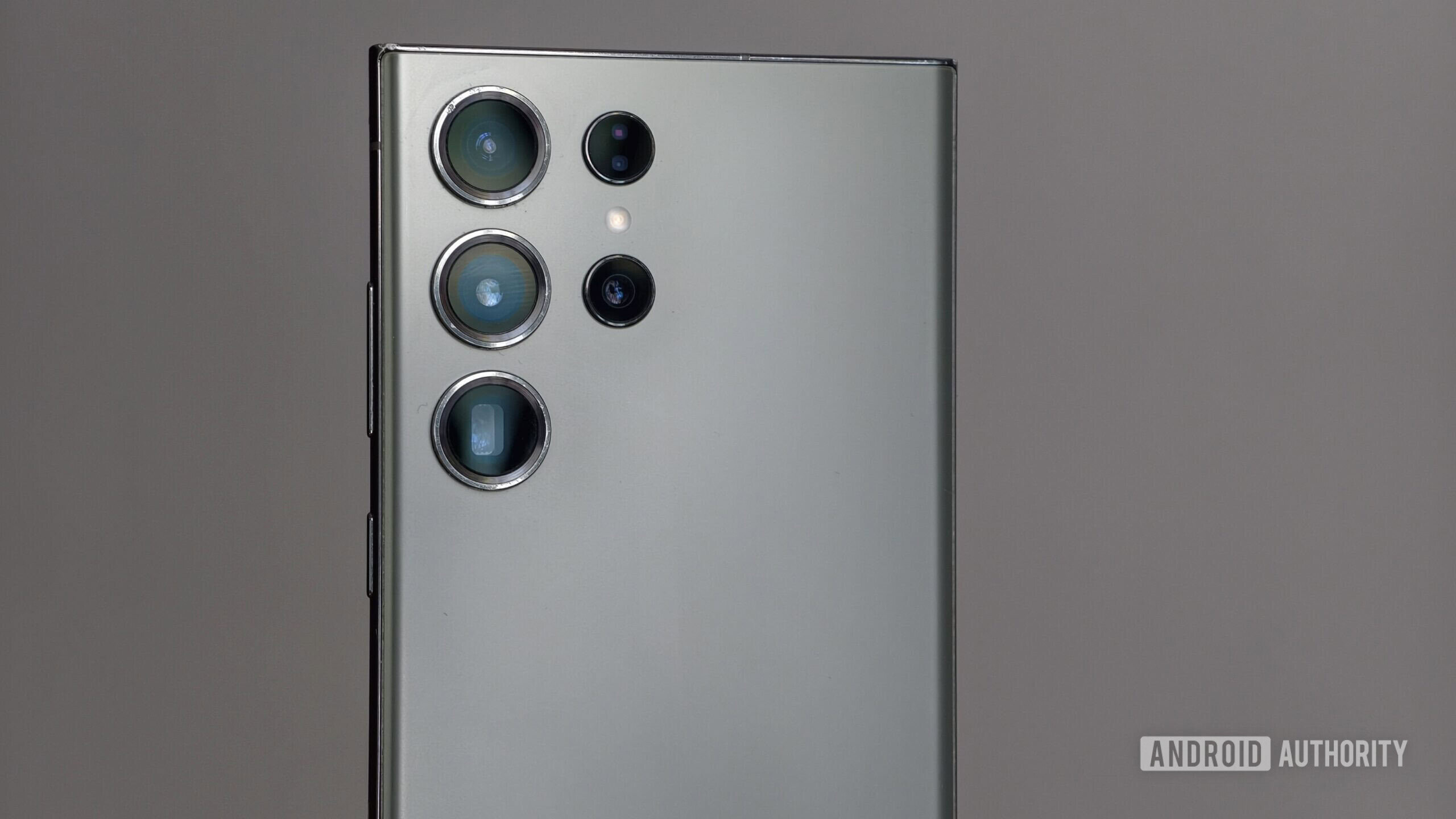
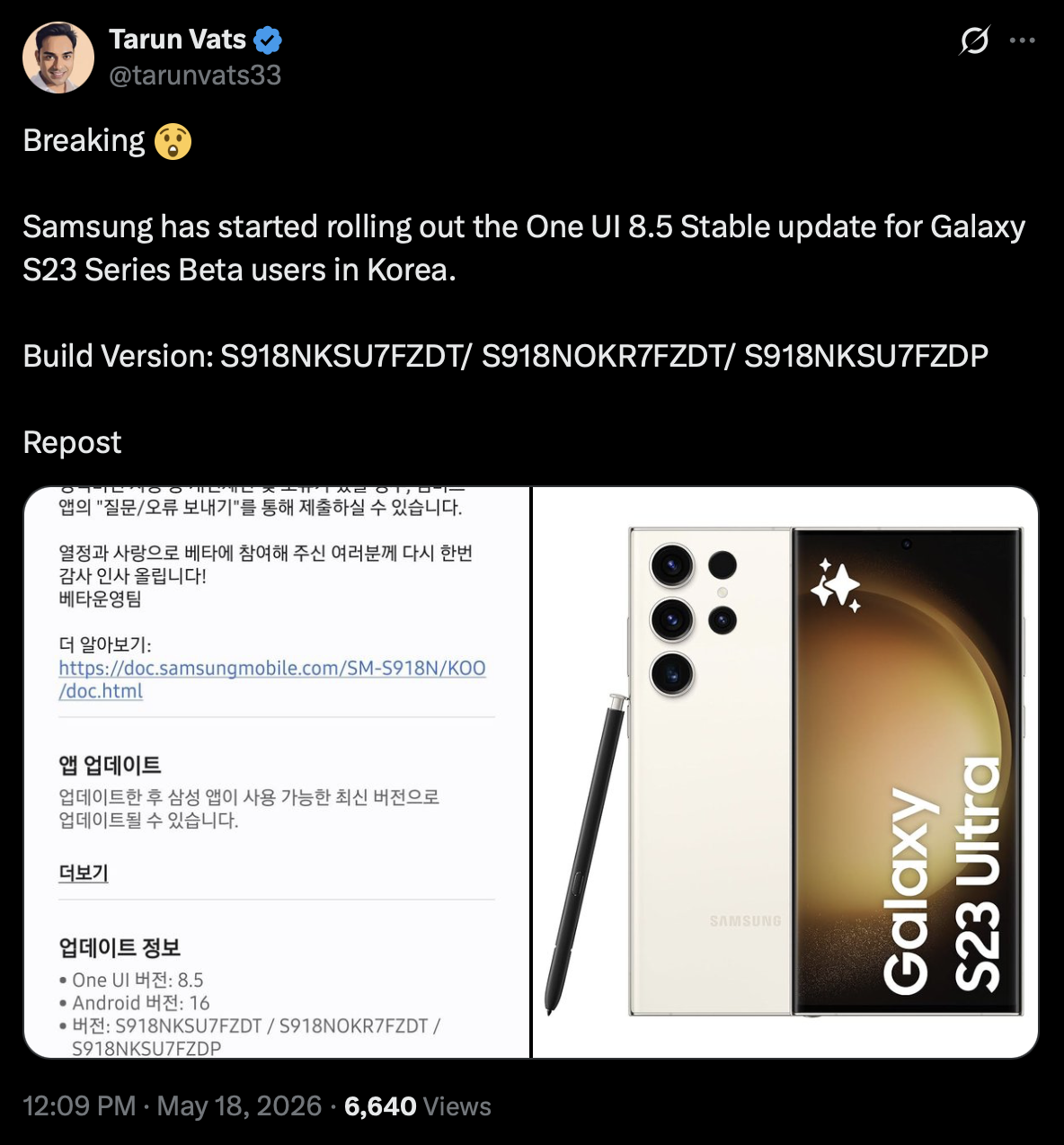
Samsung’s One UI 8.5 rollout is now picking up serious pace. After pushing the stable update to older flagship phones like the Galaxy S25 and the Galaxy S24 series in the US, Samsung has started rolling out the stable One UI 8.5 update in South Korea for the Galaxy S23, S23 Plus, and S23 Ultra (via SamMobile).
The update arrives with firmware version S91xNKSU7FZDT and is about 390 MB for devices already on the beta channel. Tipster Tarun Vats confirmed the rollout on X.
One UI 8.5 introduces Samsung’s refreshed design language built on top of Android 16 QPR2, with cleaner visuals, smoother animations, and a more polished overall interface. Stock apps have been reworked to match the new style, and additional personalization options are available throughout the system.
Galaxy A56 also receives One UI 8.5
Ryan Haines / Android Authority
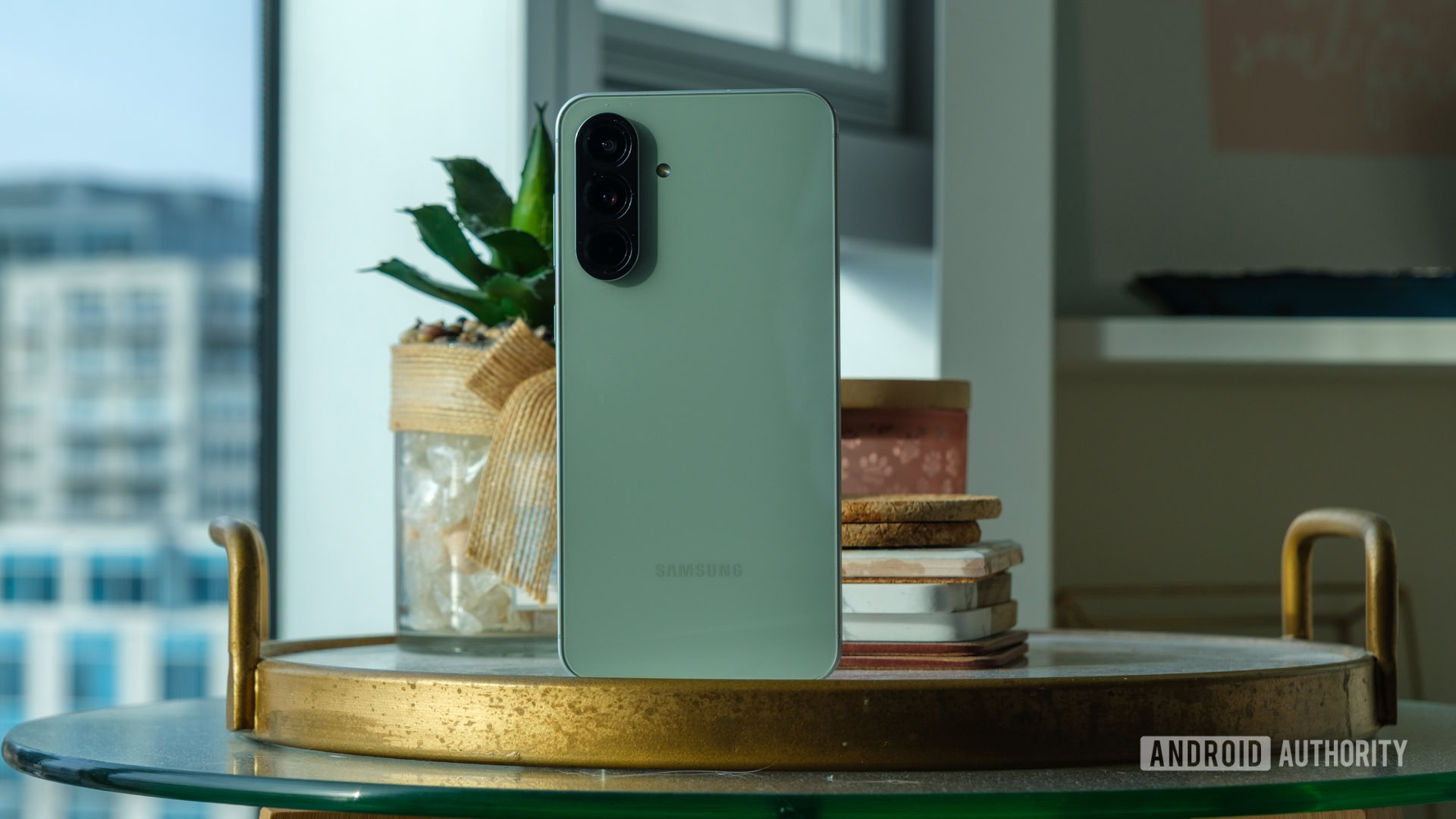
The stable One UI 8.5 update is also being rolled out to the Galaxy A56 (via SamMobile). As with the S23 series, the rollout begins in South Korea before expanding globally in phases. Based on Samsung’s typical rollout strategy, users in other markets are unlikely to wait long.
How to check for the update manually
If you own any of these devices, you can manually check for the update:
- Open Settings.
- Go to Software update.
- Tap Download and install.
Keep in mind that the update may not have reached your region yet, as Samsung is releasing it gradually.