
The difference between 'Hires' and 'Hired' on Upwork
Published: (December 9, 2025 at 08:00 PM EST)
1 min read
Source: Dev.to
Source: Dev.to
Confusing numbers on Upwork job posts
You’ve probably seen terms like Hires and Hired under job details and wondered what the difference is.
Example of “Hired”
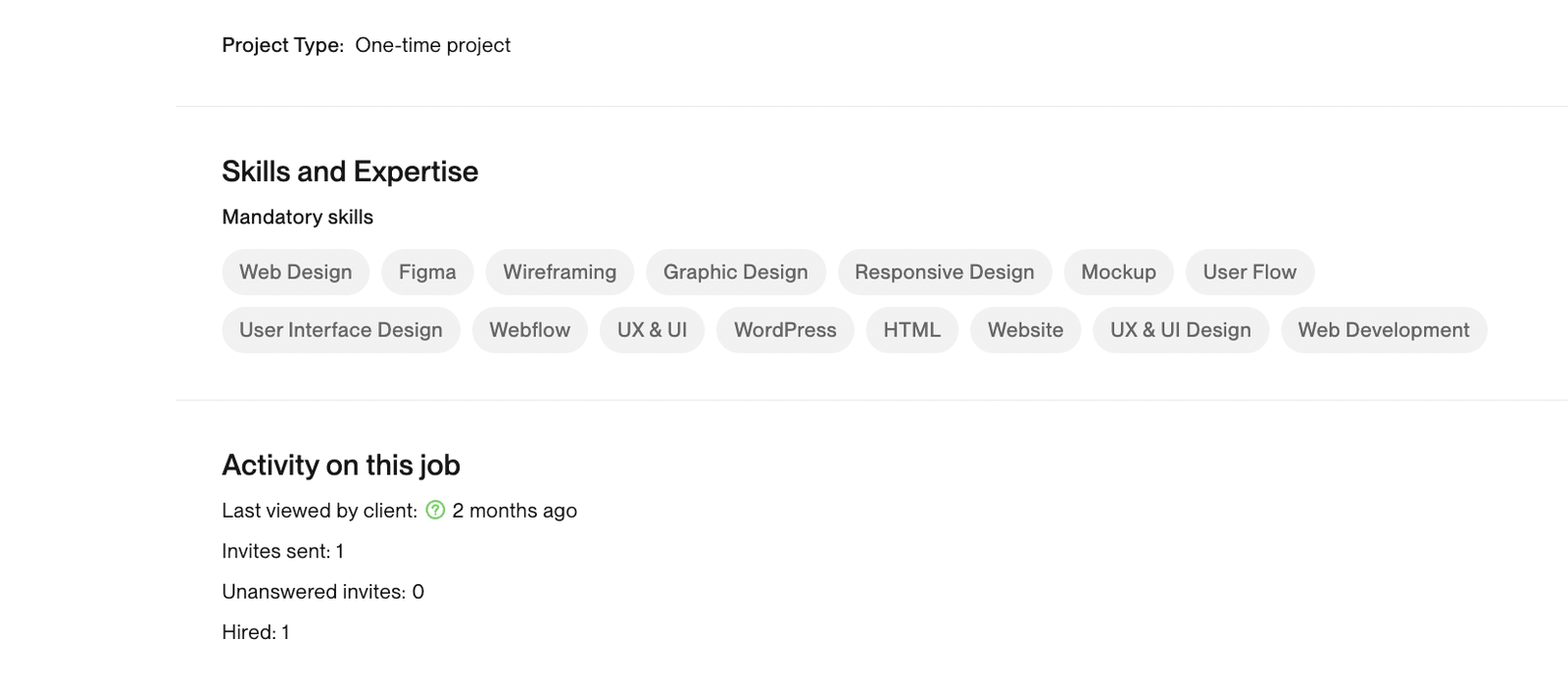
Another “Hired” screenshot

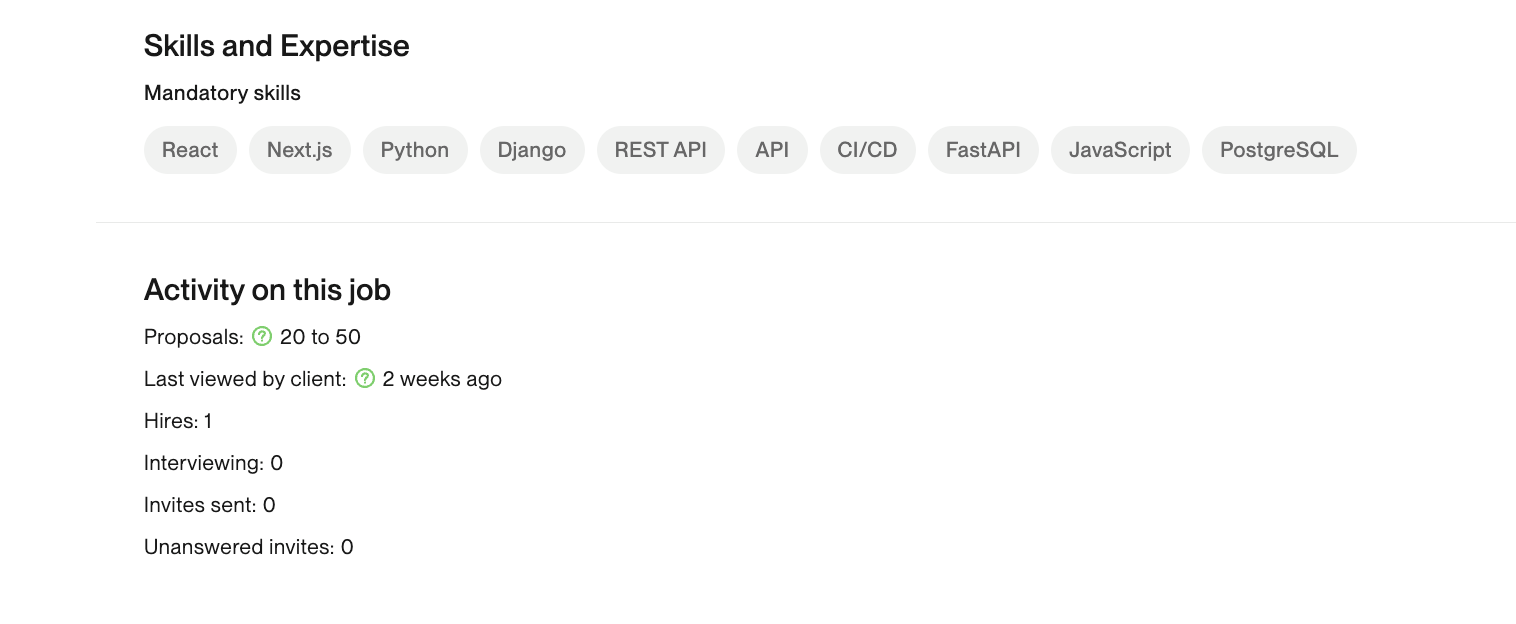
Example of “Hires”
How it works
Hires
- Indicates how many freelancers the client has already hired for this job.
- The job can still be open, and the client may continue hiring more people.
- You might see something like Hires 3 while the job is still active; this means three freelancers have already been hired, but the client hasn’t closed the job yet.
Hired
- Shows how many freelancers were hired before the client closed the job.
- If you see Hired 1, it means one freelancer was hired and then the client closed the job.
- A job doesn’t disappear just because someone was hired; it only disappears after the client officially closes it.
Should you apply to a job with Hires?
Generally, it’s advisable to avoid applying to jobs that already show a number under Hires, as the client may already have enough freelancers for the project.