
Samsung’s powerful photo editing app is acting wonky for some users. Are you affected?
Source: Android Authority
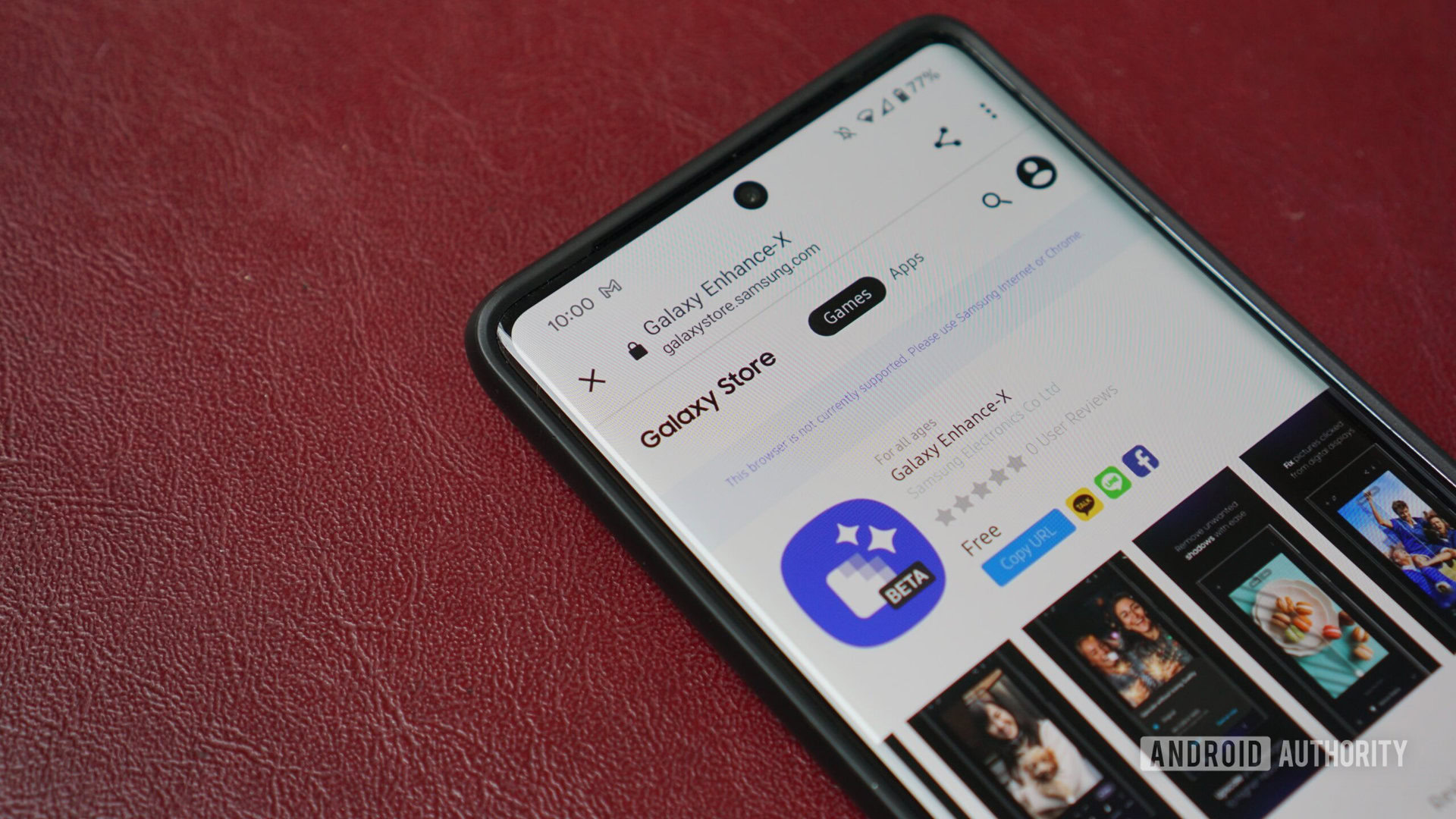
Hadlee Simons / Android Authority
TL;DR
- Samsung recently updated Enhance‑X, its powerful photo and video editing app, with additional features.
- Some users are unable to update the app or experience crashes after updating.
- The problem isn’t widespread but has been reported from several regions.
Samsung packs many useful features into its Galaxy devices, often hiding them behind dedicated apps to avoid overwhelming users. Its Good Lock modules are a prime example, giving power users extra control over One UI. For RAW shooting, Samsung provides the Expert RAW app, while the Enhance‑X app adds advanced photo and video editing capabilities.
Is Samsung’s Enhance‑X app working on your Galaxy phone after its recent update?
The Enhance‑X app recently received a significant update that introduces a refreshed interface, new plugins, and expanded editing options for photos, videos, and documents. While the update sounds appealing, some users are hitting roadblocks.
Reported problems
- Update loop: Users in the US, Korea, and Israel say the app gets stuck in an update loop when trying to install the latest version from the Galaxy Store.
- Post‑update crashes: A few reviewers have reported errors and crashes after the update completes.
- Limited scope: The issue appears isolated; many Android Authority staff members installed the update without trouble.
Possible workarounds
If you’re experiencing the same issue, consider the following:
- Sideload the APK – Download the latest version from a trusted source such as APKMirror and install it manually:
Galaxy Enhance‑X AI Photo Upscaler & Magic Editor 16.3.00.40 (Release). - Clear cache and data – Go to Settings → Apps → Enhance‑X → Storage and clear both cache and data before attempting the update again.
- Check for system updates – Ensure your device’s One UI version is up to date, as compatibility issues can arise from mismatched software versions.
If none of these steps resolve the problem, keep an eye on future updates from Samsung, as the company may release a fix based on the reported feedback.