
Samsung is finally considering custom font support for Samsung Notes
Source: Android Authority
Ryan Haines / Android Authority
TL;DR
- Samsung Notes does not currently support custom fonts or typefaces; it relies entirely on the device’s system font setting.
- The Samsung Notes manager explained that third‑party fonts are unavailable due to copyright concerns.
- After a user requested expanded font support on the Samsung Community forums, the manager said Samsung is “considering” improving the situation.
Current Font Support in Samsung Notes
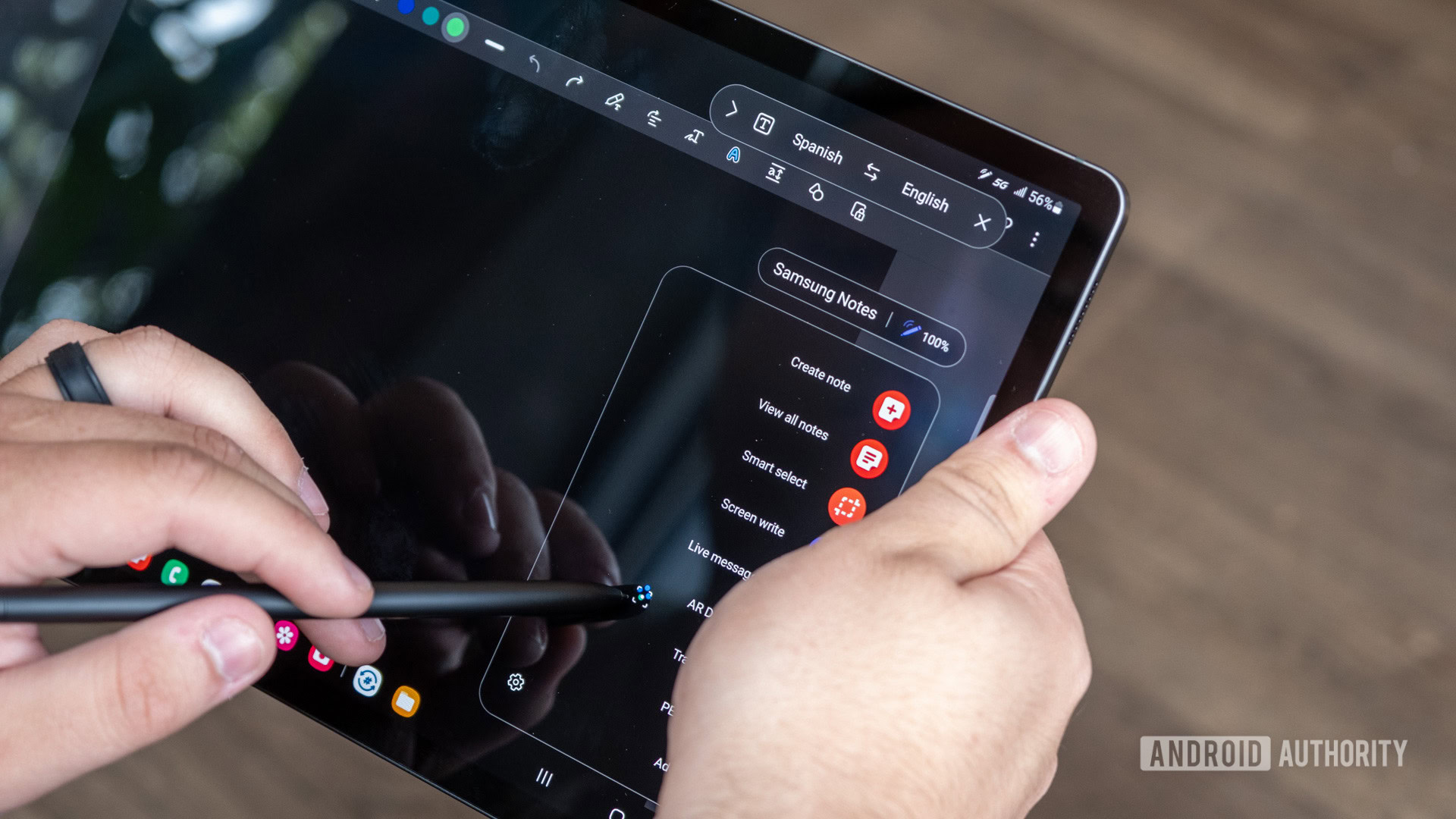
Samsung Notes is a versatile One UI app that combines note‑taking, PDF viewing/annotation, and voice recording. However, it lacks the ability to use custom fonts. The app’s font handling is tied to the Android system‑wide font setting, meaning the only way to change a note’s typeface is to adjust the device’s global font—a workaround that many users find inadequate.
User Request and Samsung’s Response
A user on the Samsung Community forums (reported via SamMobile) asked for the ability to apply individual fonts within a single note, independent of the system font. The request highlighted the feature’s importance for students and general organization.
The Samsung Notes manager replied that the company is considering improving font support, but also noted that third‑party fonts are not currently supported due to copyright issues.
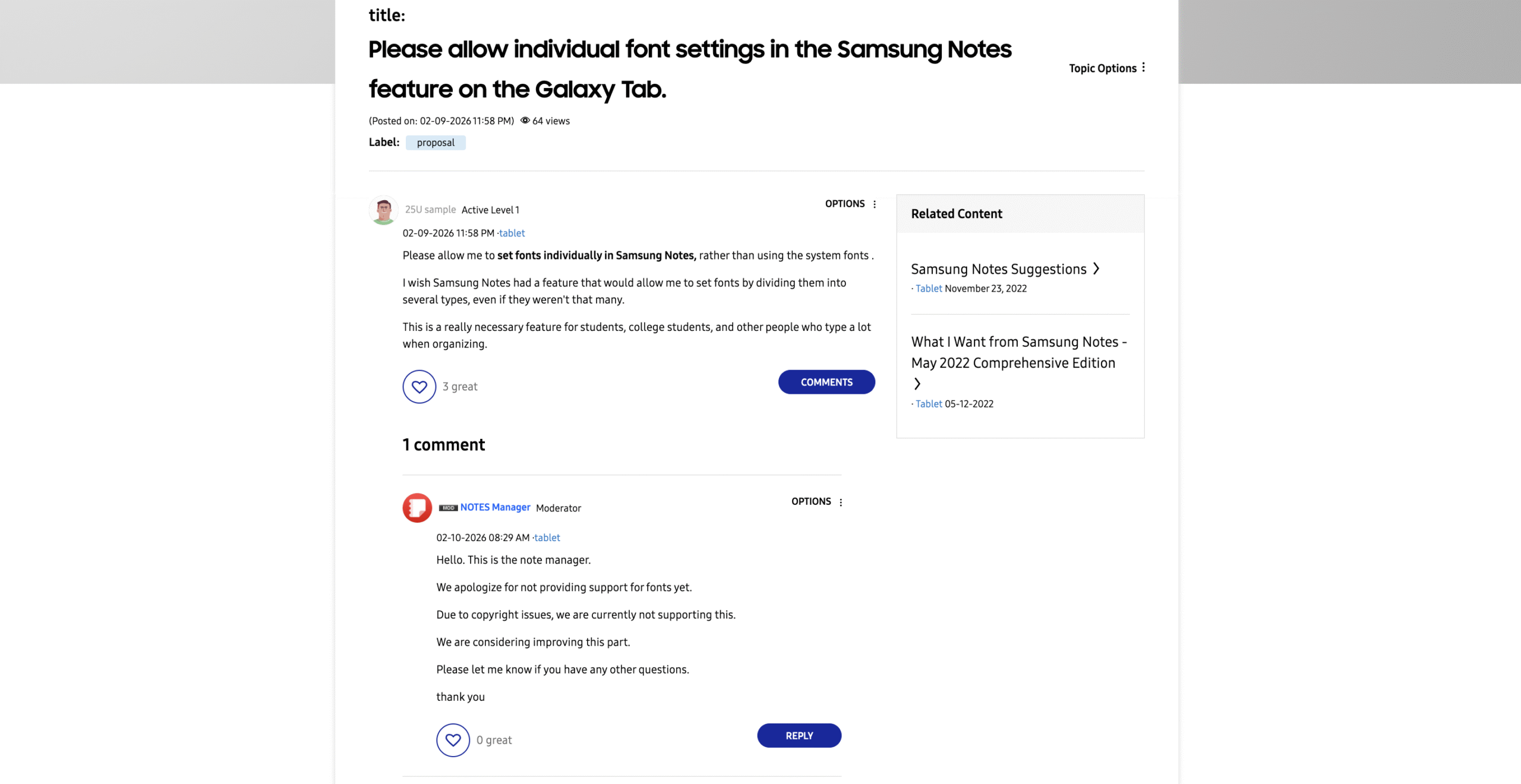
“We apologize for not providing support for fonts yet. Due to copyright issues, we are currently not supporting this. We are considering improving this part.” – Samsung Notes manager (translated)
Why Custom Fonts Are Currently Unavailable
Samsung’s stance stems from the fact that most typefaces are copyrighted. While some fonts are public domain or free, many require licensing for commercial use, including integration into apps. To avoid potential legal complications, Samsung has opted not to incorporate third‑party fonts into Samsung Notes at this time.
Potential Benefits of Font Customization
Even a limited selection of custom fonts could enhance Samsung Notes’ organizational capabilities. Presently, users can apply bold, italics, and underline styles, but cannot differentiate sections of a note with distinct typefaces. Adding font options would expand personalization and improve readability for various use cases.
If you have ideas for other note‑taking features you’d like Samsung to add, feel free to share your thoughts in the comments.