
Pixel’s Desktop Mode is amazing — until you hit this one frustration
Source: Android Authority
Robert Triggs / Android Authority
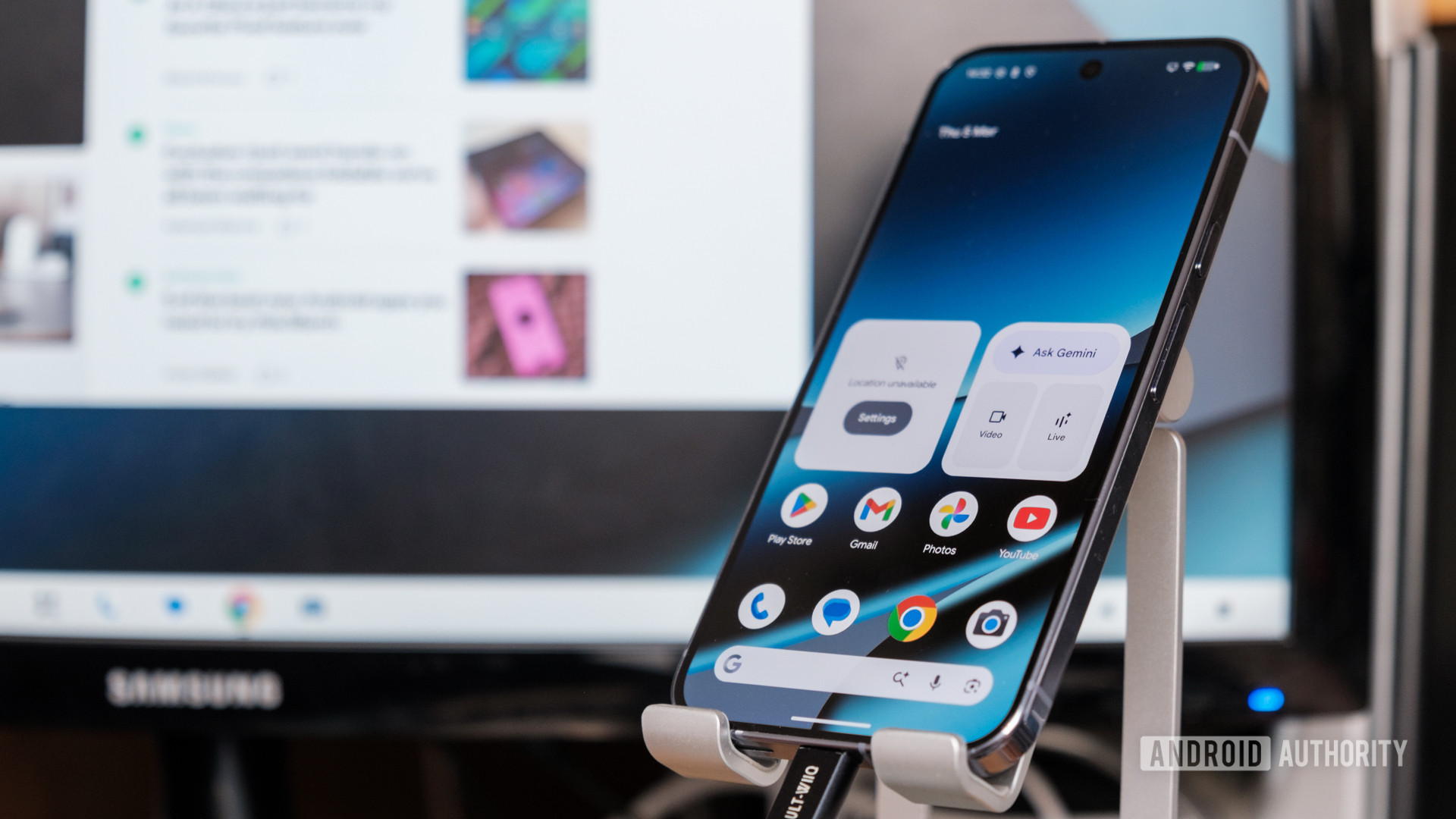
I’ve been using my Pixel’s new Android Desktop Mode since installing the March Pixel Drop, and I’m quite enjoying my time with it. It doesn’t take long to realize the potential here, especially given the ease of plug‑and‑play. After a few days of use under my belt, I now have a few observations and critiques.
What I like
- Instant big‑screen mode – perfect for quick email sessions and document edits without having to reach for a laptop.
- Seamless app continuity – the same apps, data, contacts, and settings are available on both phone and desktop.
What bothers me
- Occasional UI bugs.
- Shared app/settings model – Google’s decision to sync apps and settings across phone and desktop can turn the PC into a “phone‑like” experience, leading to mild frustrations or outright inconveniences. The very feature that makes Desktop Mode great can also feel like its biggest weakness.
Will you use Pixel’s Desktop Mode?
2,203 votes
Be Together. Not the Same
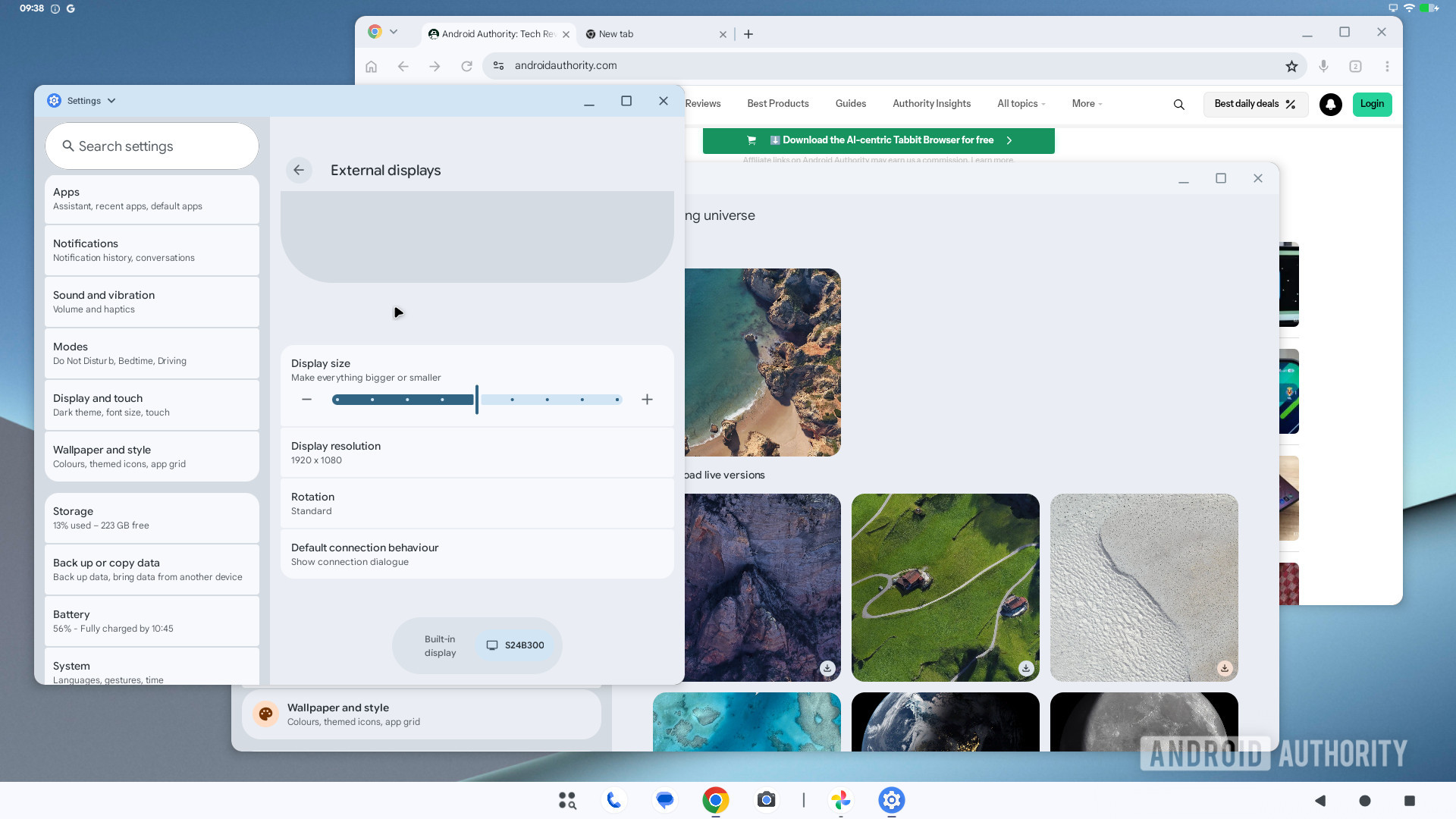
At the mildly inconvenient end of the spectrum, cosmetic settings are persistent across both modes. You can’t set a 16:9 wallpaper just for your desktop and automatically revert to a tall or animated wallpaper when you disconnect your phone. Instead, you have to find something that looks good on both, which is easier said than done outside of Google’s presets.
Likewise, icons, colour themes, and dark‑mode settings would all be nice to configure on a per‑interface basis. Some looks work better on a desktop, others suit a phone environment, but you’re forced to use the same aesthetic settings for both. There is a small element of external‑display customization, but it’s limited to setting the screen resolution, rotation, and element sizes.
Important Settings Are Also Shared
Screen timeout was my first serious aggravation. I keep my phone on the standard 30‑second screen‑off timer, which is usually plenty of inactivity time when doom‑scrolling or replying to messages.
But for my desktop, I can sit for longer than 30 seconds without moving the mouse or touching the keyboard while reading or thinking. It’s beyond irritating to have to reach for the fingerprint scanner because the “computer” has decided to lock itself after such a short period. My laptop doesn’t turn off its screen until 5 minutes of inactivity and doesn’t sleep until 15 minutes of idleness. Extending the screen timeout would compromise my Pixel’s security when on the go.
Bottom line: Settings are shared between phone and desktop mode, which can be counter‑productive.
Bluetooth Auto‑Pairing
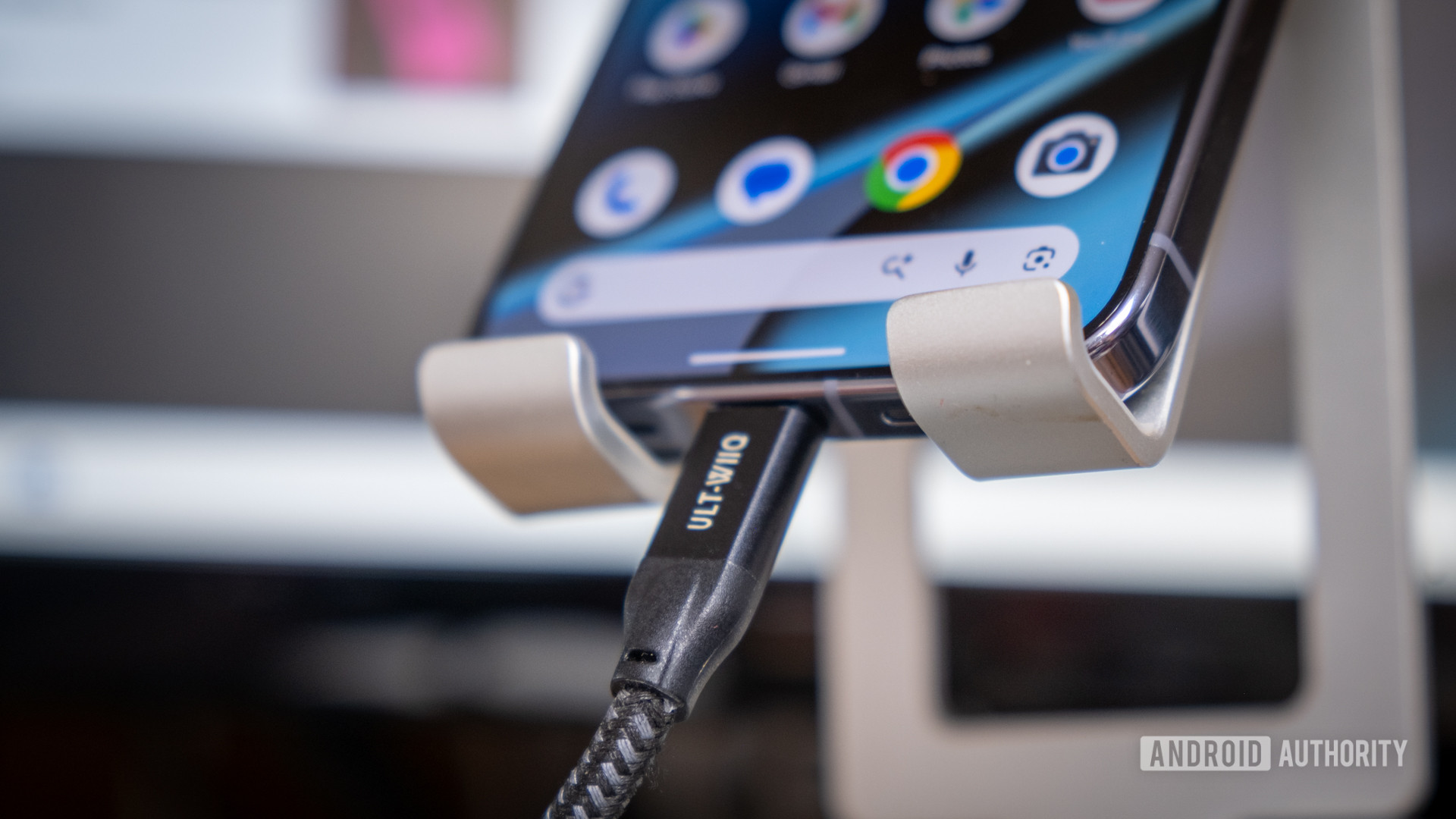
A feature that would be harder to implement but no less welcome is desktop‑versus‑phone Bluetooth auto‑pairing. You need a mouse and keyboard to make the most of Desktop Mode, and Bluetooth is the easiest way to connect them. However, I don’t want my keyboard and mouse to automatically connect to my Pixel when I’m not in Desktop Mode; I’d rather use them with my laptop.
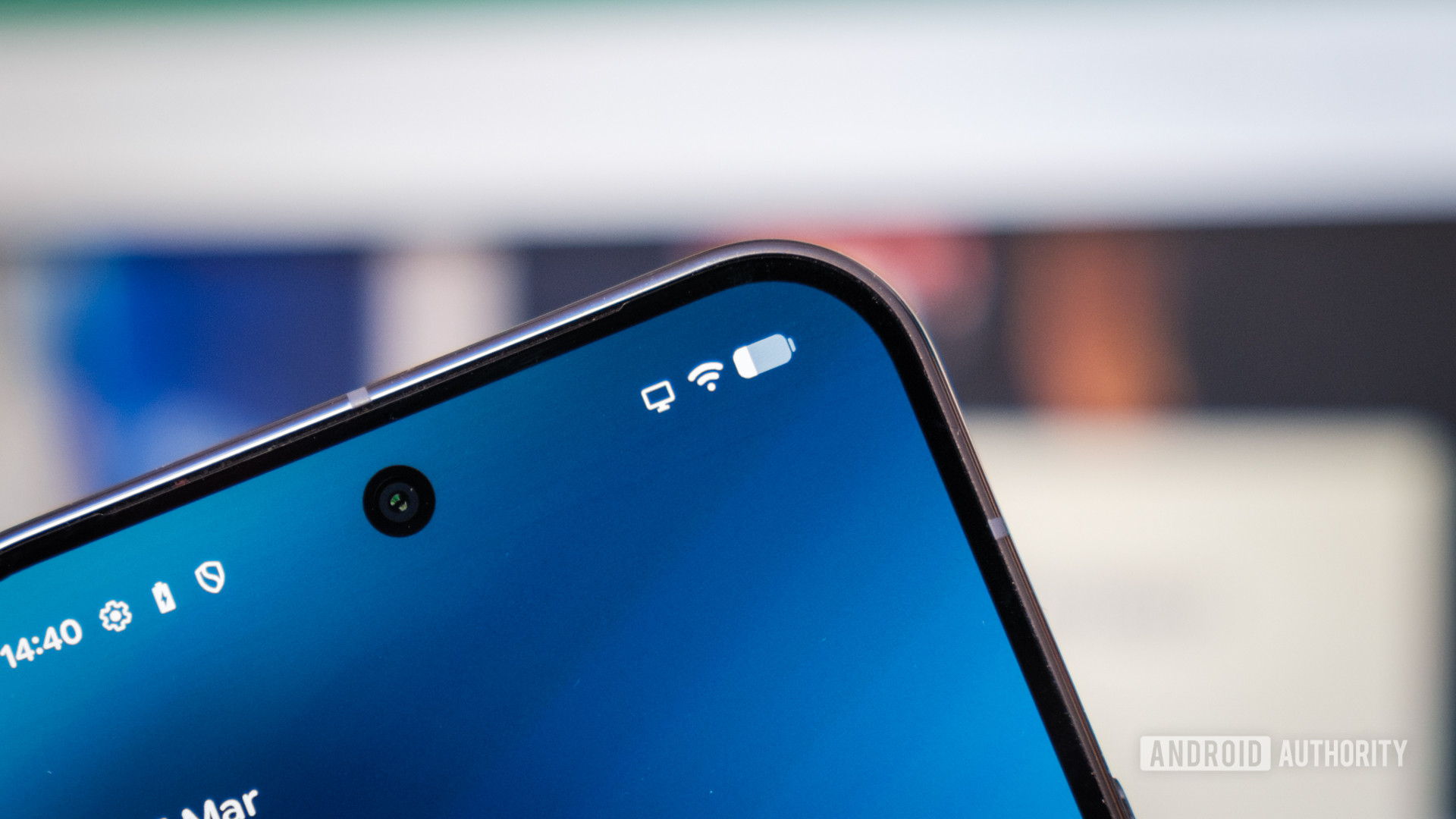
Another issue arises when a mouse remains connected after I disconnect my Pixel from the monitor: the home screen can appear blank, likely because the device is “stuck” in Desktop Mode.
Of course, some wireless devices should stay connected in both modes—e.g., my earbuds and maybe a game controller. This probably requires a more nuanced redesign than a simple toggle, but it would make Android’s Desktop Mode a more powerful tool that users would want to return to regularly.
App‑Memory Interaction Between Modes
Android does try to remember your desktop space, but if you clear recent apps while in handheld mode (to free up memory or reduce clutter), those apps disappear from the desktop space as well. This is a side effect of both modes operating in the same user space: clear app memory from one, and it’s gone from the other.
The shared state has the obvious benefit of seamless transitions for tasks like editing documents or watching videos. However, it also clutters your phone with desktop workloads when you switch back. It would be nice if Desktop Mode automatically restored the previous desktop state when reconnecting, even if the apps were cleared from the phone. Reloading them on demand is acceptable; the key is to resume work where you left off.
In summary
To make Android Desktop Mode a truly useful feature, we need:
- Per‑interface cosmetic settings (wallpapers, icons, themes, dark mode).
- Independent screen‑timeout and security options for phone vs. desktop.
- Granular Bluetooth auto‑pairing (auto‑connect only in Desktop Mode, with exceptions).
- Better handling of app memory so that clearing recent apps on the phone doesn’t erase the desktop layout, and the desktop can restore its previous state automatically.
Addressing these points would give users a smoother, more flexible experience and encourage regular use of Desktop Mode.
The Potential Is Huge, but We’re Not Quite There Yet
Robert Triggs / Android Authority
Android’s desktop implementation is a fascinating setup. By sharing the same Android user space—rather than booting into a dedicated PC environment—you get instant access to the same apps, accounts, messages, files, and more that are already on your phone. This is Desktop Mode’s real power feature: you’re in the same OS environment with the option of two entirely different interfaces.
What Works Well
- Unified ecosystem – All your phone data is instantly available on the desktop.
- Seamless transition – No need to log in again or sync separate accounts.
Current Drawbacks
- Mode‑specific customization – Some settings that make sense on a phone (e.g., notification behavior) clash with desktop expectations.
- Connectivity quirks – Certain peripherals and network configurations behave inconsistently between modes.
- App shortcuts – While Android provides unique dock apps versus app‑drawer shortcuts, many desktop‑oriented shortcuts are missing or hard to configure.
Outlook
Android Desktop Mode has immense potential, but until Google addresses these mode‑specific settings and connectivity quirks, it remains more of a promising experiment than a fully polished desktop replacement.
Thank you for being part of our community. Please read our Comment Policy before posting.