
NotebookLM adds ‘Cinematic Video Overviews’ as AI Mode Canvas gets upgrades
Source: 9to5Google
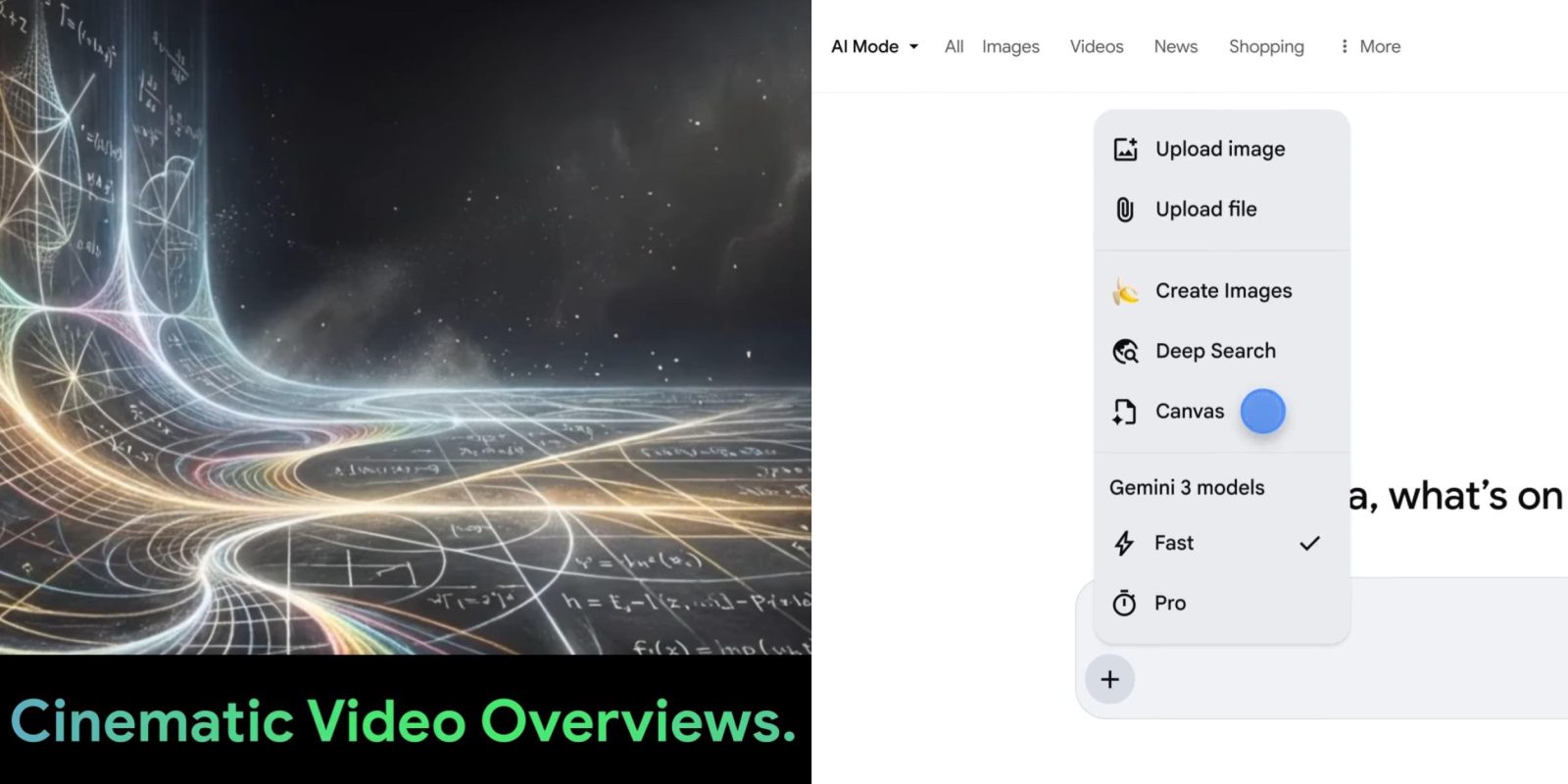
Cinematic Video Overviews
Google is rolling out Cinematic Video Overviews to NotebookLM. Unlike the earlier “Video Overviews” that created a narrated slide deck, the new version generates “unique, immersive videos tailored to you.”
NotebookLM leverages Gemini 3, Nano Banana Pro, and Veo 3 to provide fluid animations and rich, detailed visuals that help you learn and engage with the topics you care about. Google describes Gemini as a “creative director” that makes “hundreds of structural and stylistic decisions to best tell the story with your sources.” It determines the best narrative, visual style, and format, and even refines its own work to ensure consistency.
The feature is rolling out today (in English) for Google AI Ultra subscribers on web and mobile.

Shortcut to Open Google Drive, Docs, Sheets, and Slides
NotebookLM now includes a shortcut that opens Google Drive, Docs, Sheets, and Slides directly in their native apps (if installed) instead of inline. Tap the button in the top right for the richer view. Prompt‑based Slide Deck revisions are also available by tapping the corner button.
Canvas in AI Mode
Canvas in Google AI Mode now supports creative writing and coding tasks, with full availability for US English users. This “dynamic space to organize your plans and projects over time” can be accessed from the ‘plus’ tool menu.
- Draft documents or create custom, interactive tools right within Search.
- Your Canvas appears as a side panel next to the chat, allowing you to refine the output and view the underlying code.
Whether you’re building custom tools, studying for exams, or planning a trip, Canvas in AI Mode makes it easy to jump‑start your next big project.
AI Mode Recipe Results
Google has also improved AI Mode recipe results. When you search for meal ideas like “easy dinners for two,” you can tap on a dish to see links to relevant recipe sites, plus a short overview of the dish to help with inspiration. In the future, Google will add cooking time and other helpful information to more results.