
My new favorite AI-powered app switches between 70+ AI chatbots with a tap
Source: Android Authority
Introducing Our Bi‑Weekly AI Apps Series
Generative AI is everywhere—whether it powers a service, helps build apps, or boosts functionality within them. With new products launching constantly, which ones are truly worth checking out?
We’ve launched a bi‑weekly series that highlights the freshest and most impressive AI apps and services you should know about.
Want to be featured?
- Submit your app or service for future editions: contact@androidauthority.com
- Suggest an app you think belongs in the roundup: leave a comment below.
- Guarantee placement for maximum exposure: get in touch with our partnerships team.
Stay tuned for the next edition and discover the AI tools shaping tomorrow’s tech landscape!
Why Install Multiple AI Chatbots When One Will Do?
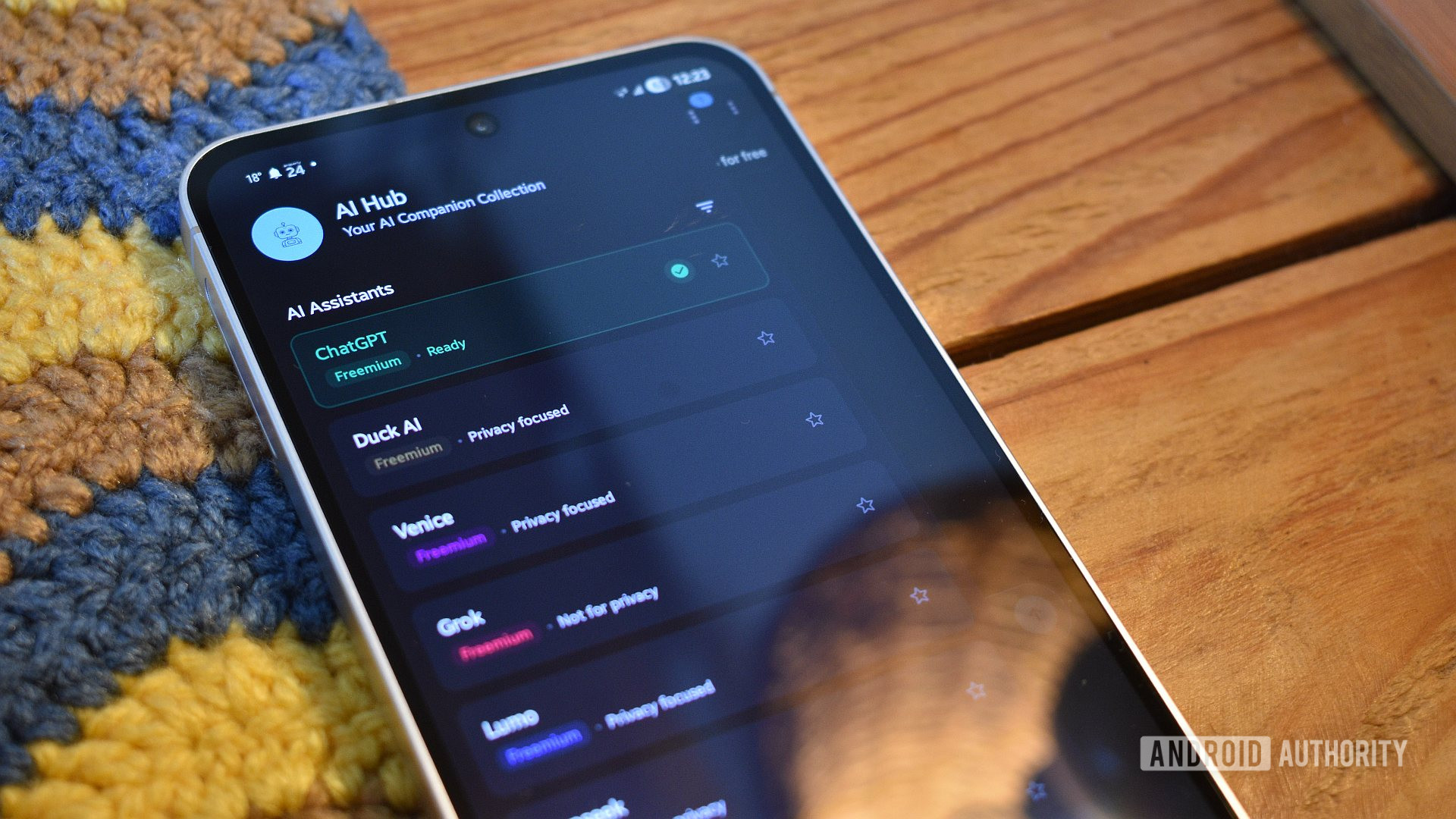
Scrolling through the apps list on my phone, I see that I have ChatGPT, Claude, Gemini, and Perplexity installed — four apps that accomplish more or less similar tasks. While this crazy arrangement is essential for testing purposes, you don’t have to follow in my stead. This is where our focus‑AI app this week comes into play.
AI Hub is a brilliant open‑source container for myriad AI services and chatbots. It’s essentially a web wrapper that makes it super easy to navigate to these platforms’ web pages. The real kicker is just how many of these services it makes available: not one, not ten, but 78. Yes, you read that right — 78! Some are completely obscure services you’ve likely never heard of, while others include common heavy‑hitters like ChatGPT, DeepSeek, DuckDuckGo’s Duck AI, and Grok.
If I want to use a specific chatbot to accomplish a task, I can:
- Tap the menu button,
- Filter or search for the bot,
- Or simply tap the service I want.
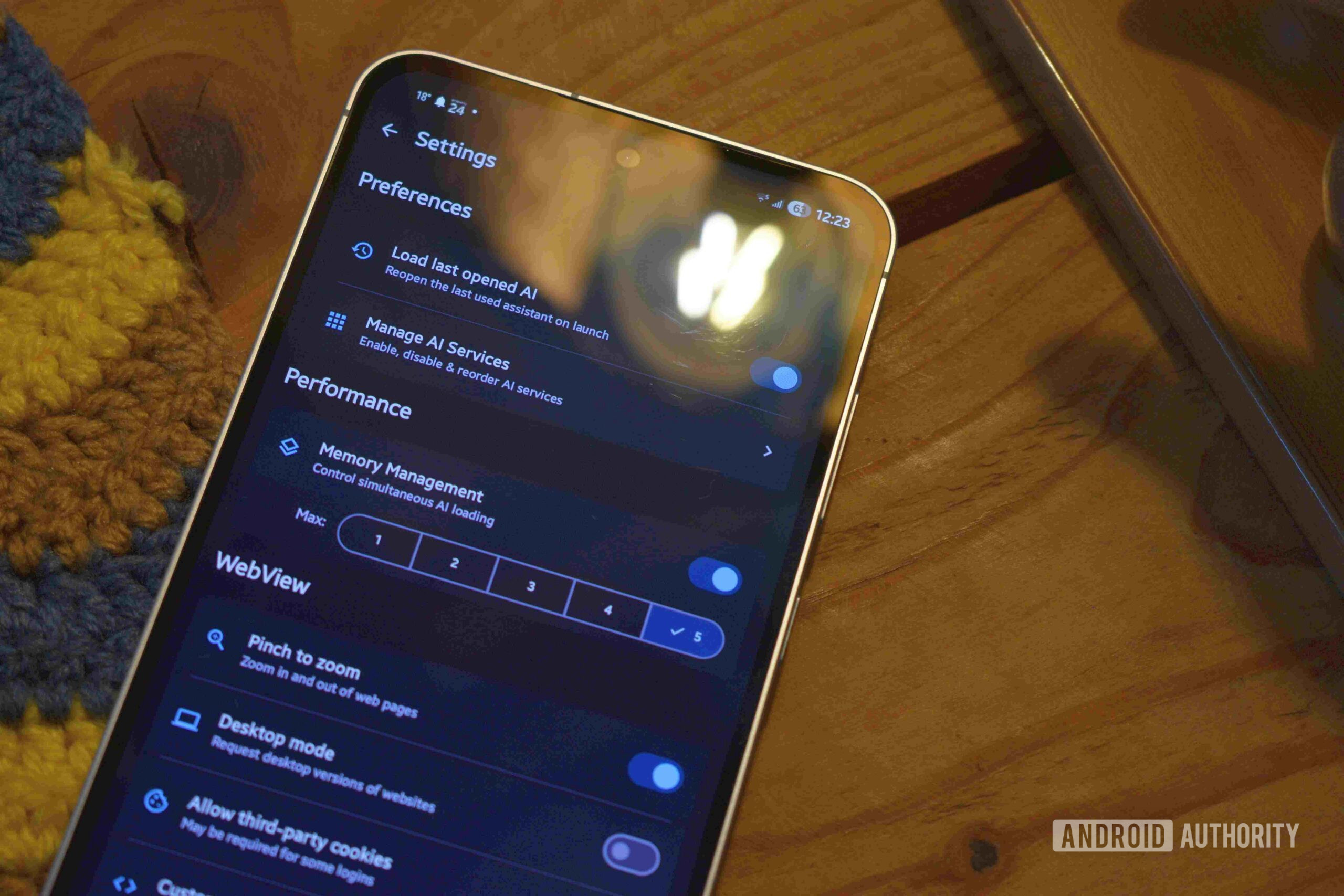
The app allows multiple bots to remain open in the background simultaneously, making it ideal for comparing outputs. AI Hub also reopens on the bot I last accessed.
Privacy‑Focused Design
What I really appreciate about AI Hub is its focus on privacy. Chatbots aren’t exactly synonymous with discretion, but the app genuinely tries to highlight the shortcomings of various bots. It indicates which services are:
- Completely free
- Freemium
- Paid
and marks those that are safe for private use with “Privacy‑friendly” and “Privacy‑focused” descriptors. This is incredibly important given that many of these services are obscure to newcomers beyond ChatGPT.

Best of all, AI Hub blocks trackers and ads as extensively as possible and offers the option to forbid third‑party cookies. Some services don’t work well when these are disabled, but I love that the developer gives users the choice.
Who Should Use AI Hub?
While I wouldn’t recommend AI Hub as the primary portal for specific chatbots if you already hold accounts with them—individual apps will serve you better—it is perfect for everyone else. Users who want a broad spectrum of options without awkwardly navigating to each via a web browser or installing multiple apps will find AI Hub extremely useful and convenient.
Other New AI Apps and Services You Should Know
Below is a quick rundown of three noteworthy AI‑powered tools that have recently hit the market.
Off Grid
Andy Walker / Android Authority
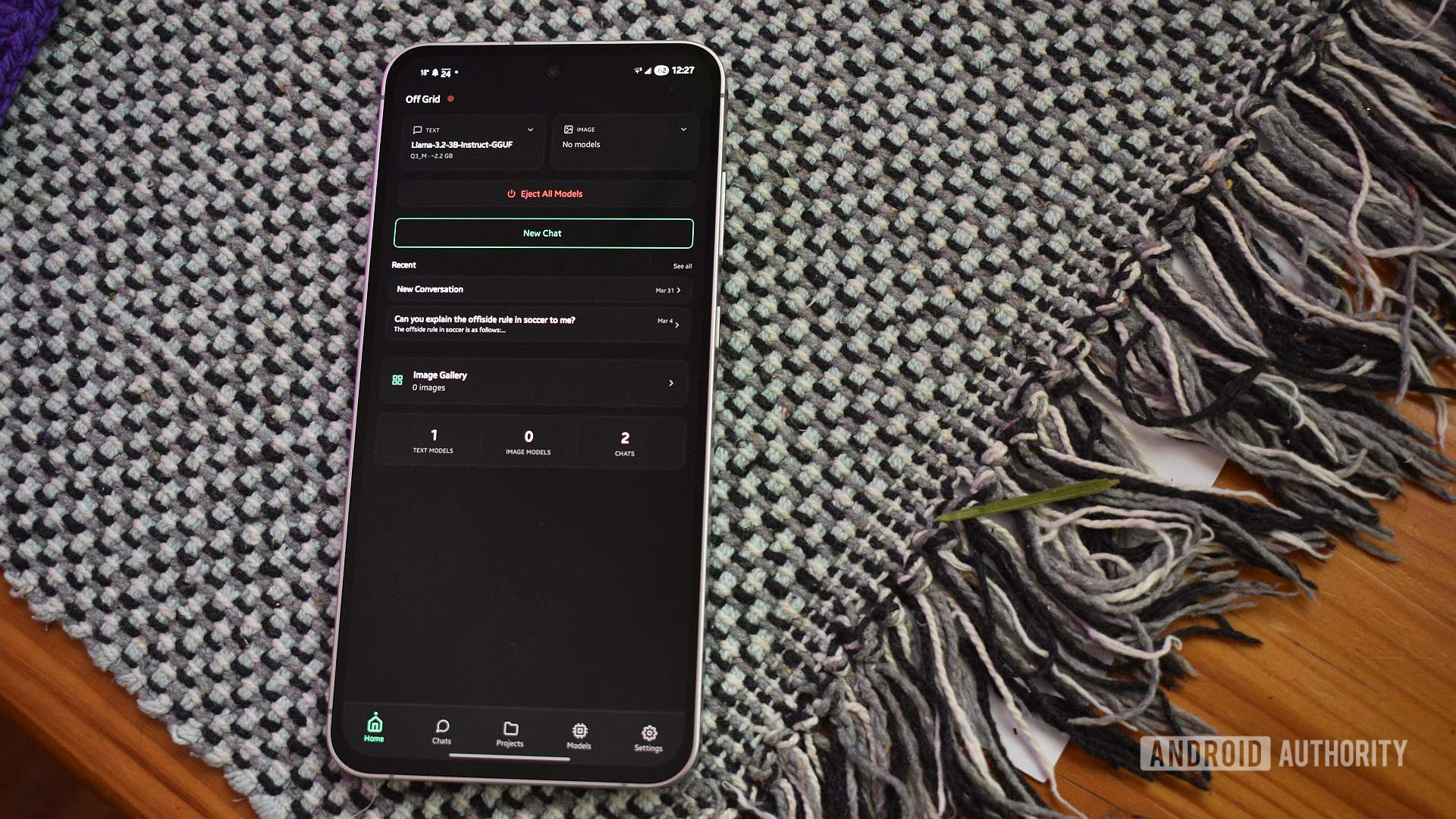
Off Grid is a free, open‑source Android app that lets you run large language models (LLMs) locally on your device.
- Model selection – Choose from a curated list of downloadable models or import your own. The app suggests models based on your phone’s hardware.
- On‑device chat – Use the downloaded LLMs for text generation, image creation, data crunching, or any other prompt‑based task.
- Power‑user features – Create projects, connect to remote servers, and fine‑tune individual models.
- Offline‑first – Once a model is installed, all processing happens locally, so you never need an internet connection.
This makes Off Grid a solid option for anyone who wants a secure, offline AI experience.
Yaps
Andy Walker / Android Authority
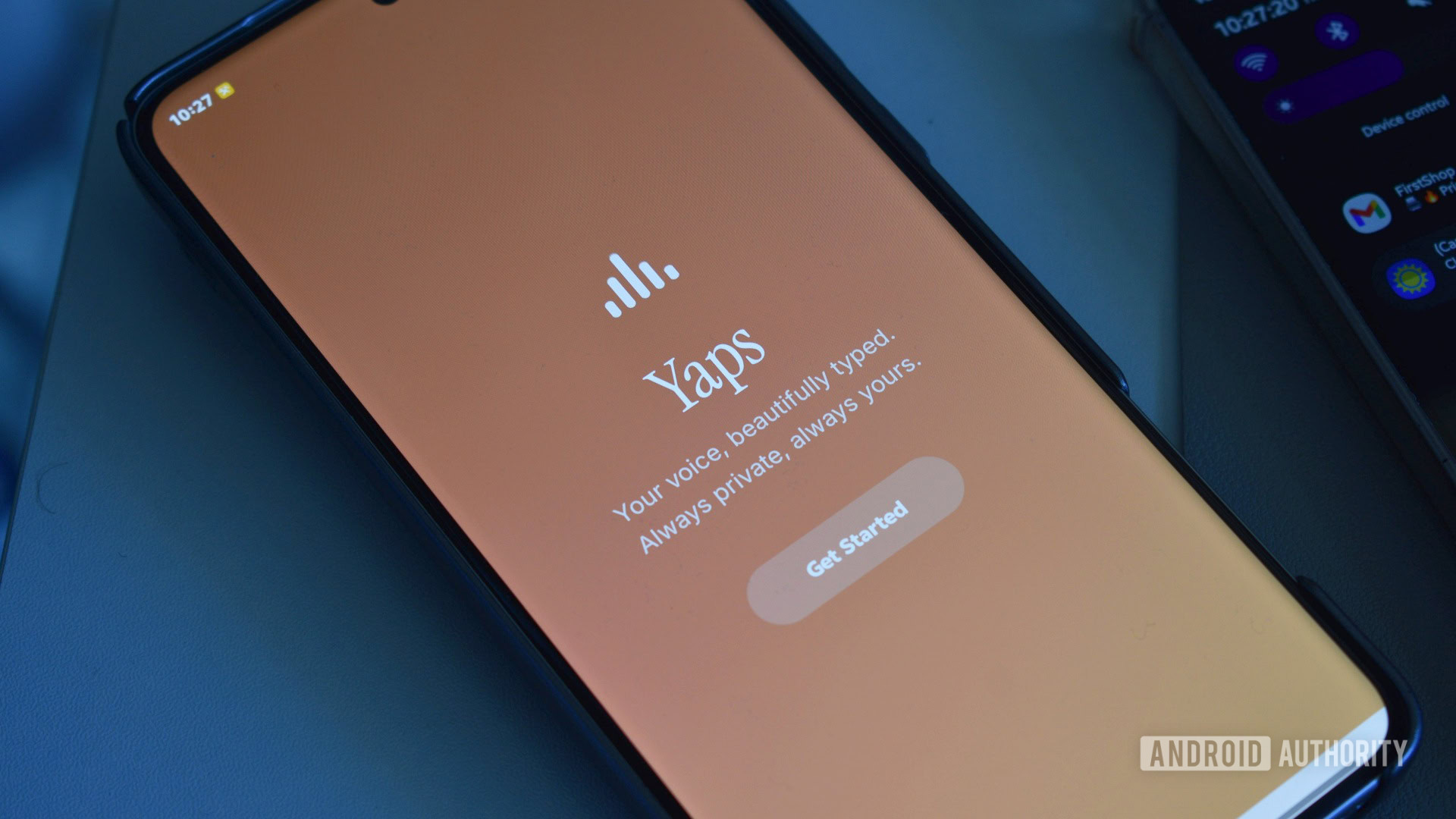
Yaps is an Android keyboard that turns fuzzy, spoken dictation into clean, structured text—entirely on‑device.
- Speed & accuracy – In testing, Yaps transcribed faster and more accurately than Gboard, handling context better and reducing mis‑hears.
- Statistics – The app tracks how much time you’ve saved, total words processed, and other dictation metrics.
- Multilingual support – Currently supports English, Spanish, French, German, and Portuguese, with quick language switching from the keyboard.
- Pricing – Free for the first week or 1,000 processed words. After that, a subscription is required: $4.99 / week or $144.99 / year.
While the subscription is on the pricey side, the high‑quality transcription may be worth it for heavy‑type avoiders.
DealHunt
Andy Walker / Android Authority
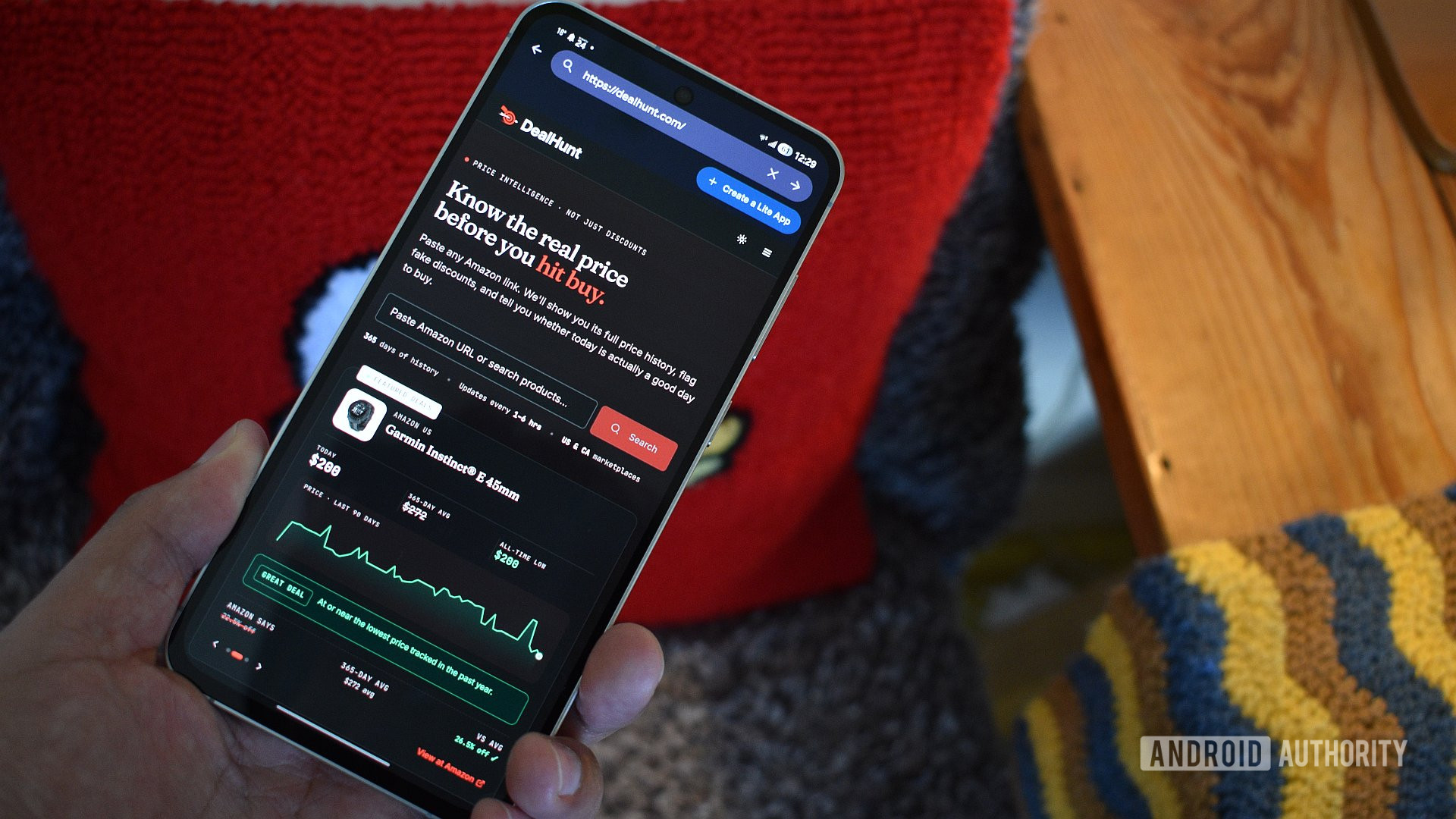
DealHunt (owned by Authority Media, the parent of Android Authority) helps you decide whether a tech deal is truly worth it.
- Enter a product URL – DealHunt pulls the current Amazon price, historical pricing data, and the all‑time low.
- Compare & analyze – It shows similar products, variant options (e.g., colorways), and calculates an average price over time.
- DealHunt Score – A proprietary metric that quantifies the quality of the current deal based on multiple data points, helping you avoid “buyer’s remorse” when a price drops shortly after purchase.
Use DealHunt to plan smarter purchases and avoid overpaying for tech gear.
Thank you for being part of our community. Please read our Comment Policy before posting.