
Modern Blu-ray drives can now rip GameCube, Wii, and Xbox 360 games to PC
Source: Hacker News
Image credit: Getty Images
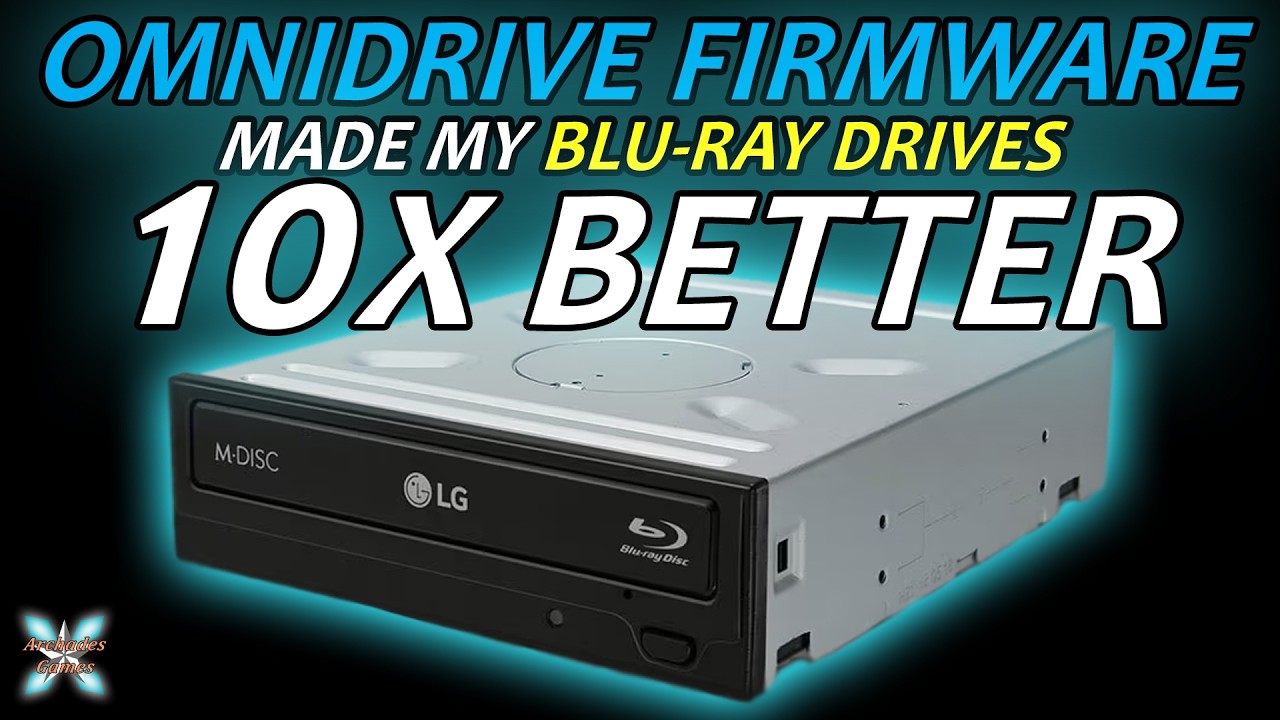
Modern Blu‑ray drives can now rip GameCube, Wii, and Xbox 360 games to a PC thanks to specialized firmware from OmniDrive. The firmware unlocks the ability for compatible Blu‑ray players to read the proprietary disc formats used by older consoles.
Compatibility
The OmniDrive firmware works only with Blu‑ray drives that use the MediaTek MT1959 chipset. Both internal and external drives are supported, provided they appear on OmniDrive’s support list.
- Full‑size drives – firmware variant A
- External slim drives – firmware variant B
Currently listed compatible models include drives from Asus, LG, Buffalo, and Verbatim.
Supported Consoles
- Nintendo GameCube
- Nintendo Wii
- Microsoft Xbox (original)
- Microsoft Xbox 360
- Dreamcast
Physical media from newer consoles (PlayStation 3/4/5, Xbox One/Series X) can be read, but the content is encrypted and therefore not directly usable.
Installing the Firmware
- Verify that your Blu‑ray drive appears on the OmniDrive support list.
- Download the appropriate firmware file (full‑size or slim).
- Follow the installation instructions provided by OmniDrive to flash the firmware onto the drive.
Warning: Flashing the firmware on an unsupported drive will likely brick the device.
Ripping Game Discs
The YouTuber Archades Games demonstrated the process using the Media Preservation Frontend, an open‑source disk‑dumping tool:
- Install Media Preservation Frontend on your PC.
- Insert the game disc into the OmniDrive‑enabled Blu‑ray drive.
- The tool detects the disc and allows you to create an ISO image of the game.
The resulting ISO can be used for preservation or emulation purposes.
Benefits and Considerations
- Simplified workflow: No need to modify the original console; ripping is comparable to copying a DVD movie.
- Preservation: Enables archiving of retro game media for future use.
- Risk: Incompatible hardware will be bricked by the firmware flash.
References
-
OmniDrive Firmware Tutorial (YouTube)
Watch on YouTube -
LG Tag on Tom’s Hardware – https://www.tomshardware.com/tag/lg
This article originally appeared on Tom’s Hardware.