
Lesser-known Android trick could make ChatGPT’s screen sharing way smoother on your phone
Published: (May 1, 2026 at 04:30 AM EDT)
2 min read
Source: Android Authority
Source: Android Authority
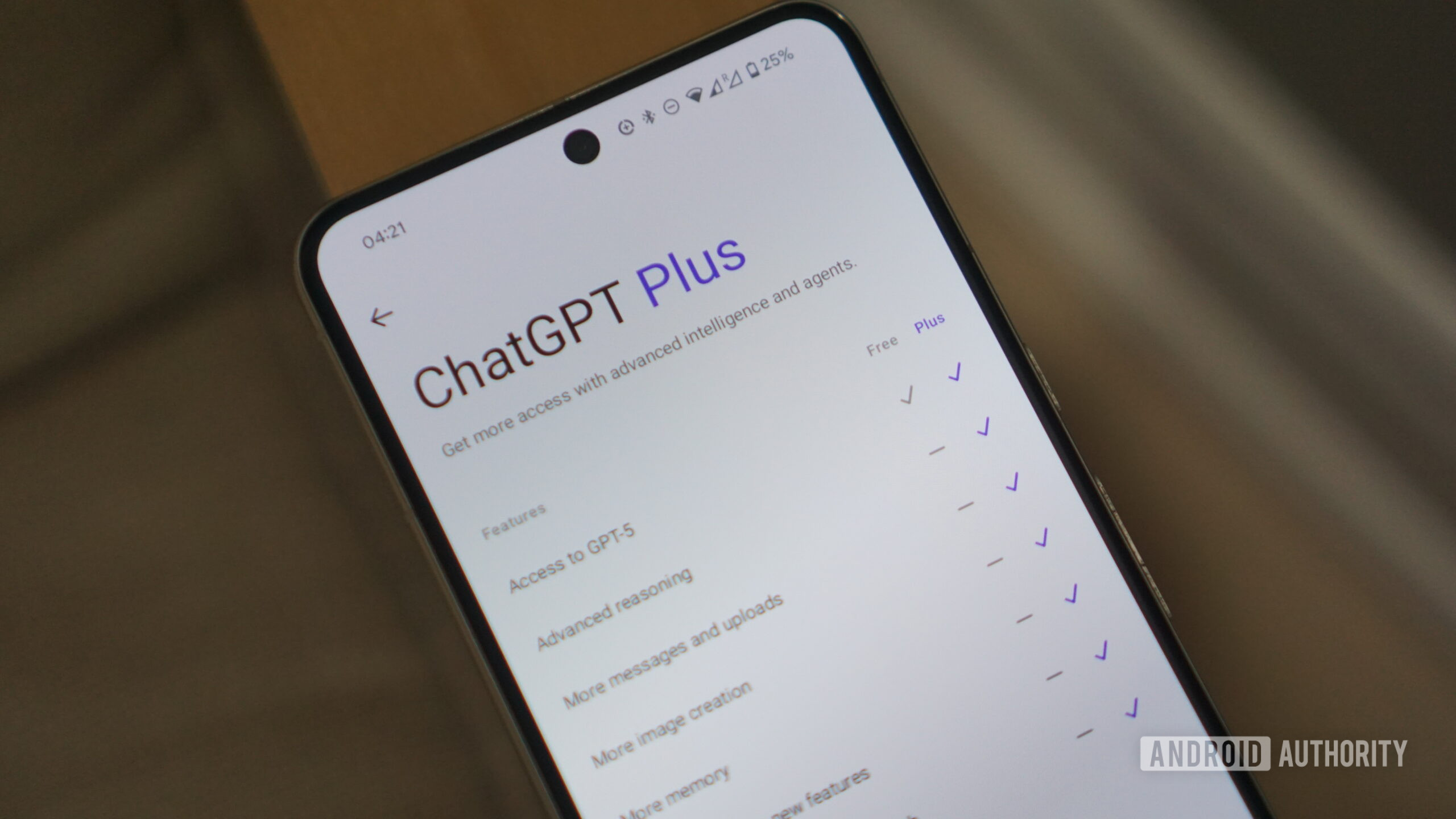
Calvin Wankhede / Android Authority
TL;DR
- OpenAI is testing a more efficient way to let ChatGPT see your screen on Android.
- It could use Android’s Bubbles feature and Accessibility options to view what’s on your screen.
- This method uses system resources more efficiently than the current screen‑sharing approach that relies on casting.
Current screen‑sharing method
ChatGPT on Android currently uses the MediaProjection API — the same API used for screen recording and casting — to capture the screen.
Issues with this approach include:
- Multiple permission dialogs and warning pop‑ups that interrupt workflow.
- Continuous screen recording, which leads to high CPU/GPU usage and can slow down other apps.
Proposed alternative
In version 1.2026.118 of the ChatGPT Android app, OpenAI appears to be experimenting with a method that leverages:
- Android Accessibility settings – allowing the app to “read visible text, buttons, and screen details.”
- Android Bubbles – a multitasking feature introduced in Android 17 (API available since Android 11) that can display a persistent conversation bubble.
How it works
-
First‑time setup
- Users are prompted to enable “ChatGPT screen help” in the Accessibility menu.
- Notifications and conversation bubbles for the app must also be enabled to keep the process alive.
-
During use
- A bubble appears on the screen. Tapping it opens ChatGPT, which can then analyze the current screen content.
- The AI focuses solely on what it sees, ignoring prior chat context, allowing users to ask specific questions about the visible UI.
Potential concerns
- Granting Accessibility access to an AI chatbot raises privacy and security questions for some users.
- It is unclear how OpenAI will address these concerns or when the feature might become publicly available.
⚠️ An APK teardown can reveal work‑in‑progress features, but predicted functionalities may never reach a public release.