Kiro: My Experience Building a Serverless App with AWS’s New Agentic IDE
Source: Dev.to
Introduction
Recently, I decided to put Kiro to the test. I didn’t want to just build a “Hello World” app; I wanted a real, functional tool: a Credit Card Tracker to manage annual fees and perks (not spend tracking) for my personal finance sanity.
Here is my journey from a blank screen to a fully deployed AWS web app.
The Setup: Frictionless Onboarding
Getting started was surprisingly simple. Kiro operates as a standalone IDE (a fork of VS Code), which made the environment feel immediately familiar. I used the free tier—no premium plans. The entire work cost me 2.97 credits.

- Download: Grabbed the installer from the AWS portal.
- Auth: Authenticated via my AWS Builder ID.
That was it. No complex IAM user creation or CLI configuration was needed to get the IDE running.
The Prompt: Spec‑Driven Development
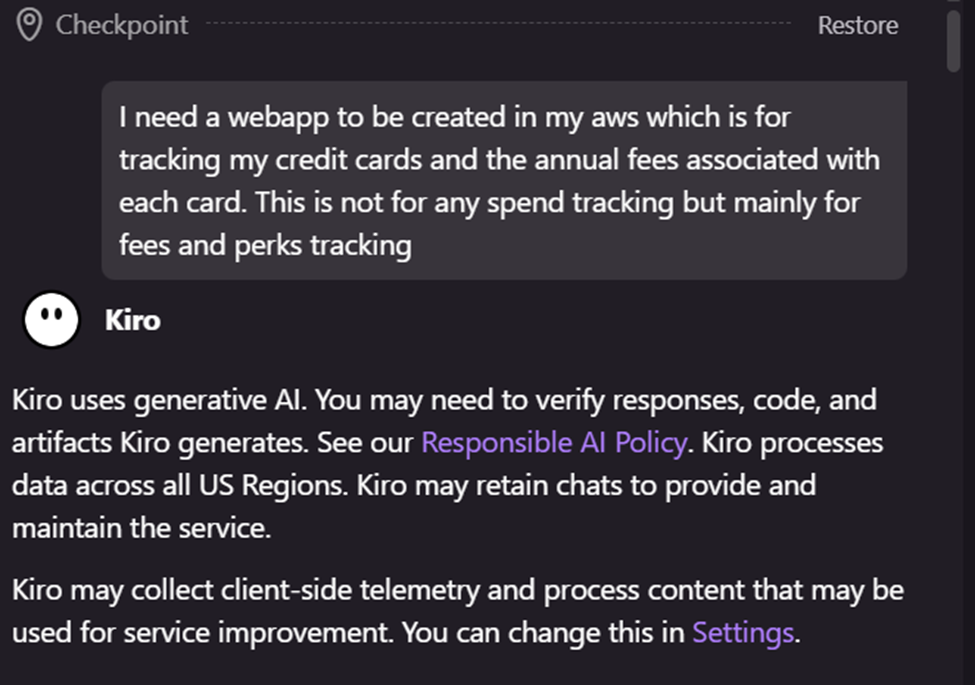
Instead of writing code file‑by‑file, you start with a spec. I gave Kiro a high‑level prompt:
“I need a webapp to be created in my AWS which is for tracking my credit cards and the annual fees associated with each card. This is not for any spend tracking but mainly for fees and perks tracking.”
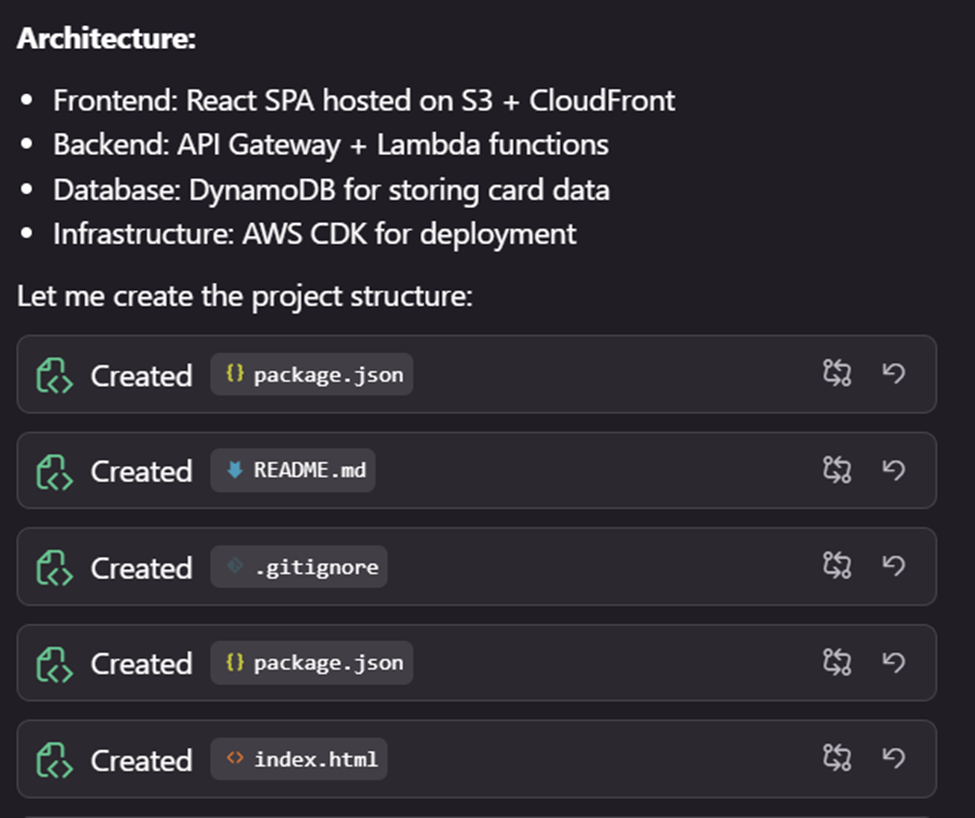
Kiro didn’t just spit out Python or JavaScript. It analyzed the request and proposed a complete serverless architecture:
- Frontend: React Single Page Application (SPA) hosted on S3 + CloudFront.
- Backend: API Gateway + Lambda functions.
- Database: DynamoDB for storing card data.
- Infrastructure: AWS CDK for deployment.
The Build: “Autopilot” Mode
Once I approved the plan, Kiro entered “autopilot.” It generated the entire project structure—package.json, README.md, .gitignore, and the core application code—in minutes.
What impressed me was the speed. It wasn’t just guessing; it built a cohesive project that linked the frontend to the backend logic automatically.
Overcoming “Real World” Hurdles
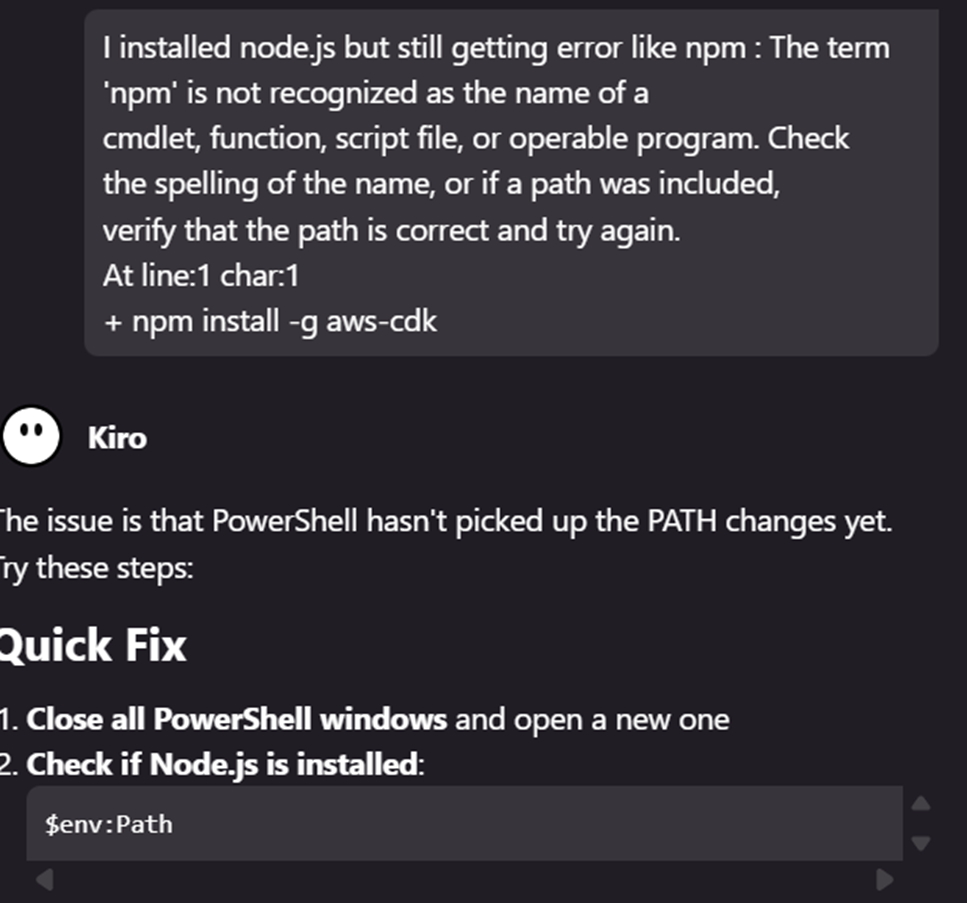
When it came time to deploy, Kiro asked me to run the standard aws configure commands. However, my Windows laptop didn’t have Node.js installed, which blocked the npm commands needed for the AWS CDK.
The error
npm : The term 'npm' is not recognized...The fix
Kiro diagnosed the issue immediately. It realized PowerShell hadn’t picked up the new PATH variables and provided a quick‑fix guide:
- Install Node.js.
- Refresh the environment variables (
$env:Path).
It walked me through the environment debugging, which is usually the most frustrating part of setting up a new dev machine.
The Result: A Production‑Ready App
After resolving the environment issues, the deployment scripts ran successfully. The result? A fully functional Credit Card Tracker.

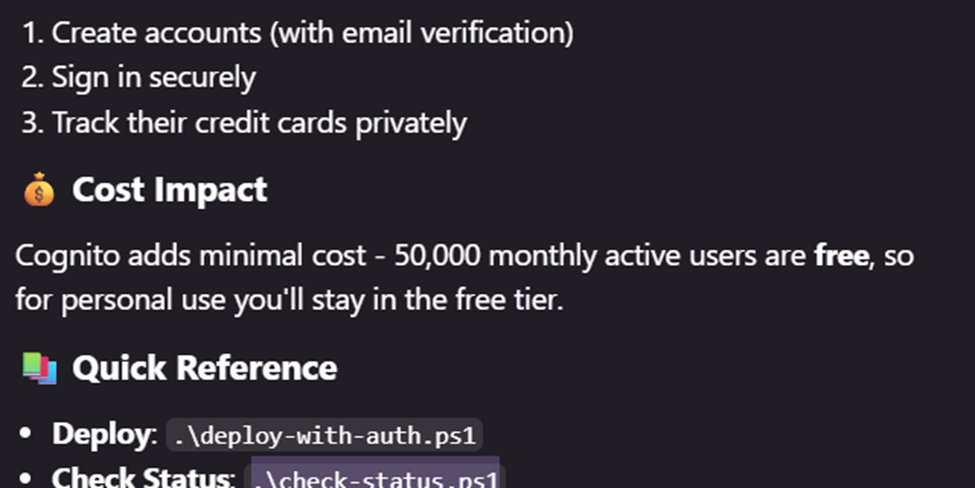
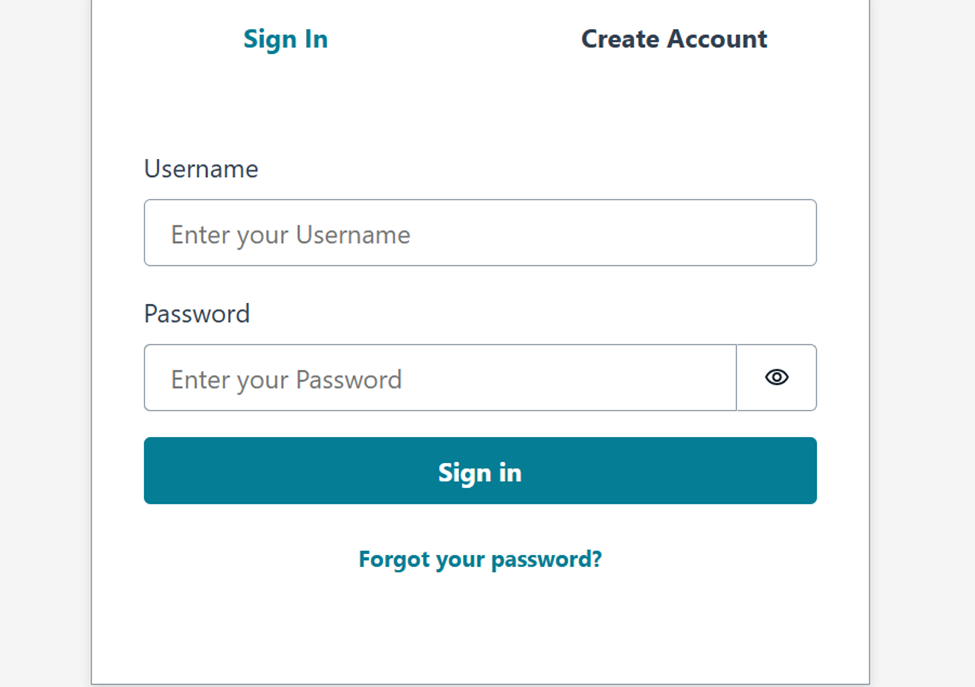
I wasn’t done yet. I needed security, so I asked Kiro to “add authentication.” It seamlessly integrated Amazon Cognito, handling user‑pool creation and frontend sign‑in logic automatically.
Final stack
- Auth: Amazon Cognito (Free tier eligible for 50 k MAUs).
- UI: Clean, responsive React interface.
- Deployment: One‑click deploy scripts (
deploy-with-auth.ps1).
Conclusion: Is This the Future?
My experience with Kiro was eye‑opening. I went from a rough idea to a secured, serverless web application with zero coding knowledge required for the implementation details.
While I hope the “Terminator” series remains fiction, I can’t deny that tools like Kiro are changing the game. We are moving from “writing code” to “supervising architecture.”