
Kindle’s newest feature has completely changed how I read books
Source: Android Authority
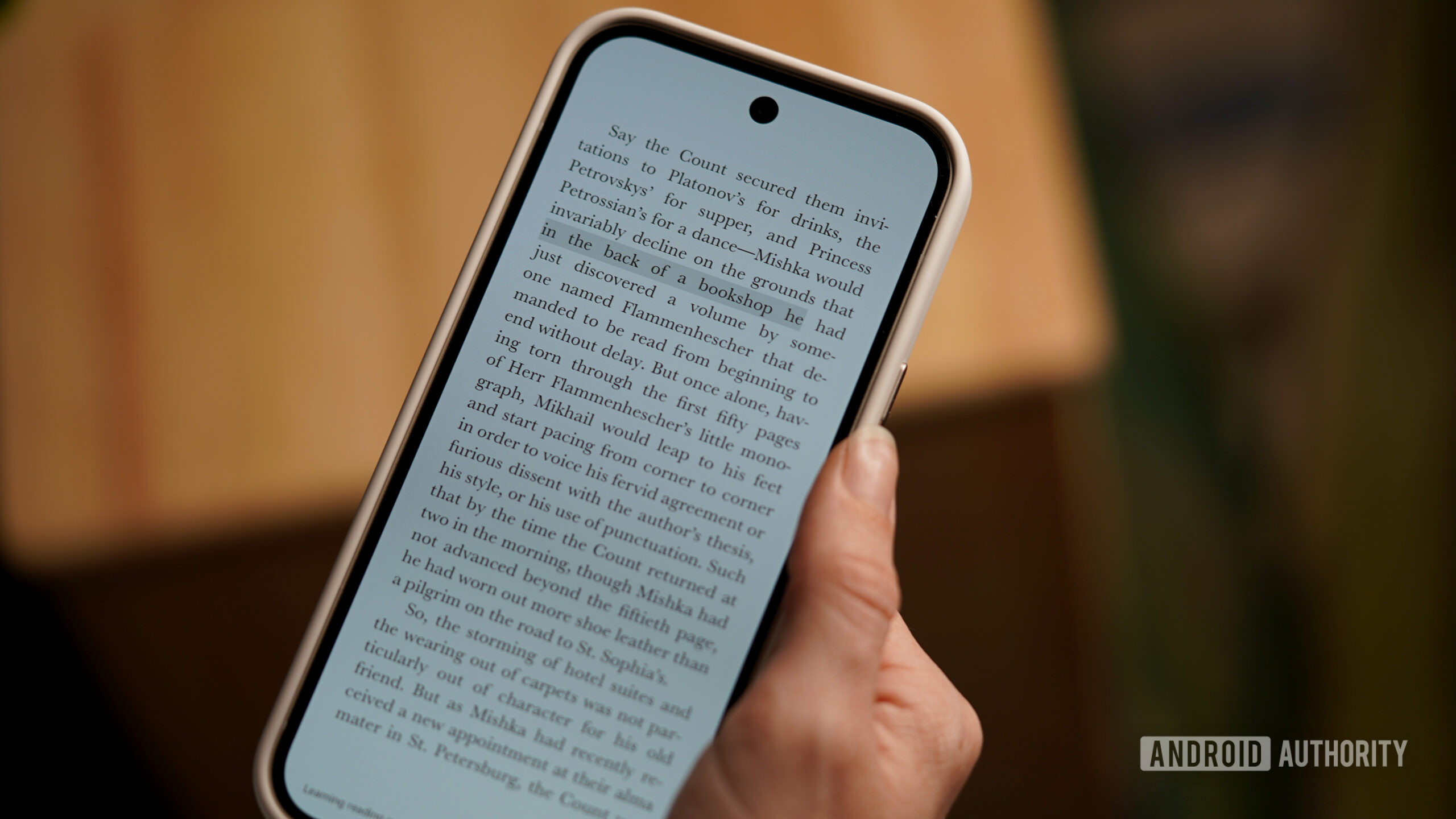
Photo credit: Kaitlyn Cimino / Android Authority
Immersive Reading Overview
Would you use immersive reading mode?
3 votes
A Two‑in‑One Reading Experience
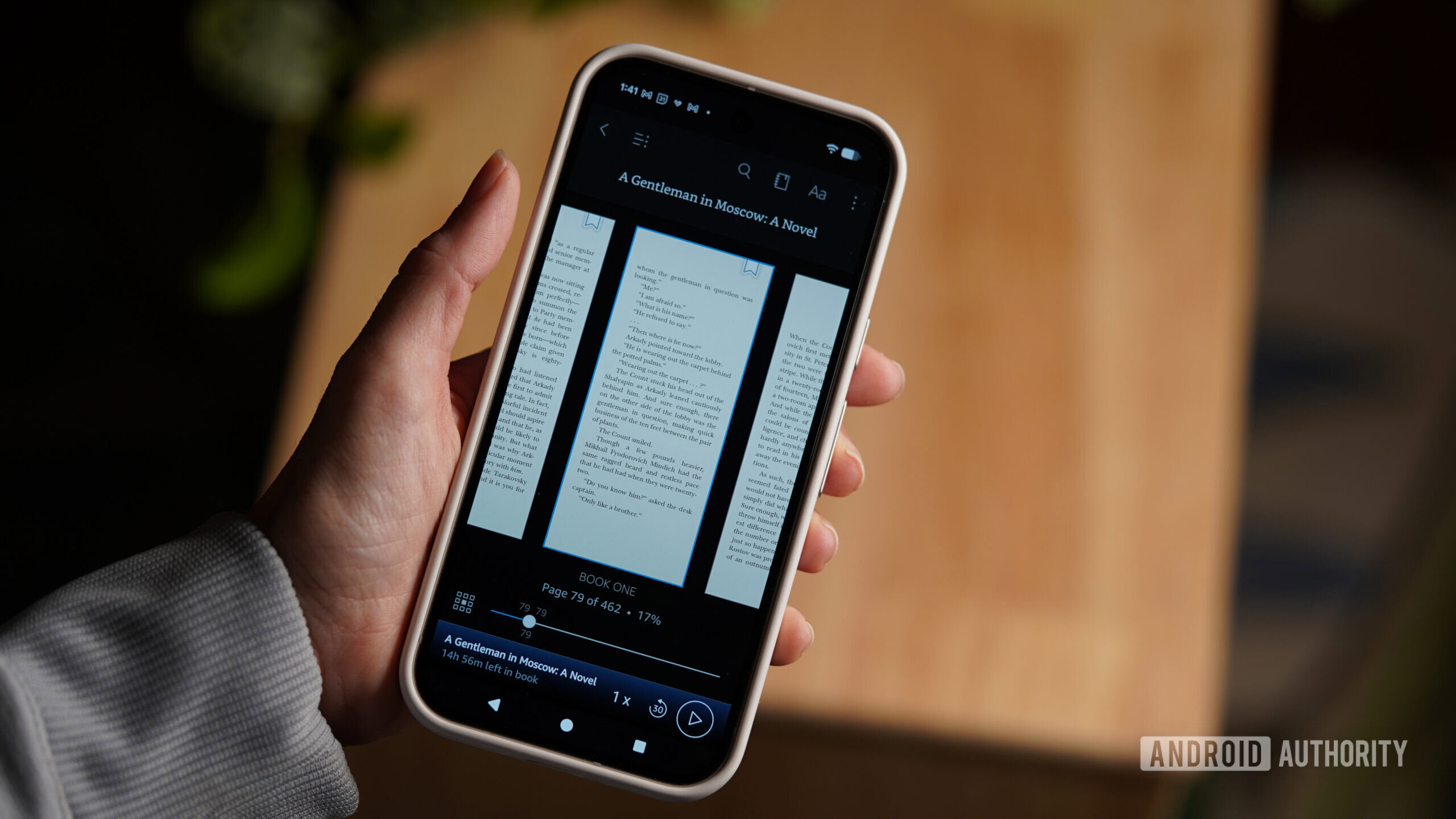
Photo credit: Kaitlyn Cimino / Android Authority
I’m not someone who treats reading like a scoreboard or tries to prove how well‑read I am—I just love to read. Unfortunately, that passion doesn’t always translate into focus.
Earlier this month Amazon introduced Immersive Reading, which syncs audiobooks and e‑books into a single view, highlighting the text in real time as the narrator reads aloud. Unlike WhisperSync, which is primarily about moving seamlessly between the two formats, Immersive Reading is about the combined experience (though it still lets you switch back and forth).
My Take After a Week of Testing
The biggest benefit for me is how it impacts my focus.
- Audiobooks still have their place. I can “crush” multiple titles during a long weekend of yard work or while doing other menial tasks that don’t require my full attention.
- When my hands and eyes aren’t busy, my mind wanders. I often find myself halfway down my mental to‑do list before realizing I stopped listening to the book I started only five minutes ago.
- In the car, it’s hit‑or‑miss. I’ve arrived at my destination having retained nothing from the audiobook, wishing I’d just replayed Bad Bunny for the 100th time since the Super Bowl.
Immersive Reading lands right where audiobooks fall short. The combination of visual cues and audio content keeps me focused with far less effort. Highlighted text gives my attention a place to land, and because my eyes stay engaged, my brain is more likely to follow suit.
Immersive Reading mode syncs your audiobook with highlighted text in your e‑book.
In short, if you love reading but struggle with distraction, give Immersive Reading a try—it may be the boost your concentration needs.
Why It’s Worth It
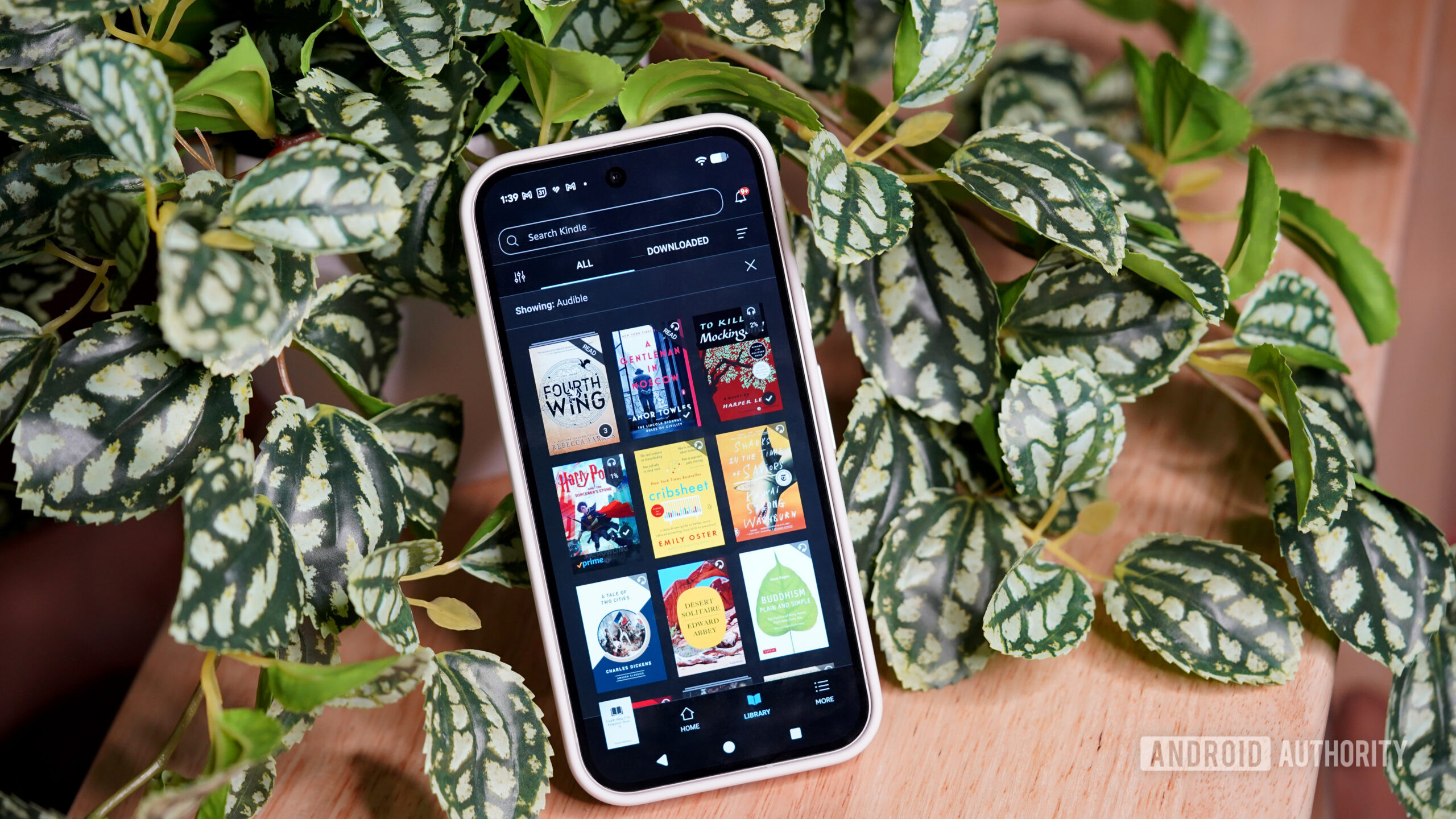
Photo credit: Kaitlyn Cimino / Android Authority
Reading and listening at the same time might sound redundant, but it actually solves a few common problems:
1. When Focus Is Hard to Sustain
- Tired evenings: An audiobook can serve as background noise while my eyes rest, letting me still make progress.
- Low‑energy moments: I can “listen‑read” without the effort of turning pages, then glance at the text when I’m ready for a deeper dive.
2. Better Retention & Comprehension
- Hearing the narration while following the text reinforces key ideas, especially in dense nonfiction.
- The dual‑modal experience helps me remember details longer than either reading or listening alone.
3. Momentum Builder
- Starting a chapter with both audio and text pulls me into the story faster.
- If I’ve already heard a section, revisiting it in print feels easier, turning a passive listening session into an active study session.
4. Multitasking Made Easy
- Household chores: I can lounge on the couch, hear the laundry chime, and keep the narration going while I fold clothes.
- Cooking: The story follows me from the stove to the oven, so I never lose my place when I have to stir a pot or check a timer.
In short, the feature lets me squeeze reading into the fragmented pockets of time we all have.
5. A Touch of Nostalgia
- There’s something comforting about hearing a narrator while I read aloud, reminiscent of reading in my parents’ RV.
- When I gasp, groan, or laugh, the narrator just keeps going—no judgment, just pure enjoyment.
Bottom line: The read‑along feature turns limited reading time into a more flexible, engaging, and memorable experience. It lets me stay connected to a book even when my hands (or my attention) are busy elsewhere.
Room for Improvement
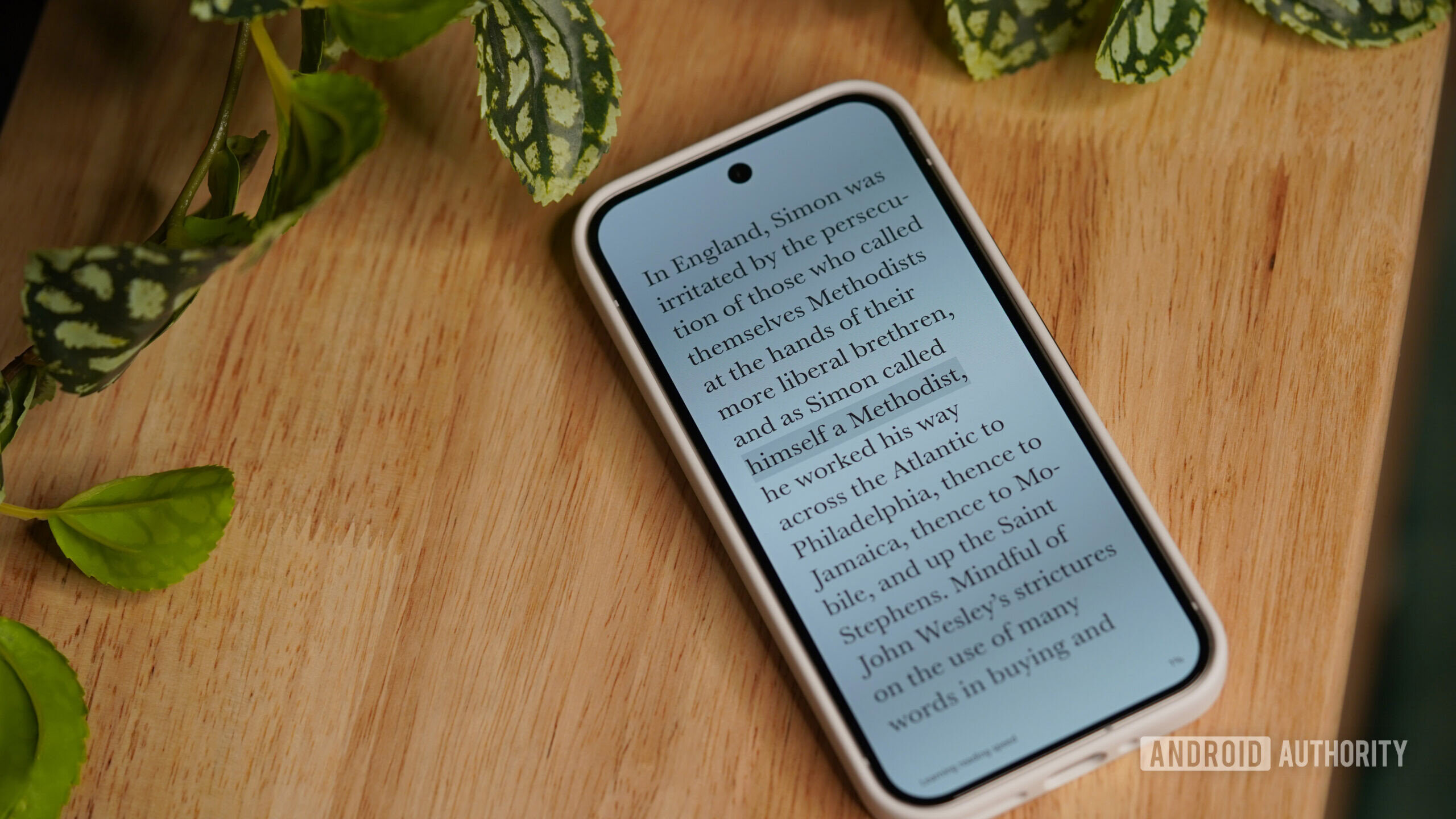
Like most new features, it’s not flawless. Highlighting occasionally lags enough to pull me out of the experience, and once you notice the timing inconsistencies, they’re hard to ignore. In a few books, only partial words were highlighted—like just the A in Alabama instead of the entire state. I’d also love to see the highlighted area expanded by a few words in both directions and be able to shift the timing of the highlighted text manually. This isn’t karaoke, so I don’t need to know the exact next word the narrator is on; I’d rather have a little more visual context.
Control in general feels thinner than it should be, but I’m hoping Audible keeps tweaking the experience.
Pricing and Licensing
Unfortunately, pricing and licensing significantly dampen the attractiveness of the tool. In many cases, you need to own both versions of a book to unlock immersive reading. This makes the feature feel more like a premium experience than a default one, and frankly, there aren’t many books I’m willing to pay for twice. During this testing period, I mostly stuck with titles I happened to have in both formats.
The need to purchase books in two formats is a major hurdle.
I usually treat ebooks and audiobooks as two different experiences and essentially two different libraries. Immersive reading makes them feel more complementary. If it weren’t for the financial cost, this would be my new favorite way to read.
Follow
Thank you for being part of our community. Read our Comment Policy before posting.