
I switched my entire family to older Google Pixels, and I wish I’d done it sooner
Source: Android Authority
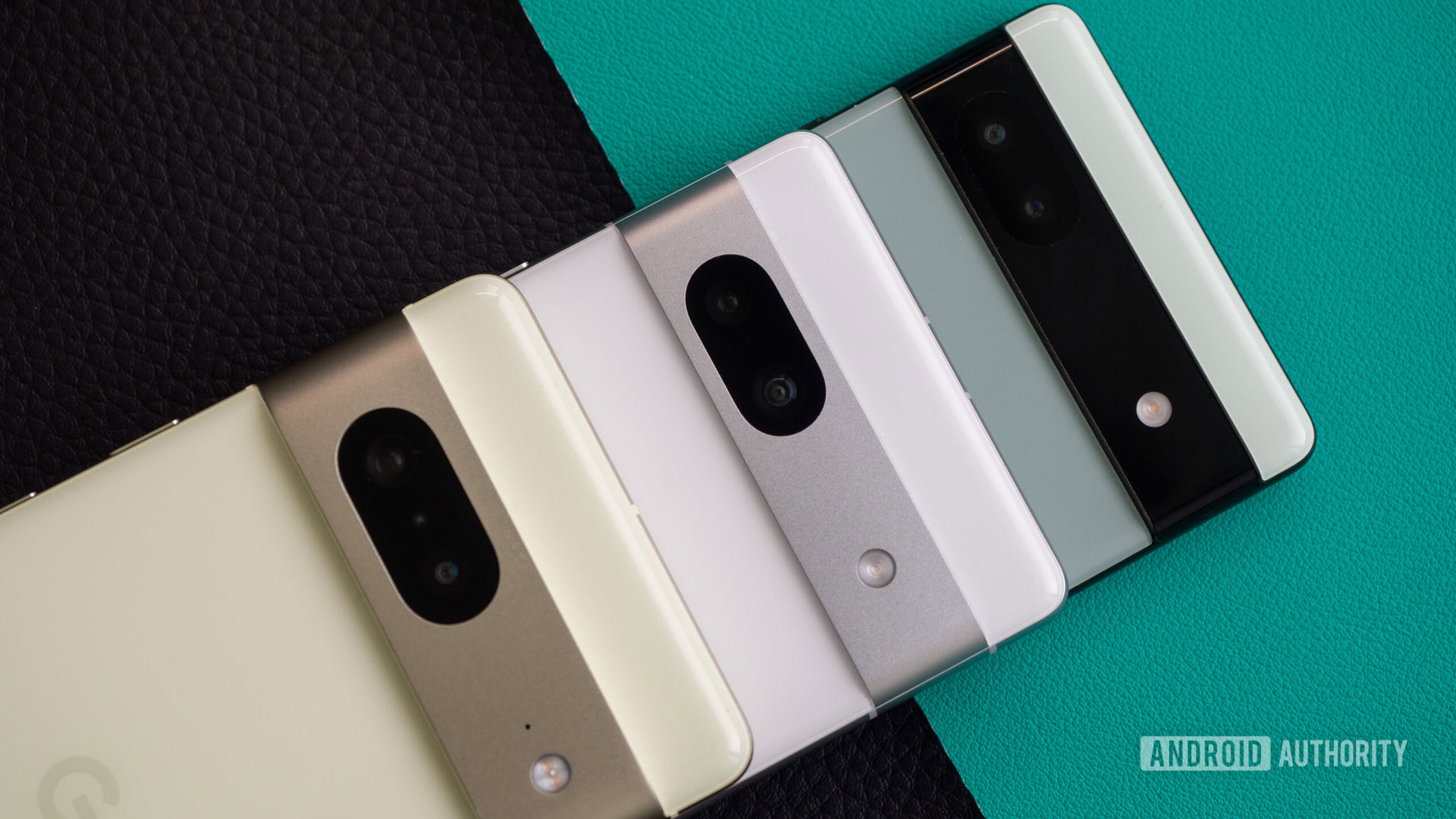
A few months ago, I took a step I should’ve taken several years ago and switched the rest of my immediate family to Pixel phones.
My husband was already sporting and loving his Pixel 7 Pro, and my mother‑in‑law was using my old Pixel 6a. My mom, dad, and aunt, however, were still carrying older OnePlus or Samsung phones. Since they’re not interested in state‑of‑the‑art tech, I dug into the archive and found a Pixel 7a, Pixel 6 Pro, and Pixel 7 Pro to upgrade them to.
Going in, I knew this would be a big departure for them. It would’ve been much safer to stick with a familiar Android skin rather than introduce something new, but the learning curve turned out to be far less steep than I expected. Now, I’m just reaping the benefits of this change.
Did you convert your entire family to one brand of smartphones?
7 votes
Why Pixels and Not Something Else?
Rita El Khoury / Android Authority
To answer this question, I need to go back nearly a decade and explain why I bought my first Pixel 2 XL. At the time, I needed a phone for my tech‑writing job, liked the idea of a clean Android slate, and was still searching for the camera excellence I’d experienced on Nokia phones. Since then I’ve bought or tested almost every new Pixel, so I’m very familiar with Google’s flavor of Android—its quirks and its strengths.
The First Family Switch
The decision to go with Pixels for my family wasn’t luck; it was pure strategy.
- My aunt’s OnePlus 9 stopped reading SIM cards.
- She needed a functional phone urgently, but I lived in another country and couldn’t help in person.
- I remembered that I’d left my old Pixel 2 XL in a box at my parents’ house for situations like this.
She retrieved the Pixel, I helped her set it up remotely, and she used it for several months without a hiccup.
What I Learned
That experience highlighted several perks of the Pixel ecosystem—for both her and me:
- Remote troubleshooting was straightforward; I could fix issues from thousands of miles away.
- No bloatware: Unlike the OnePlus, the Pixel didn’t force me to hide half the apps.
- Pixel UI was intuitive, so she adapted quickly.
- Camera quality: Her photos became crystal‑clear instead of blurry.
- Performance: Even at seven years old, the Pixel 2 XL felt snappy, not sluggish.
Weighing the Pros and Cons
Even though my family lives in a country where Pixel repairs are hard to come by and many Google‑specific features (Satellite SOS, fall detection, car‑crash detection, smart calling, etc.) don’t work, the overall net benefit was clear.
The Full Switch
So I made the plunge:
| Family Member | Pixel Model | Status |
|---|---|---|
| Aunt | Pixel 6 Pro (first) | Replaced the old Pixel 2 XL |
| Mom | Pixel 7a | In use for 6 months |
| Dad | Pixel 7 Pro | In use for 6 months |
I have no regrets—except that I wish I’d made the switch sooner.
Remote Support Is a Breeze with Pixels
Adamya Sharma / Android Authority
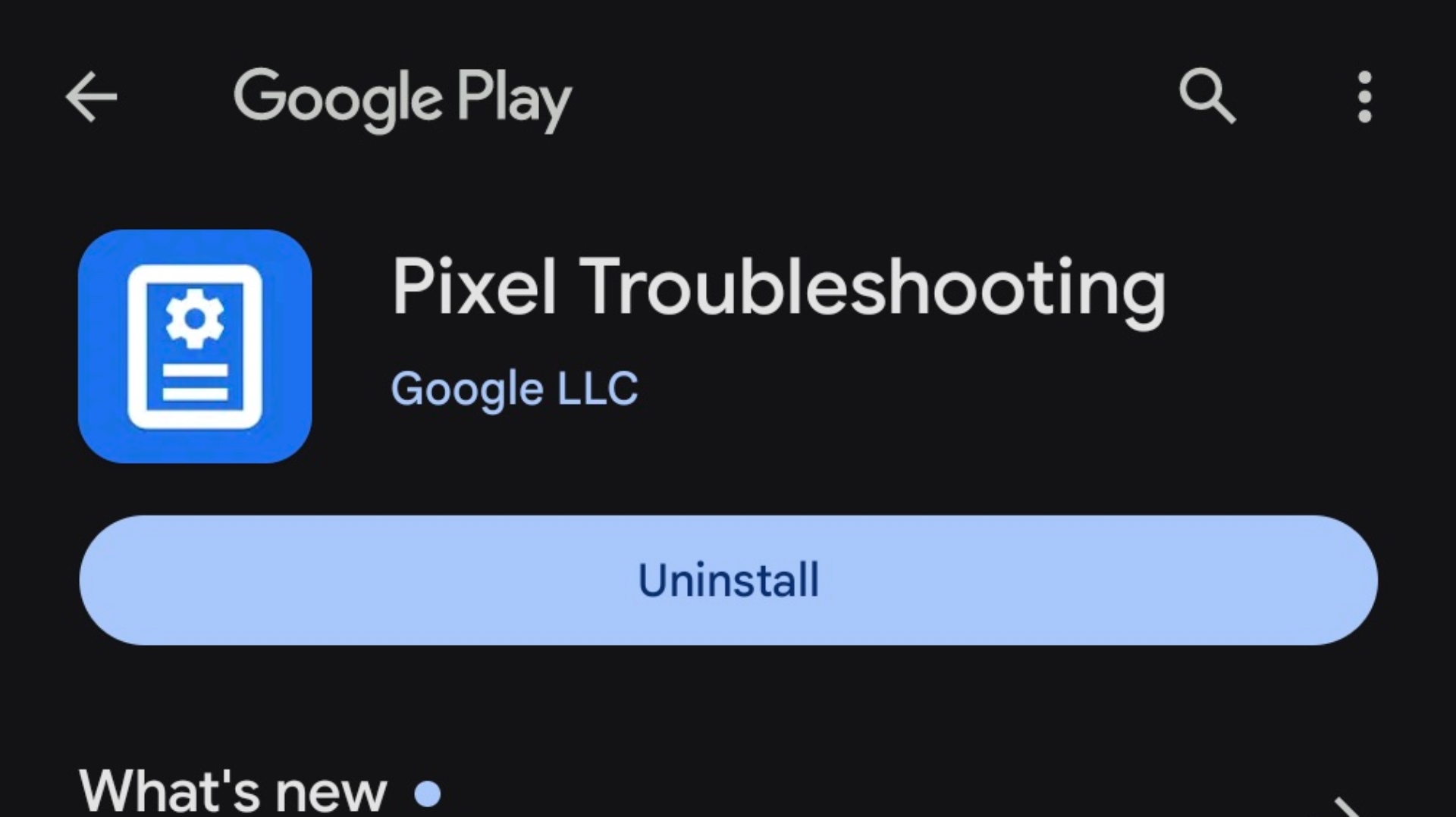
Once a week, on average, one of my parents asks me a question about their phone. A disappearing icon, an unexpected error message, a confusing pop‑up, a new menu, a feature they don’t understand—you name it, I’ve had to troubleshoot it.
- Dad’s classic mishap: He once entered the recovery menu on his OnePlus 7 Pro and hard‑reset the device several times, thinking that turning the screen off required pressing the power and volume buttons together.
- Current quirk: He now archives messages in Google Messages and WhatsApp, then panics when the bank stops sending SMS confirmations or when a contact disappears from WhatsApp.
- Mom’s favorite line: “Do I update?”—without any context about whether she means an ad pop‑up, a system update, or an app.
- Aunt’s approach: She sends screenshots with every troubleshooting question, which I really appreciate.
Having to decipher an unfamiliar menu or error from thousands of miles away used to be a pain. Pixels, however, make it simple because I know their quirks inside‑out.
Why a unified Android skin helps
- Consistent UI: Every setting, menu, and pop‑up is in the same place across all Pixel devices.
- Familiar hardware shortcuts: The power button and volume buttons are always positioned the same way.
- No cross‑brand guessing: I don’t have to remember where Samsung or OnePlus hides a particular option or even whether that feature exists on their devices.
- Instant verification: If I’m unsure, I can pull up my own Pixel, check the exact screen, and guide them step‑by‑step.
“Dad, please tap your picture in the top‑right, then the Archived tab in the middle of the screen. Do you see the bank messages now? Yep, you’ve archived the chat—let’s unarchive it.”
So easy!
I no longer waste hours Googling how Samsung or OnePlus implements Phone, Contacts, or Messages—areas where most of the past issues originated.
Even when Google makes radical changes—like altering the call‑answer UI or removing the power button’s default function—I’m ready to help because I’ve already experienced those updates on my own device. I wasn’t familiar enough with Samsung’s or OnePlus’s betas to navigate their occasional, confusing changes.
Moral of the story
If you’re the family troubleshooter, do yourself a favor: make sure everyone runs the same Android skin as you. It will save you days—and a lot of pulled‑out hair.
More Reasons a Pixel Was an Easy Choice for My Family
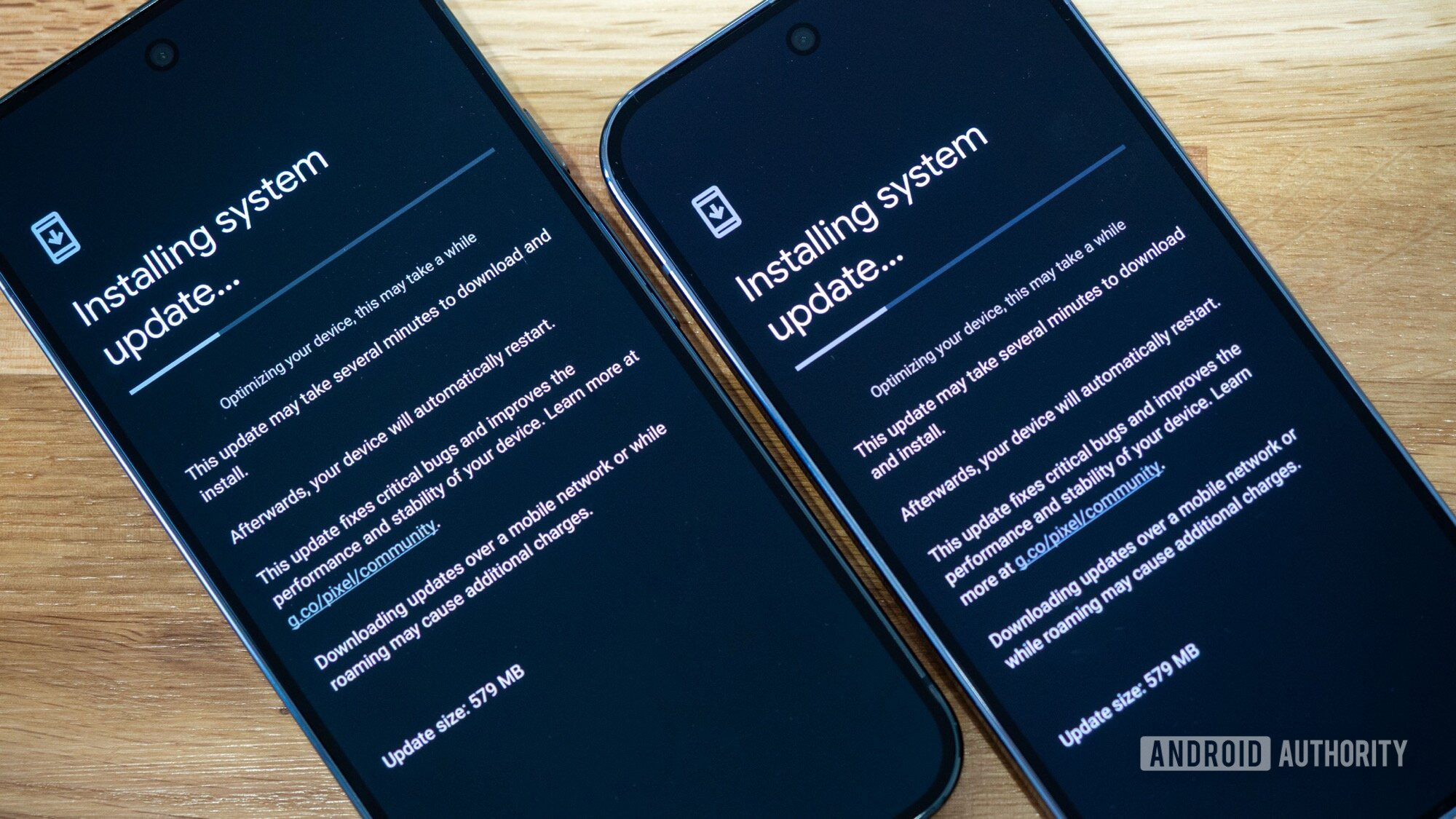
By switching every phone in my family to a Pixel, I made a conscious decision to keep them running the most secure and up‑to‑date version of Android. Even though these phones are three + years old and cheaper than many newer mid‑range devices, they’re not lagging behind on Android 15 or a 2024 security patch. They receive:
- Monthly updates
- Quarterly QPR releases (see the Android 2026 update release cycle)
Just like my Pixel 10 Pro XL. When updates eventually stop—starting with the Pixel 6 Pro later this year—I’ll decide what to do next. I’m confident I can keep my aunt on her current phone for another year before choosing a new Pixel for her.
Simpler Interface
- No hidden folders or duplicate apps (e.g., two browsers, two messaging apps).
- A consistent UI across devices lets my parents help each other.
- Example: Mom once explained to Dad, “Tap the attach icon to get the photos.”
Wish: a way to lock the home‑screen layout, because they often move icons and widgets and then struggle to restore them.
Camera, Updates, and Support
The camera is a big win. My parents now capture:
- Sunday barbecues
- Dad’s gardening projects
- Aunt’s experimental dishes
The photos are sharp—something I rarely saw with their old OnePlus and Samsung phones, especially the latter, which still suffers from shutter‑speed and delay issues (see review). Even documents come out readable. Thank you, Pixel Camera!
Easy Backups & Restores
I’ve performed enough remote restores to know that a Pixel‑to‑Pixel migration is complete compared with other Android skins. When Dad accidentally wipes his phone (thinking “Power + Volume” turns the screen off), the restore process brings back:
- All settings
- Quick‑settings tiles
- Wallpaper, widgets, and home‑screen icons
…without any manual effort.
Pixel Weather: The Unexpected Hero
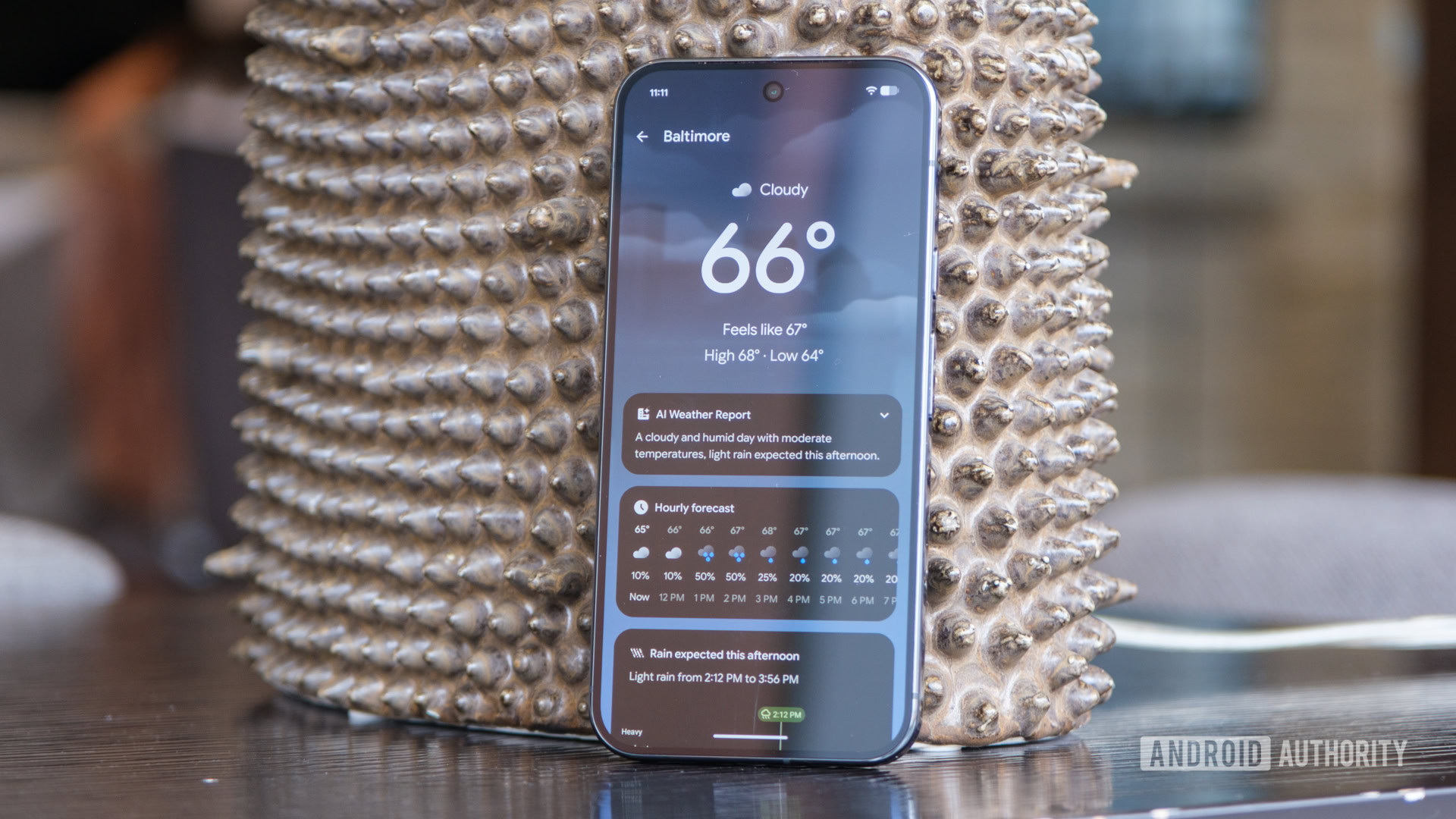
If you ask them, the biggest win is the Pixel Weather app. My parents are oddly fascinated by weather apps and widgets. After trying several free and paid alternatives—each plagued by ads, ugly UI, or inaccurate forecasts—we finally landed on Pixel Weather, which got an instant thumbs‑up.
- No ads
- Clean, simple UI
- Accurate, localized forecasts
If a weather app is what it takes to convince my family to adopt a brand they’ve never heard of, I’m happy.
“Pixel family,” my mother‑in‑law’s personal‑care assistant joked over the holidays. And you know what? We truly are.
Follow
Thank you for being part of our community. Please read our Comment Policy before posting.