
How to install mmcv in an Npu Enviroment
Source: Dev.to
Description
I want to run musetalk model in Ascend GPU today, but the mmcv caused a lot of trouble. I summarized some experience and would like to share it here.
My Environment
- NPU: 910b2
- OS: aarch64 Ubuntu 22.04.5 LTS
Story
When I attempted to install mmcv with pip, an error No module named mmcv._ext was thrown. This error could only be resolved by compiling it from source code. The compilation succeeded in a CPU environment but failed when attempted for an NPU environment.
Compile with CPU
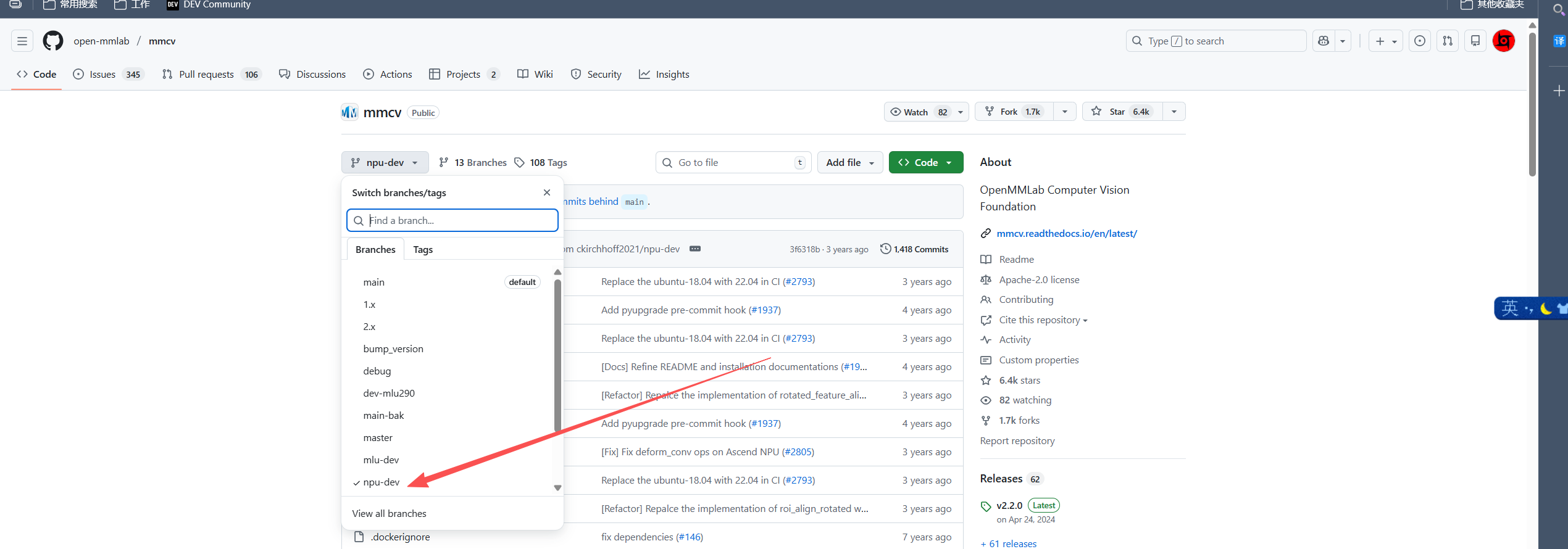
Download the mmcv code from GitHub, branch npu-dev:
https://github.com/open-mmlab/mmcv/tree/npu-dev
Modify setup.py
Line 21
# cmd_class = {'build_ext': BuildExtension}
cmd_class = {'build_ext': BuildExtension.with_options(use_ninja=False)}
Lines 273‑300
elif (os.getenv('FORCE_NPU', '0') == '1'):
    print(f'Compiling {ext_name} only with CPU and NPU')
    try:
        from torch_npu.utils.cpp_extension import NpuExtension
        define_macros += [('MMCV_WITH_NPU', None)]
        extension = NpuExtension
    except Exception:
        raise ImportError('can not find any torch_npu')
    # src
    op_files = glob.glob('./mmcv/ops/csrc/pytorch/*.cpp') + \
        glob.glob('./mmcv/ops/csrc/pytorch/cpu/*.cpp') + \
        glob.glob('./mmcv/ops/csrc/common/npu/*.cpp') + \
        glob.glob('./mmcv/ops/csrc/pytorch/npu/*.cpp')
    include_dirs.append(os.path.abspath('./mmcv/ops/csrc/common'))
    include_dirs.append(os.path.abspath('./mmcv/ops/csrc/common/npu'))
    if 'cxx' not in extra_compile_args:
        extra_compile_args['cxx'] = {}
    extra_compile_args['cxx'] += ['-std=c++17', '-Wall']

else:
    print(f'Compiling {ext_name} only with CPU')
    op_files = glob.glob('./mmcv/ops/csrc/pytorch/*.cpp') + \
        glob.glob('./mmcv/ops/csrc/pytorch/cpu/*.cpp')
    extension = CppExtension
    include_dirs.append(os.path.abspath('./mmcv/ops/csrc/common'))
    if 'cxx' not in extra_compile_args:
        extra_compile_args['cxx'] = {}
    extra_compile_args['cxx'] += ['-std=c++17', '-Wall']
Build commands
Prerequisite: Install
torchandtorchvisionbefore running the commands.
MMCV_WITH_OPS=1 MAX_JOBS=40 python setup.py build_extIf you’re lucky, you can also try:
MMCV_WITH_OPS=1 MAX_JOBS=40 python setup.py developNote: develop creates a symbolic link to the site‑packages folder.
Verify the mmcv module:
from mmcv.ops import MultiScaleDeformableAttentionActual installation command:
MMCV_WITH_OPS=1 MAX_JOBS=40 python setup.py installNotice
The file _ext.cpython-310-aarch64-linux-gnu.so may not be located in the mmcv directory; instead, it resides in the build directory. You must create a symbolic link manually.