
Here’s how Google Photos is solving its digital picture frame problem
Source: Android Authority
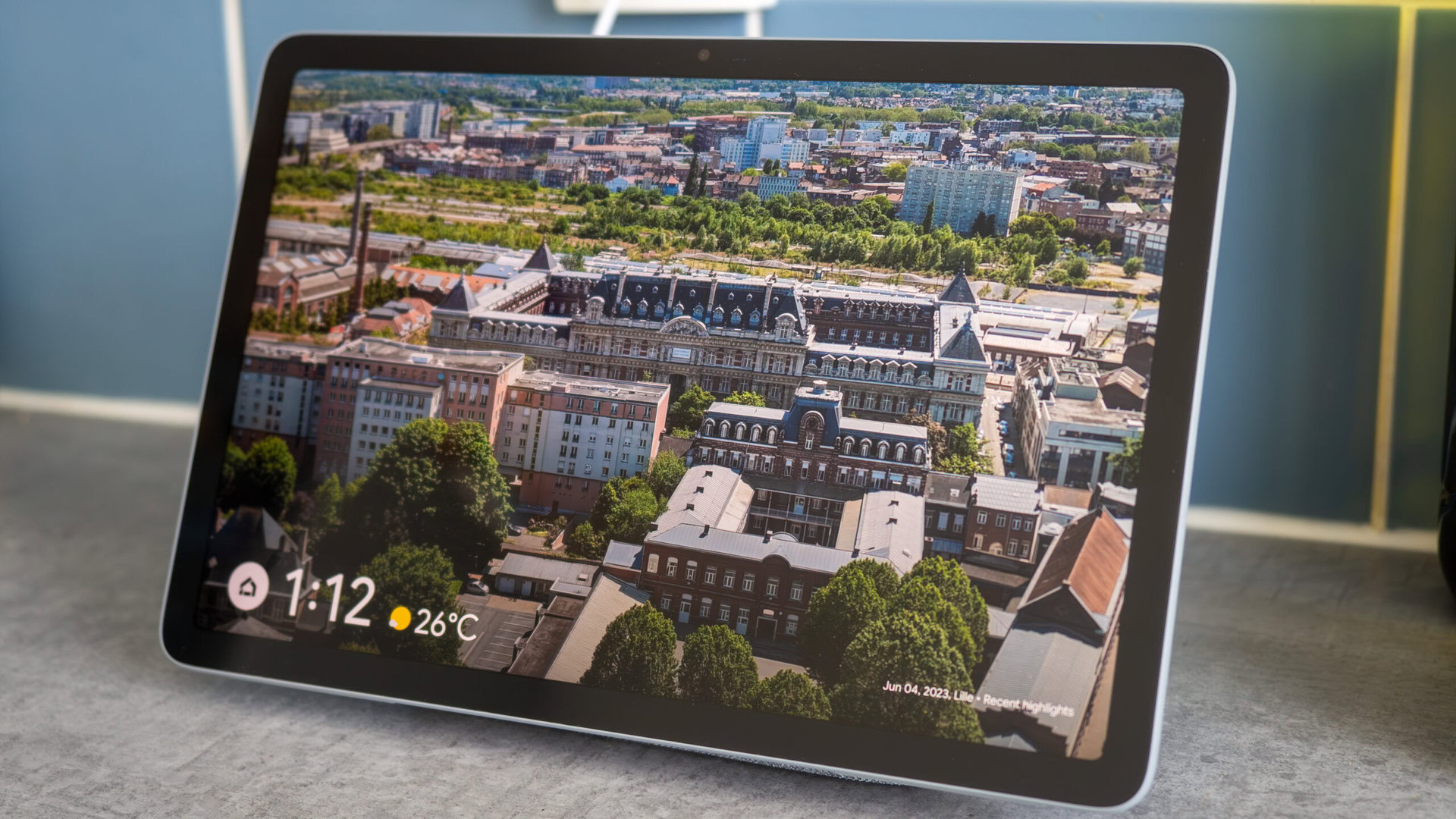
TL;DR
- Aura warned users that Google API changes meant they were losing support for auto‑syncing pictures from the cloud.
- Shortly thereafter, the company announced it was working with Google to find a way to restore similar functionality.
- A year later, Aura explains how the Google Photos Ambient API is re‑enabling auto‑sync.
Background
Digital photo frames should be one of the simplest smart‑home products. They only need to connect to a photo library and display images quietly.
Last year, changes to Google’s Photos API threatened to break picture syncing for many frames, including those made by Aura. The API update limited direct access to users’ cloud libraries for privacy reasons, forcing users to manually select images.
Aura’s Solution
In a statement shared with The Verge, Aura described its new integration:
“With our updated Google Photos integration, you can add photos directly from the Google Photos app or sync an entire Google Photos album to keep Aura frames updated automatically. Photos are sent directly to your Aura frames from Google Photos, without the need for manual uploads.”
The key is the Google Photos Ambient API, which is designed specifically for digital picture frames and smart TVs. It provides a privacy‑friendly path for frames to receive updates from a user’s Google Photos library.
How to Enable Auto‑Sync
- Open the Aura app and connect your Google account.
- Choose a Google Photos album (or the entire library) you want to sync.
- The selected photos will automatically sync to your Aura frames.
- If you prefer manual control, use the in‑app photo selector to pick specific images.
What This Means
Aura’s implementation restores the convenience of automatic photo updates that many users expected, without compromising the privacy safeguards introduced by Google’s API changes.