
Here are three of my favorite CarPlay features right now
Source: 9to5Mac
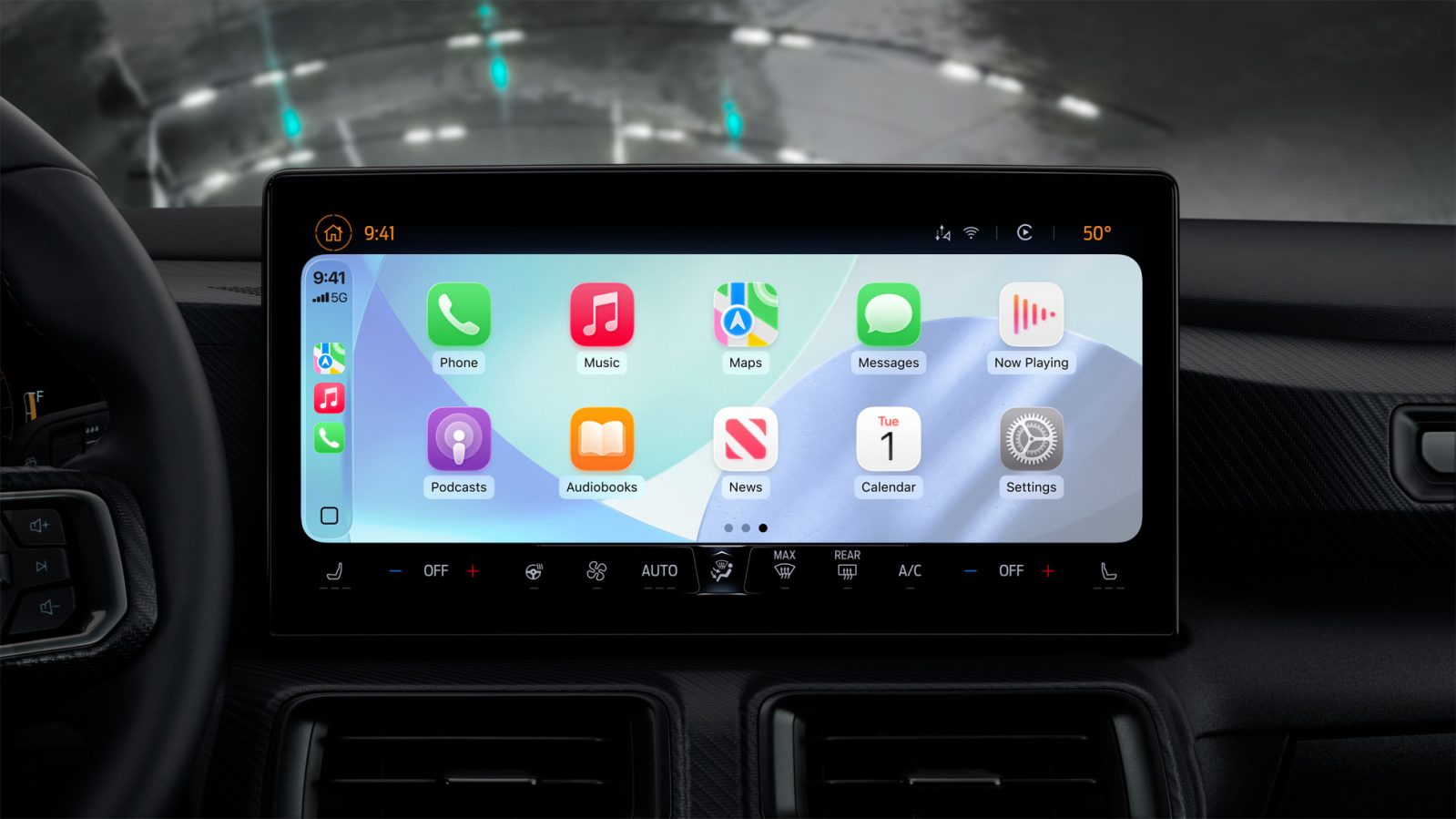
Like many people, Apple CarPlay is a must‑have feature for me. Having quick access to key iPhone apps via my car’s screen is incredibly convenient. Here are three of my favorite recent CarPlay features.
Three CarPlay features I’ve been loving
Smart Display Zoom
I drive a Ford Mustang Mach‑E, which has a large, portrait‑oriented center console screen. iOS 26 added a new “Smart Display Zoom” feature that makes CarPlay significantly better on this screen and other cars with similarly large screens.
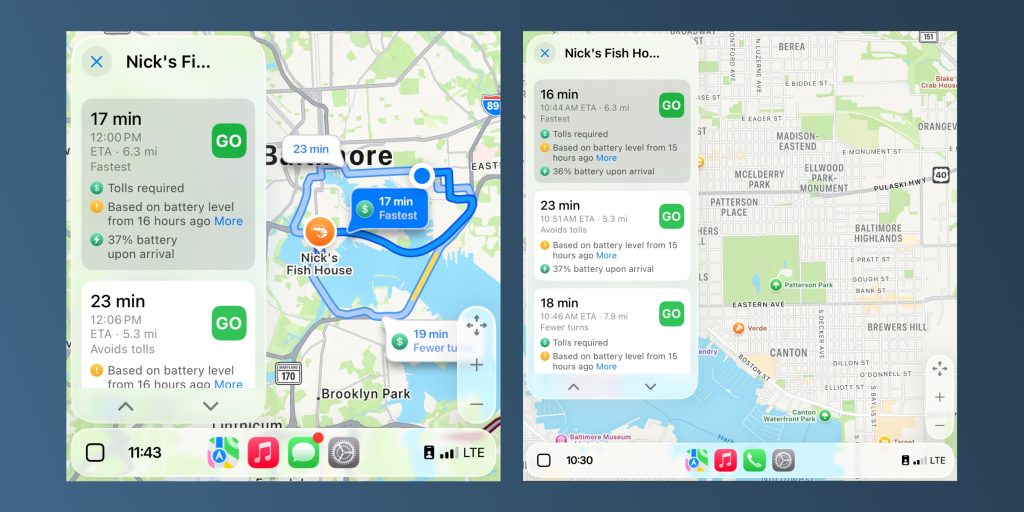
Normal zoom (L) vs Smart Display Zoom (R)
As I covered in depth last year, Smart Display Zoom effectively increases the density of information shown on the screen at one time. You can see more app icons on the grid, for example, and it greatly increases the detail shown in Apple Maps, whether directly in the Maps app or on the CarPlay dashboard interface.
In most cars, Smart Display Zoom is disabled by default. You can enable it by going to the Settings app in CarPlay. Your mileage will vary, but for my car it makes CarPlay significantly more capable.
Live Activities
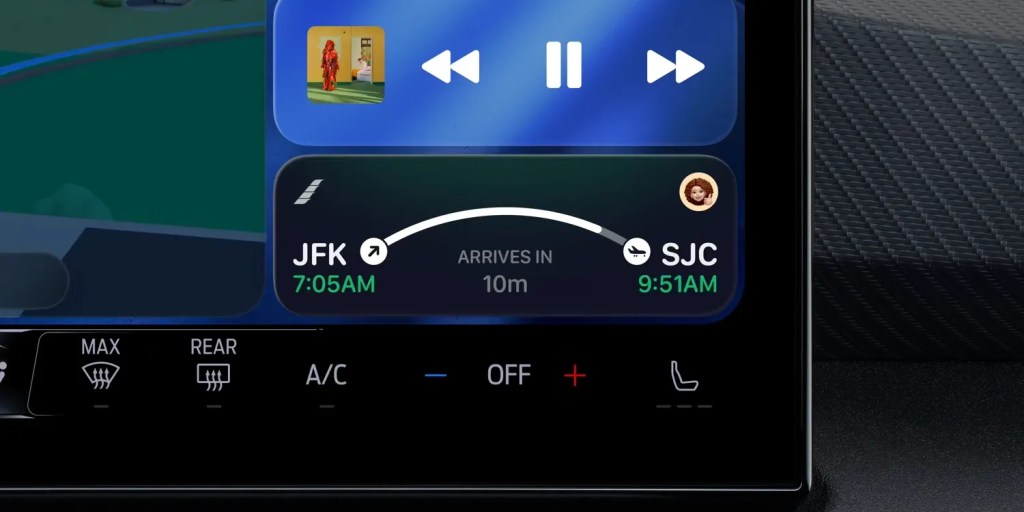
As of iOS 26, Live Activities from your iPhone now show up on CarPlay. This allows you to keep an eye on real‑time information while driving.
A few instances where I’ve found this especially useful:
- Carrot Weather – Live precipitation updates are crucial while on the road, and Carrot Weather’s robust Live Activities solve that problem.
- Apple Sports – Glancing at the score of a game is easy, which is handy as baseball season kicks off.
Apple Music SharePlay
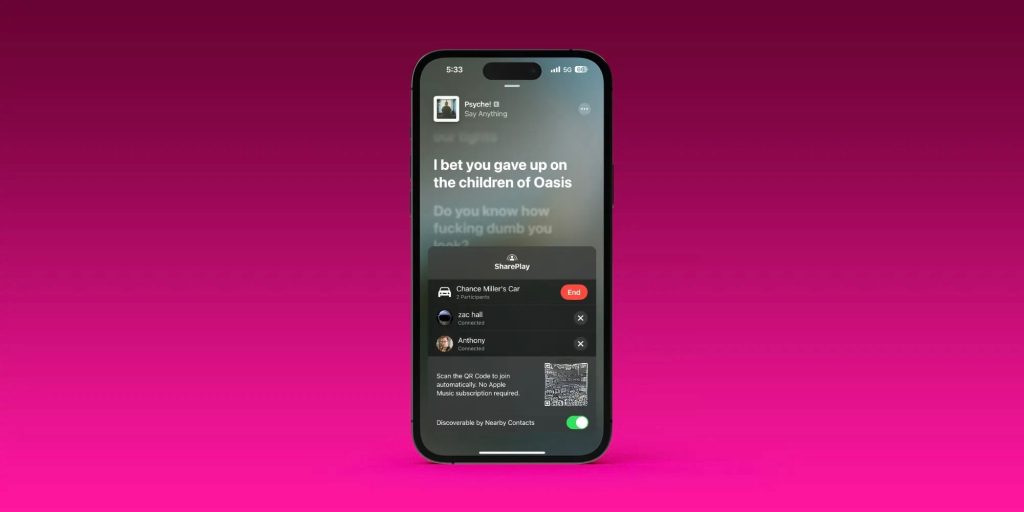
Whenever I’m with friends or family in the car, this feature is a hit. SharePlay support for Apple Music in CarPlay lets anyone in the car control and contribute to what’s playing, rather than just one person.
On the Now Playing screen in Apple Music, there’s a SharePlay icon in the upper‑right corner. Tapping it launches a QR code that other passengers can scan. Those people can then control playback via Apple Music, even without an Apple Music subscription.
It’s a fun feature, though it can get a bit chaotic depending on the music tastes of your fellow riders.
Wrap up
What are your favorite CarPlay features? Let us know down in the comments.
CarPlay accessories
- Charge your EV with solar panels
- iOttie Easy One Touch iPhone Car Mount
- Bring wireless CarPlay to any car
- Belkin MagSafe‑compatible Car Charger for iPhone
- CarpodGo Portable Wireless CarPlay Screen
FTC: We use income‑earning auto affiliate links. More.