
Google’s design guide for AI glasses reveals how Android XR will work
Source: Android Authority
Overview
Google’s Android XR documentation details two types of glasses: AI Glasses and Display AI Glasses with screens. The devices will feature physical buttons for cameras and displays, plus a touchpad for Gemini and gestures. UI design emphasizes rounded corners and power‑efficient colors like green to manage heat and conserve battery life.
Form Factors
- AI Glasses – include speakers, a microphone, and a camera.
- Display AI Glasses – feature a small screen that can be turned off at any time. These are further classified into:
- Monocular – single‑display models.
- Binocular – dual‑screen models, expected later.
Physical Controls
Google mandates the following controls for all glasses:
- Power switch/button
- Touchpad (located on the stem)
- Camera button (on the stem)
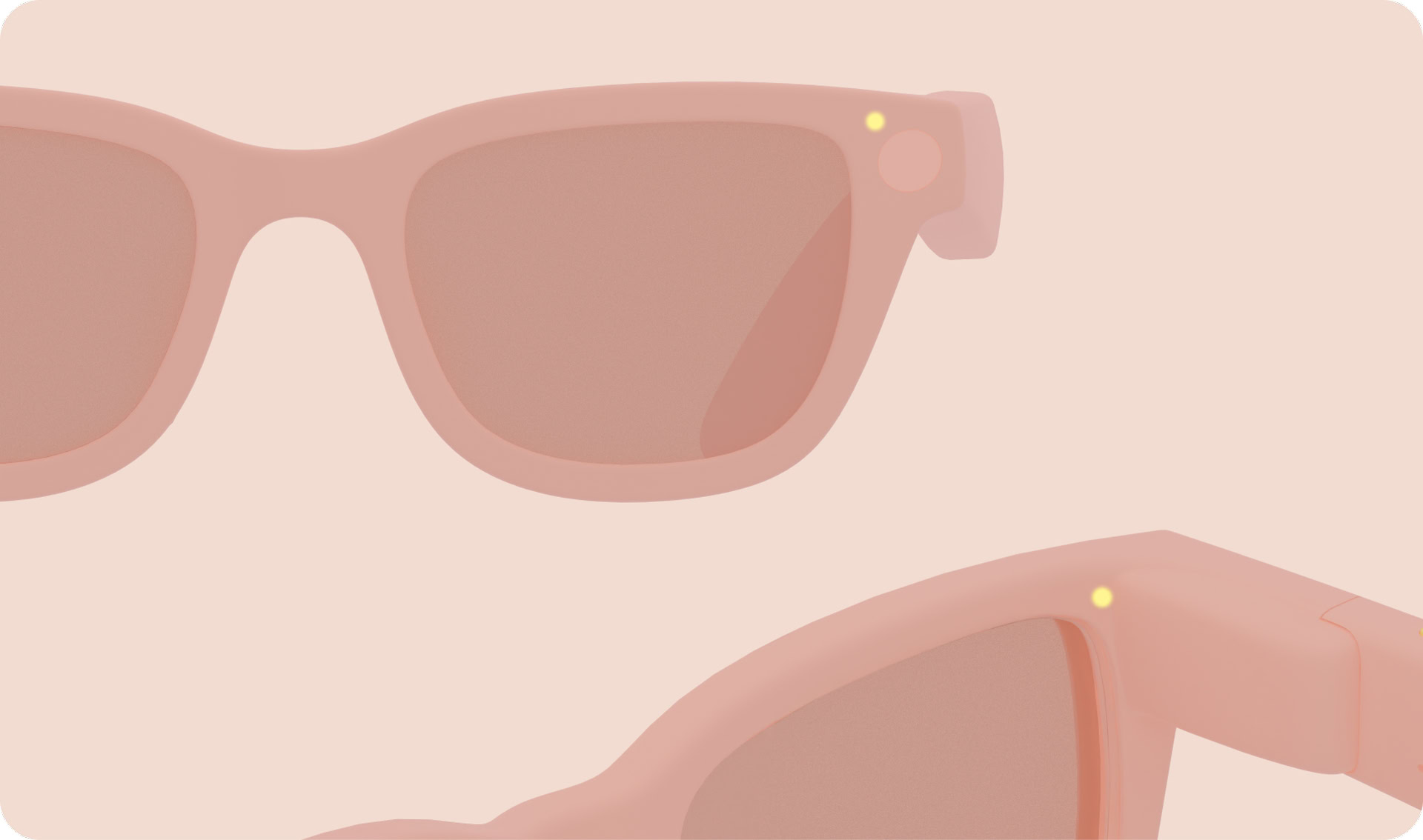
Display AI Glasses also include a display button on the underside of the stem.
- Press the camera button once to take a photo; hold it to record video.
- Touch‑and‑hold the touchpad launches Gemini, as does the wake word.
- Swipe down on the touchpad acts as the system back gesture on Display AI Glasses.
- A two‑finger swipe on the touchpad controls volume on all glasses.
Two LEDs are required on every device: one visible to the wearer and one for bystanders. These system UI indicators provide visual feedback on device features and states and cannot be customized.
Home Screen (Display AI Glasses)
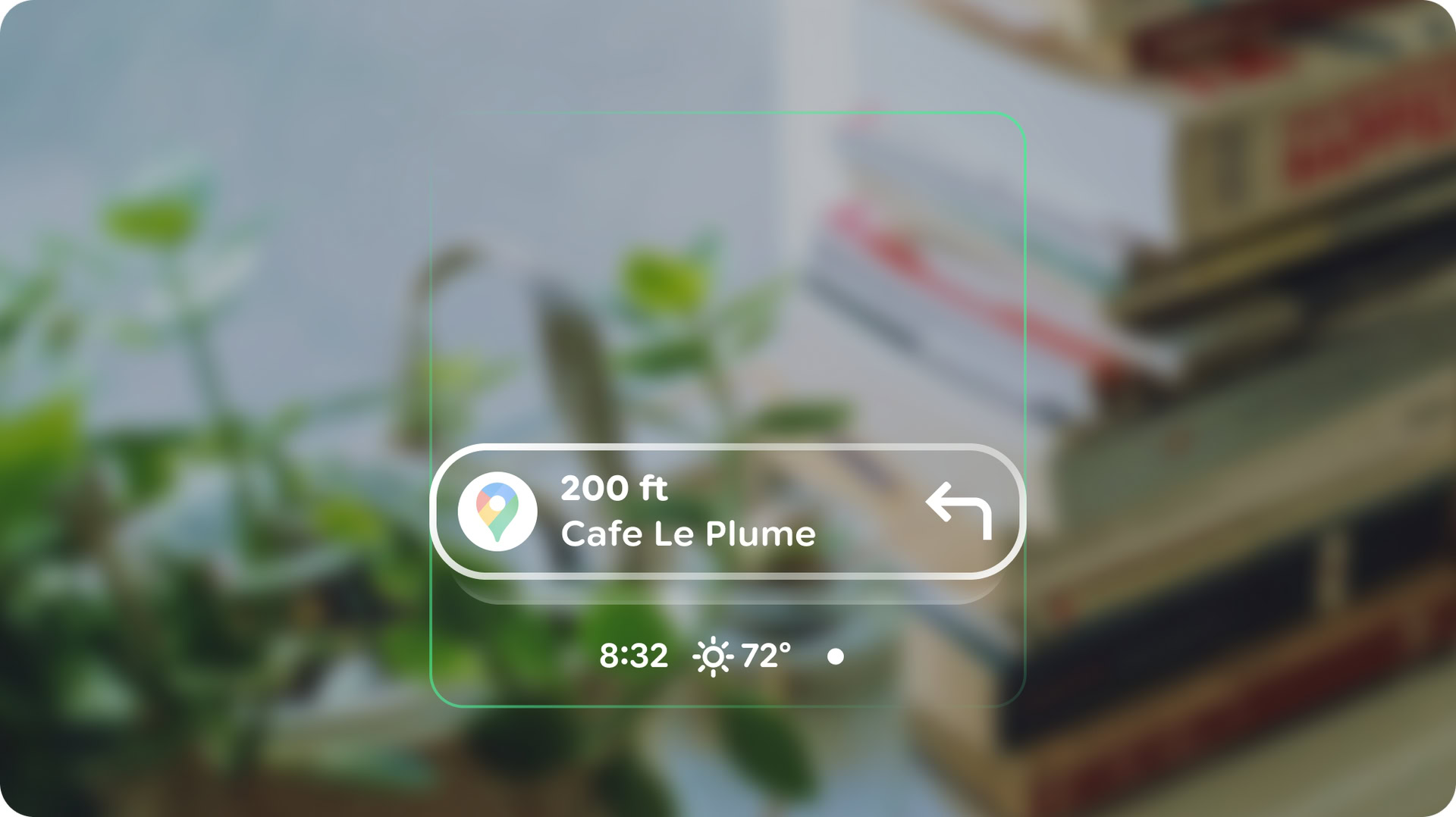
The Home screen is inspired by a phone’s lock screen, offering minimal, contextually relevant information and actions.
Notifications
Notifications appear as pill‑shaped chips that expand to reveal their content when focused.
UI Design Guidelines
- Rounded corners – sharp corners should be avoided in UI elements.
- Color considerations – for see‑through displays, green is the least power‑hungry color, while blue consumes the most power.
- Pixel usage – minimize the number of lit pixels; brighter screens generate more heat and drain the battery faster.
Conclusion
The design documentation provides valuable insight into how apps will function on AI Glasses. While expectations should remain grounded, the upcoming generation of Android experiences on this new form factor promises exciting possibilities.