
Google Translate’s most powerful tool is working on a new look
Source: Android Authority
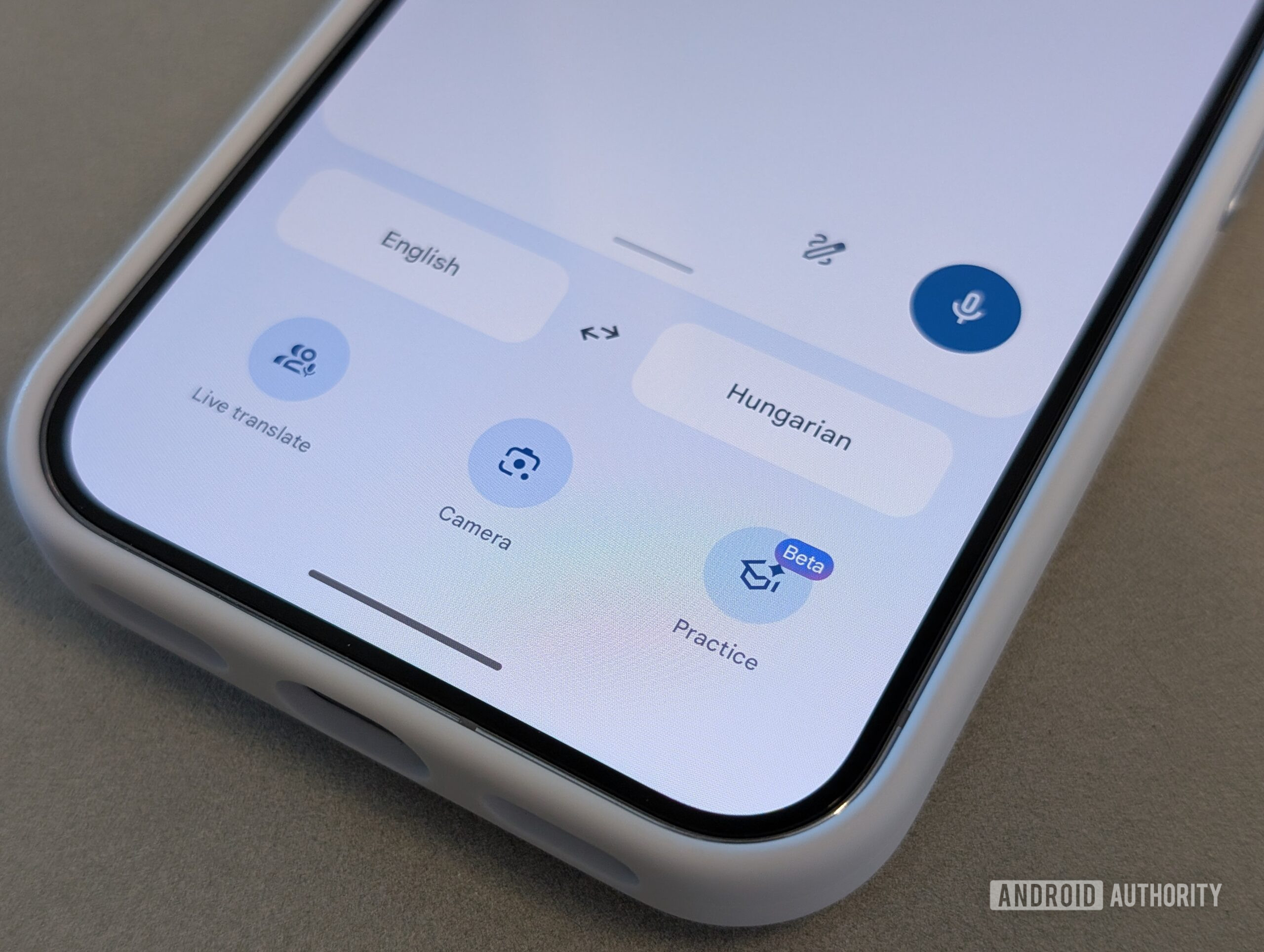
Stephen Headrick / Android Authority
TL;DR
- Google Translate is preparing several interface changes, including a new look for Live Translate.
- Tone options could make audio samples easier to understand.
- Translate is also working on an additional home‑screen widget.
A refreshed Live Translate experience
Google’s current Android build (10.7.52.876301306.5) shows Live Translate sessions with conversation‑mode buttons in the bottom‑left and translations appearing at the top of the screen.
The upcoming version introduces a new flow:
- An introductory splash screen prompts you to choose your conversation options.
- Once the session starts, the translation log moves to the bottom of the screen.
This redesign aims to make the setup clearer and keep the conversation view less cluttered.
Audio sample tone options
Google appears to be adding controls for how translation audio is played back:
- Speed adjustment – slow down the pronunciation for better comprehension.
- Tone selection – choose a different voice tone (availability may vary by language).
The feature is still under development, so a live demo isn’t possible yet, and tone support may not be universal across all languages.
New home‑screen widget
A new 3 × 2 widget is being tested, offering a shortcut to start a translation with a predefined language pair. While still in development, it promises quick access directly from the home screen.
In‑app shortcuts
Earlier work revealed long‑press shortcuts on the app icon. These are now rolling out, providing fast entry to features such as Practice mode and other functions.
Disclaimer
⚠️ An APK teardown can predict future features based on work‑in‑progress code, but predicted features may not reach a public release.