
Google Photos rolling out floating toolbar to replace bottom bar
Source: 9to5Google
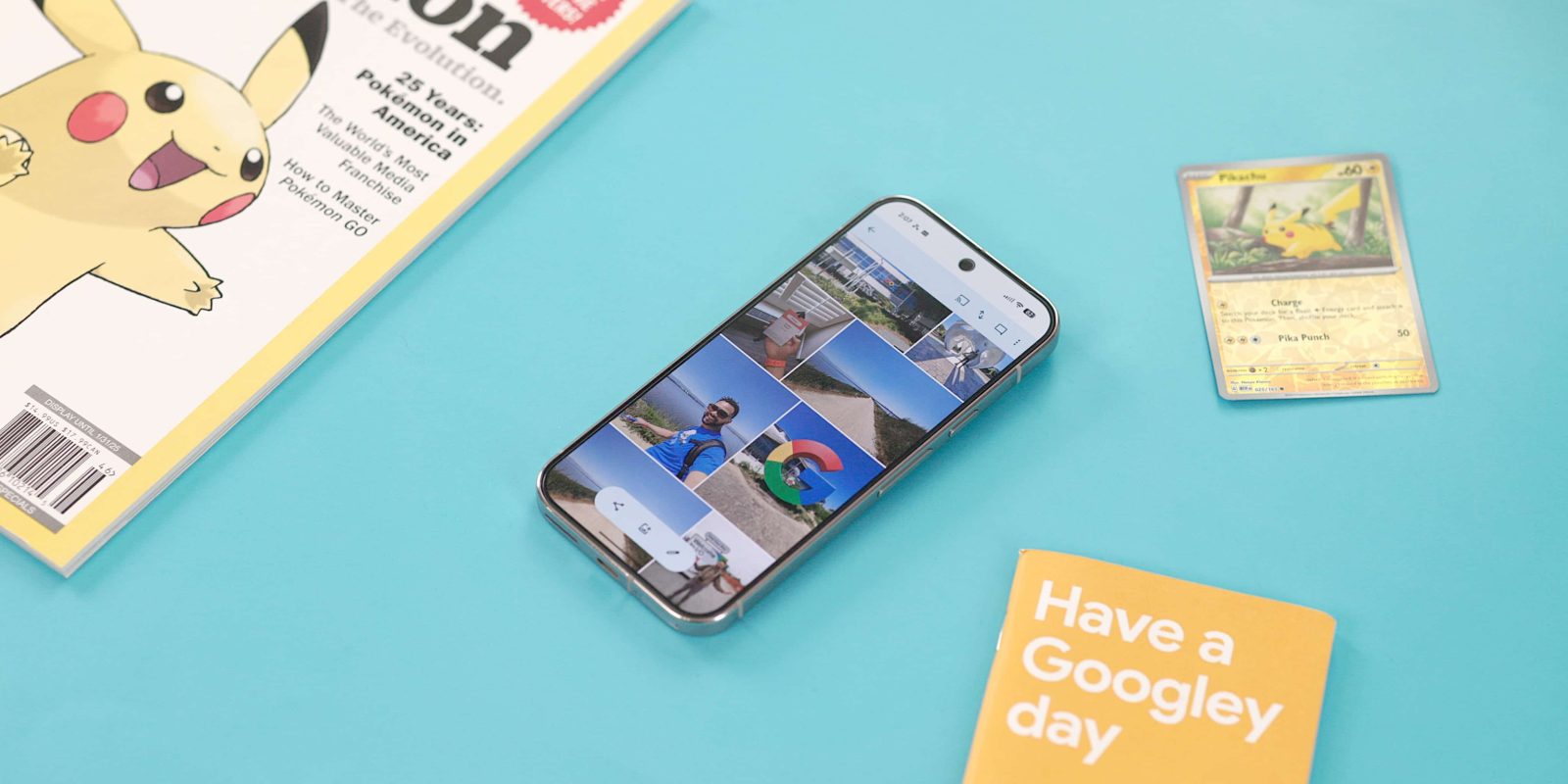
Overview
The vast majority of Google’s Android apps have switched to a short bottom bar. Google Photos was the big exception, but it is now moving to a floating toolbar, starting on iOS.
Design Details
The new floating toolbar for Photos, Collections, and Create is housed in a pill‑shaped container. When you’re viewing a particular tab, a pill indicator shows the active tab and an accompanying icon appears on the left. A floating action button (FAB) on the right lets you Search or Ask.
The toolbar is persistent and does not auto‑hide when you scroll. It is lighter than the bottom bar it replaces and is positioned high enough on the screen to keep the images below clearly visible.

Material Guidelines
According to the Material 3 Expressive guidelines, a floating toolbar is not intended to be a navigation component that replaces a bottom bar. Instead, it is meant to house “frequently used actions relevant to the current page.”
Google’s own example shows a floating toolbar on an email page with actions such as Archive and Delete. A correct implementation can be seen in Google Photos Albums.
Adoption in Google Photos
Google has been using floating toolbars for navigation since their introduction in Google Chat two years ago (source).
The floating toolbar is currently visible on iOS (version 7.63). We can expect updated design guidelines to follow.