
Google Messages is quietly addressing one of its most requested features
Source: Android Authority
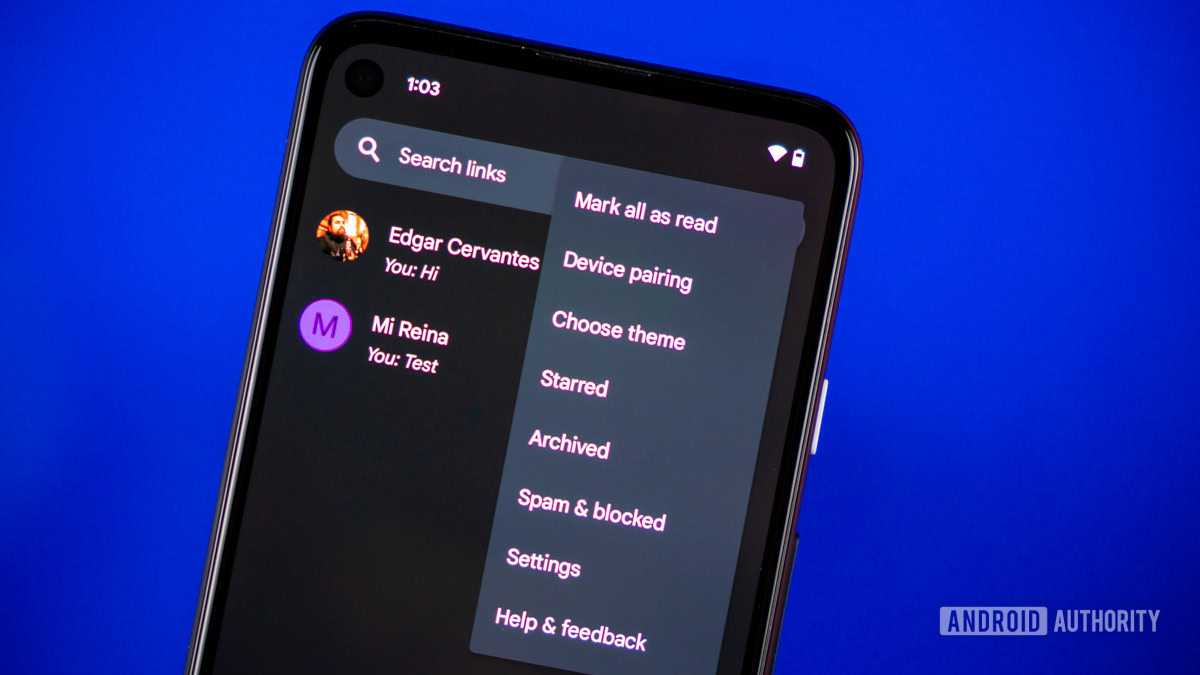
Edgar Cervantes / Android Authority
TL;DR
- Google Messages is finally working on letting you select and copy a part of a message instead of the whole thing.
- Users have been asking for this small but convenient feature for a long time.
- We got the feature working on a beta version of Google Messages, indicating a wider rollout should follow soon.
The Problem
Google Messages is constantly evolving and adding new features, but some long‑standing pain points have survived.
One of the most frustrating issues since the app’s inception has been the inability to copy just part of a message. Right now, long‑pressing a message only offers a Copy option that grabs the entire text. This works for short messages, but it becomes annoying with long texts that contain addresses, OTPs, links, etc.
Users have resorted to awkward workarounds—selecting text from the Recents/overview screen on Pixel phones or copying the whole message and then trimming it in the clipboard overlay. None of these solutions feel intuitive.
New Context Menu
Google appears to be addressing the issue. In the open‑beta build messages.android_20260212_01_RC00.phone.openbeta_dynamic, the context menu that appears after a long‑press has been redesigned. The menu now displays the full message content along with actions such as Copy, Star, and Forward. Crucially, the text inside this menu is selectable.
After long‑pressing a message, the updated context menu appears as usual, but you can now drag to select a specific portion of the text. Android’s system‑level selection menu then appears, letting you copy only the highlighted snippet. The original Copy button remains for copying the entire message.
How It Works
- Long‑press a message in Google Messages.
- The redesigned context menu opens, showing the message text.
- Drag the selection handles to highlight the desired portion.
- The system selection toolbar appears; tap Copy to place the selected text on the clipboard.
If you prefer the whole message, simply tap the existing Copy button in the context menu.
Availability
The feature is not yet live for all users, even on the open‑beta channel. As with many Google Messages changes, it is likely being tested quietly before a broader rollout.
Disclaimer
⚠️ An APK teardown can predict future features based on work‑in‑progress code, but there’s no guarantee that the predicted features will reach a public release.