
Google Home is stripping RGB color controls from smart bulbs, but this workaround can bring it back
Source: Android Authority
TL;DR
- Some Google Home users are seeing a bug where smart bulbs stay connected but lose color controls, leaving only basic white or warm light options.
- The issue appears inconsistent; reports on Reddit and the Google Nest Community show affected setups alongside others that work normally.
- A community workaround involves re‑adding the bulb via its manufacturer app using Matter sharing, which can restore full RGB controls in Google Home in many cases, though there is no official fix yet.
For something that is supposed to simplify your setup, Google Home has been having a rough run with smart lighting lately. After a recent hiccup in which Google Assistant voice commands stopped working, users are now encountering another confusing problem: missing features.
Several Reddit users and Google Nest Community members are reporting that their smart bulbs are still connected and working inside Google Home, but the app no longer shows any color controls. Instead of the usual RGB options or color wheel, they are left with only basic white and yellow lighting. At the same time, others say everything is functioning normally on their end. This split makes it clear the issue is an inconsistent glitch affecting certain setups while leaving others untouched.
How to jog your smart bulb’s memory and get its colors back
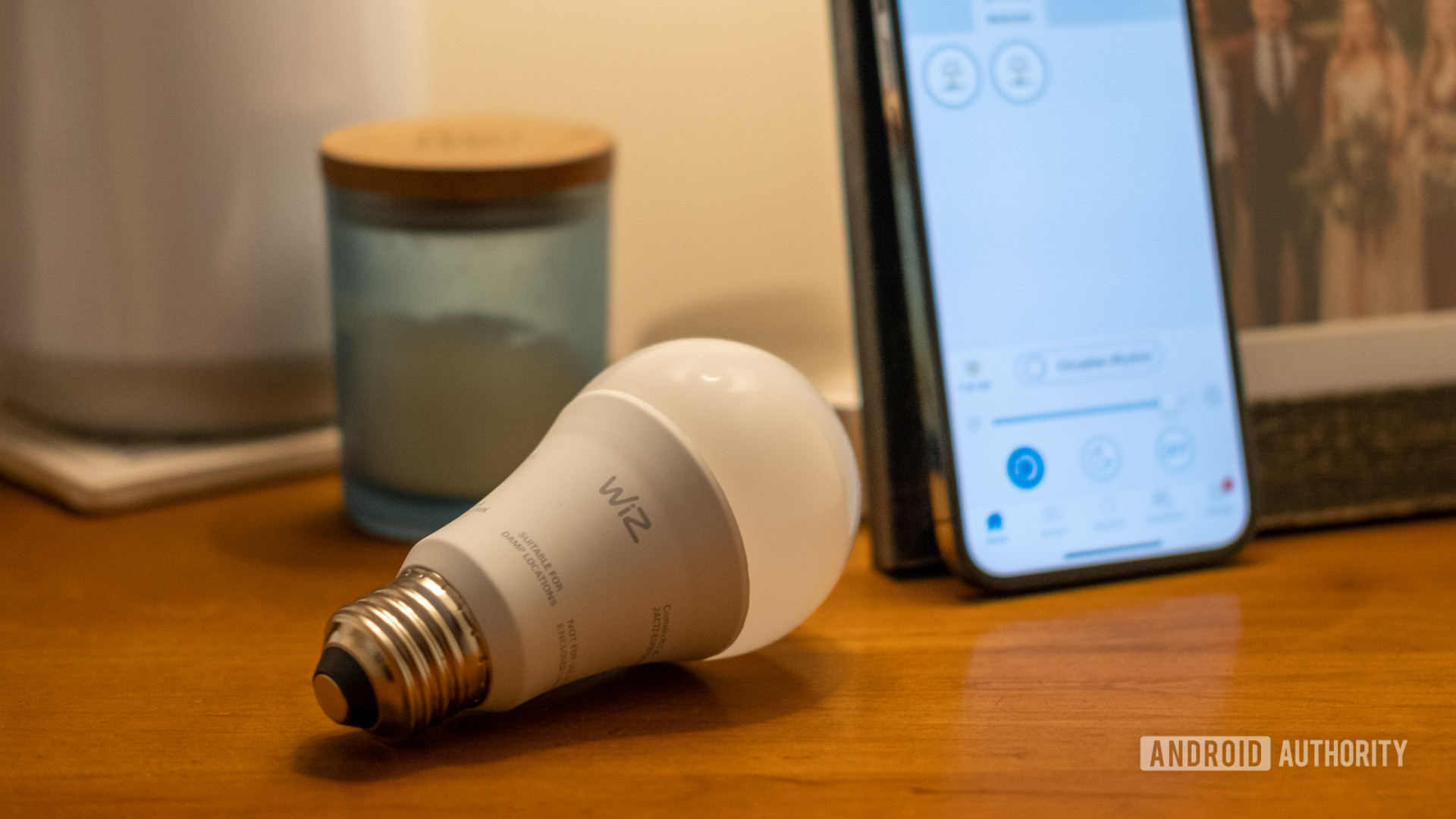
A workaround from Reddit user Leptitdzano has started circulating among affected users. The idea is to stop relying only on Google Home for a moment and bring the bulb’s own ecosystem back into the picture. In doing so, the system often relearns that the bulb supports full RGB or RGBW color control. Here’s what you can do:
- Open the official companion app for your bulb (e.g., WiZ, Tapo, Smart Life).
- If the bulb is already connected to Google Home, open its settings and look for an option to share it with another service.
- Add the code or link within the manufacturer’s app.
- Test the color controls in the companion app first. If everything works, it confirms that the bulb itself is fine.
- Return to Google Home and check the device again. In several reported cases, the missing color wheel and full RGB options reappear.
When you add the bulb back through its own companion app, it re‑communicates its full feature set, including complete RGB or RGBW support. That refreshed capability data then syncs across, and in many cases Google Home picks it up again, restoring the missing color controls and the full color wheel.
This is still an unofficial workaround discovered by the community. Google has not provided an official comment or fix yet, so some users may need to rely on temporary alternatives outside Google Home to bring their smart lighting back to full functionality.