
Google expands Quick Share’s AirDrop support to Pixel 9
Published: (February 17, 2026 at 12:44 PM EST)
2 min read
Source: 9to5Google
Source: 9to5Google
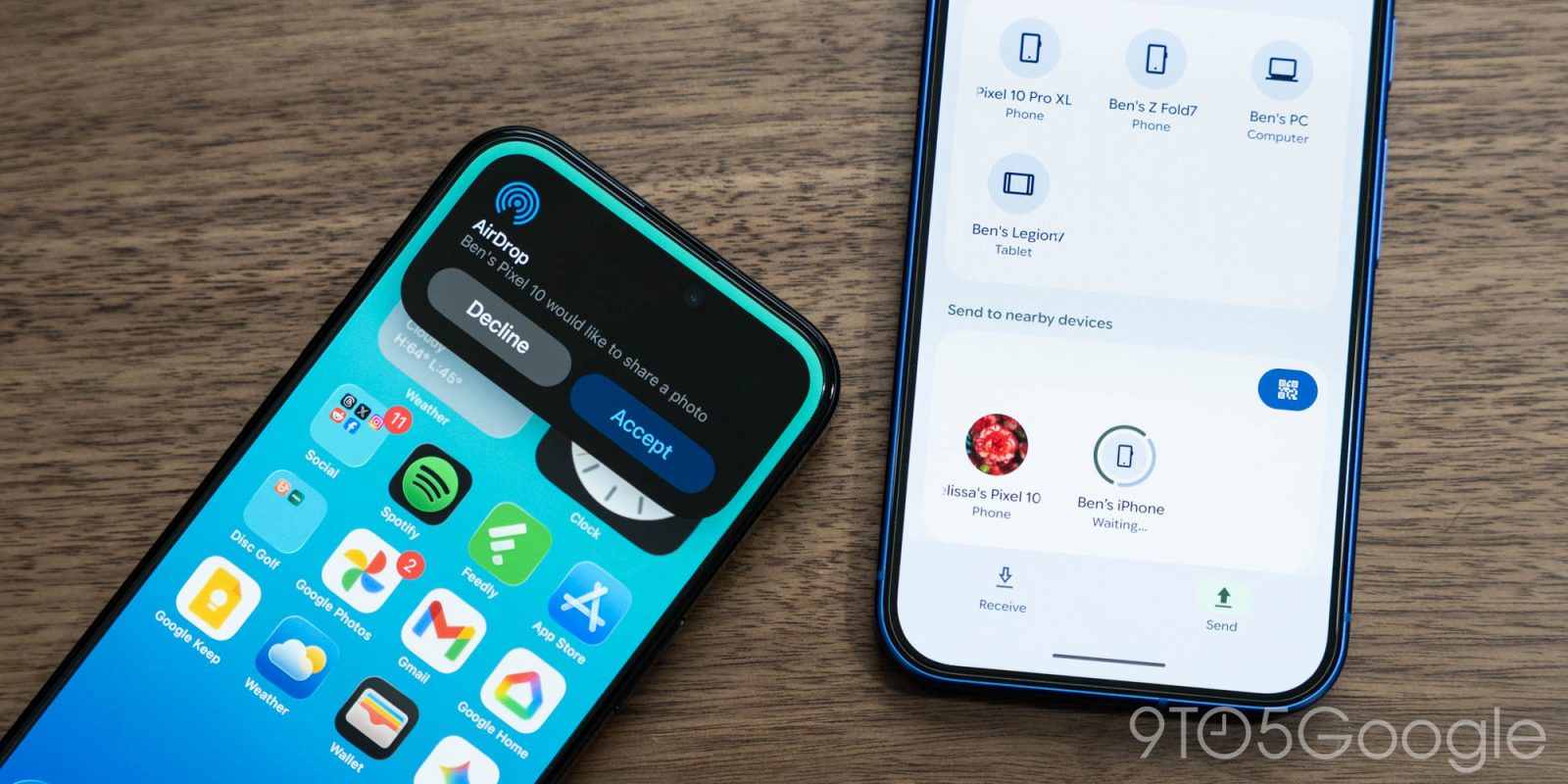
Quick Share AirDrop support expands to Pixel 9 series
After introducing the feature on the Pixel 10 last year, Google is expanding Quick Share support with AirDrop to the Pixel 9, Pixel 9 Pro, Pixel 9 Pro XL, and Pixel 9 Pro Fold.
How to use Quick Share with AirDrop
- Apple device – Have the iPhone, iPad, or macOS user open AirDrop settings and set it to “Everyone for 10 minutes.”
- Pixel device – Use Quick Share as usual and look for the desired Apple device in the list.
- Accept – The Apple user must accept the incoming file.
Enabling the Quick Share Extension on Pixel 9
- Open Settings.
- Search for System services.
- Scroll to the Available Updates section.
- Tap Quick Share Extension → Update.
Availability and rollout
The update is rolling out now and will be fully available “over the coming weeks in phases.”
Note: The rollout initially excludes the Pixel 9a. (Google later updated the announcement to include the Pixel 9 Pro Fold.)
Security and privacy
Google implemented this cross‑platform sharing in‑house, taking care to ensure security and privacy. The connection is direct and peer‑to‑peer, meaning:
- Data never passes through a server.
- Shared content is never logged.
- No extra data is transmitted.
Google is also open to collaborating with Apple to enable “Contacts Only” support for an even more seamless sharing experience.