
Google could finally fix a major Pixel Watch notification frustration
Source: Android Authority
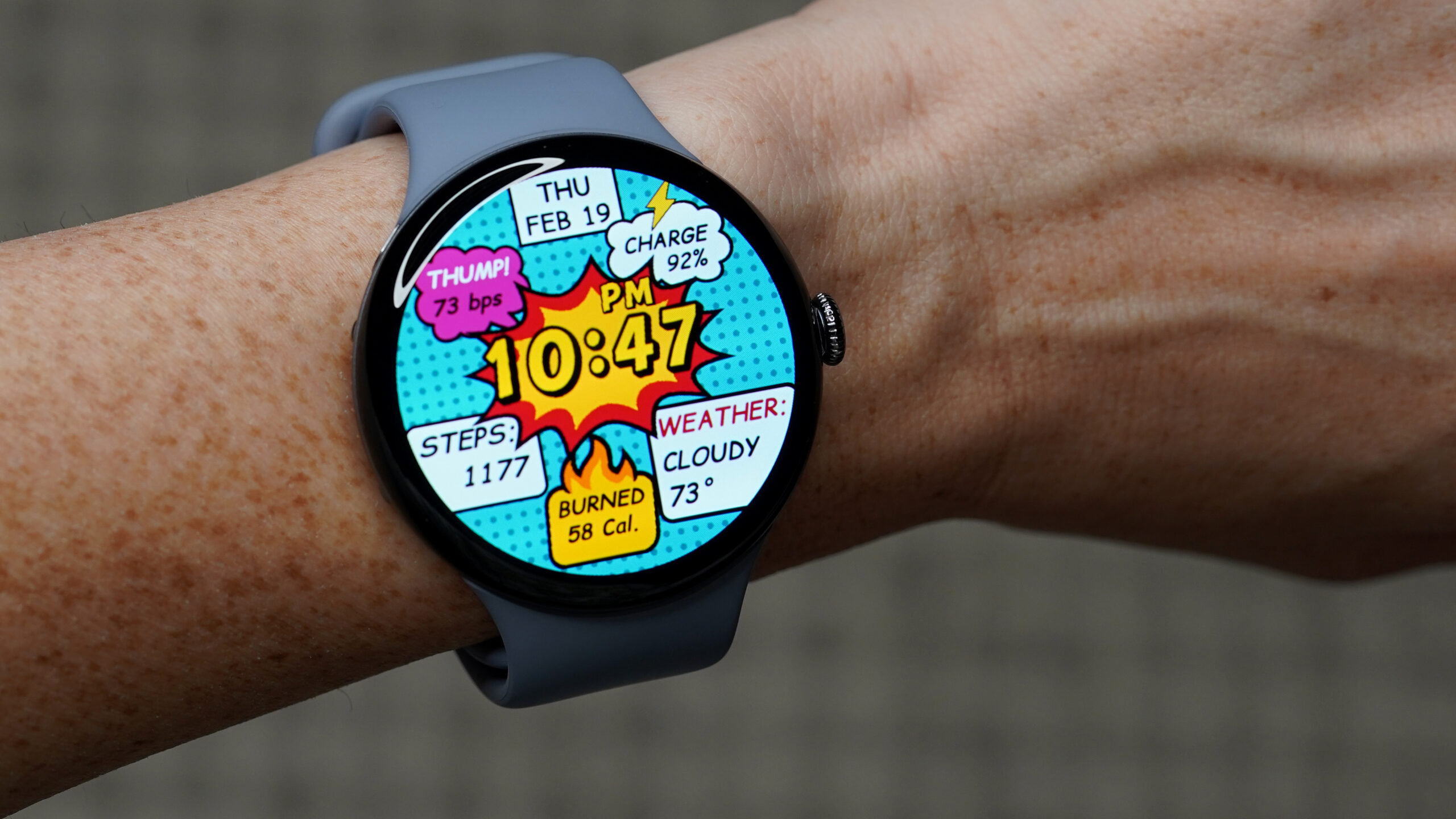
Kaitlyn Cimino / Android Authority
TL;DR
- Google is working on a new Pixel Watch feature that lets users choose whether notifications light up the screen instantly or only when raising the wrist.
- “On wrist raise” will remain the recommended default, while “Immediately” will reduce battery life but improve convenience.
Notification display on the Pixel Watch
Pixel Watch owners have long complained that notifications don’t automatically display on the watch unless they raise or twist their wrist at the right moment. Other smartwatches—e.g., the Samsung Galaxy Watch 8—offer an option to instantly wake the display for notifications, which many users find convenient.
When a notification arrives on a Pixel Watch, the device typically only vibrates or emits a sound; the screen stays off until the user raises or twists the watch. This can quickly become annoying.
Upcoming “Show notifications” setting
The upcoming Pixel Watch app version 4.3.0.867617185 contains code for a new setting that lets users decide when notifications should appear on the screen.
Show notificationsOptions
On wrist raise
Recommended

Immediately
Reduces battery life- On wrist raise – Google‑recommended default; the display wakes only when the wrist is raised.
- Immediately – The display wakes as soon as a notification arrives, at the cost of reduced battery life.
“Notify when left behind” strings
The same app version also includes strings for the Notify when left behind feature that was spotted previously.
Notify when left behind
Get a watch notification when you leave your phone behind
These strings were found in an unreleased system app and now appear in the Pixel Watch app, suggesting the feature is moving closer to a rollout.
Current status
Neither the “Show notifications” nor the “Notify when left behind” feature is live yet. We’ll update the article when more information becomes available.
Note: An APK teardown can reveal work‑in‑progress code that hints at future features, but there’s no guarantee that all predicted features will reach a public release.