
Google Clock’s alarm failed me so I found 5 better apps to wake me up
Source: Android Authority
Introduction
Hadlee Simons / Android Authority
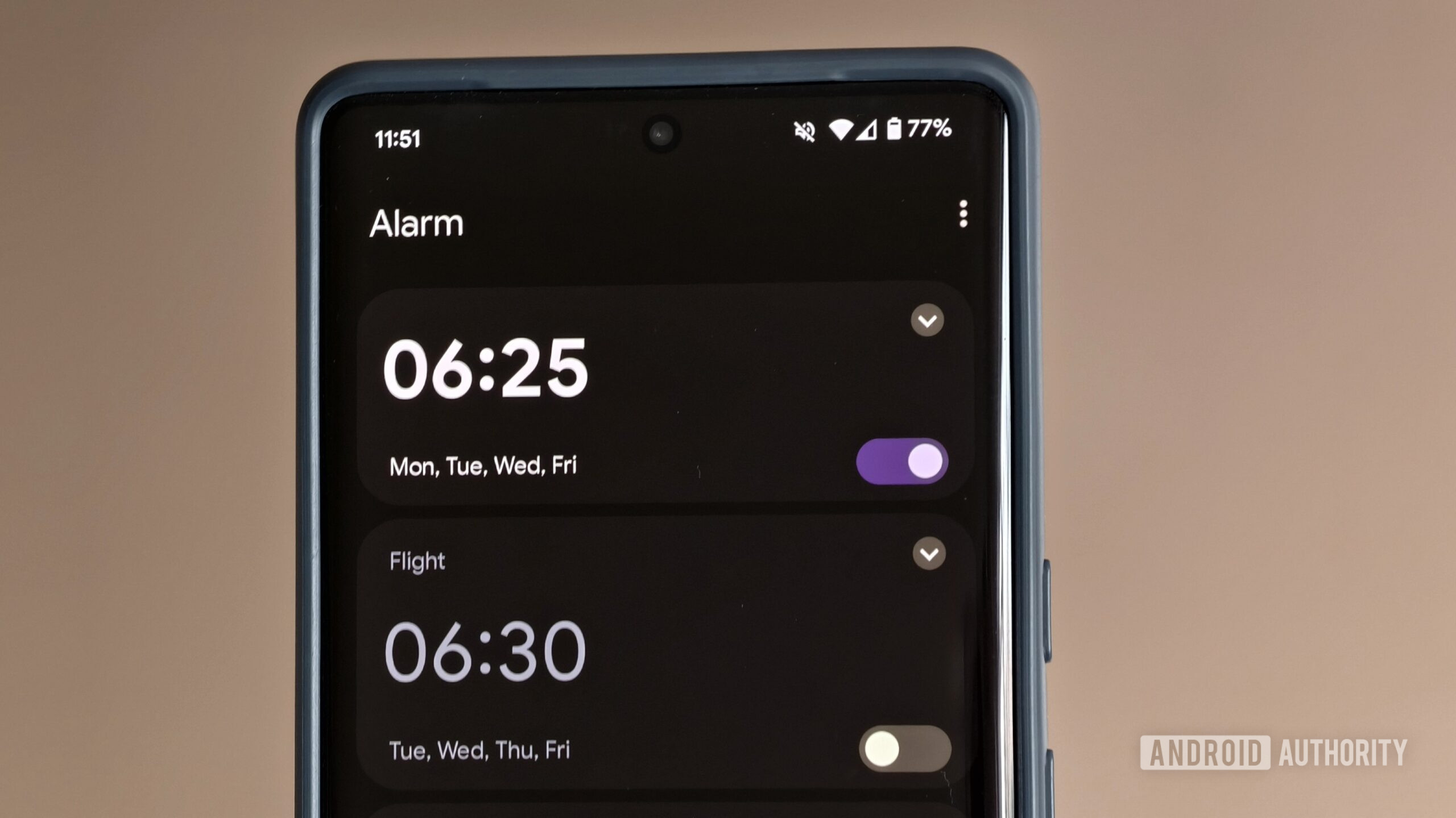
There’s a reason why Google Clock isn’t called Google Alarm. While it offers numerous time‑keeping and convenience features—timer, stopwatch, world clock, and integration with music services—it makes oversleeping a little too easy for my liking. And boy, do I like sleeping!
I shouldn’t blame an app for my shortcomings, but I will argue that an app should help me overcome them. Google Clock’s alarm just isn’t enough for me — I need an alarm‑clock app that’ll grab me by the shoulders and shake me awake, or at least challenge me with an alarm task.
Naturally, I’ve been searching for a viable Google Clock alternative since Android’s default alarm‑clock app just isn’t doing the job for me. Here are the options I’ve stumbled across.
Do you use Google Clock as your alarm app?
142 votes
Chrono
Andy Walker / Android Authority
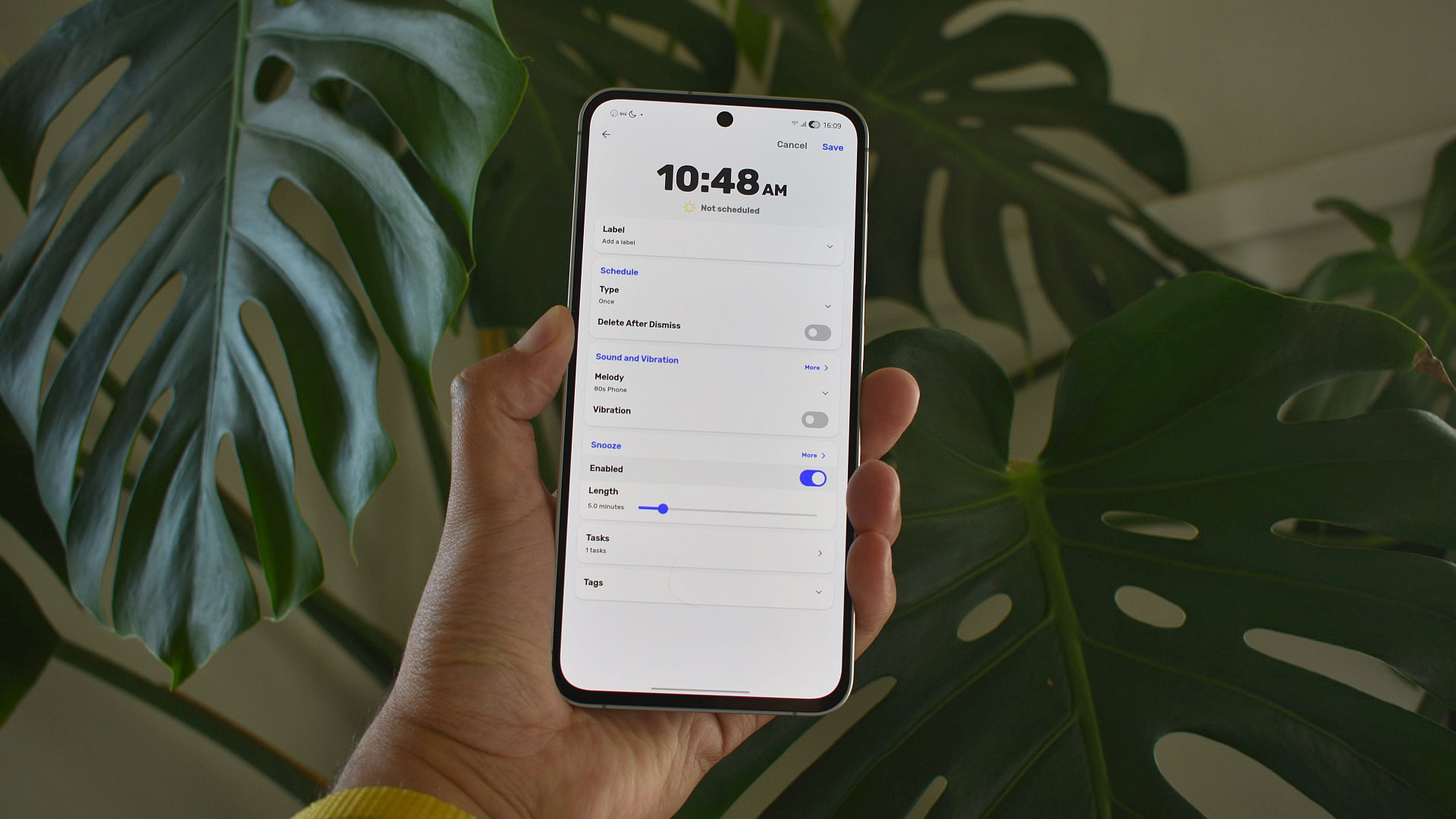
Chrono is a standout open‑source alarm‑clock app that embraces Google’s Material Design while offering far more functionality than the stock Clock app.
Why I Like Chrono
- Keeps the app alive – Multiple options prevent the alarm from being put to sleep by the system.
- Simple alarm creation – One‑tap setup with a deeper‑customisation screen for power users.
- Rich customisation – Adjust schedule, sound, vibration, snooze length, and add a tag (useful for distinguishing public‑holiday alarms from regular weekdays).
Tasks – The Core Feature
Chrono’s Tasks section forces you to complete a mini‑challenge before the alarm can be dismissed. Four task types are available:
| Task Type | What You Do | Customisable? |
|---|---|---|
| Match Problems | Tap matching pairs | ✓ |
| Retype Text | Type a displayed phrase | ✓ |
| Sequence | Re‑order items correctly | ✓ |
| Memory | Recall a pattern | ✓ |
You can adjust the difficulty of each task and even stack several together for an extra challenge. In practice, a single task is usually enough to wake you up. For example, the Retype Text task once made me fumble the first attempt, prompting a new sequence that took about a minute to solve—annoying, but effective.
Missing Features
- NFC/QR‑code tasks – Scanning a tag or code would force you out of bed rather than letting you solve a puzzle and slip back to sleep.
Bottom Line
Chrono is a polished, feature‑rich alternative to Google Clock. It may lack NFC/QR‑code integration, but its extensive customisation, Material‑design UI, and robust task system make it one of the best open‑source alarm‑clock apps available.
Read more about open‑source Android apps
Sleep As Android
Andy Walker / Android Authority
When Wear OS was still called Android Wear and smartwatches lacked built‑in sleep monitoring, I turned to Sleep as Android to track my slumber. It was reliable back then, but how has it evolved?
What Sets It Apart
Sleep As Android isn’t just another alarm clock—it’s a sleep‑health hub that tries to improve sleep hygiene while also getting you out of bed in the morning. Key differentiators:
- Sleep insights – detailed statistics, a personal sleep score, and “community” scores that compare you with users in the same country.
- Smart Wake‑Up – wakes you within a 30‑minute optimal window around your set alarm (a feature now seen in many wearables).
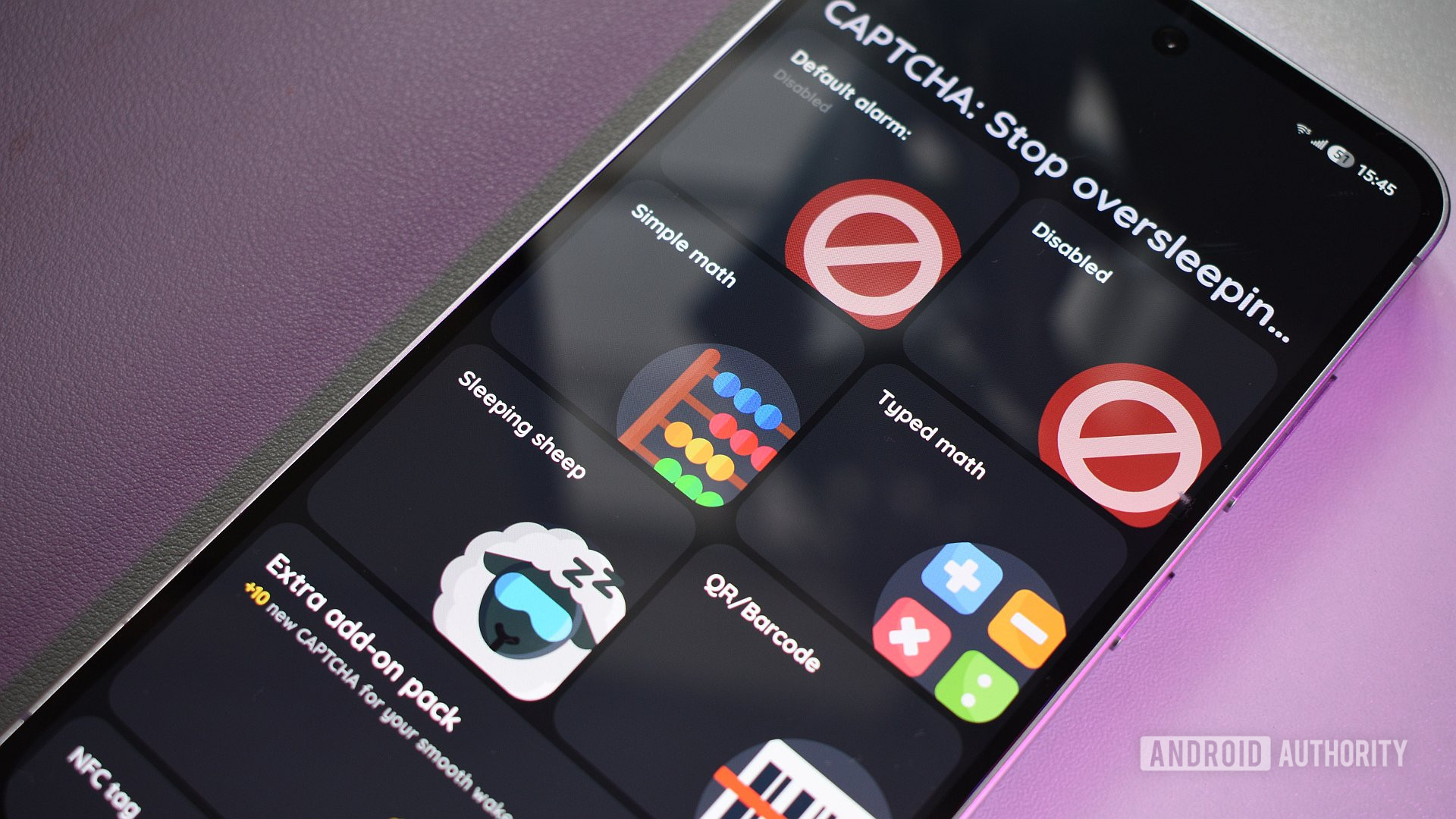
- CAPTCHA‑style wake‑up tasks – a huge variety of challenges (math problems, selfie verification, “Zombie Walk,” “Laugh Out Loud,” counting sheep, etc.) that make it hard to snooze past the alarm.
- Add‑on CAPTCHAs – optional packs that add even more anti‑cheating tasks, ensuring you can’t simply turn off the phone.
Pros
- Extremely effective at pulling you out of deep sleep.
- Rich sleep‑tracking data and community benchmarks.
- Smart Wake‑Up adapts to your natural sleep cycles.
Cons
- One of the longest and most intrusive onboarding experiences I’ve encountered.
- UI feels less polished than some competitors (e.g., Chrono).
- Most advanced features require a paid upgrade, and the premium version is needed for unlimited use of many CAPTCHAs.
Bottom Line
If you’re looking for a feature‑rich sleep‑tracking and alarm solution that will definitely get you out of bed, Sleep As Android delivers—though you’ll need to tolerate a steep learning curve and consider the premium cost for the full experience.
NFC Alarm Clock
Andy Walker / Android Authority
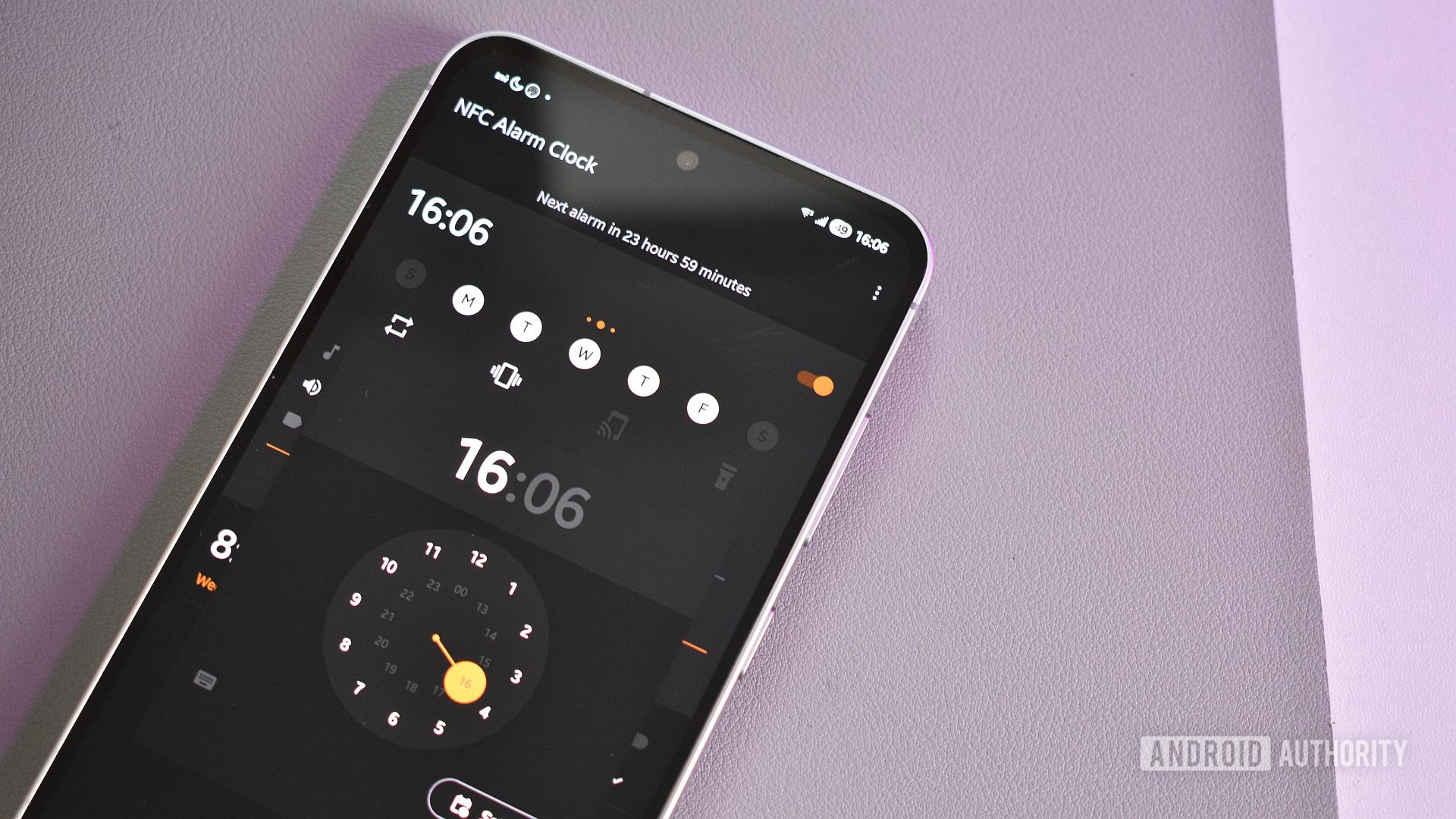
NFC Alarm Clock is exactly what its name promises—a simple, lightweight alarm app that puts the focus back on waking up.
Why I Like It
- Clean UI – Customizable colors and a tidy layout make setting alarms a breeze.
- Default Alarm Template – You can create a comprehensive default alarm once and reuse it for every new alarm.
- NFC‑Based Dismissal – Attach an NFC tag wherever it’s convenient (bathroom, coffee machine, desk, etc.) and tap it to silence the alarm.
Bottom Line
The app doesn’t try to reinvent the alarm clock, and that’s a good thing. It does exactly what I need—wake me up—while staying free and open‑source.
Alarmy

Andy Walker / Android Authority
Alarmy bills itself as the “most powerful loud alarm clock app for heavy sleepers,” but that description actually undersells it. It’s an excellent alarm manager that lets you:
- Set multiple morning alarms
- Create habit alarms for regular reminders (e.g., medication)
Notable Features
| Feature | Description |
|---|---|
| Classical music sounds | A wide selection of pieces (e.g., Nocturne Op. 9 No. 2) that gently rouse you and boost your mood. |
| Wake‑Up Check | After the alarm rings, a notification appears that requires you to confirm you’re awake; otherwise the alarm repeats. |
| Wake‑Up Missions (tasks/CAPTCHAs) | • Household Item Hunt – snap photos of common items around the house. • Find Color Tiles – locate specific colored tiles. • Squat – perform a set of squats. • …and many more mental/physical challenges. |
| Morning tab | Shows a weather forecast, sleep‑goal tips, and an inspirational quote. It could be expanded with “On this day in history,” recipes, or other daily‑hub content. |
Personal Takeaway
- The Wake‑Up Missions are the star of the app; they make getting out of bed feel like a game.
- The Squat mission, in particular, gives me that extra burst of energy in the morning.
- The only downside is the Pro trial nagging, which can be irritating.
Overall, Alarmy reliably wakes me up every time I use it—especially when a quick set of squats is involved. If you’re willing to tolerate the occasional Pro‑trial reminder, it’s a solid choice for heavy sleepers who need a little extra motivation.
Sun Alarm
Andy Walker / Android Authority
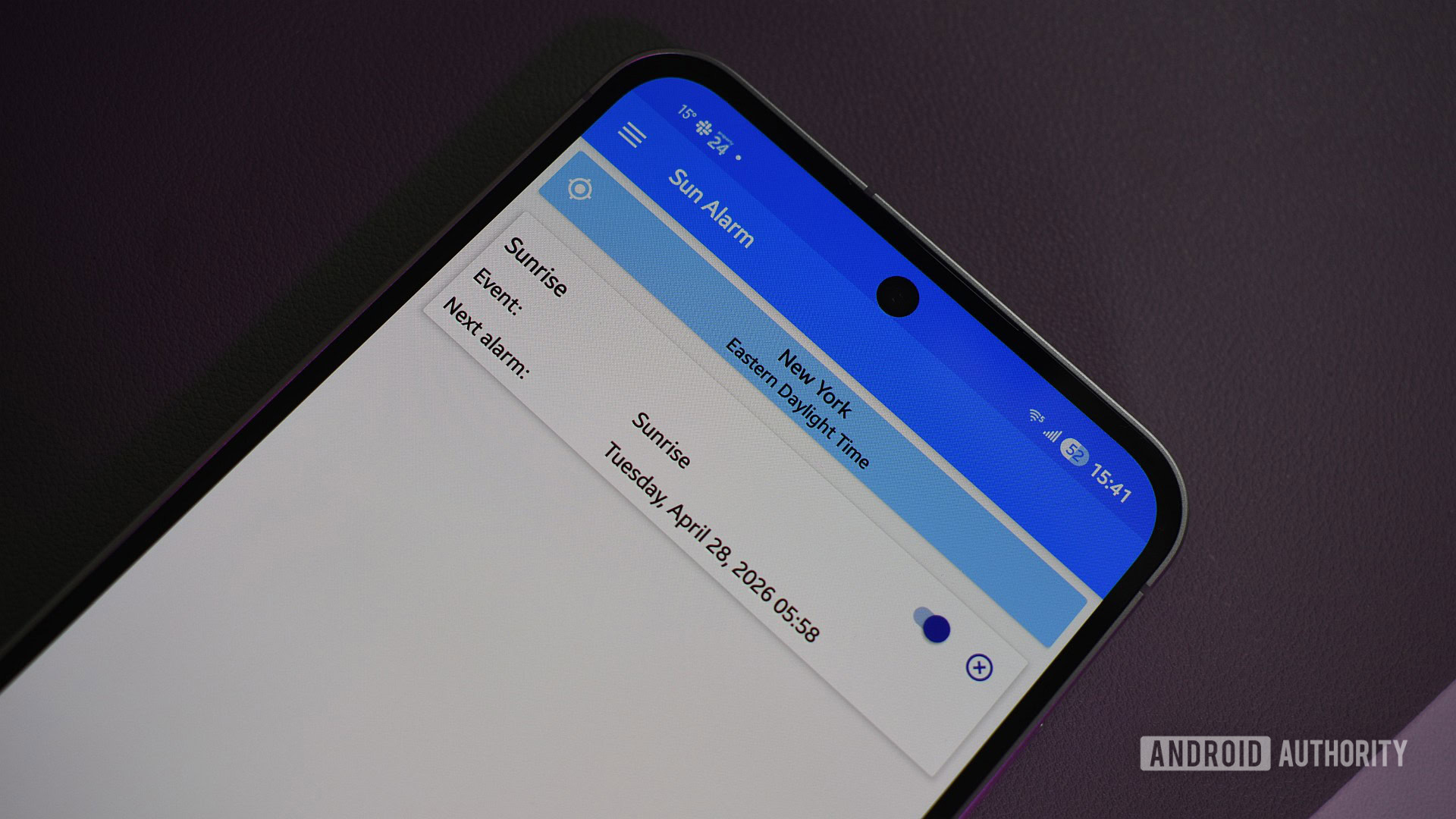
Finally, I wanted to include something a little different on this list, and Sun Alarm is just that. It lacks the complex task‑completion mechanic of other alarm apps on this list, but it lets me set alarms for astronomical events such as sunrise, the Golden Hour, the solstice, and lunar events.
While I wouldn’t necessarily use Sun Alarm to wake for work, it is the perfect weekend alarm—especially in winter when the sun rises far later in the morning. It’s also great for travelers and photographers who want to stay ahead of the morning light without manually checking and setting reminders for these ever‑changing times.
When setting an alarm, I can choose the action the alarm takes, from using the default tone to playing a specific music file from my device or reading out the event’s label.
Closing Thoughts
There are a slew of Android alarm‑clock apps beyond those I’ve mentioned above, so let me know which you rely on to get your day off to a jump start.
Thank you for being part of our community. Please read our Comment Policy before posting.